Skip to content
View in the app

A better way to browse. Learn more.

Audi Owners Club (UK)

A full-screen app on your home screen with push notifications, badges and more.

To install this app on iOS and iPadOS
  1. Tap the Share icon in Safari
  2. Scroll the menu and tap Add to Home Screen.
  3. Tap Add in the top-right corner.
To install this app on Android
  1. Tap the 3-dot menu (⋮) in the top-right corner of the browser.
  2. Tap Add to Home screen or Install app.
  3. Confirm by tapping Install.
etaf

etaf

Album created by etaf · Updated

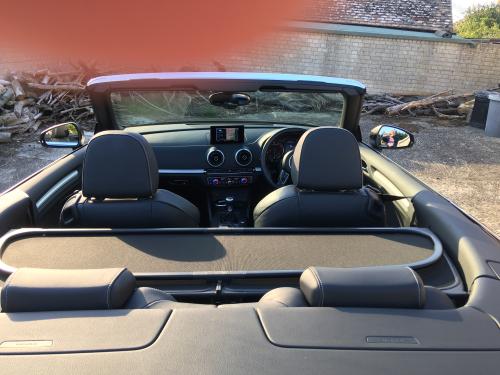
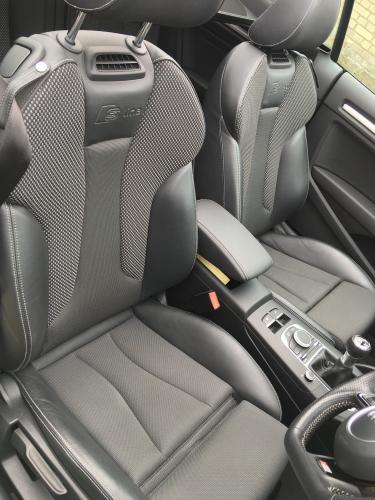
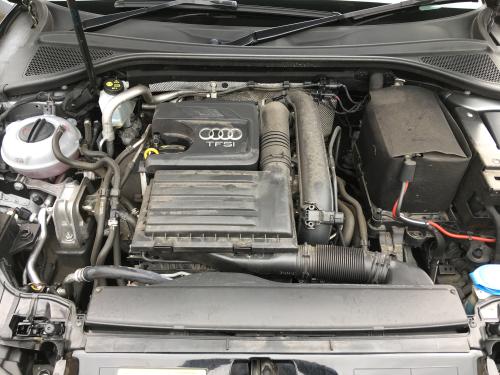
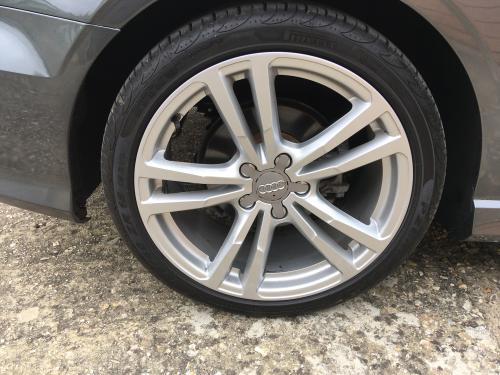
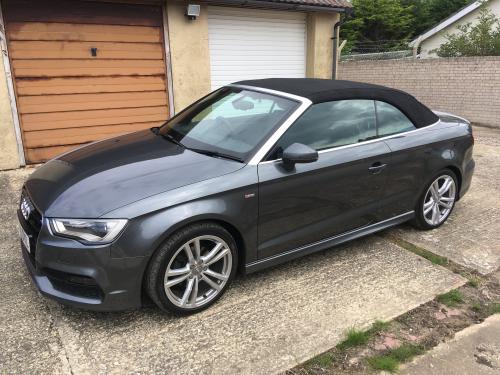
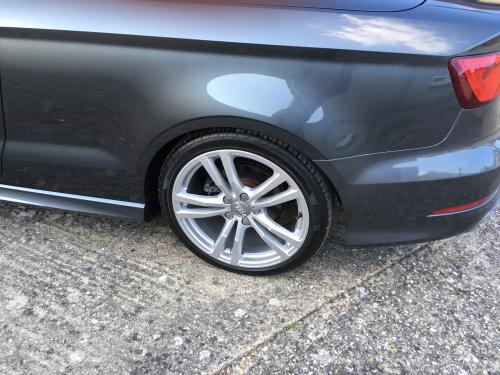
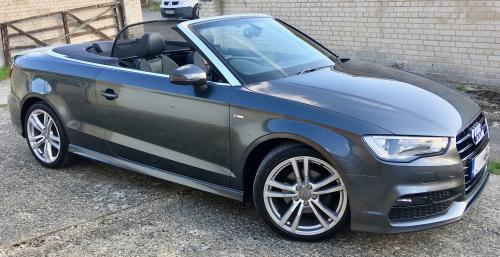
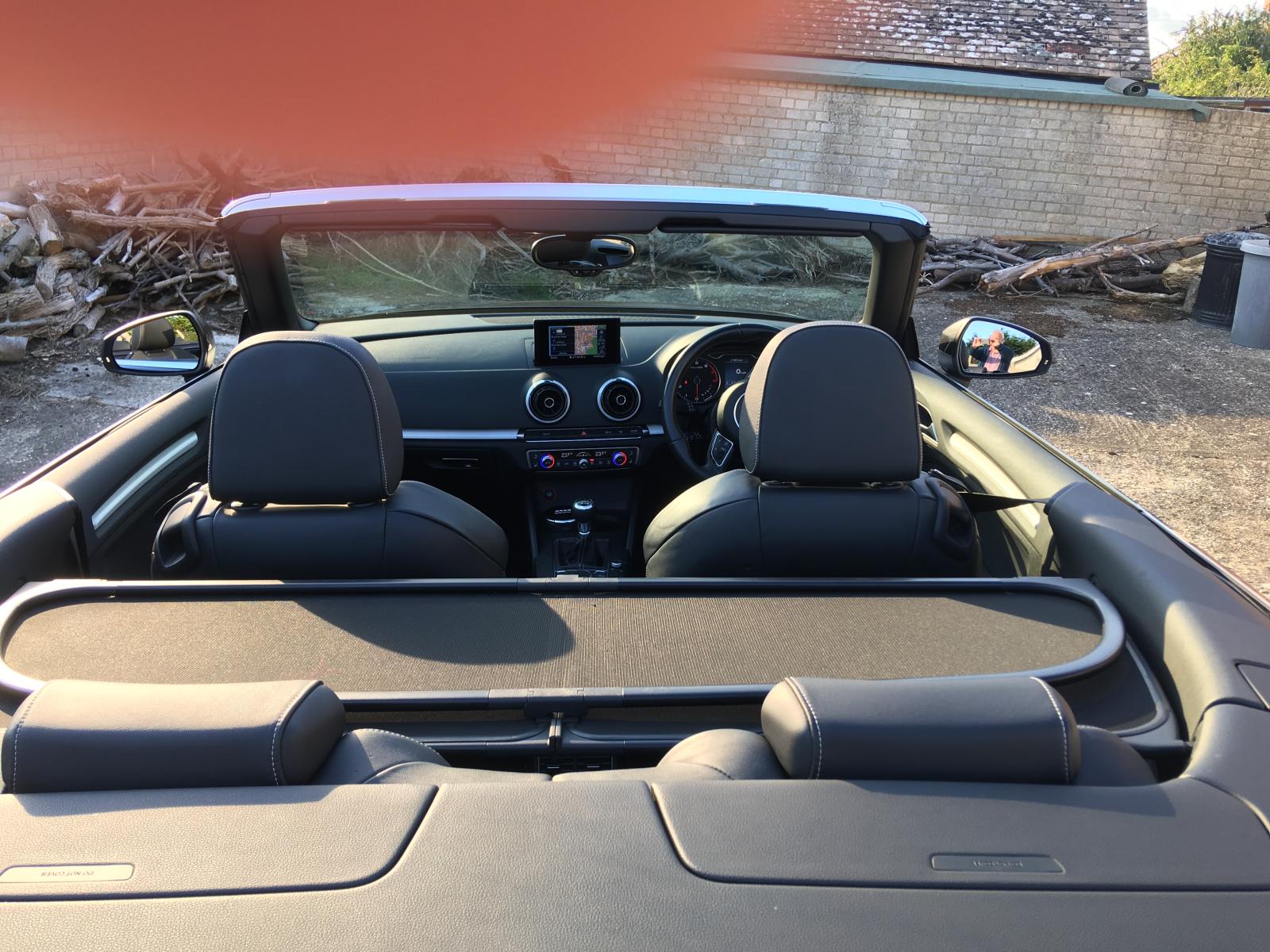
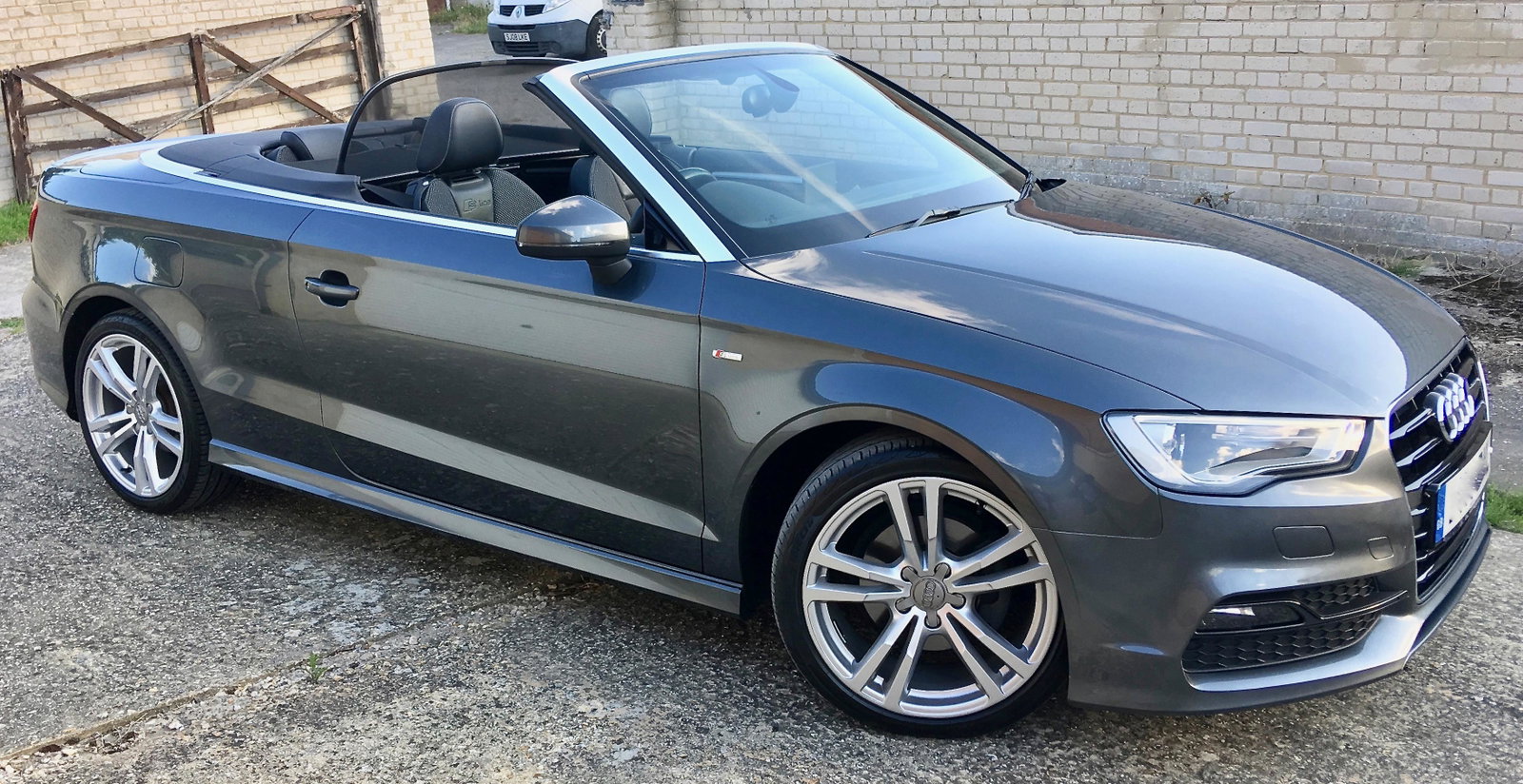
my "New Used" Audi, replacement for a Saab 93 convertible anniversary 1.9DTI model, sad to see the old saab go , had hoped to keep it for a few more years

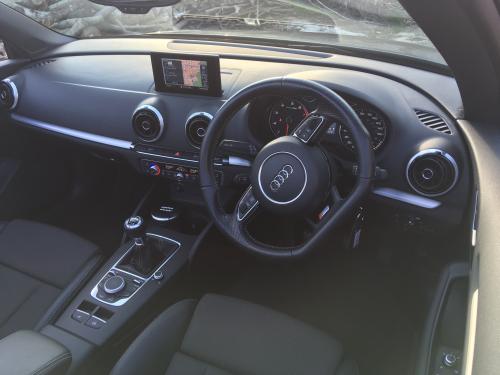
A3 1.4 tfsi (140) S-Line 6 speed Manual

loaded with goodies  

SD Card Sat Nav, Rain Sensors, Heated Seats, Head level heating, Wind Break, Xenon Plus lights , heated door mirrors, dimming rearview mirror , storage & Luggage pack, bluetooth , phone prep, ipod & USB interface

not sure if it has other non S-Line add ons, or if any of the above are standard.
1 - 1.jpg


Background Picker
Customize Layout

Account

Navigation

Search

Search

Configure browser push notifications

Chrome (Android)
  1. Tap the lock icon next to the address bar.
  2. Tap Permissions → Notifications.
  3. Adjust your preference.
Chrome (Desktop)
  1. Click the padlock icon in the address bar.
  2. Select Site settings.
  3. Find Notifications and adjust your preference.