Skip to content
View in the app

A better way to browse. Learn more.

Audi Owners Club (UK)

A full-screen app on your home screen with push notifications, badges and more.

To install this app on iOS and iPadOS
  1. Tap the Share icon in Safari
  2. Scroll the menu and tap Add to Home Screen.
  3. Tap Add in the top-right corner.
To install this app on Android
  1. Tap the 3-dot menu (⋮) in the top-right corner of the browser.
  2. Tap Add to Home screen or Install app.
  3. Confirm by tapping Install.
GacekHull

GacekHull

Album created by GacekHull · Updated

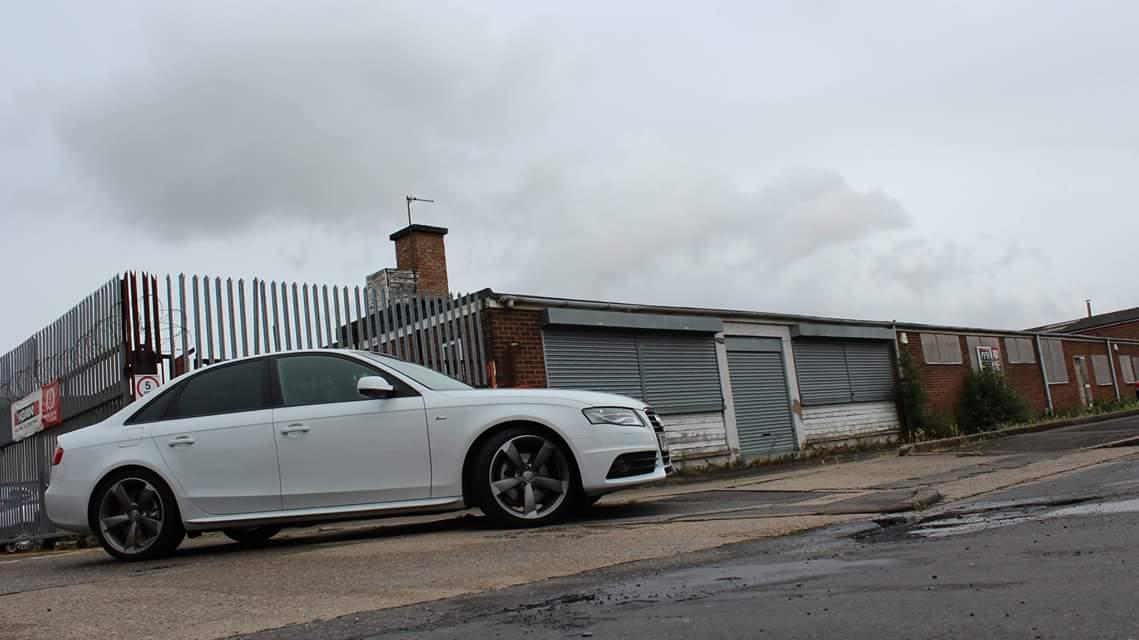
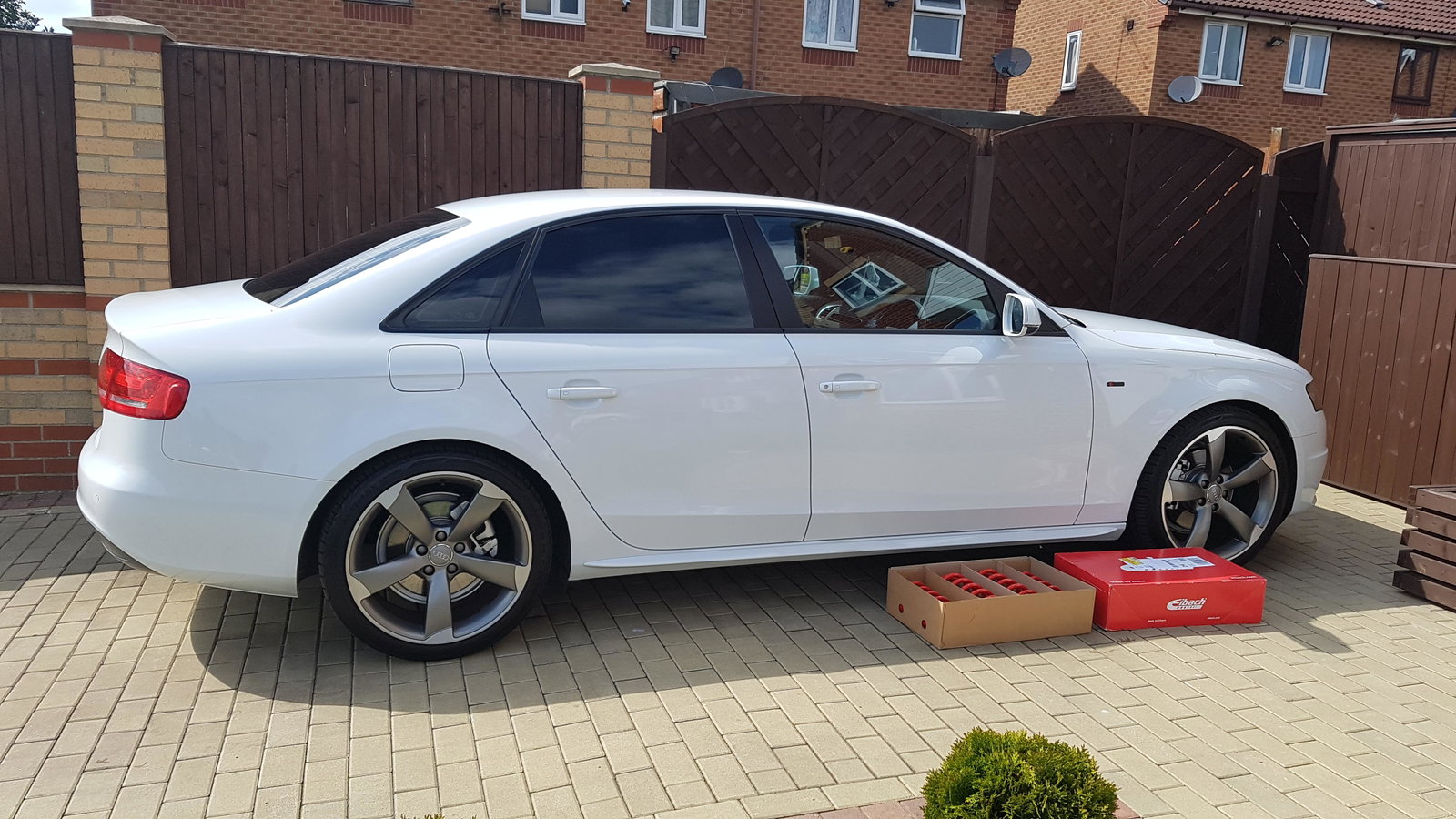
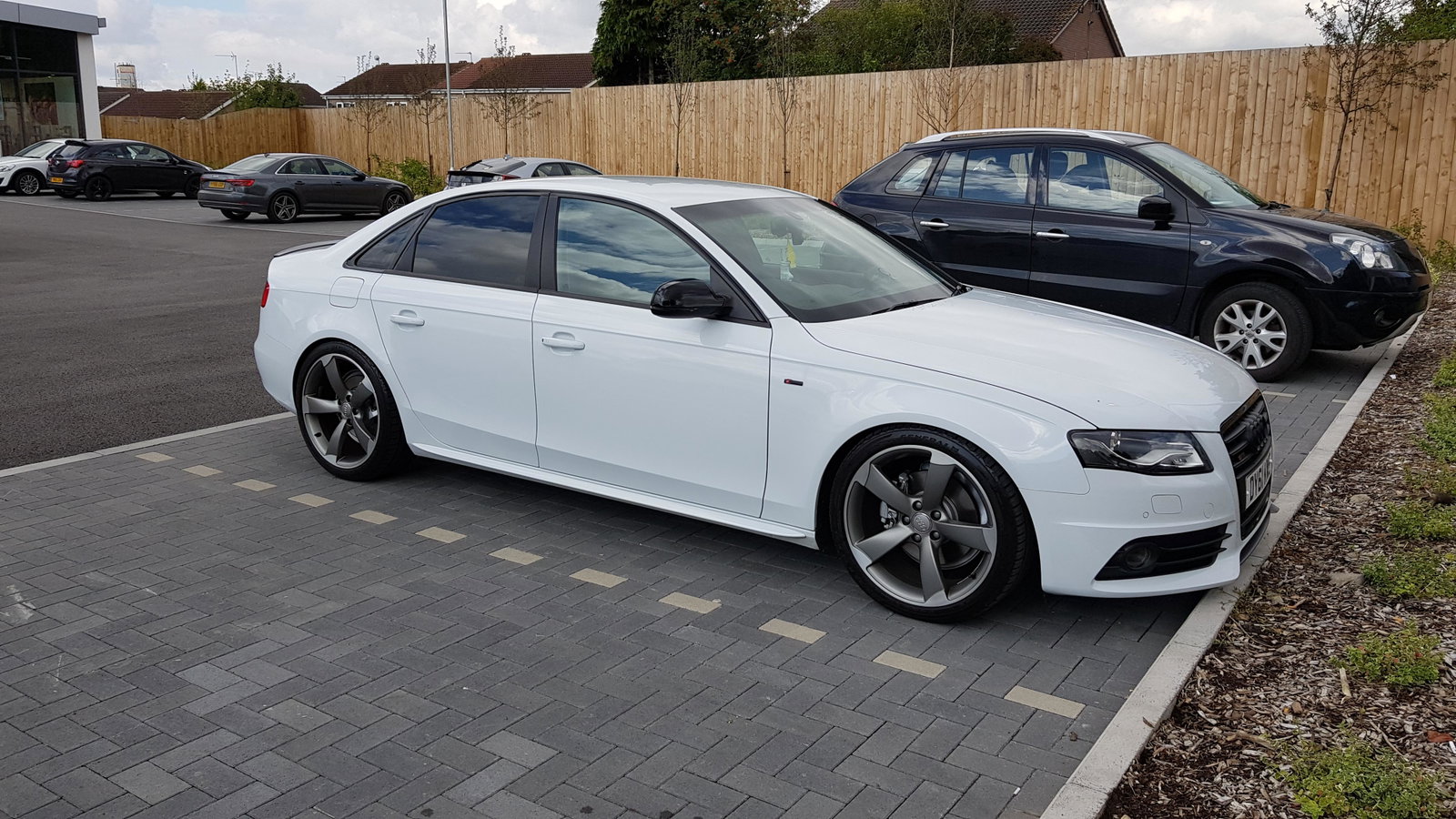
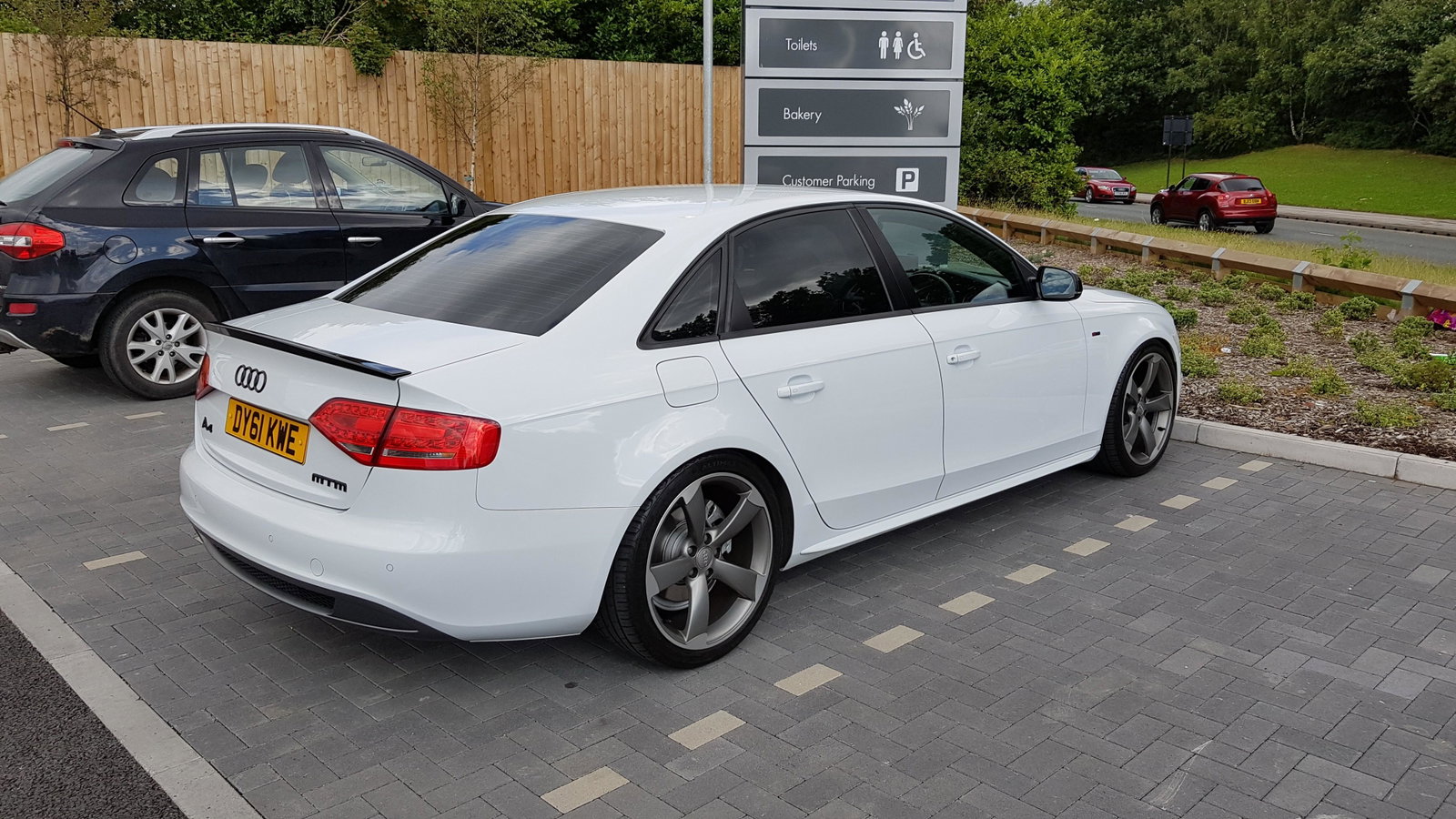
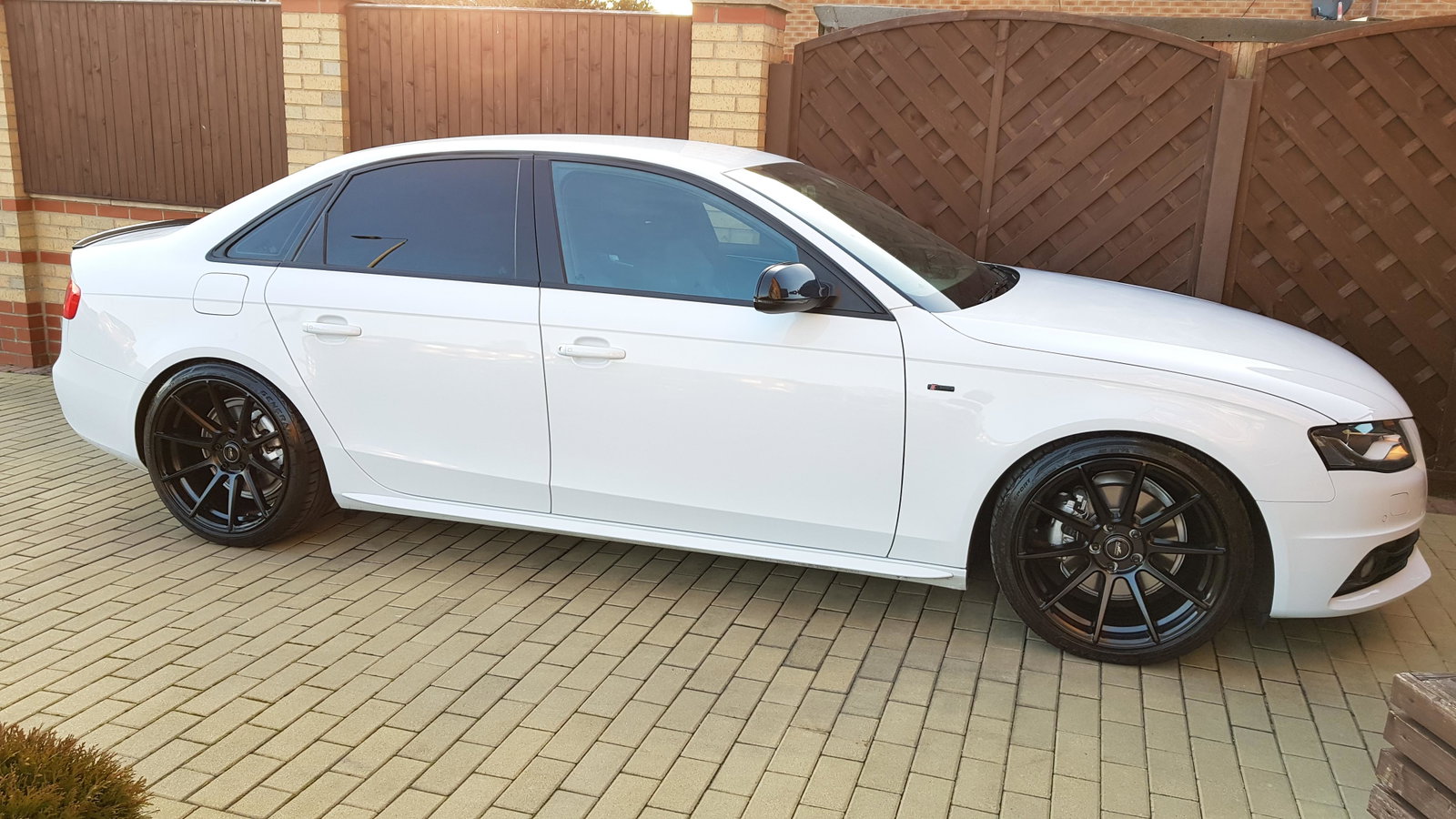
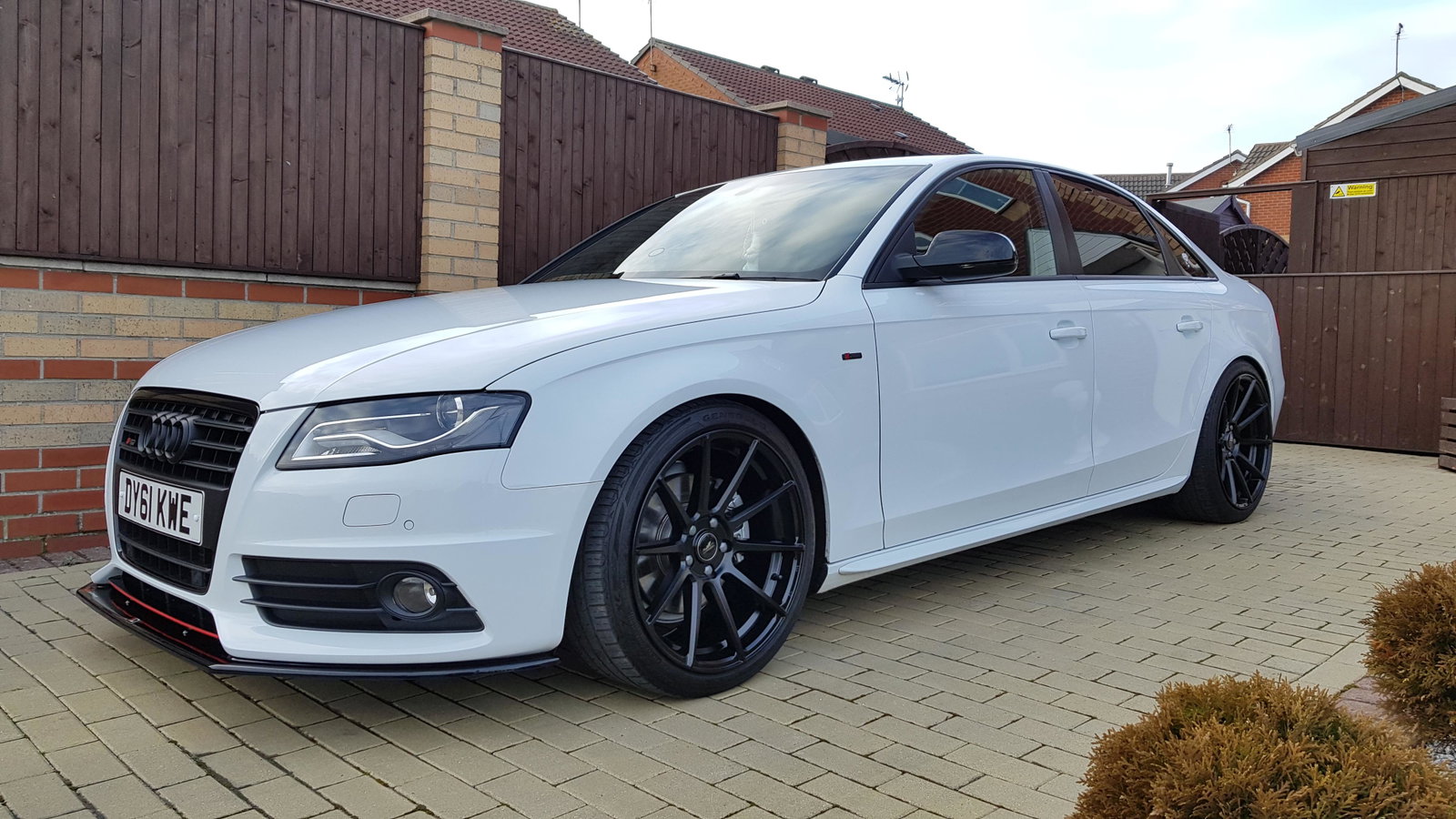
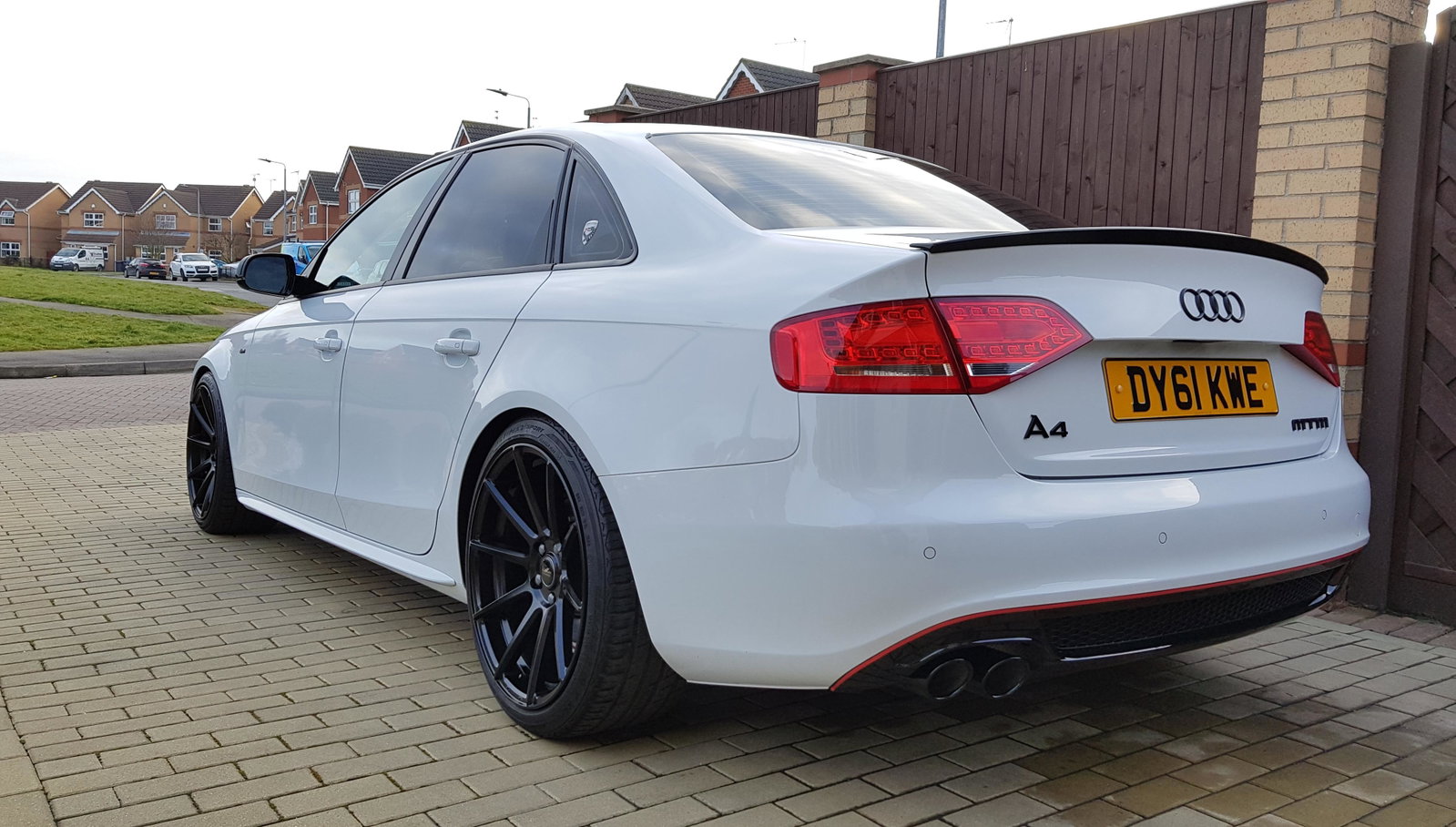
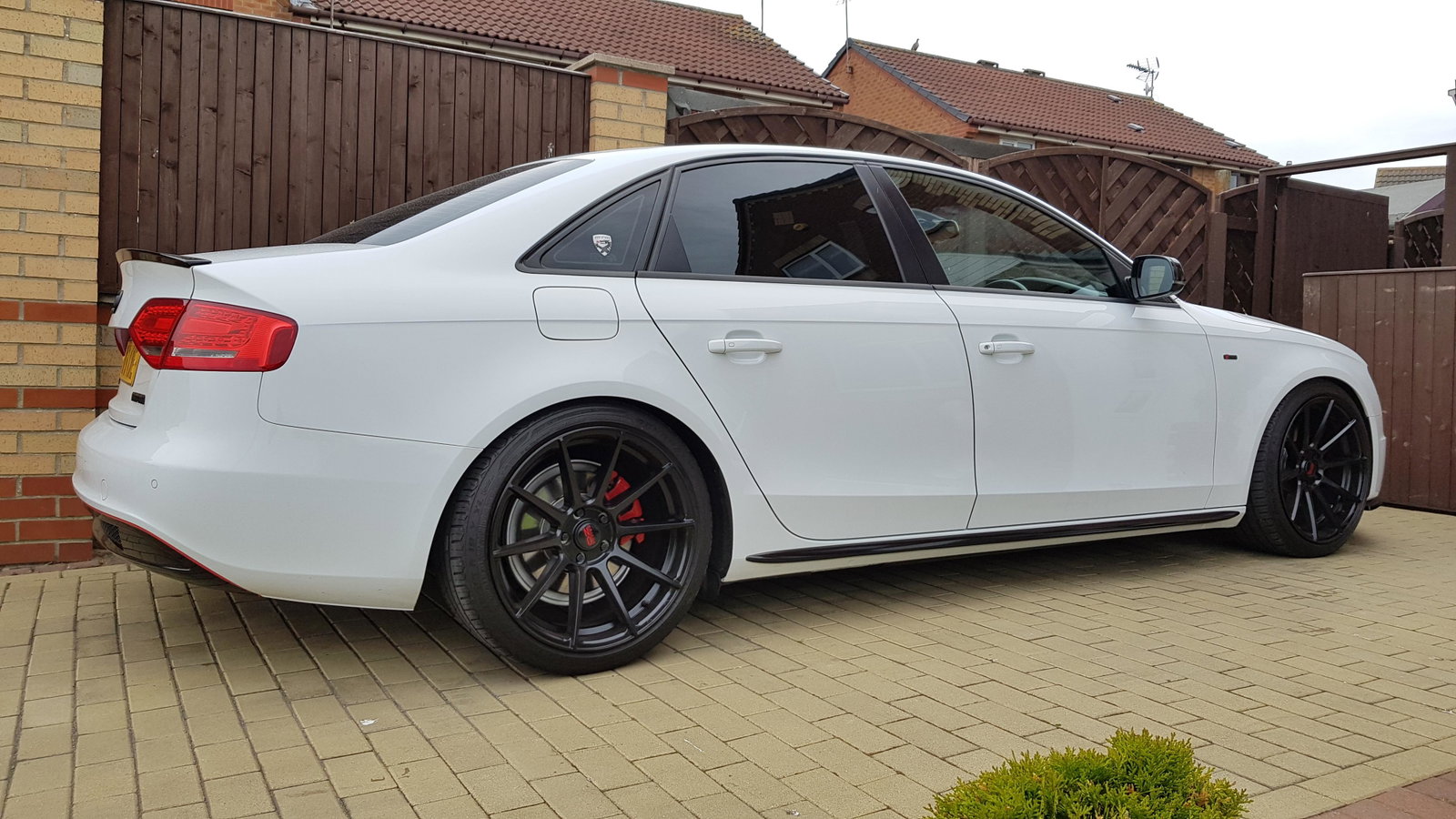
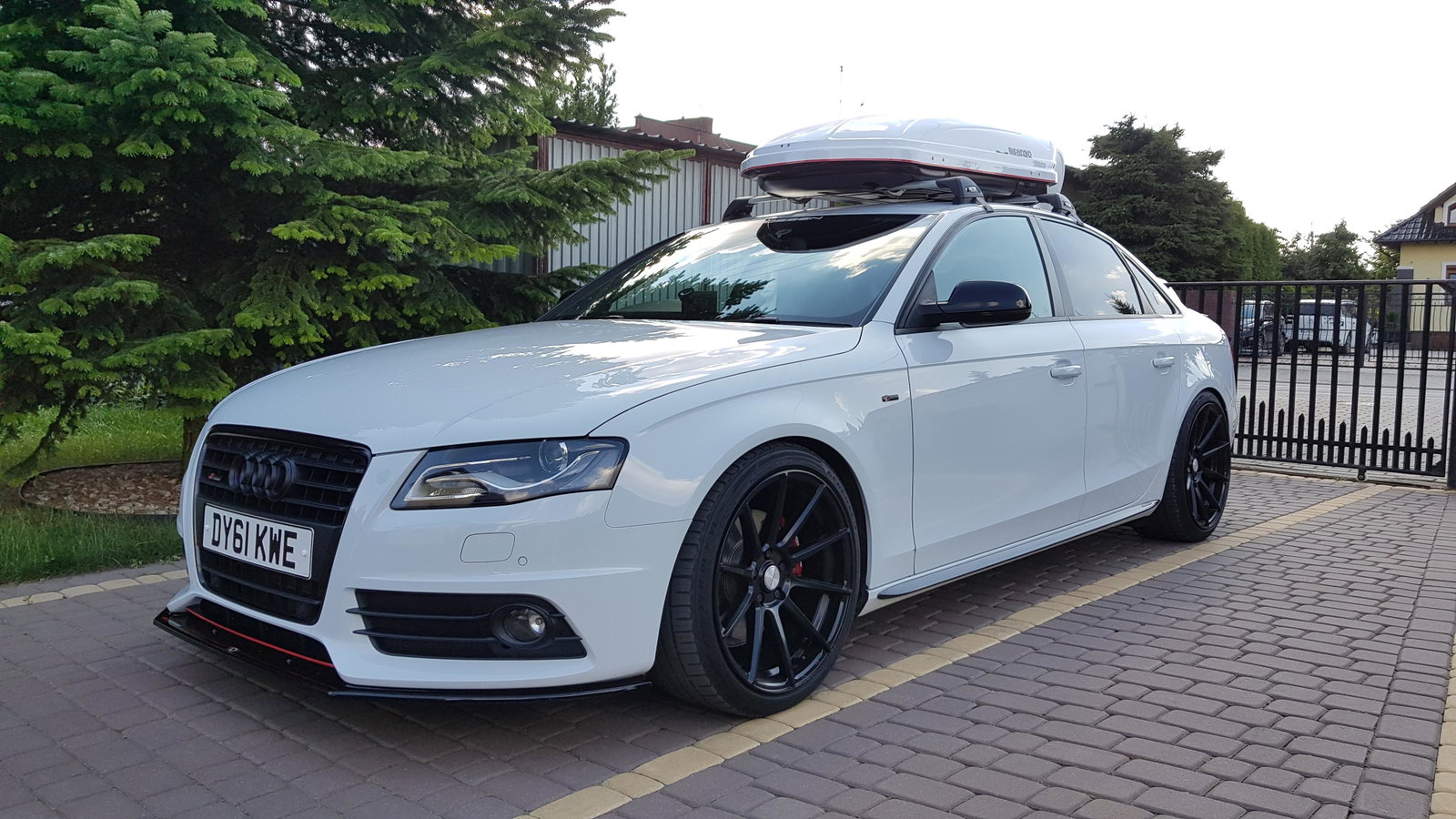
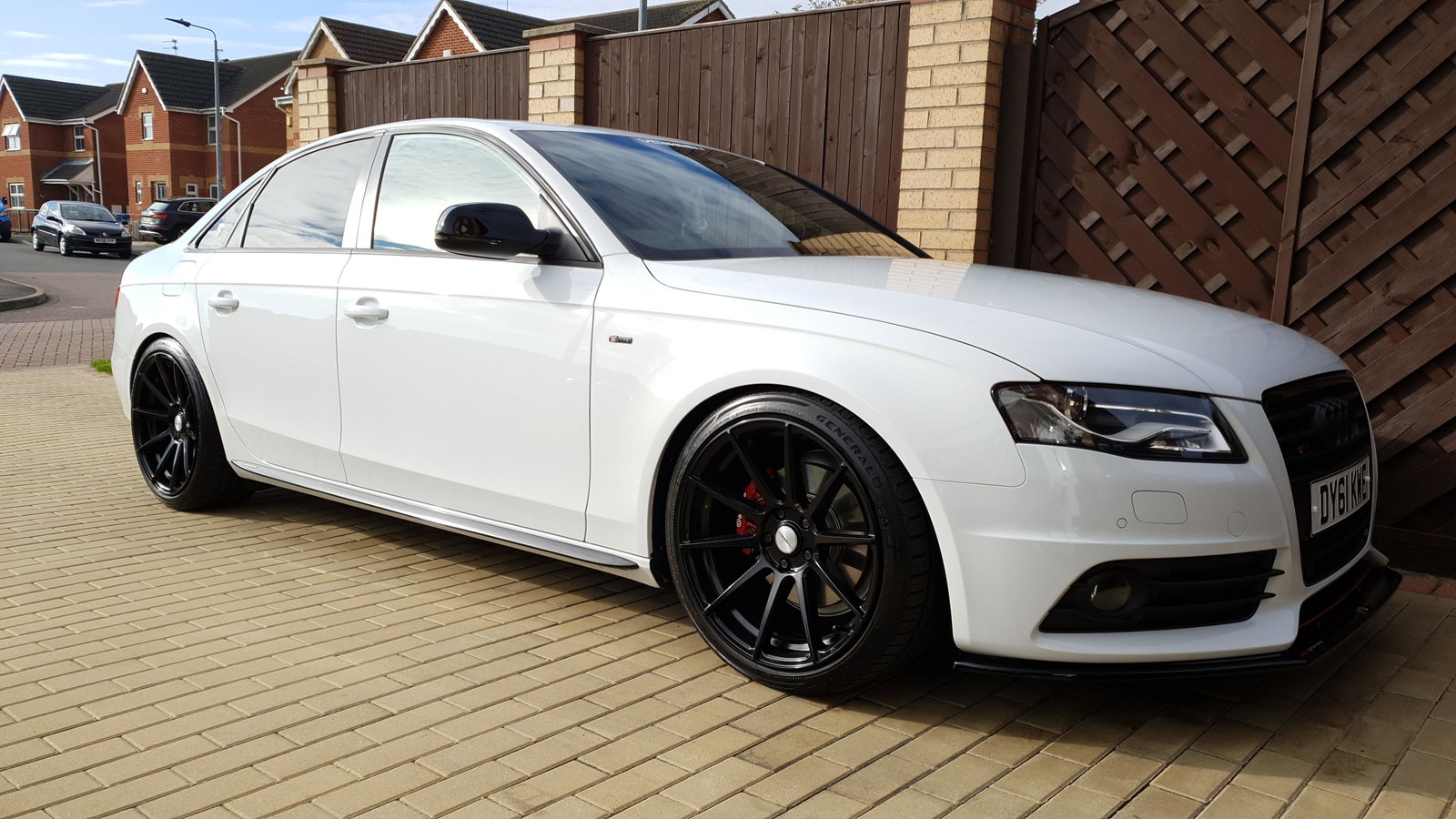
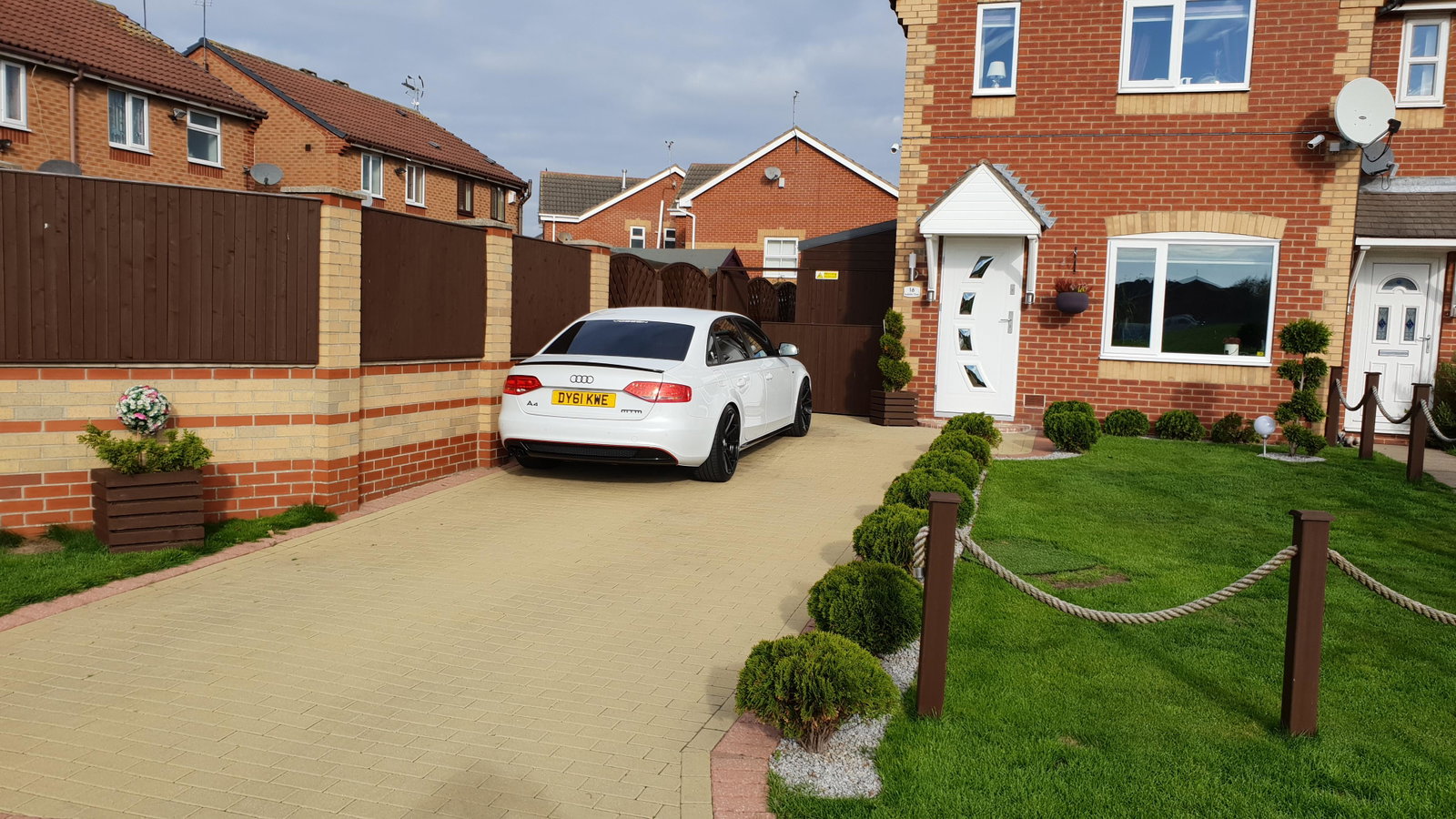
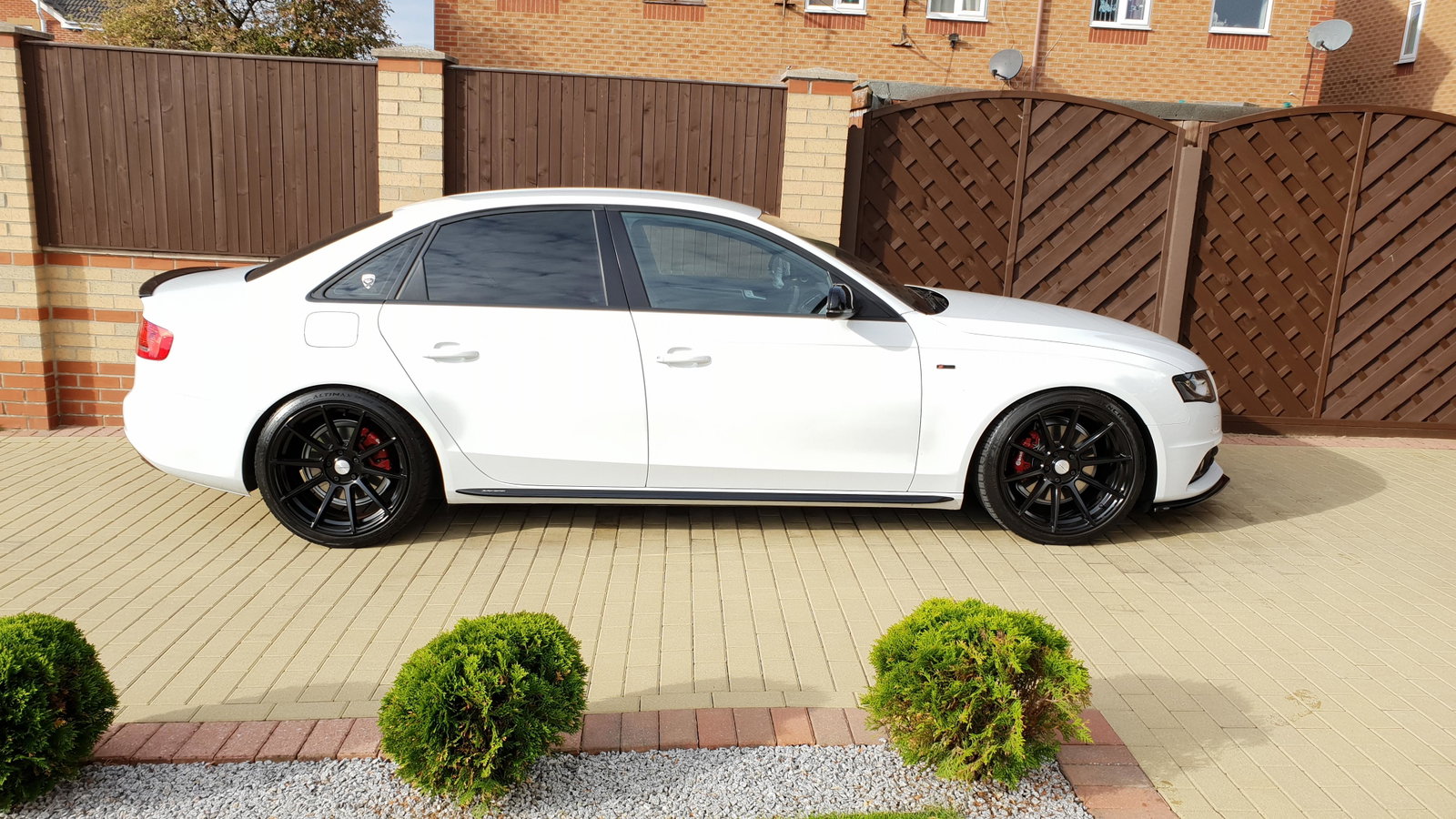
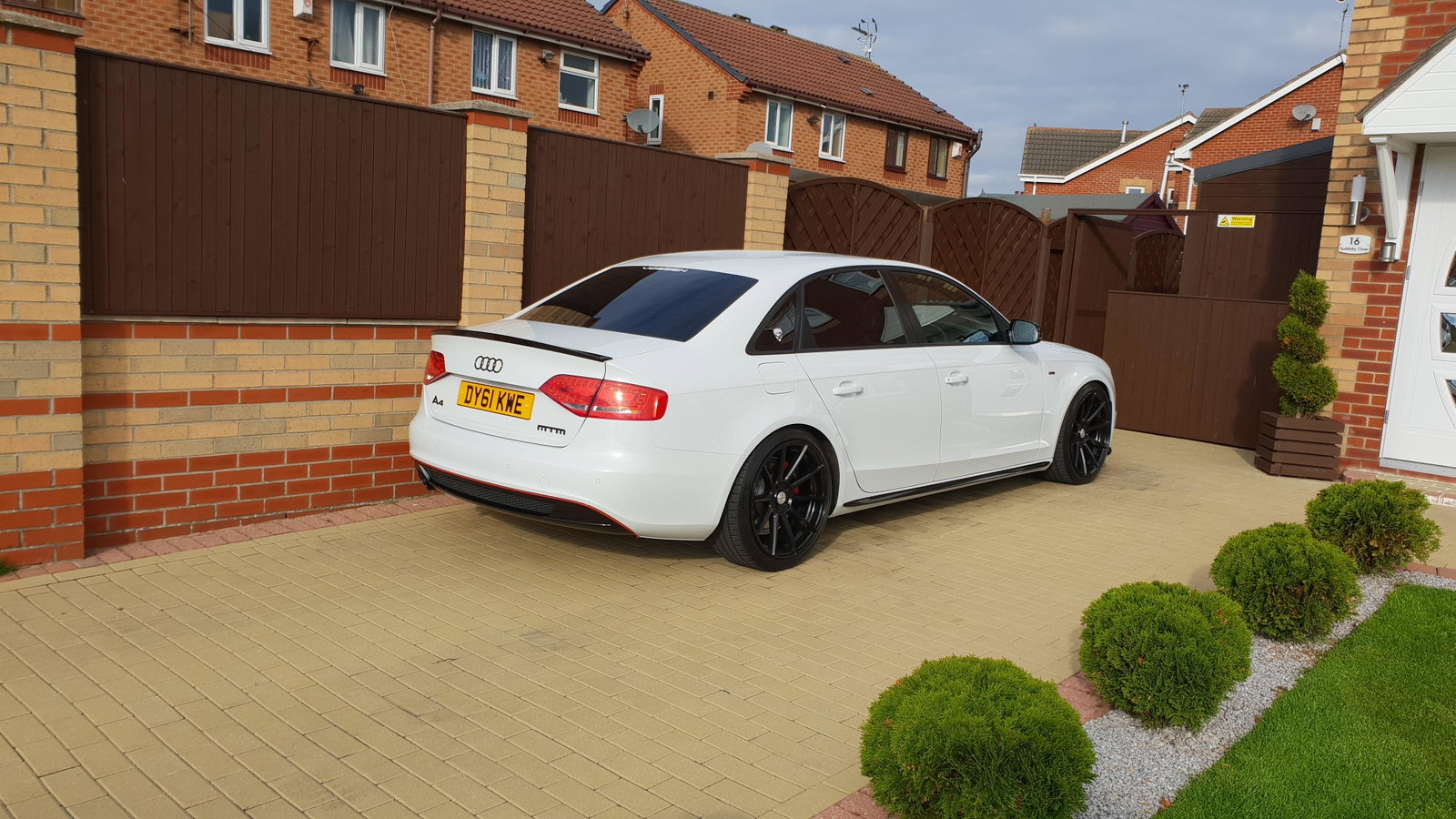
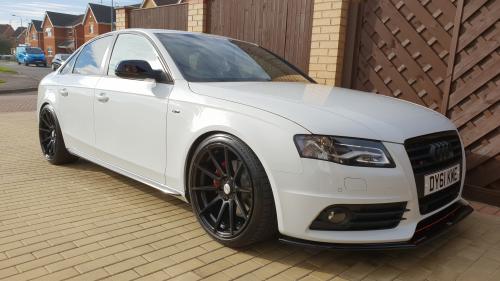
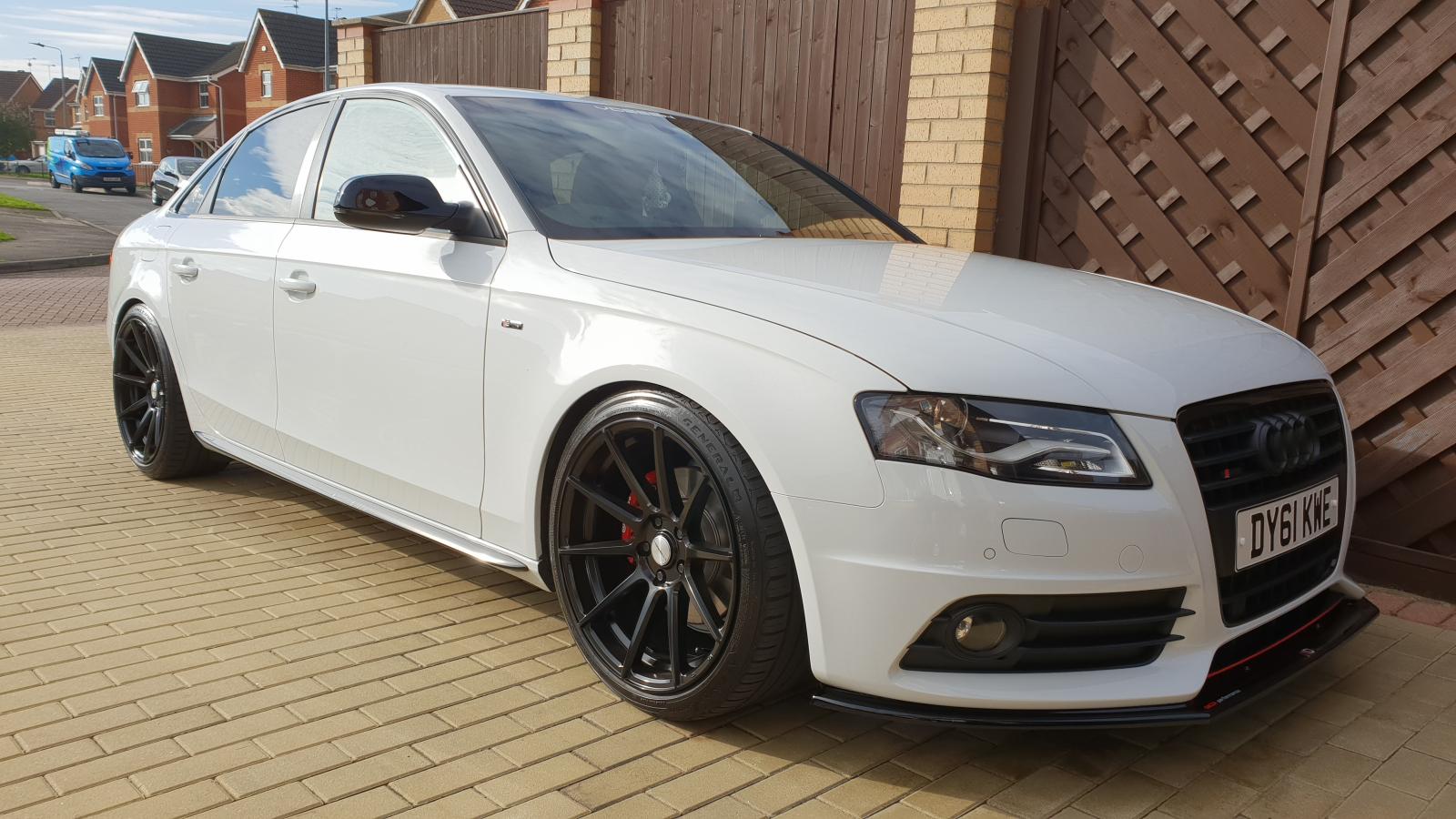
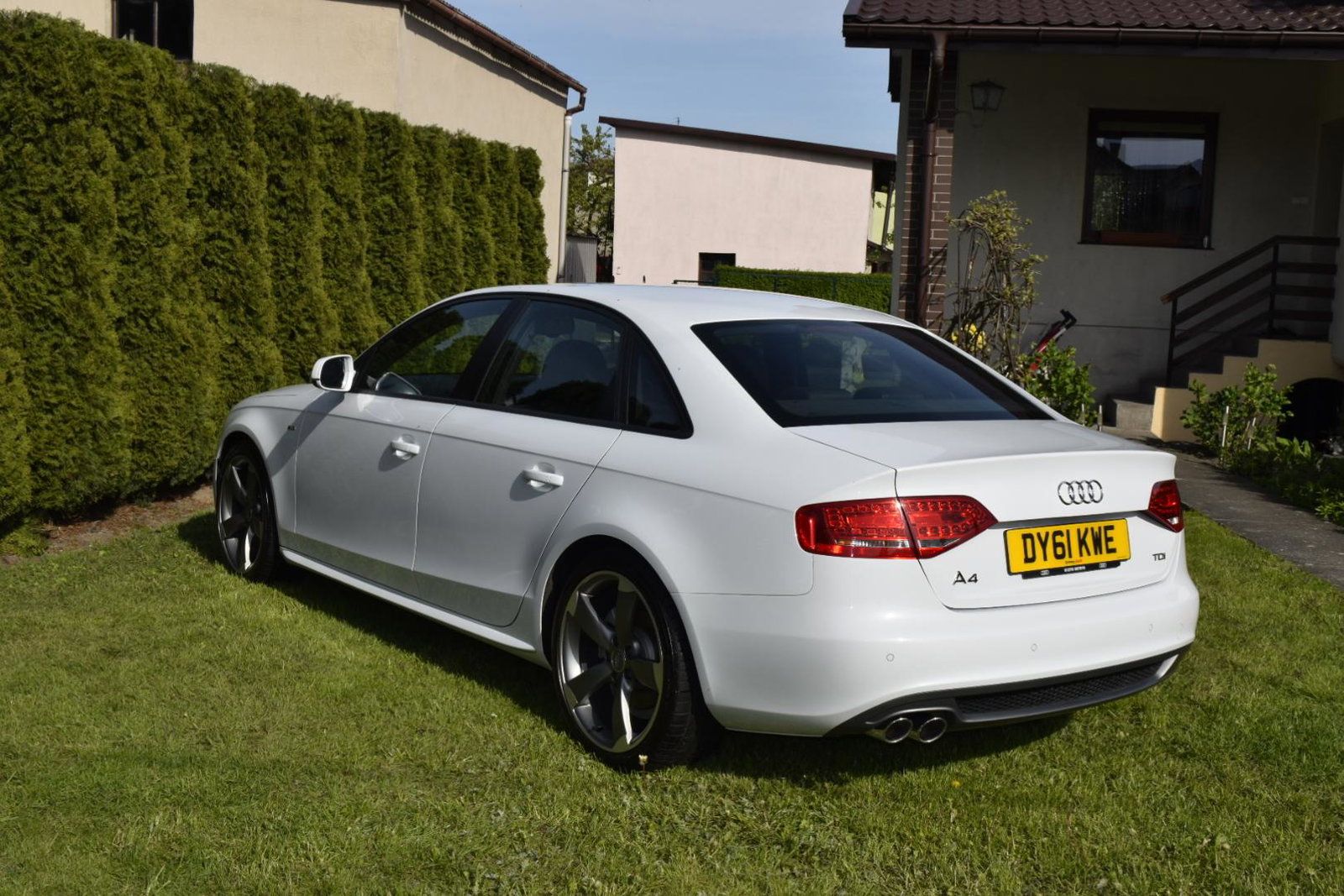
Audi A8 B8 Black Edt. 2.0TDi 136BHP in my hands from 3yrs. Standard Rotors Wheels 8.5j x19 et 43, 255 35 19

1. Tined windiws

2. Lowering spring Eibach Sportline -50mm + 11mm spacers all round

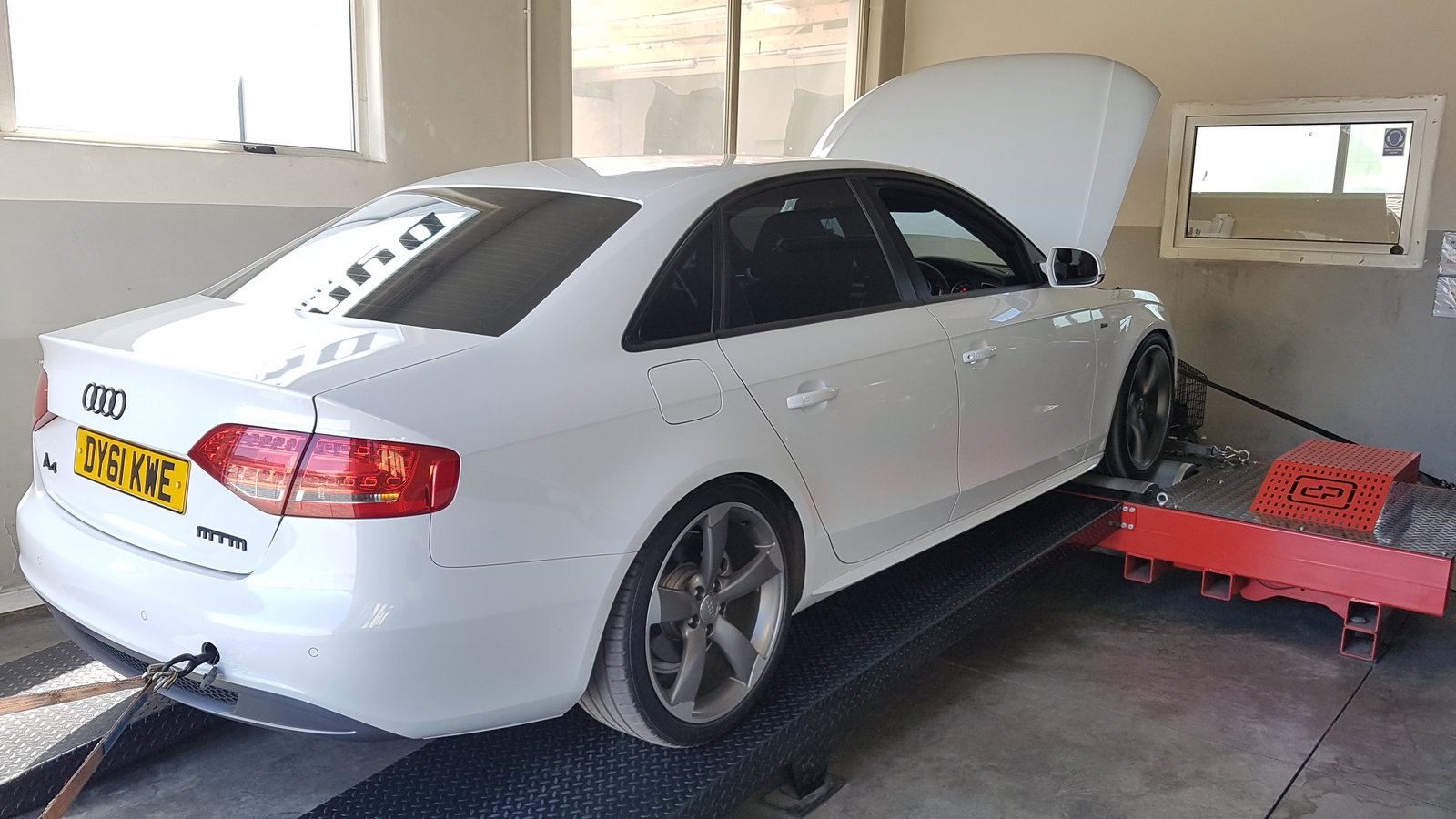
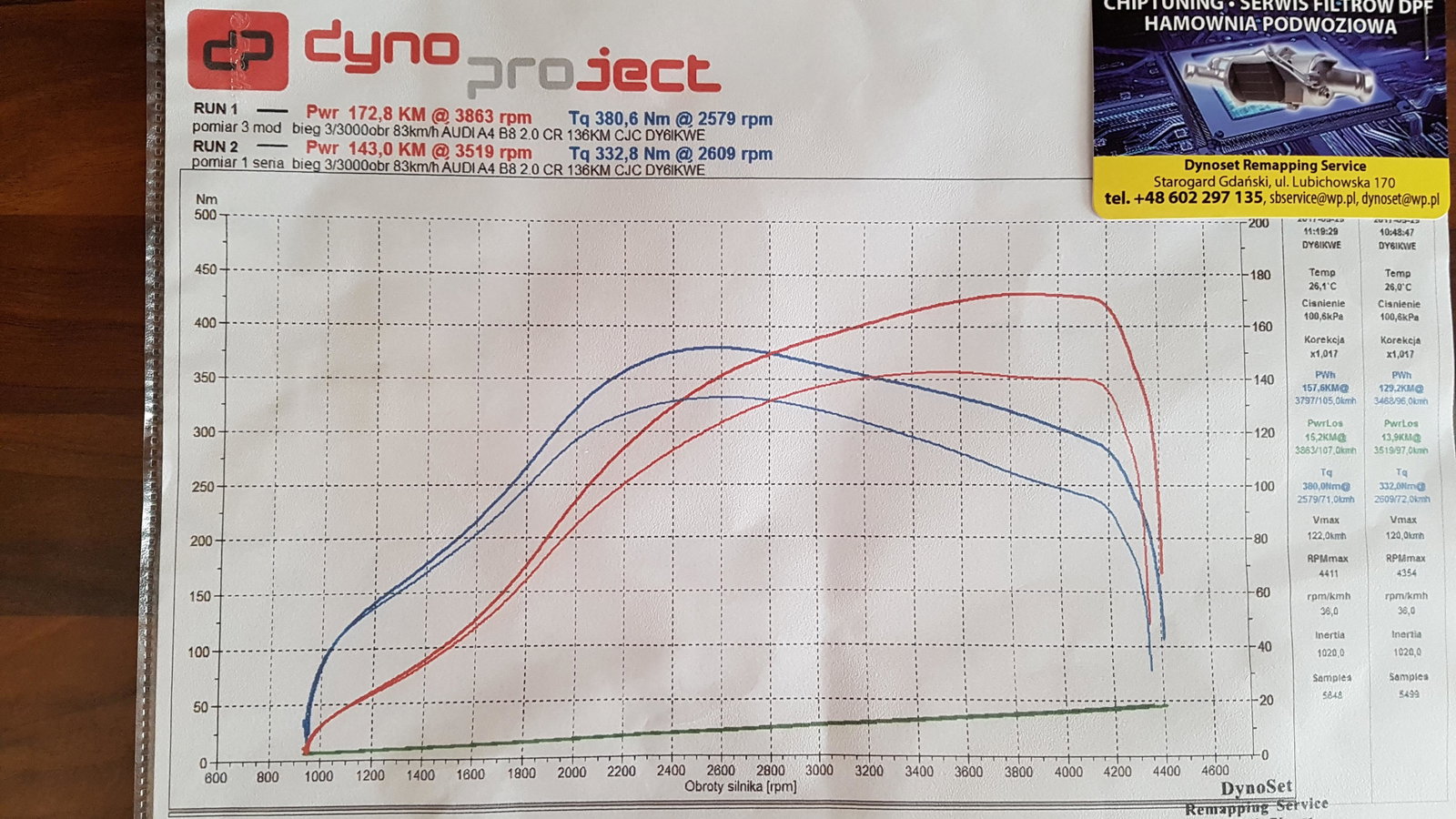
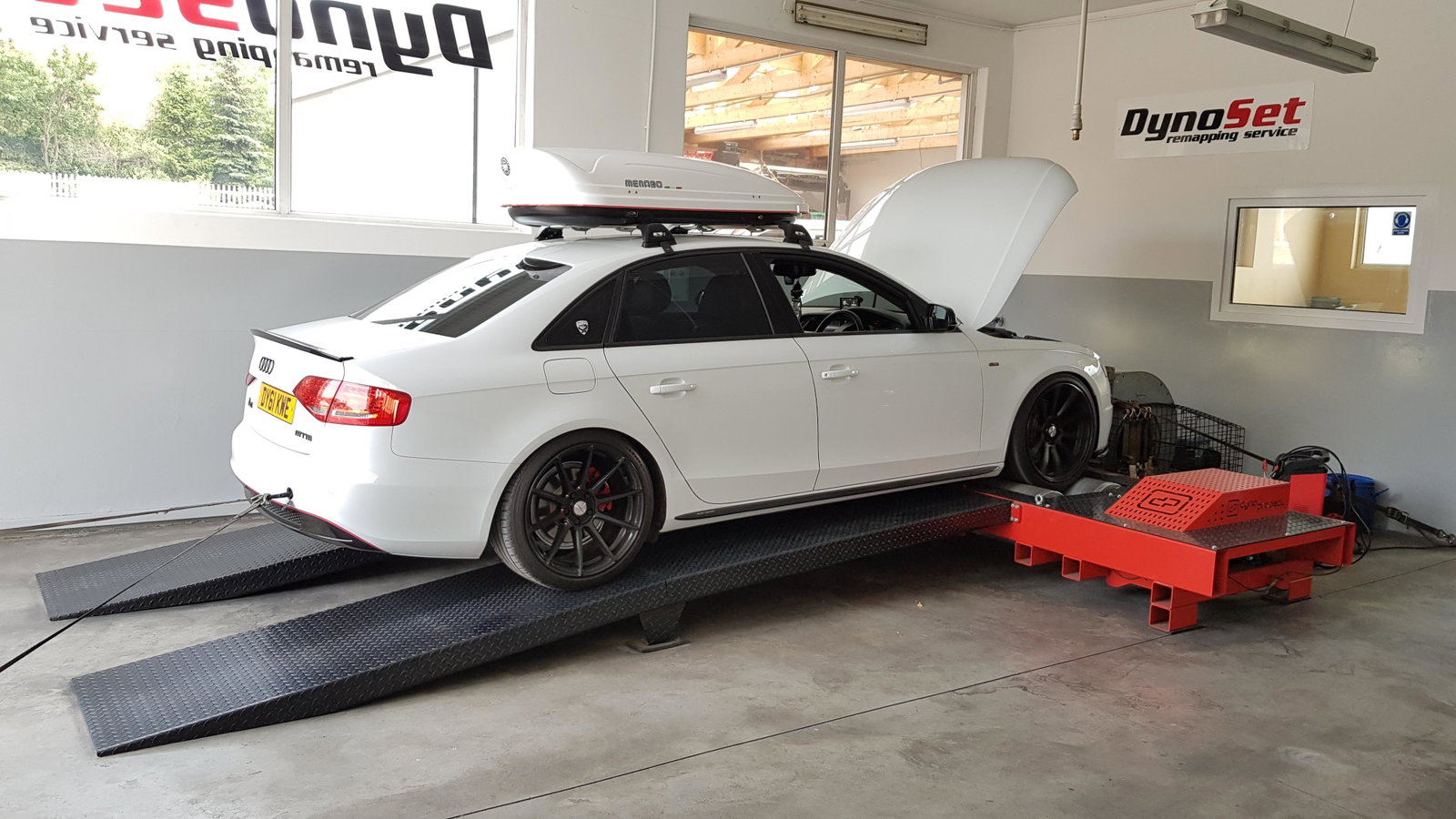
3. Remap Engine 

4. Black Emblemats Badge

5. Paint Side Mirrors on Black Piano

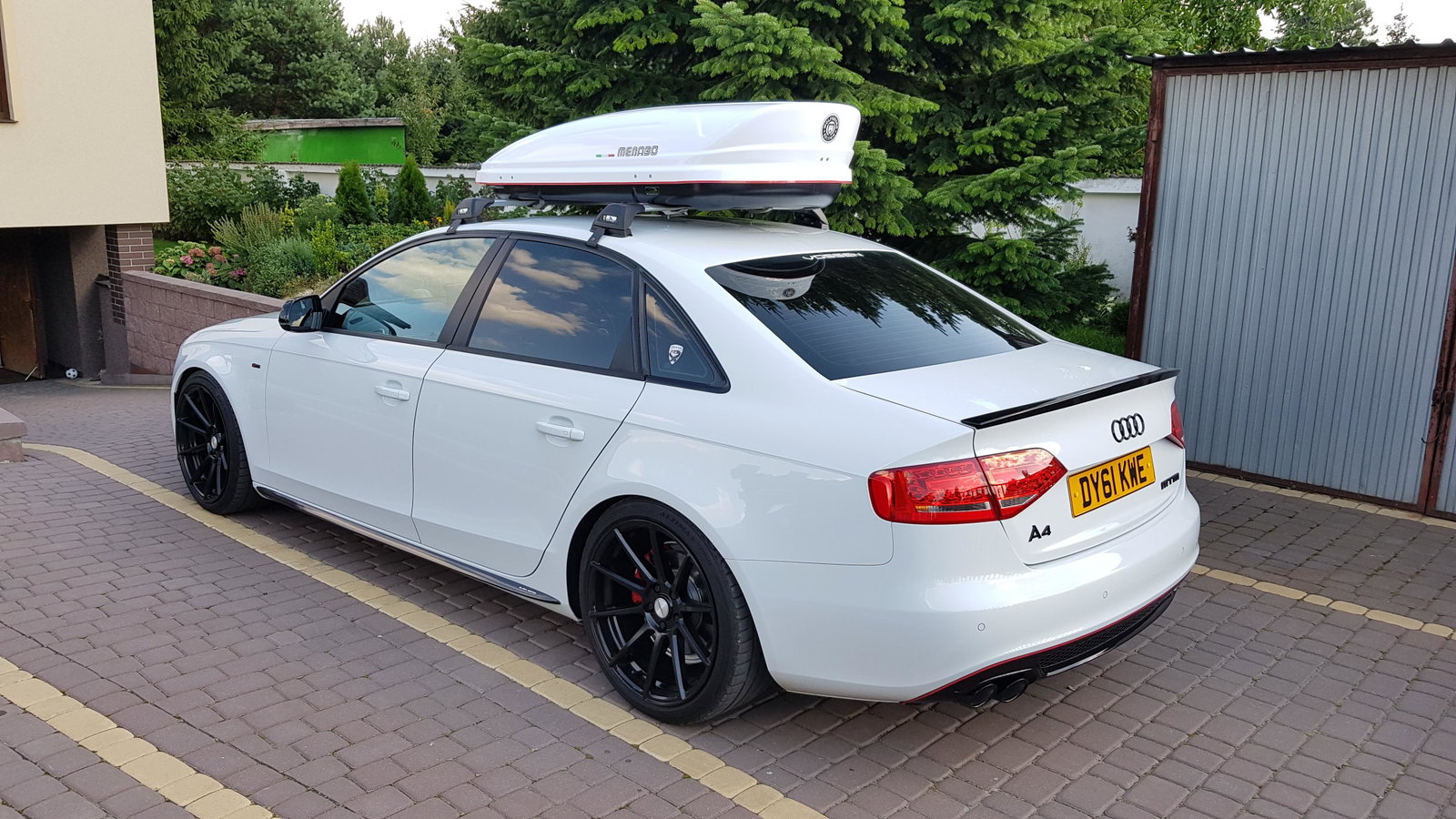
6. Lip spoiler on trunk

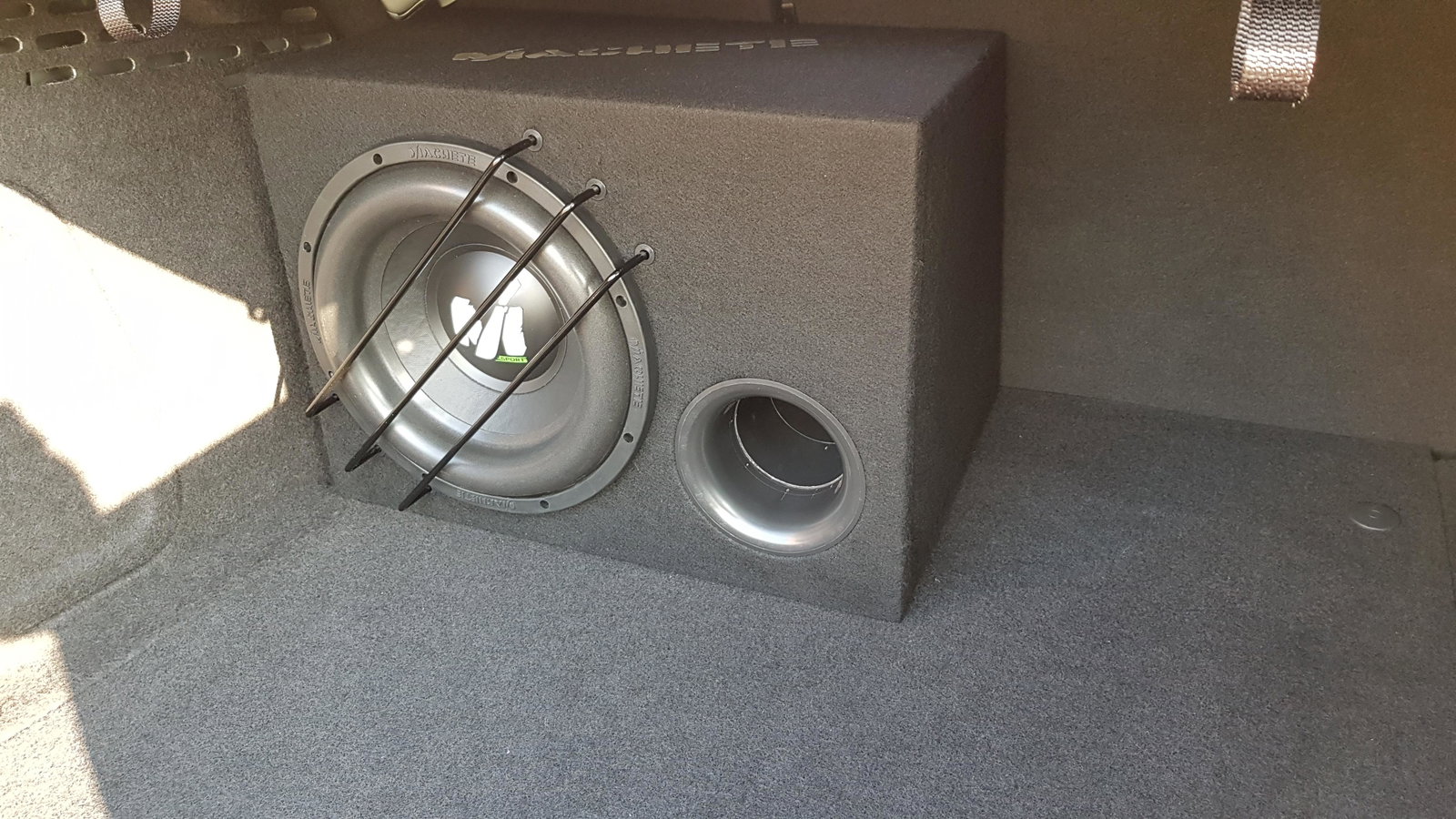
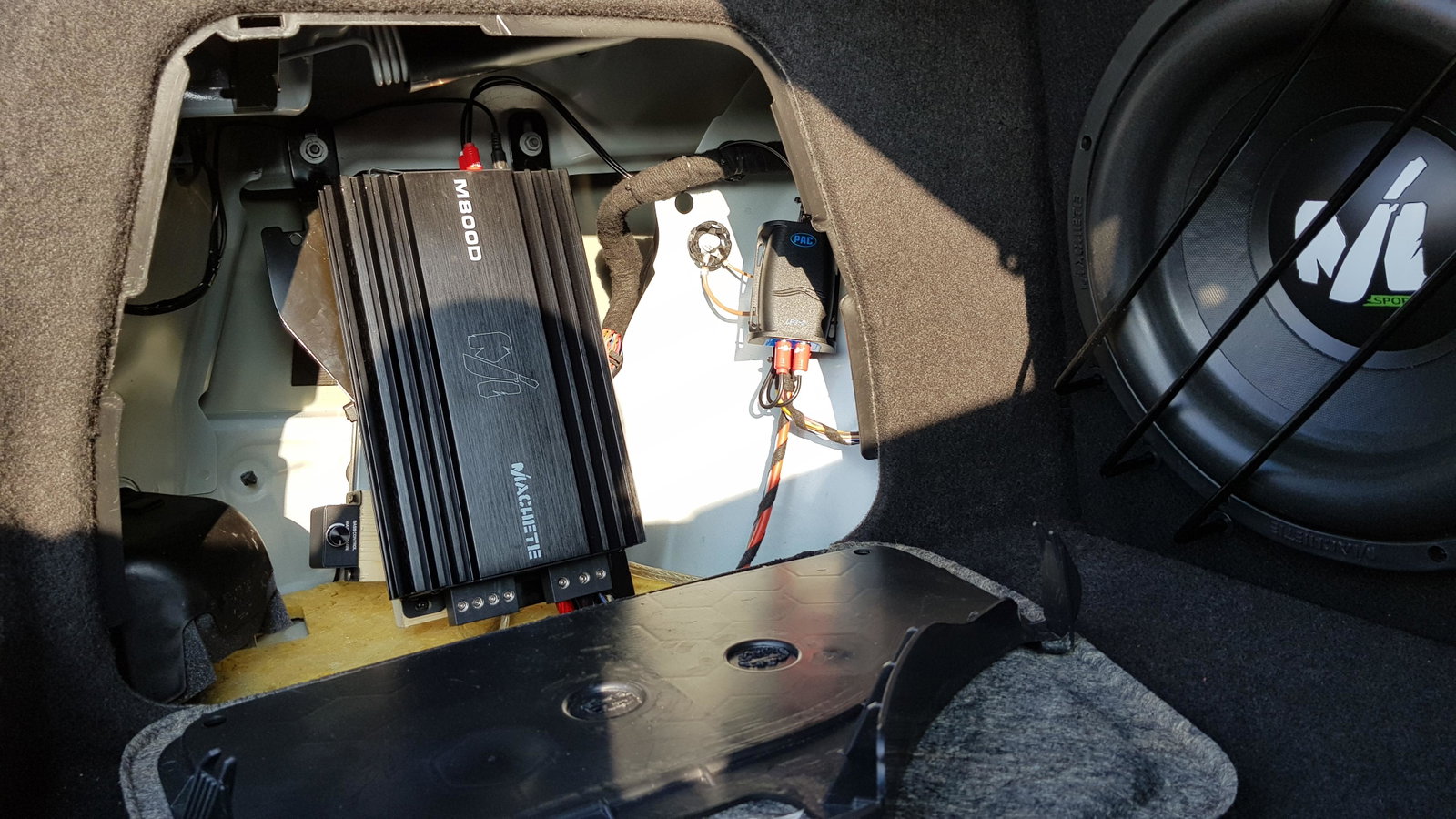
7. Upload Subwoofer and Amp

8. Wider wheels 9.5j x19 et 38, 255 35 19 tire

9. Front spliter 

10. Paint rear difuser on Black Piano

11. Wrap side skirts on Black Piano

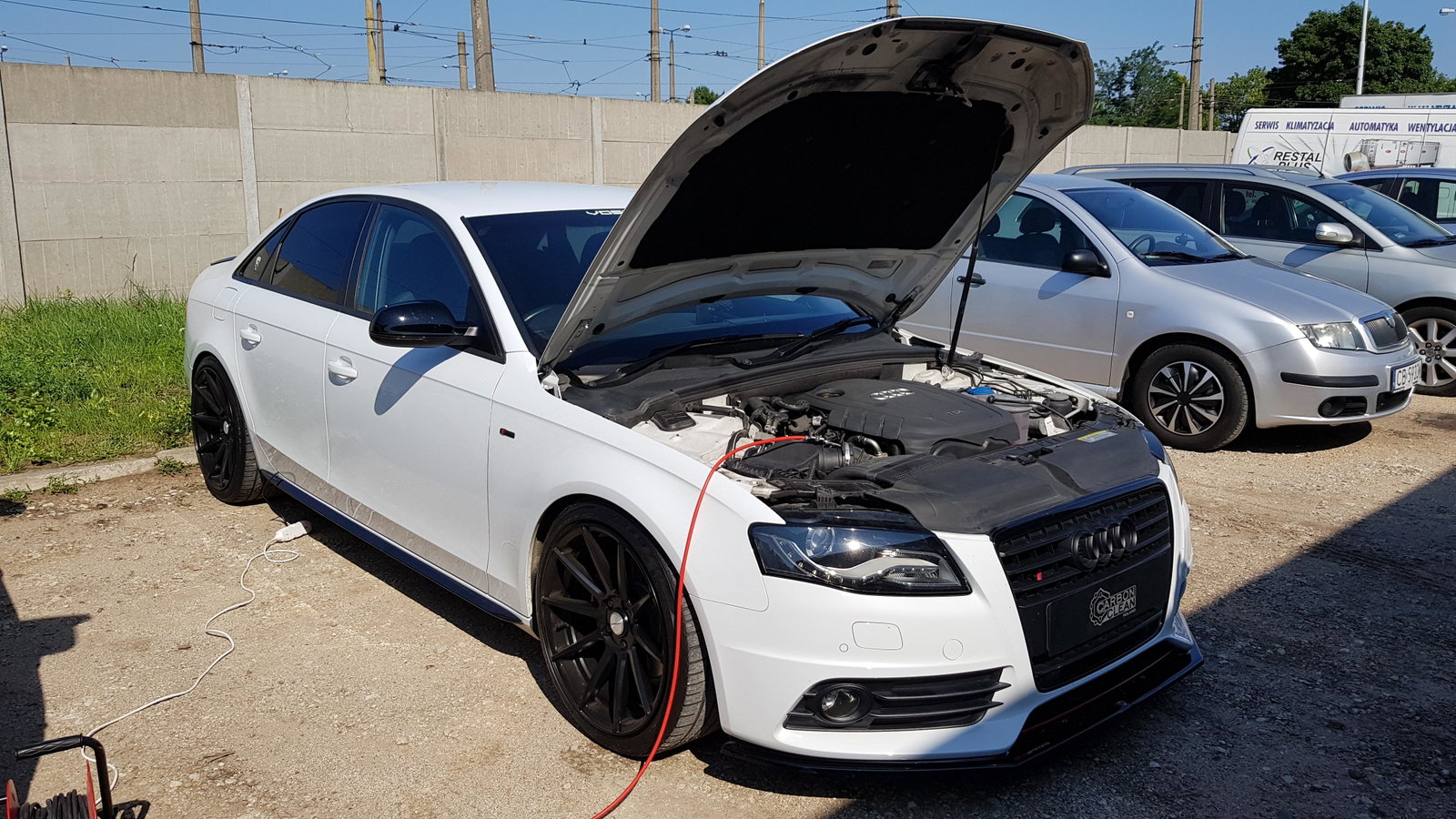
12. Carbon Clean engine

13. Secend Remap Engine

14. Roof Box

15. Ceramic Coating 5yrs paint protection
_DSC1009.JPG

FB_IMG_1460832474770.jpg

20170423_144636.jpg

20170529_104144.jpg

20170529_153328.jpg

20170730_104733.jpg

20170730_104746~2.jpg

20170924_085628.jpg

20170924_085643.jpg

20180224_163146.jpg

20180311_163852.jpg

20180418_054258.jpg

20180512_172503.jpg

20180720_094649.jpg

20180716_152636.jpg

20180727_165717.jpg

20180727_165753.jpg

20181020_111209.jpg

20181020_111458.jpg

20181020_111339.jpg

20181020_111509.jpg


Background Picker
Customize Layout

Account

Navigation

Search

Search

Configure browser push notifications

Chrome (Android)
  1. Tap the lock icon next to the address bar.
  2. Tap Permissions → Notifications.
  3. Adjust your preference.
Chrome (Desktop)
  1. Click the padlock icon in the address bar.
  2. Select Site settings.
  3. Find Notifications and adjust your preference.