Skip to content
View in the app

A better way to browse. Learn more.

Audi Owners Club (UK)

A full-screen app on your home screen with push notifications, badges and more.

To install this app on iOS and iPadOS
  1. Tap the Share icon in Safari
  2. Scroll the menu and tap Add to Home Screen.
  3. Tap Add in the top-right corner.
To install this app on Android
  1. Tap the 3-dot menu (⋮) in the top-right corner of the browser.
  2. Tap Add to Home screen or Install app.
  3. Confirm by tapping Install.


ChrisB

ChrisB

Album created by ChrisB · Updated

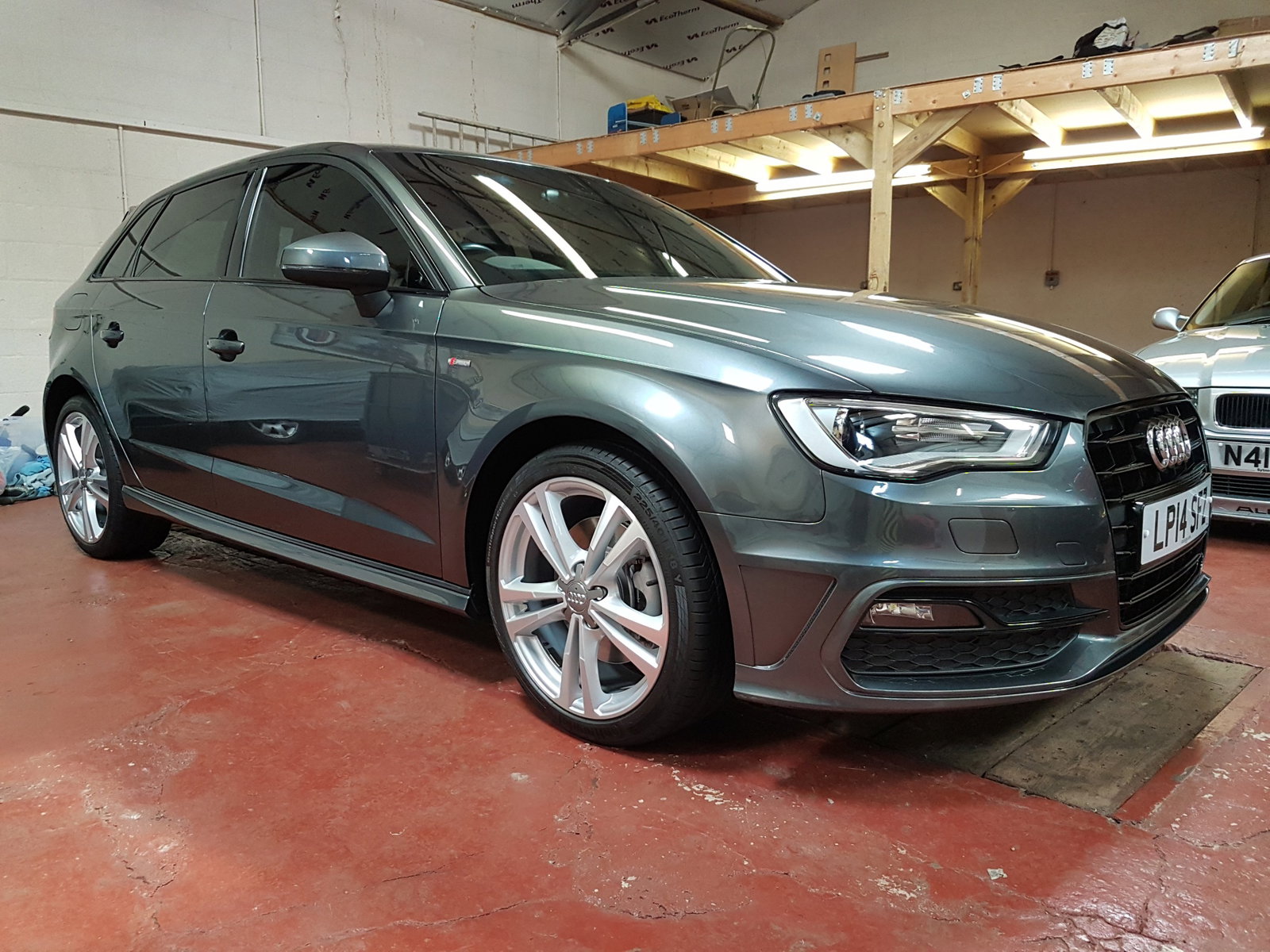
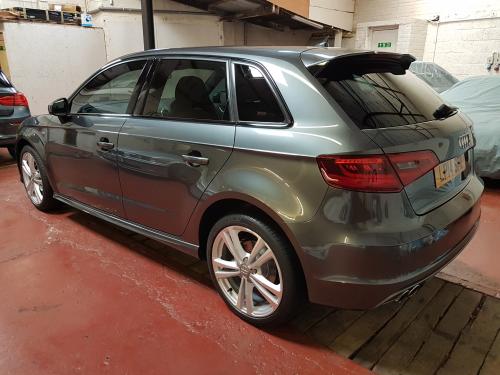
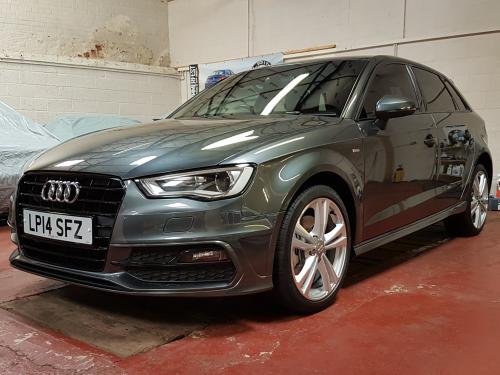
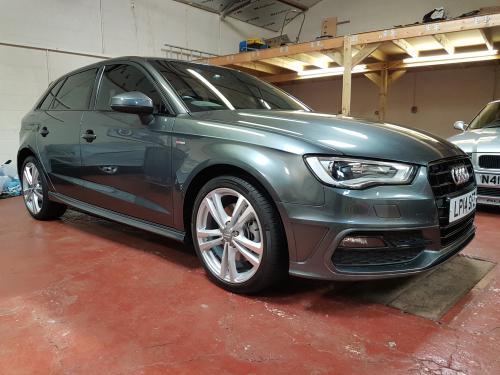
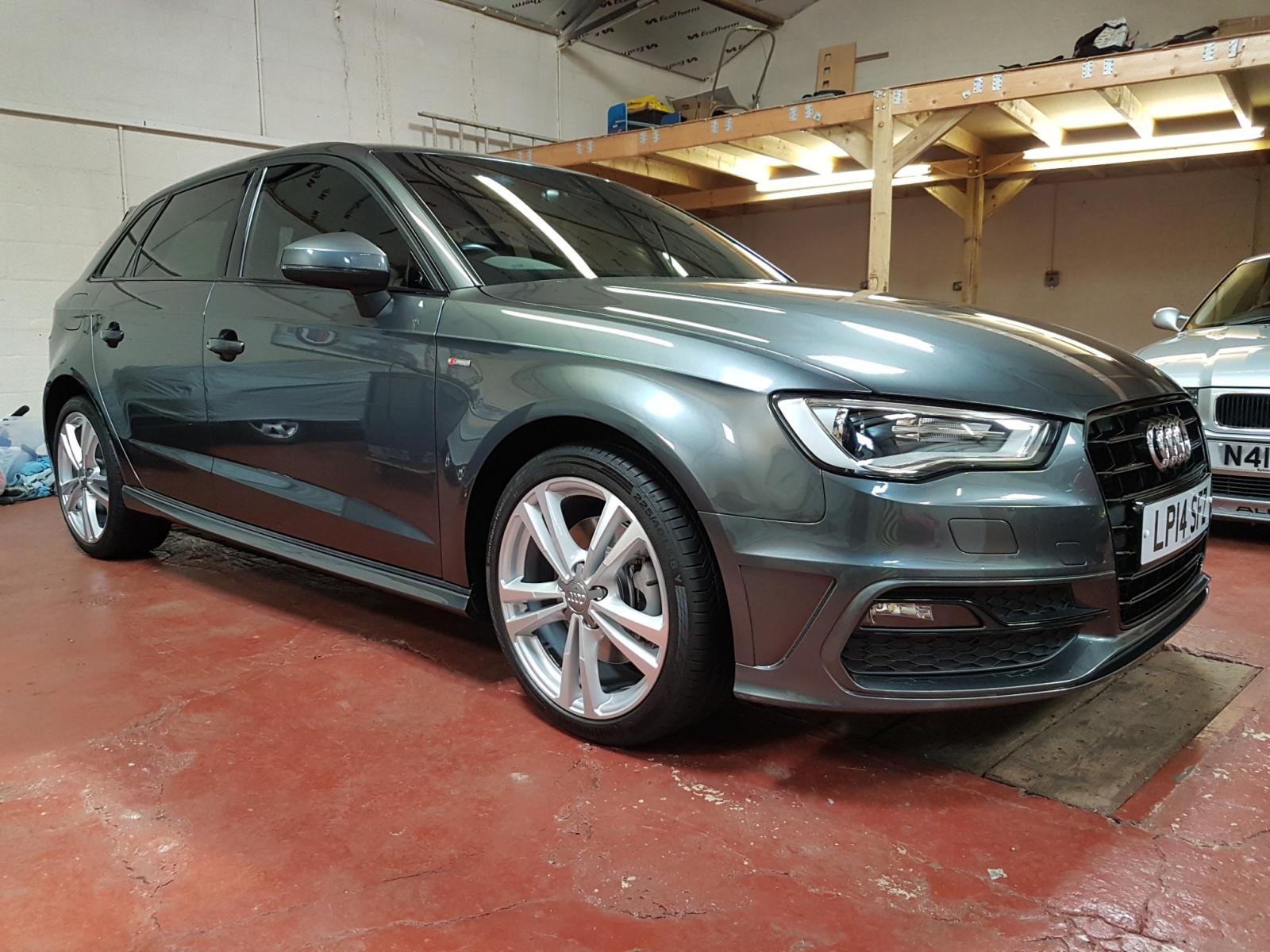
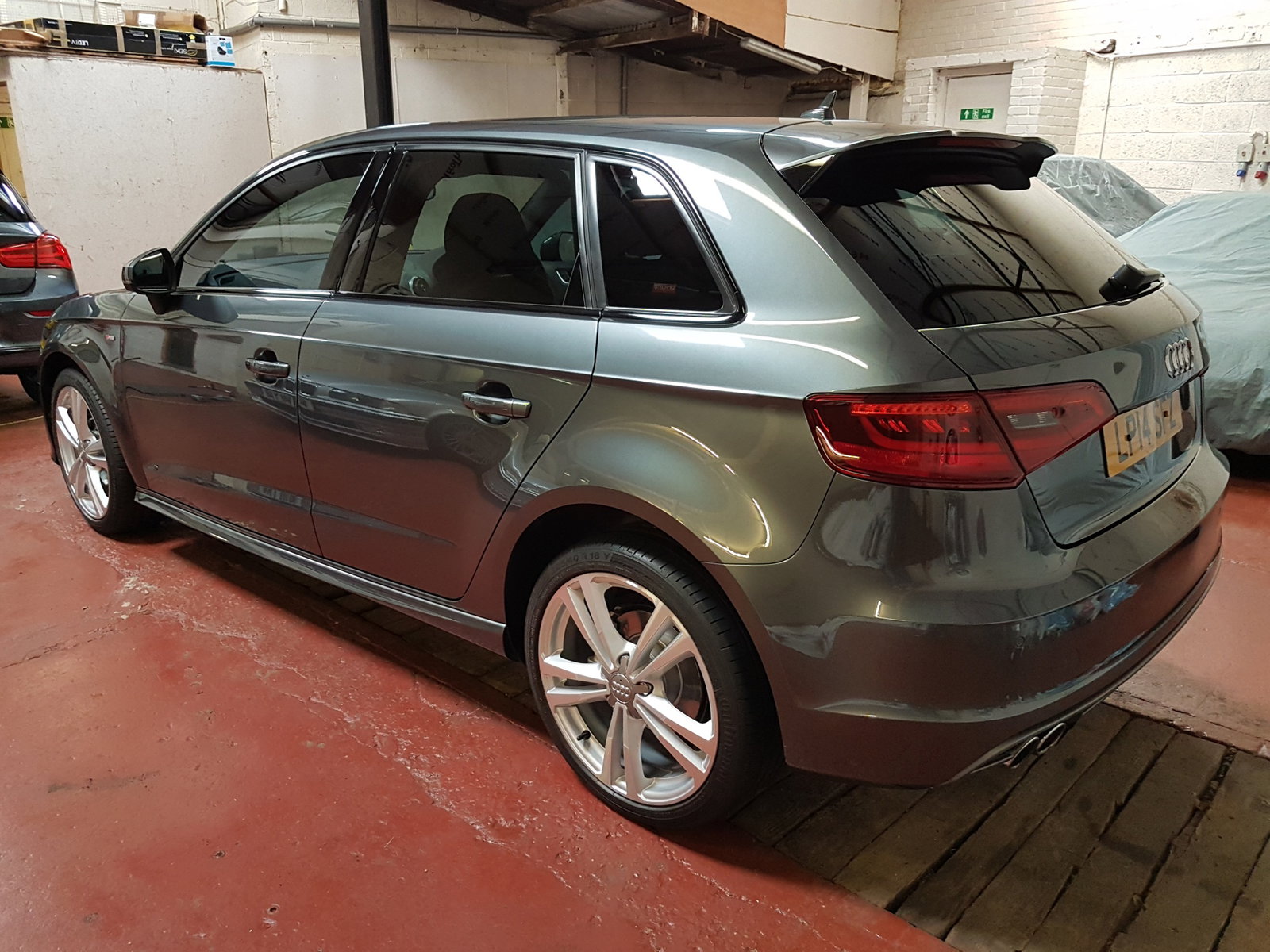
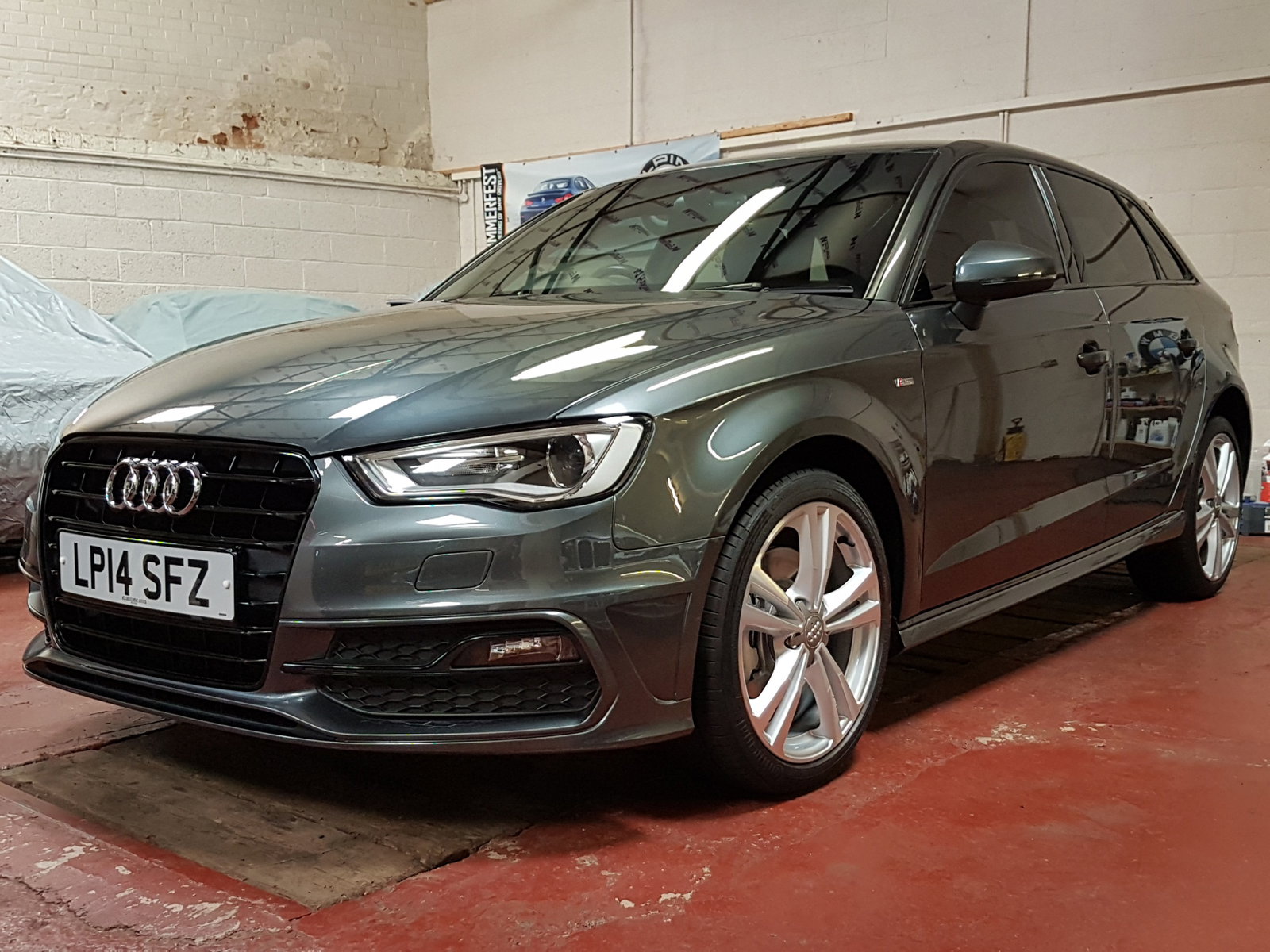
Spent 16 hours detailing the A3 at the weekend in my unit. Gave it a full machine cut with my Rupes Bigfoot, medium sponge and medium compound, then Rupes ultra-fine polish, 2 layers of Meguiars liquid wax then GTechniq C2 layers over the top. Also took the wheels off, cleaned all the underside of the arches and protected the wheels and calipers with GTechniq C5 Wheel Armour.

I'm also going to have a go at spraying the fog light surrounds with Plati-dip gloss black to match the front grille.
20170806_144301_resized.jpg

20170806_144323_resized.jpg

20170806_144416_resized.jpg


Background Picker
Customize Layout

Account

Navigation

Search

Search

Configure browser push notifications

Chrome (Android)
  1. Tap the lock icon next to the address bar.
  2. Tap Permissions → Notifications.
  3. Adjust your preference.
Chrome (Desktop)
  1. Click the padlock icon in the address bar.
  2. Select Site settings.
  3. Find Notifications and adjust your preference.