Skip to content
View in the app

A better way to browse. Learn more.

Audi Owners Club (UK)

A full-screen app on your home screen with push notifications, badges and more.

To install this app on iOS and iPadOS
  1. Tap the Share icon in Safari
  2. Scroll the menu and tap Add to Home Screen.
  3. Tap Add in the top-right corner.
To install this app on Android
  1. Tap the 3-dot menu (⋮) in the top-right corner of the browser.
  2. Tap Add to Home screen or Install app.
  3. Confirm by tapping Install.


Sir_Loin

Sir_Loin

Album created by SIR_LOIN · Updated

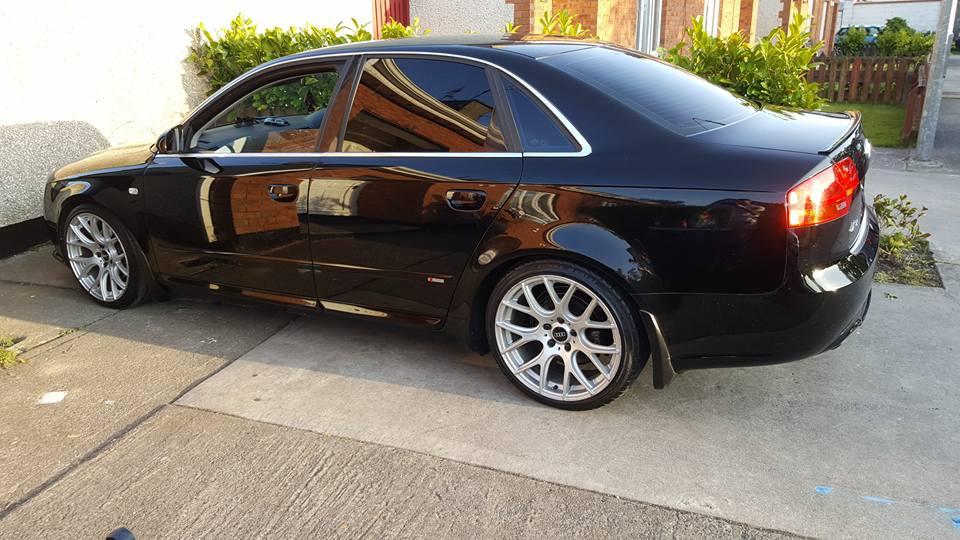
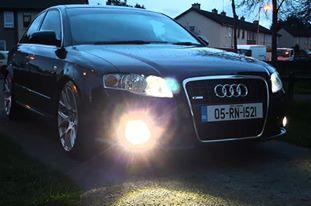
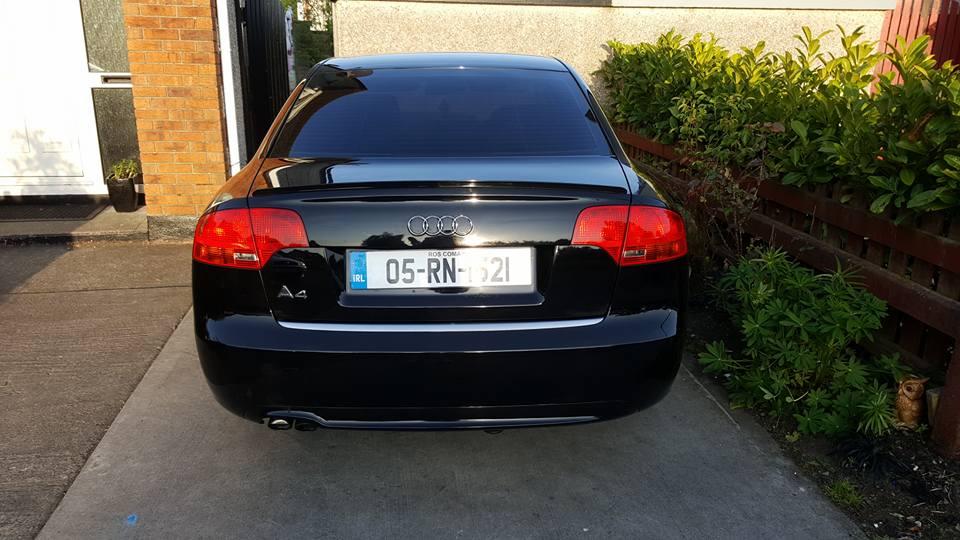
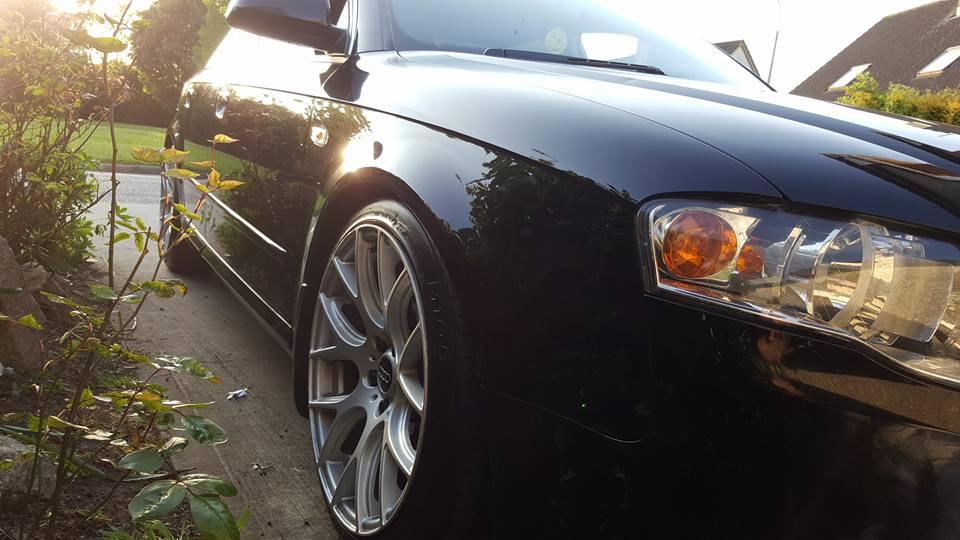
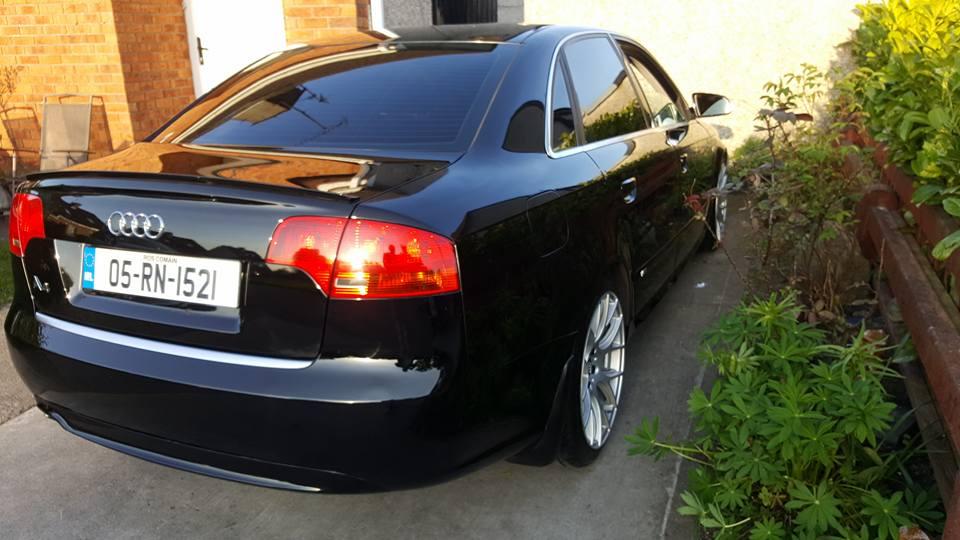
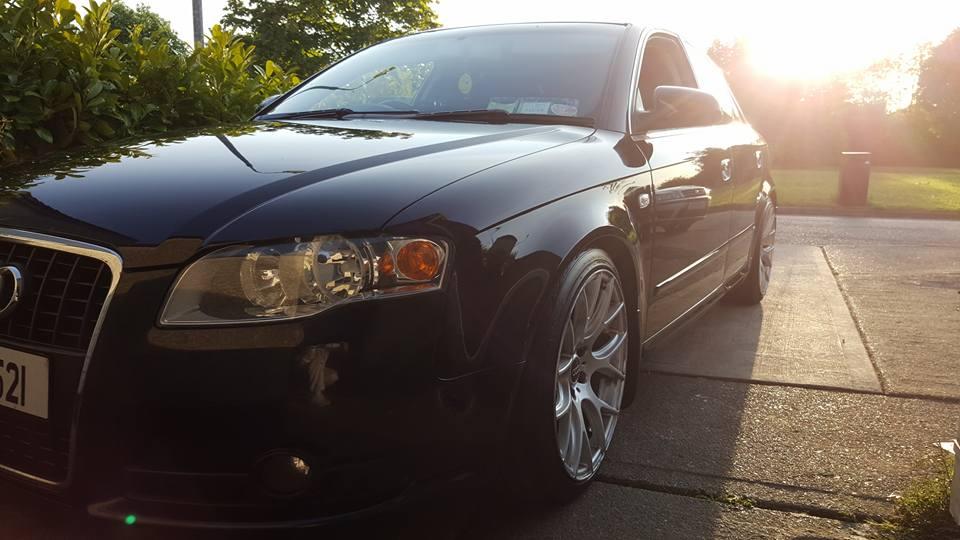
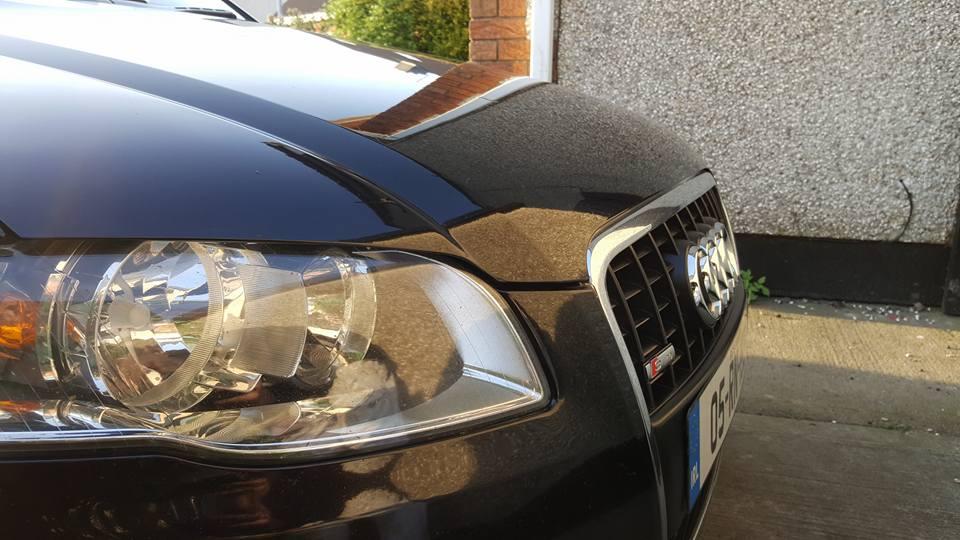
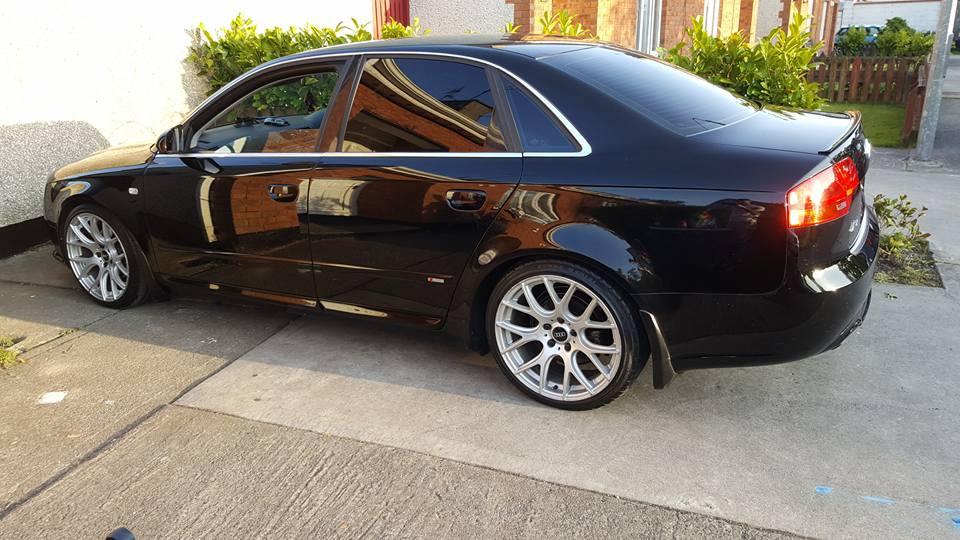
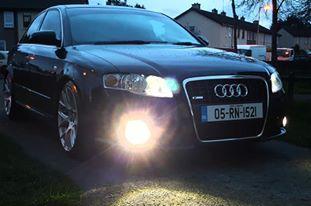
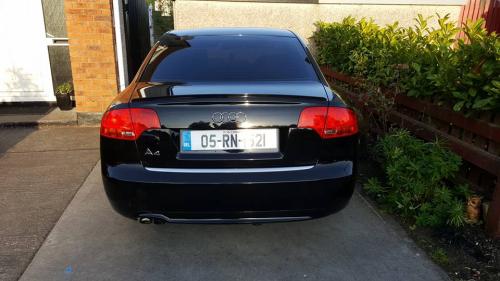
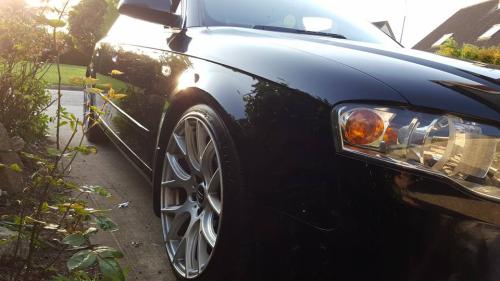
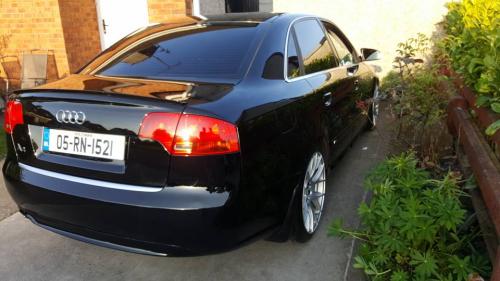
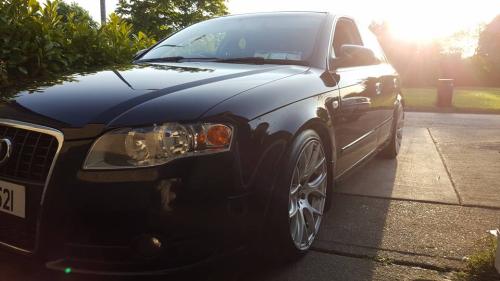
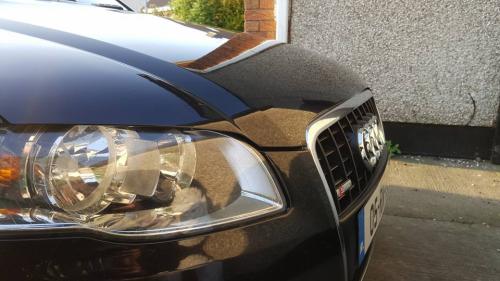
A4 SLINE TDI 115BHP

28959379_10215665464174864_8717459924772389461_n.jpg

29541570_10215819012213469_2350423965472001032_n.jpg

30261217_10215936251584380_3103509109607281154_n.jpg

32597032_10216296988402575_1527286930188795904_n.jpg

32597060_10216296986722533_4322877277684629504_n.jpg

32684969_10216296985642506_982538751815188480_n.jpg

32741581_10216296985162494_1815356026023575552_n.jpg

32783371_10216296988962589_5102708983471276032_n.jpg

32789834_10216296984442476_8441737093343870976_n.jpg


Background Picker
Customize Layout

Account

Navigation

Search

Search

Configure browser push notifications

Chrome (Android)
  1. Tap the lock icon next to the address bar.
  2. Tap Permissions → Notifications.
  3. Adjust your preference.
Chrome (Desktop)
  1. Click the padlock icon in the address bar.
  2. Select Site settings.
  3. Find Notifications and adjust your preference.