Leaderboard
-
Ben00900
Members1Points3Posts -
TonyTonyTony
Members1Points2Posts -
arronqqq
Members1Points1Posts -
Mongo680
Members1Points2Posts



Popular Content
Showing content with the highest reputation on 01/26/2015 in Posts
-
1 pointFolks, anyone experiencing a rumbling noise from your A7 whilst manoeuvring in reverse. Most evident when applying some steering lock. Had the car in to the dealer today and they assure me its a 'Quattro' characteristic. Seems a little odd that a £55k car would have a characteristic like that. Doesn't seem particularly refined to me. Any thoughts?1 point
-
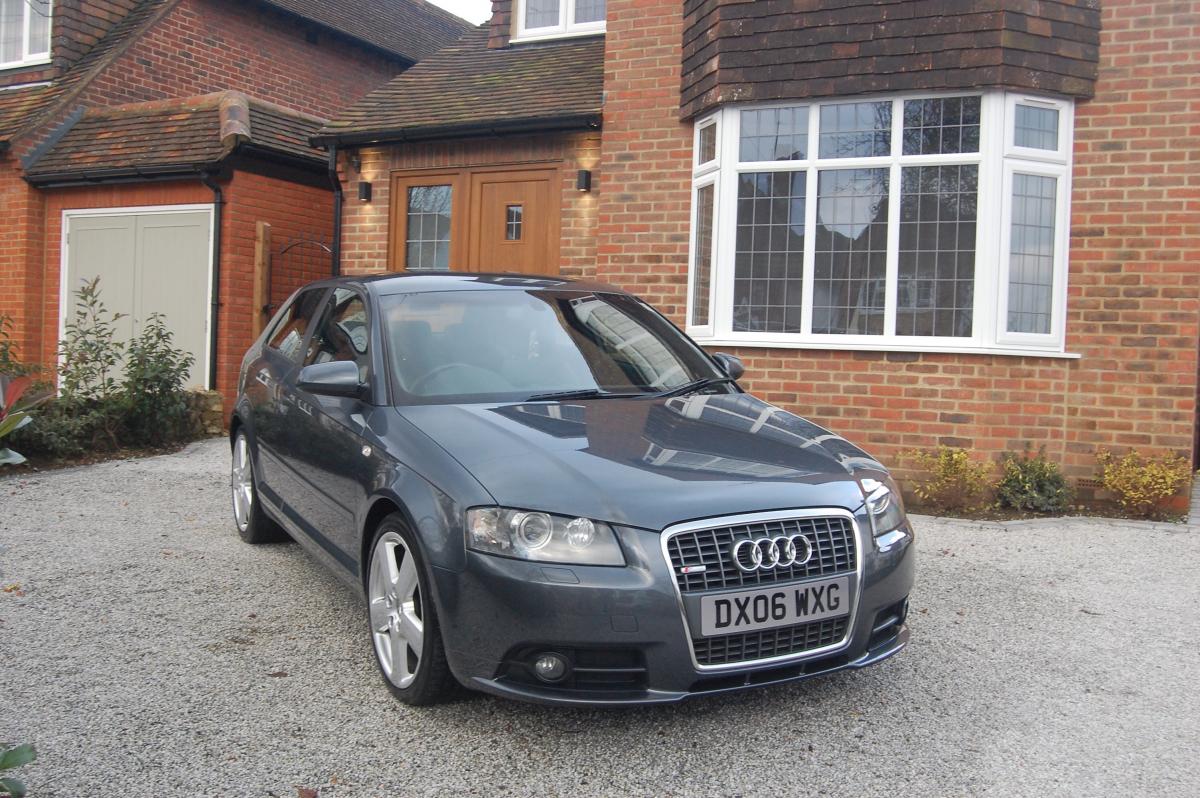
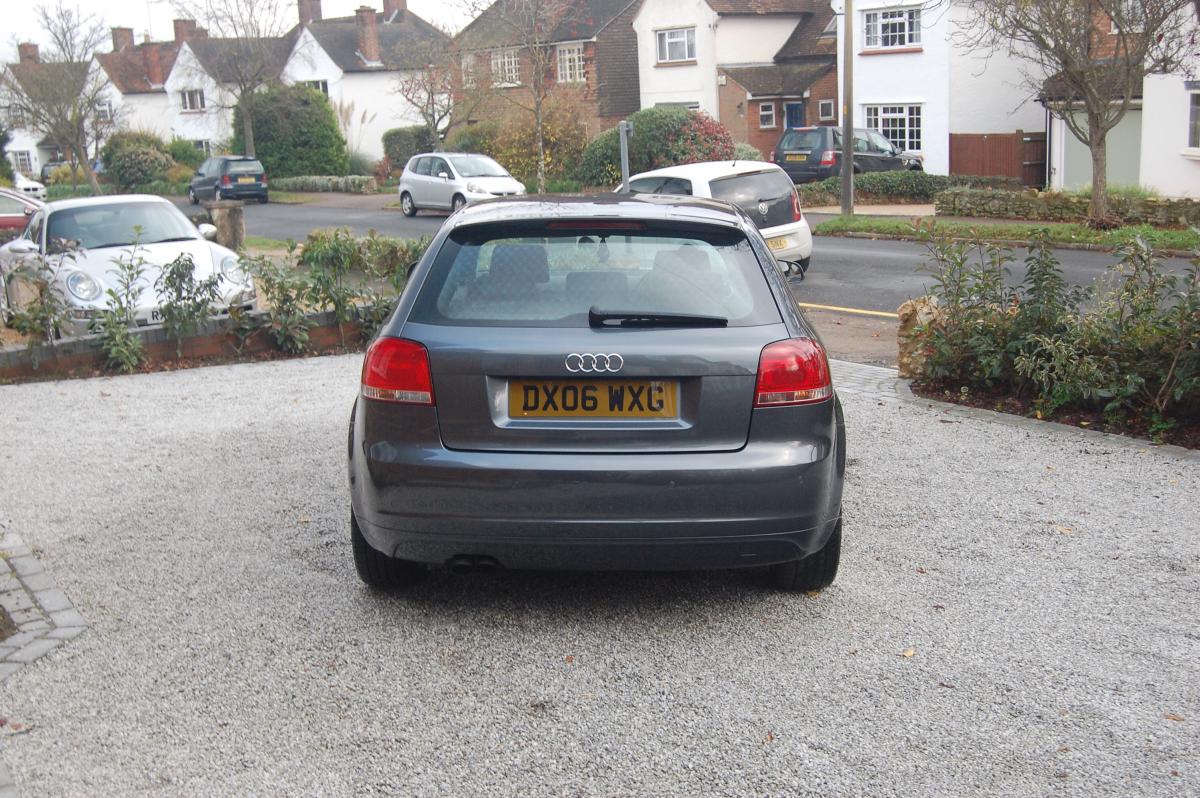
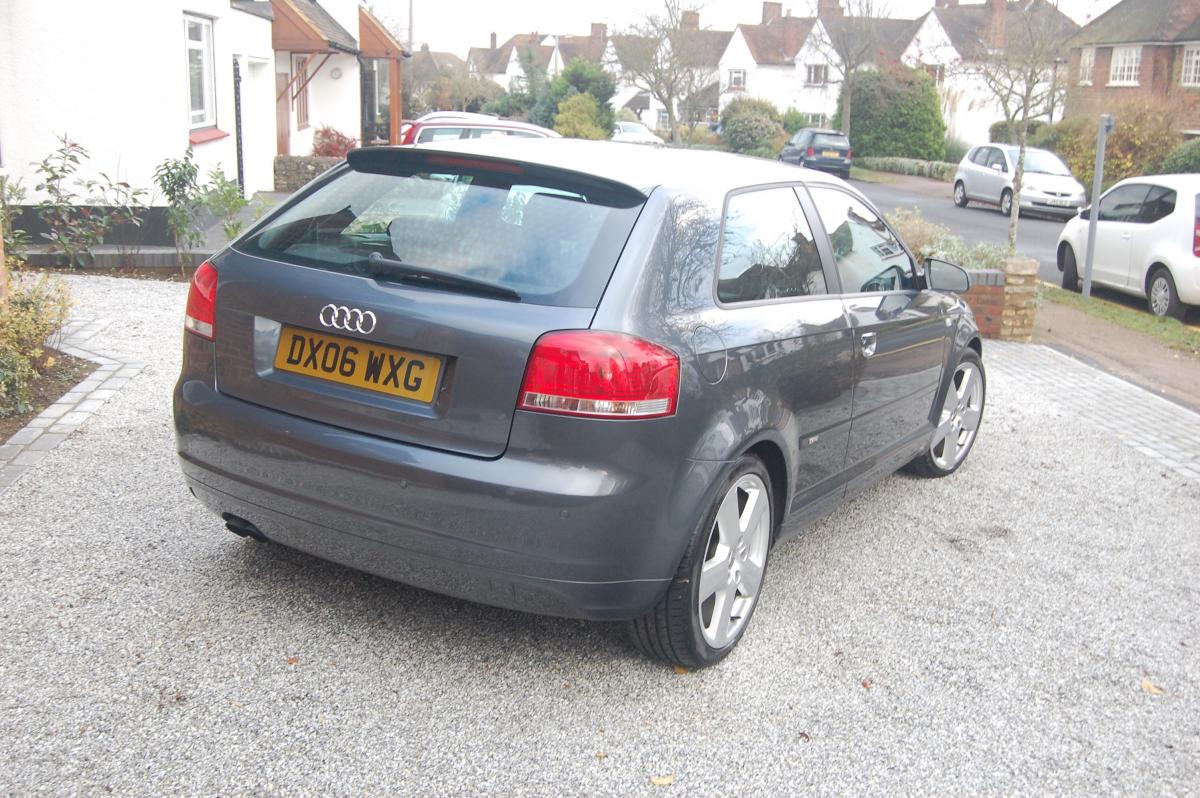
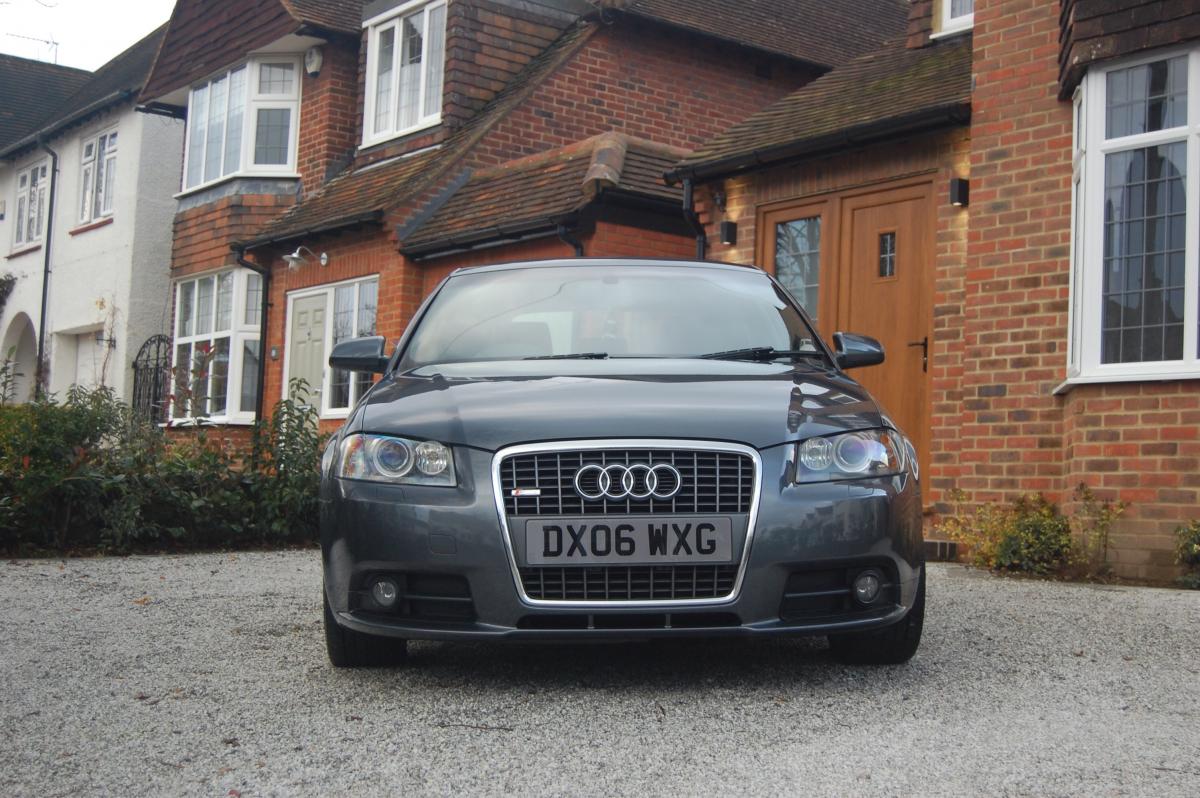
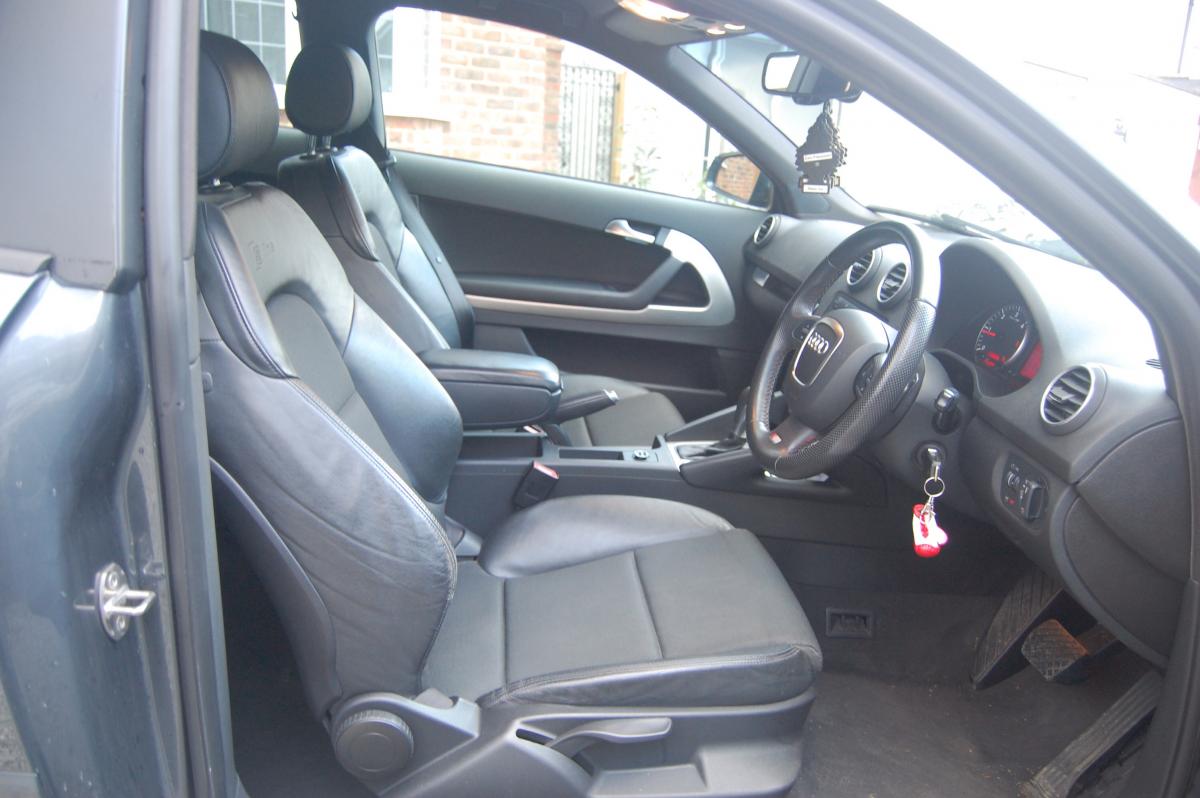
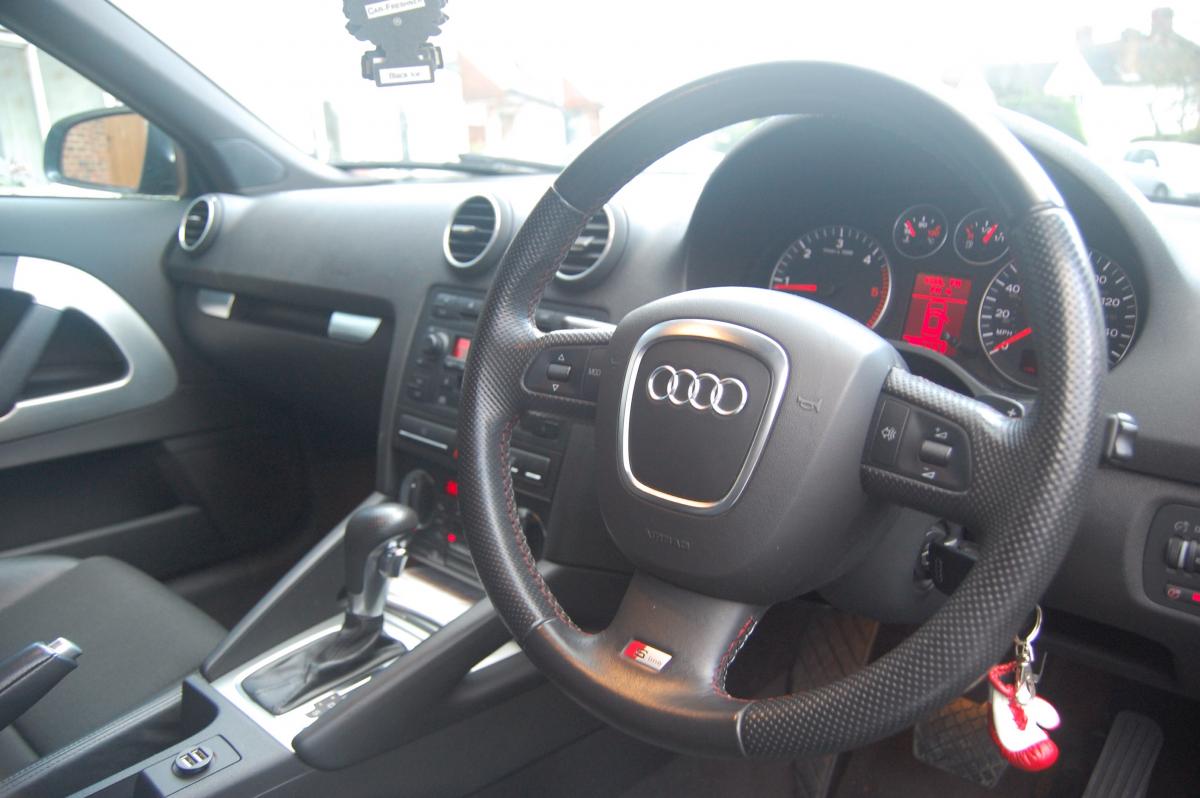
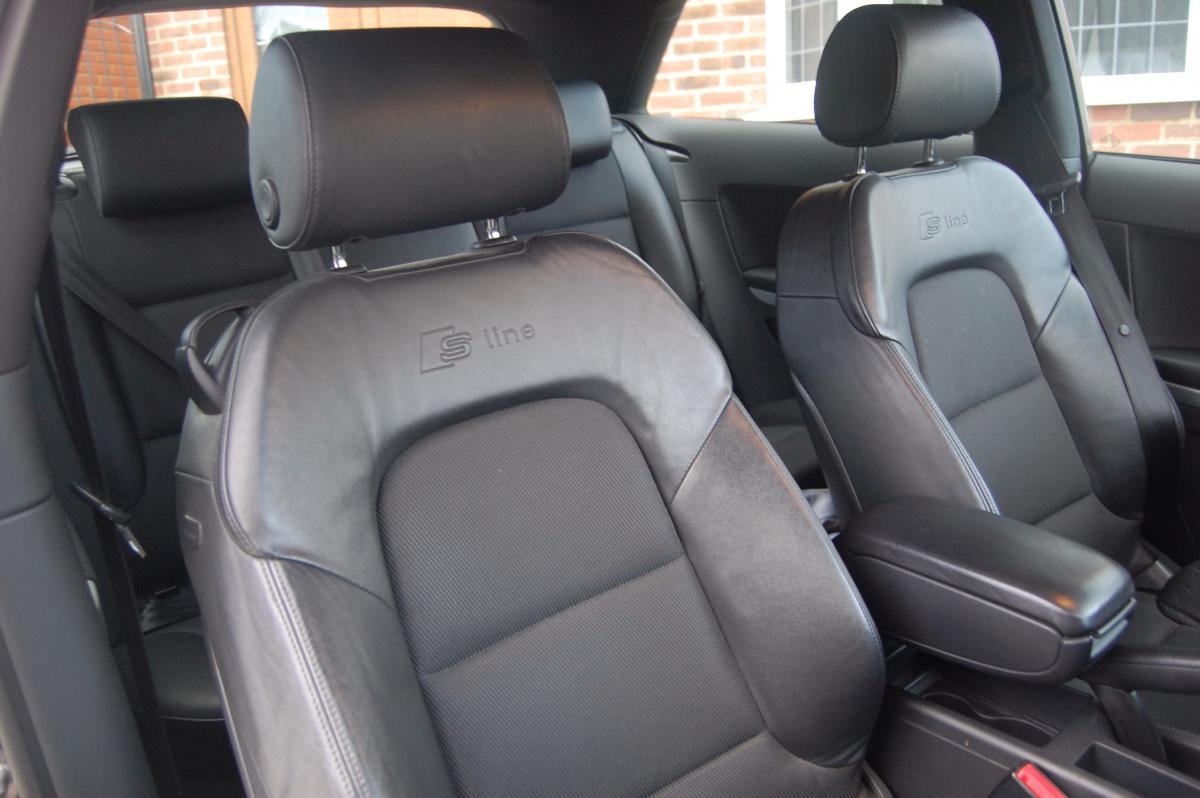
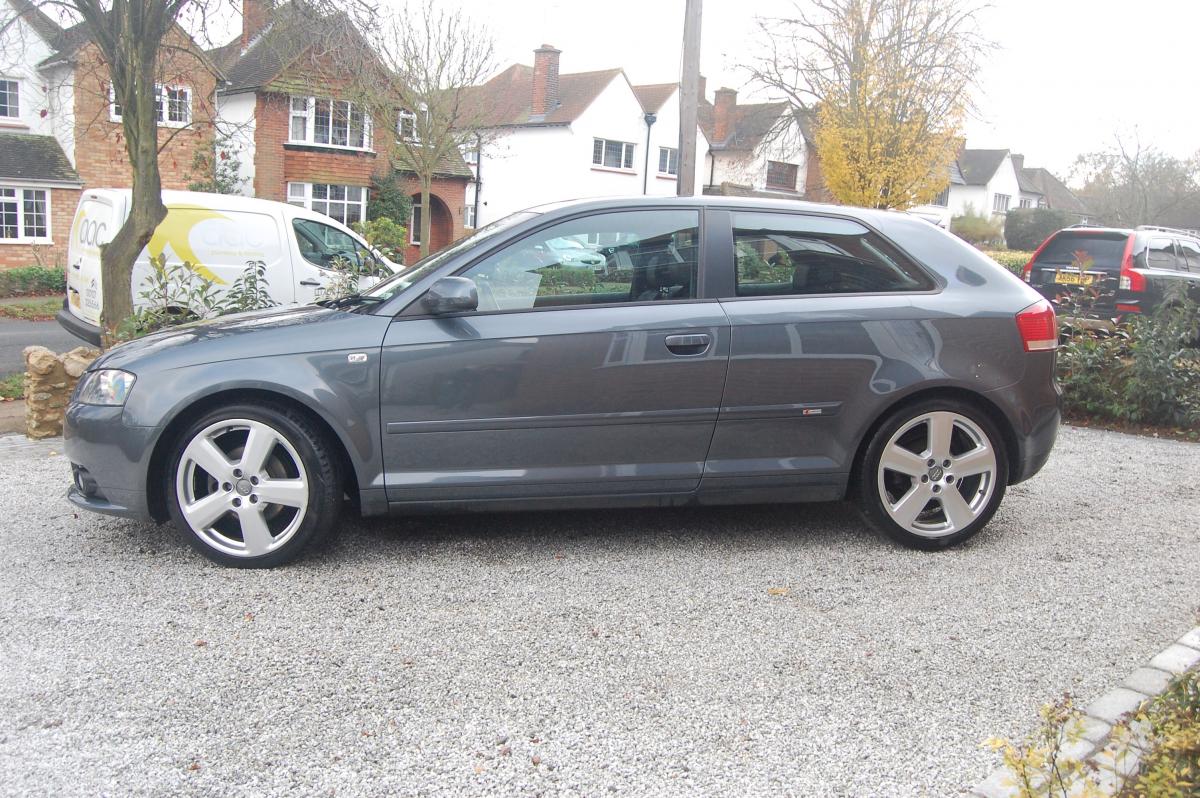
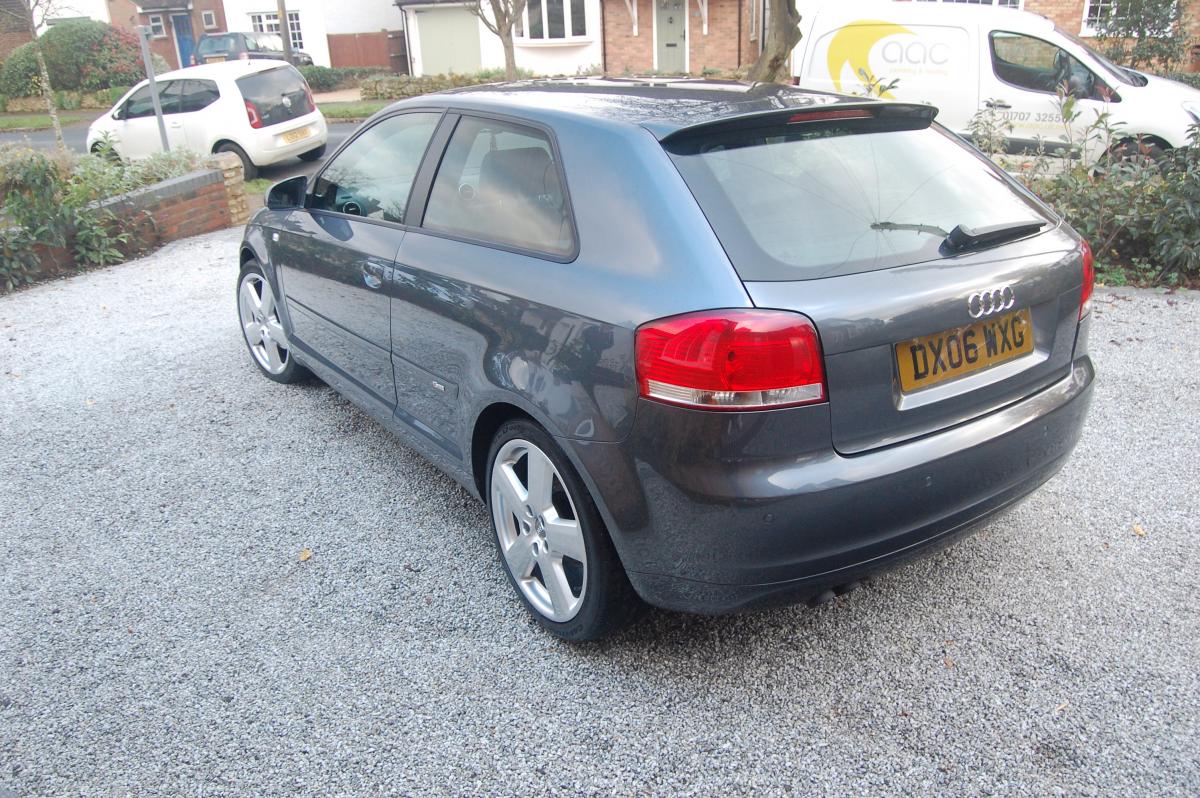
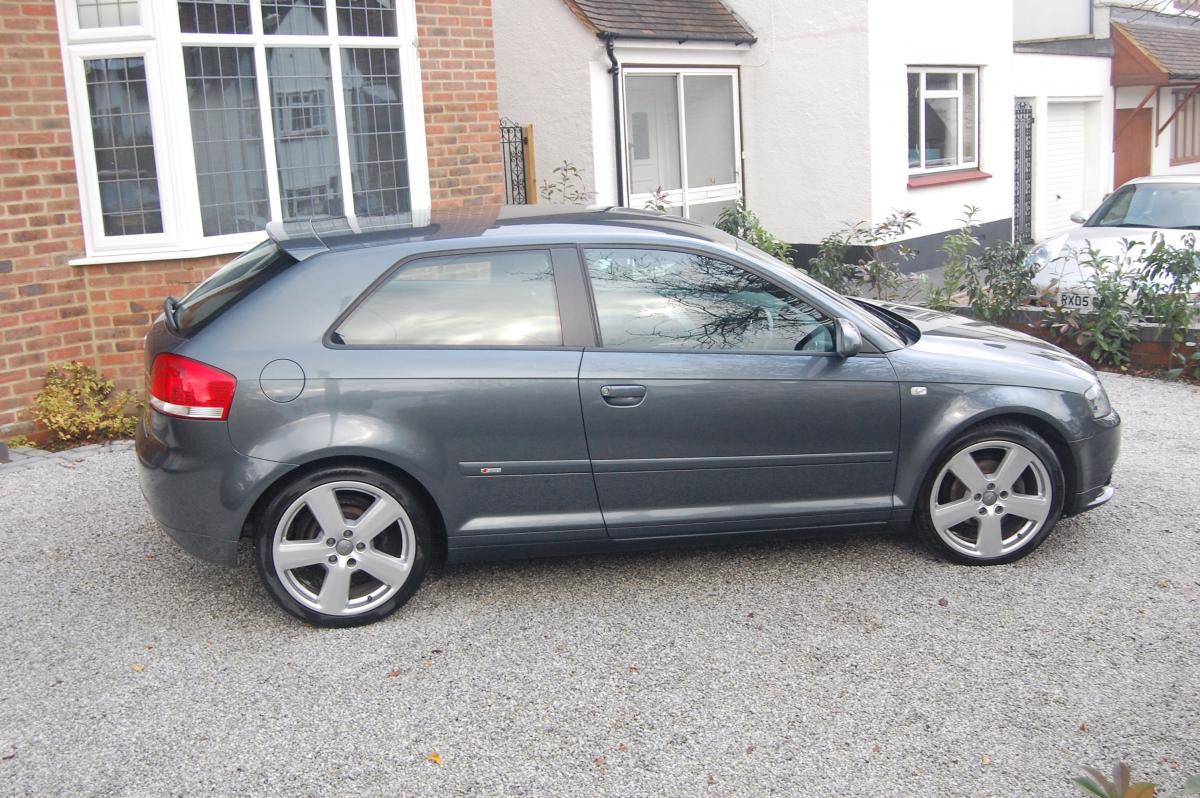
1 pointAudi A3 2.0 TDi s-line Lovely car it's been looked after its very clean and lots of extras... Xenons DSG Semi auto Auto headlights Auto wipers Auto dimming & heated mirrors Half leather Multifunction steering wheel Audi symphony surround system Full service history MOT 98k motorway mileage £6750 offers considered Hertford 07837027712
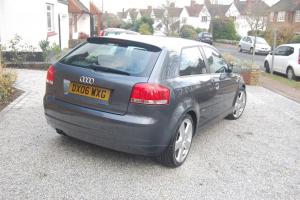
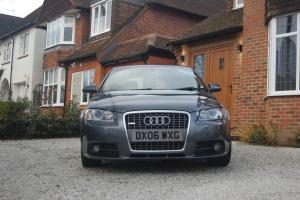
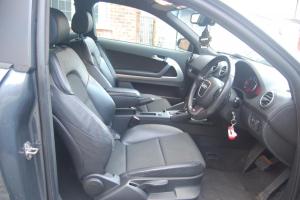
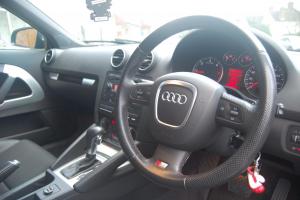
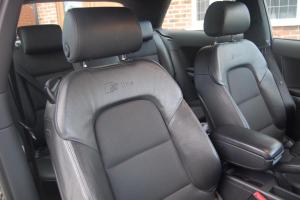
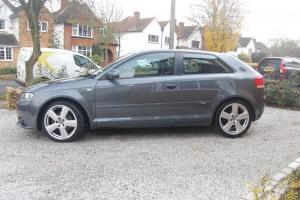
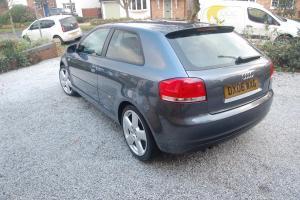
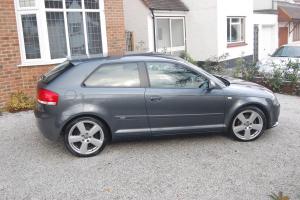 1 point
 -
1 pointHi. Just sold my rs5 and looking to move this plate on. Looking for £750. Get in touch if interested.1 point
-
1 pointHi hope someone can help, having problems with my S4 B8 hands free (basic Bluetooth I think) and my iPhone 6. Phone pairs fine and phone book is present, can make a call no problem until they pick up and the Bluetooth disconnects they are still on the phone and I can talk to them on the phone but not through the car!!! Is it the phone or the car causing the problem? Any ideas?1 point
-
Hello all This is my first post here and hope you can help. I have recently got an Audi a4 avant b8 se model and was wondering if anyone might know if the s line seats would fit straight in, ie, no need for different frames or modification? Many thanks1 point