Leaderboard



Popular Content
Showing content with the highest reputation on 07/29/2016 in Posts
-
1 pointUpdate....... Thanks Trevor for getting back to me, So trolled through the Internet half of the night much to the annoyance of the missus, cars and women ehh, can't live with them can't live without them So i read post after post of audi owners with the same problems, it's the abs module that needs looked into rather than the steering control module that I suspected first of all, so first of all there's a few car specific things you need to find out, the id type of abs module whether it's a 5.3 or 5.7, then the pr code for the front brakes, can be found on sticker in spare wheel well, then engine and gearbox code, also on the same sticker, these things allow you to translate into a code, the link takes you to the ross-tech site that you'll need to follow http://wiki.ross-tech.com/wiki/index.php/Audi_A4_(8E)_Brake_Electronics_(Bosch_5.7) If you follow this and I've done it on vcds lite with a bay special lead lol and it's cleared and logged the codes for my car, cleared the lights off the dashboard and now I can keep on driving happily knowing that I, someone with no knowledge of computers in cars, I was able to sort it out in 10 minutes without getting robbed by some garage to do the same But it must be said that it has to be followed precisely in order to work A YouTube video by risk tech will explain it all in detail Hope this might help someone solve their problems like mine1 point
-
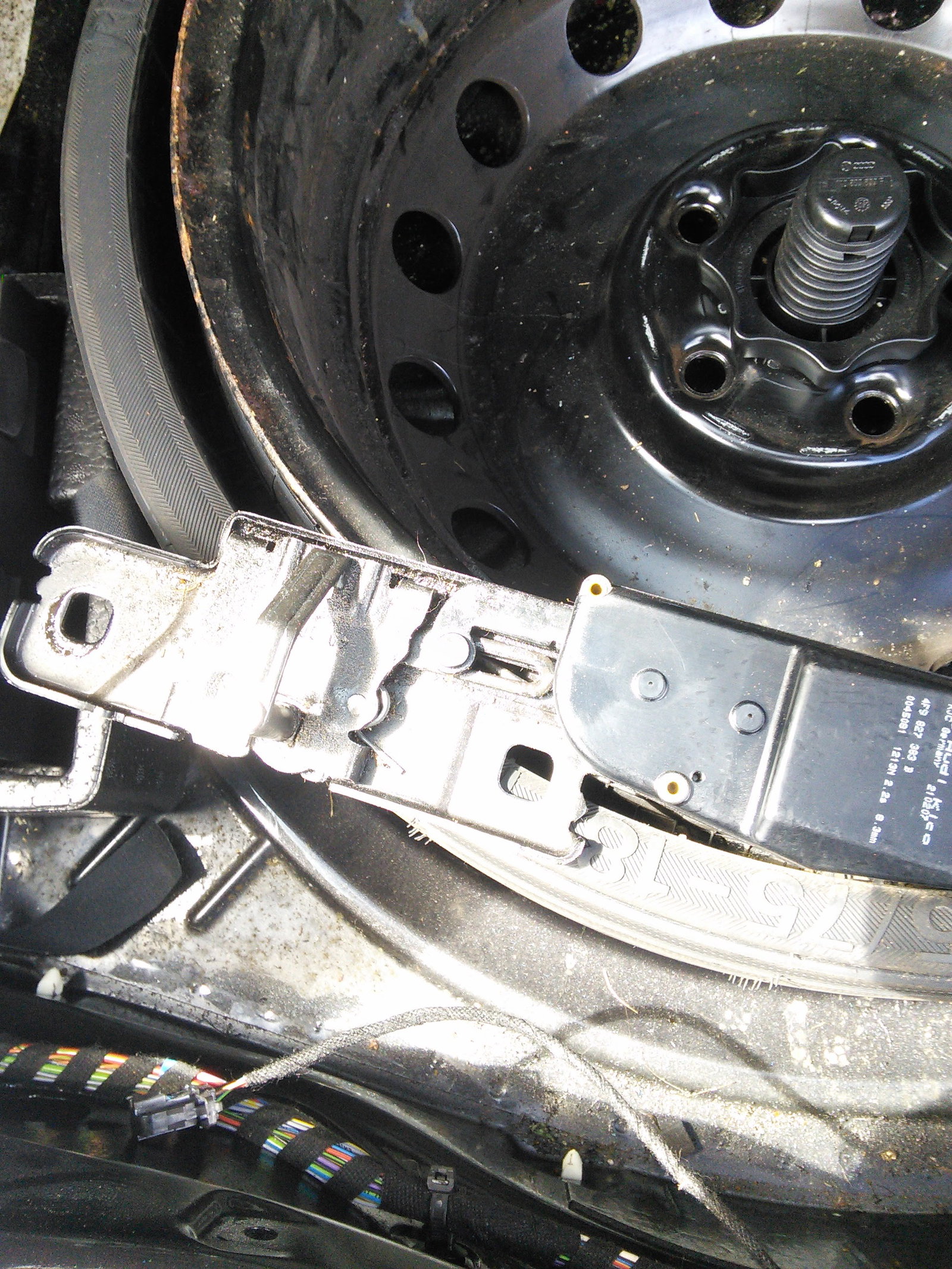
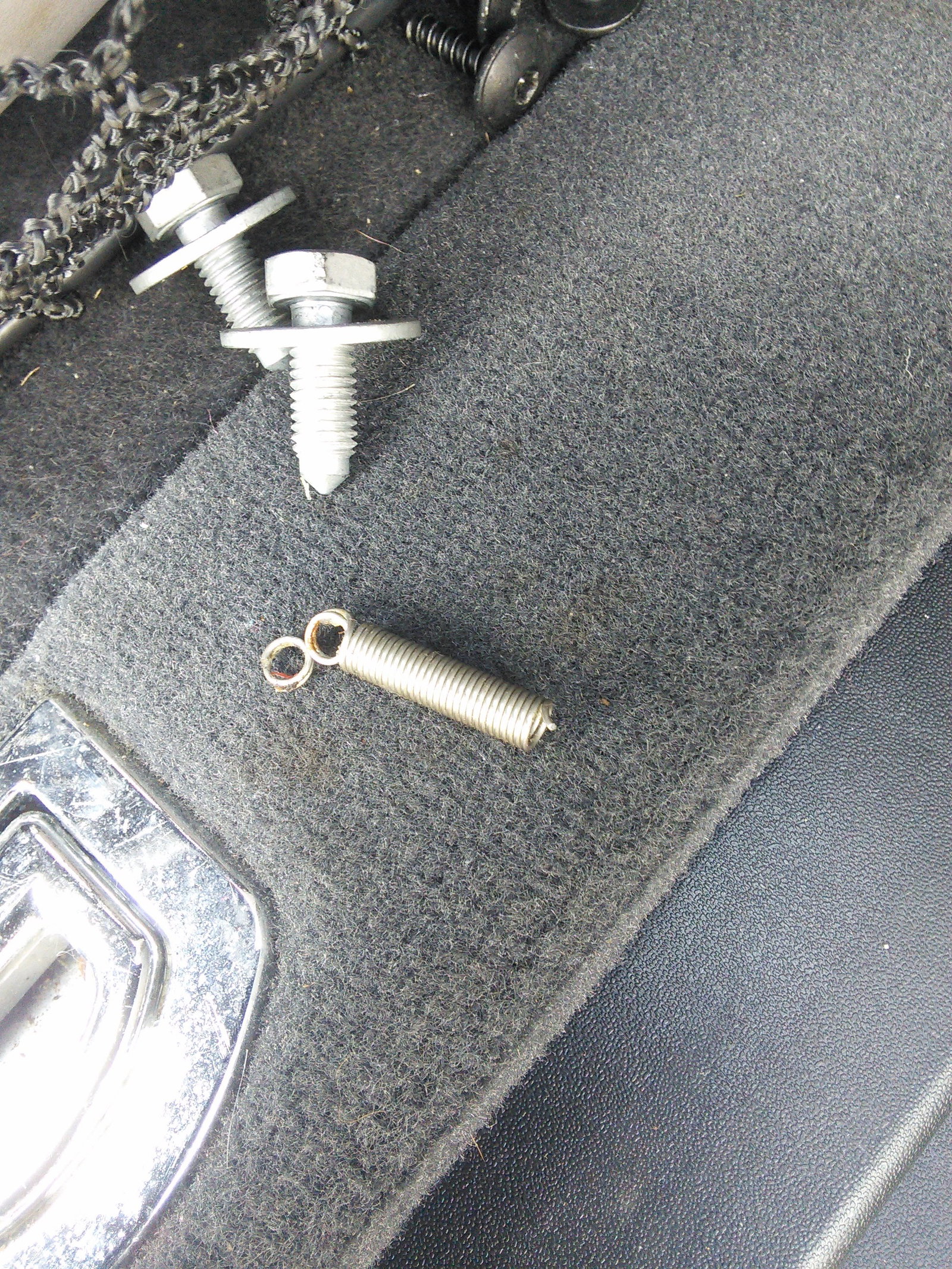
Had same issue in the last month, my spring had broke. Bought a new spring (not as strong as original) for 20p from Maxwells DIY, new grease (WD40) applied to latch and all is well ;)
 1 point