Leaderboard
-

AOC Admin
Administrators1Points3,811Posts -
Killerflamingo
Members1Points5Posts -
Sunny_03
Members1Points1Posts



Popular Content
Showing content with the highest reputation on 10/07/2016 in Posts
-
1 pointHi...welcome to the Forum Audi Owners Club won't be there as a club, but I will be going personally...as you say 'it's a great day out' Cheers Trevor1 point
-
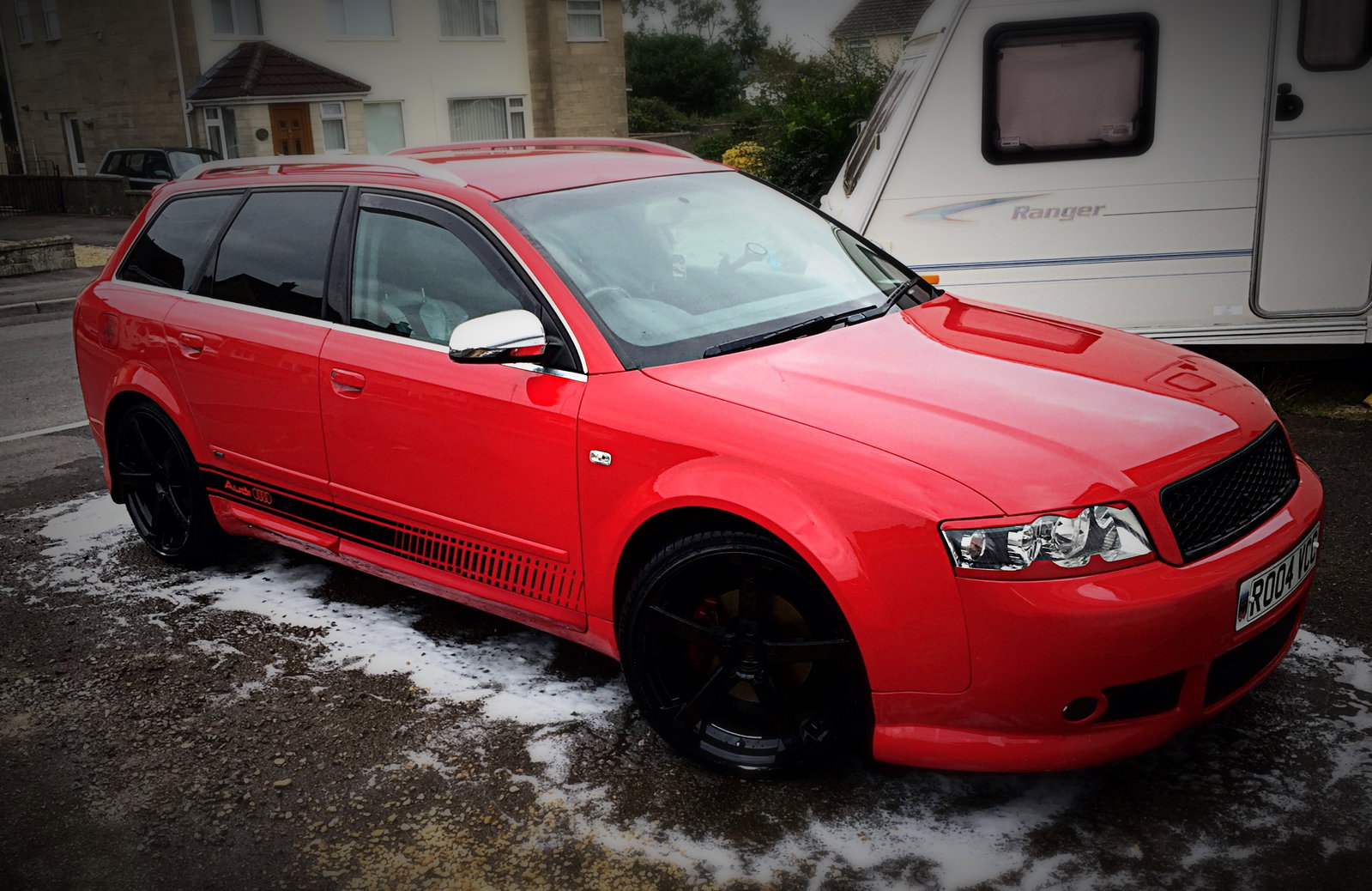
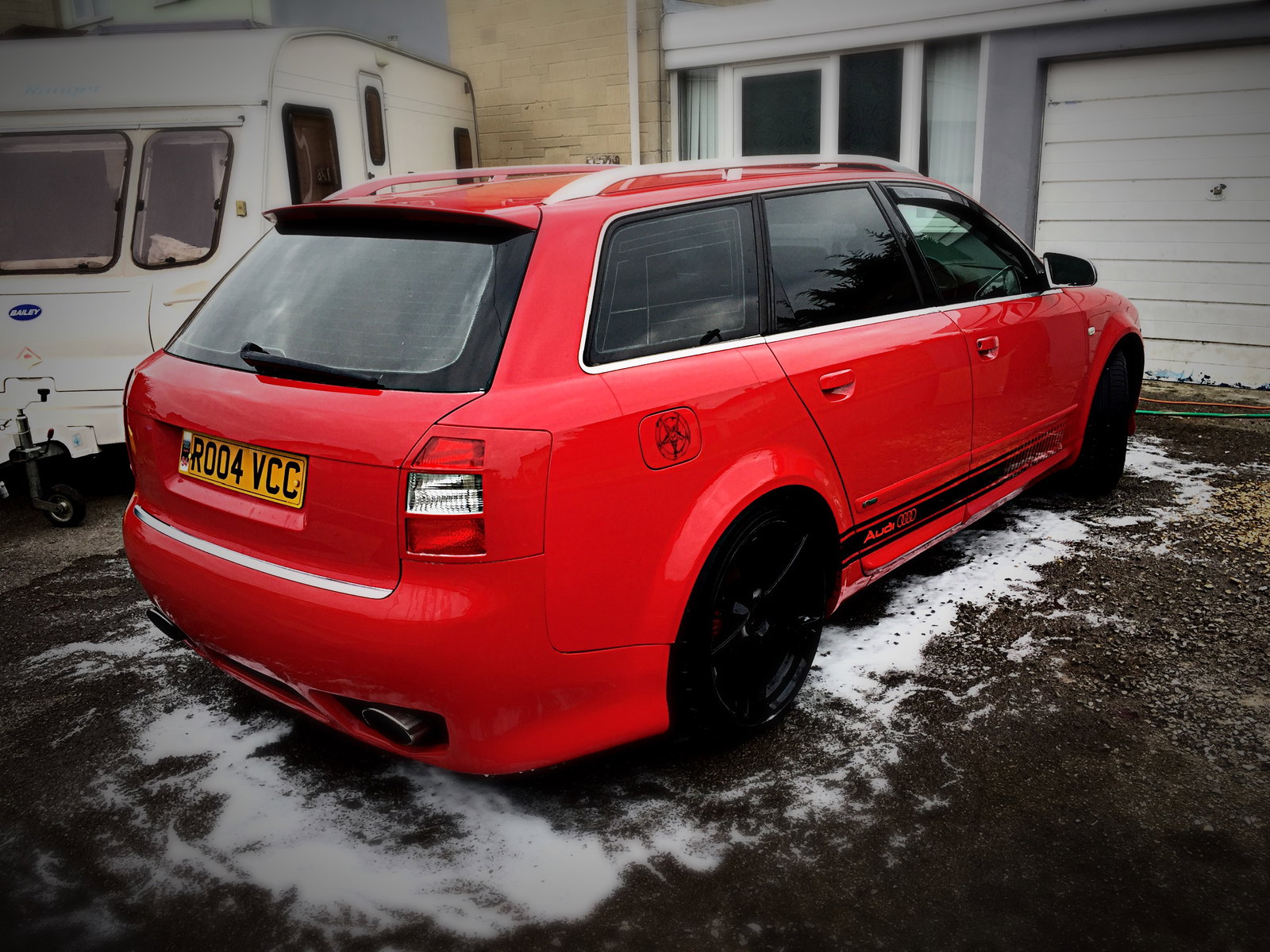
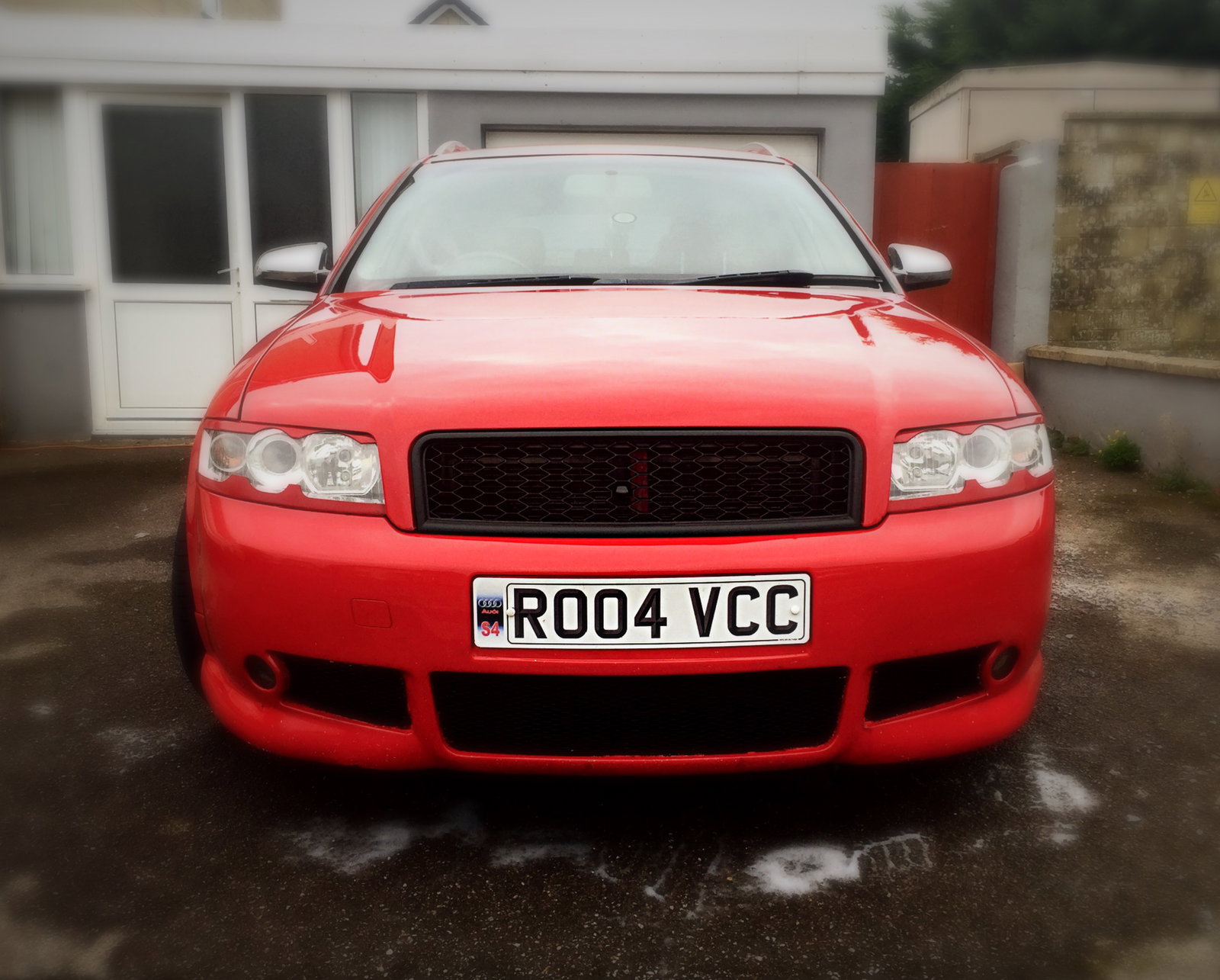
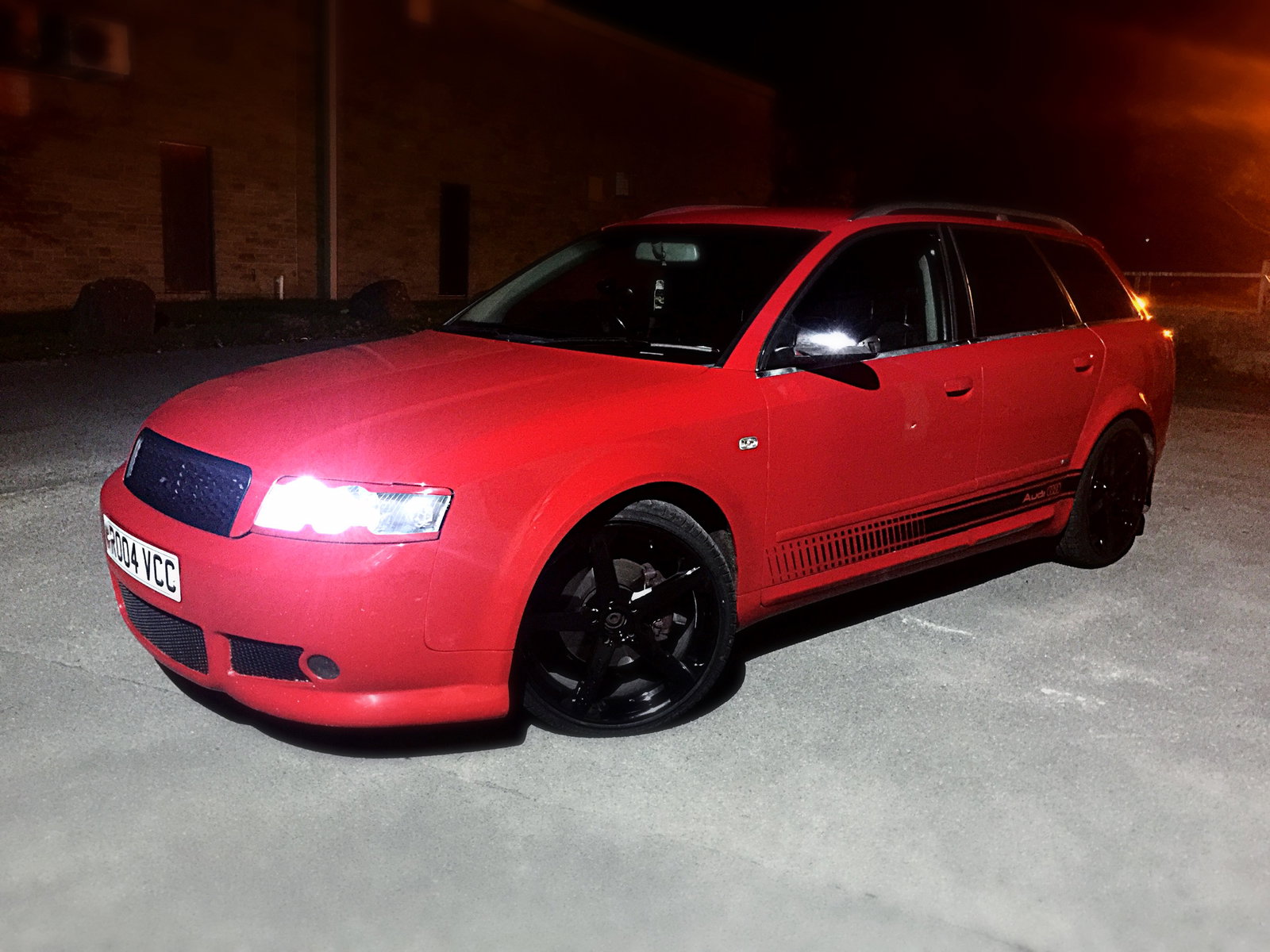
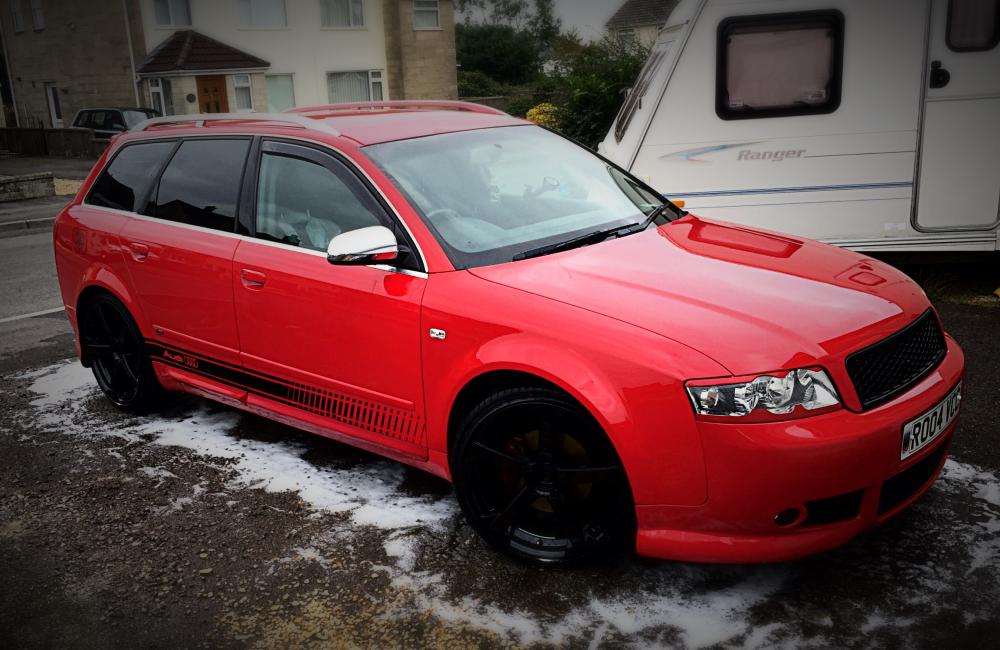
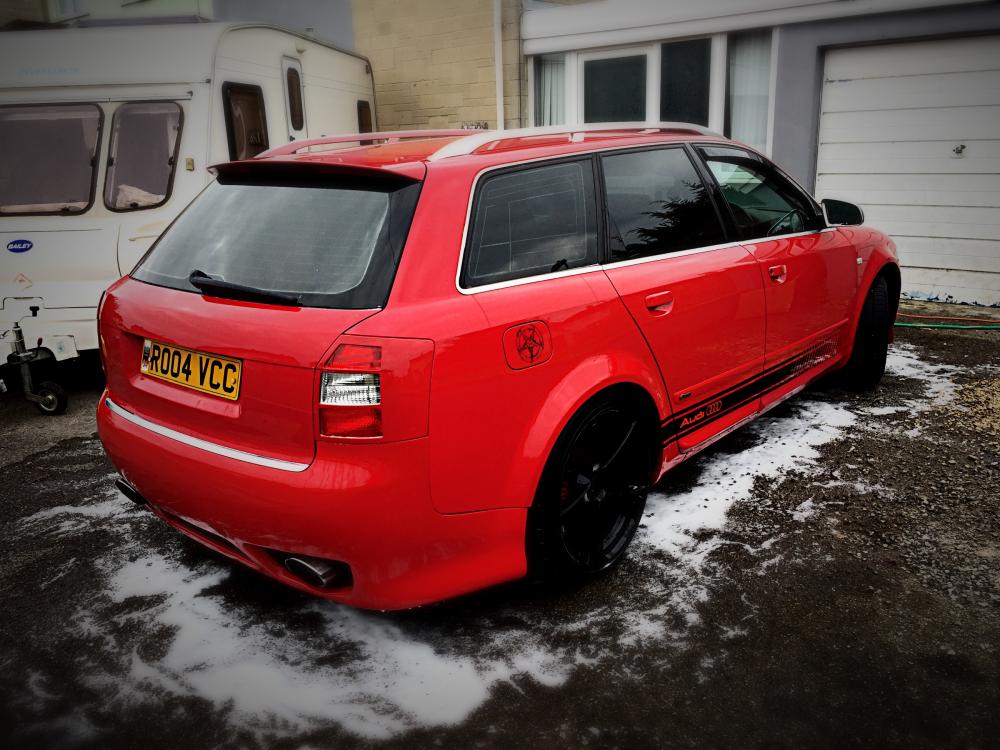
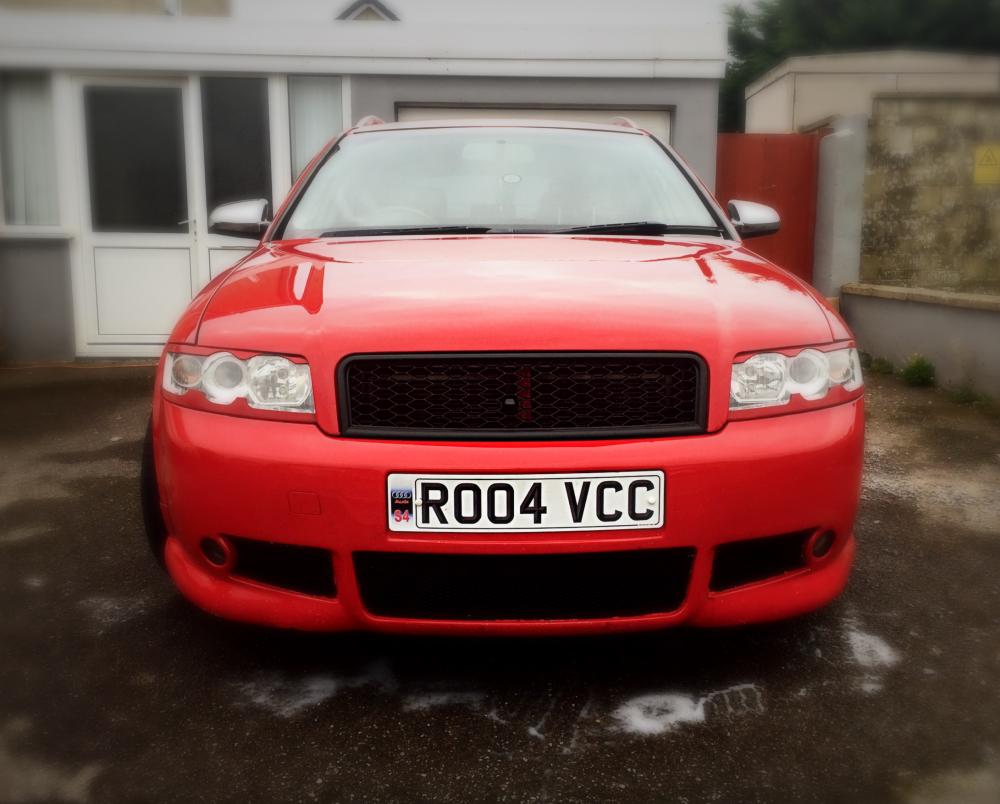
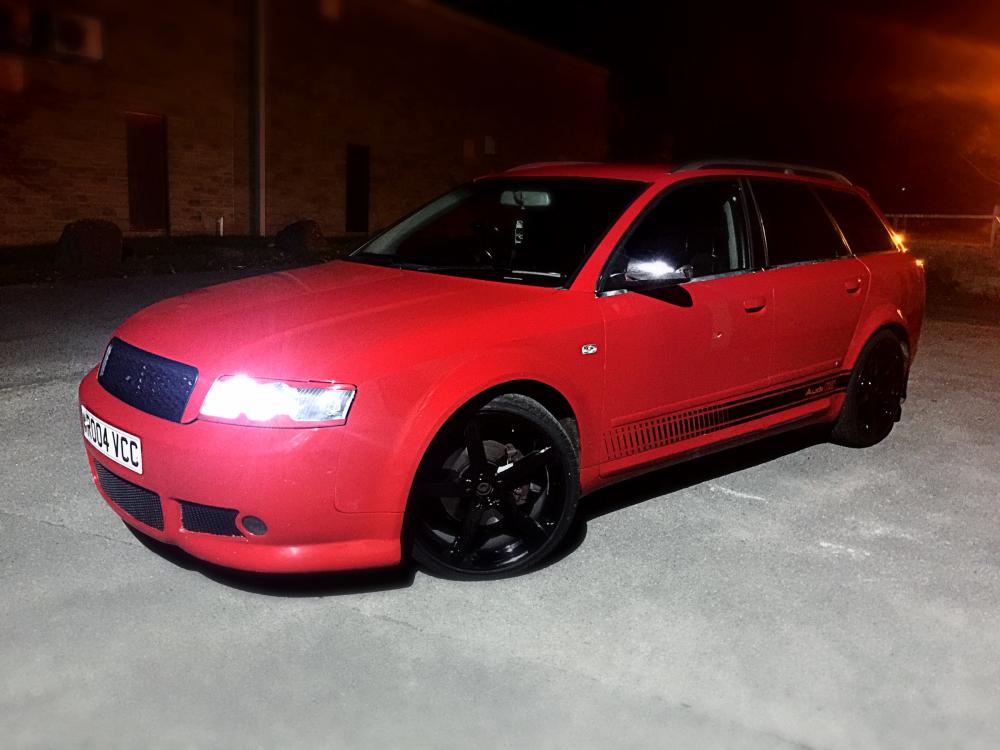
1 pointNew engine Stage 1 Remap New cambelt New clutch HID light kit Door vynil New grill debadged Powder coated rims
 1 point
 -
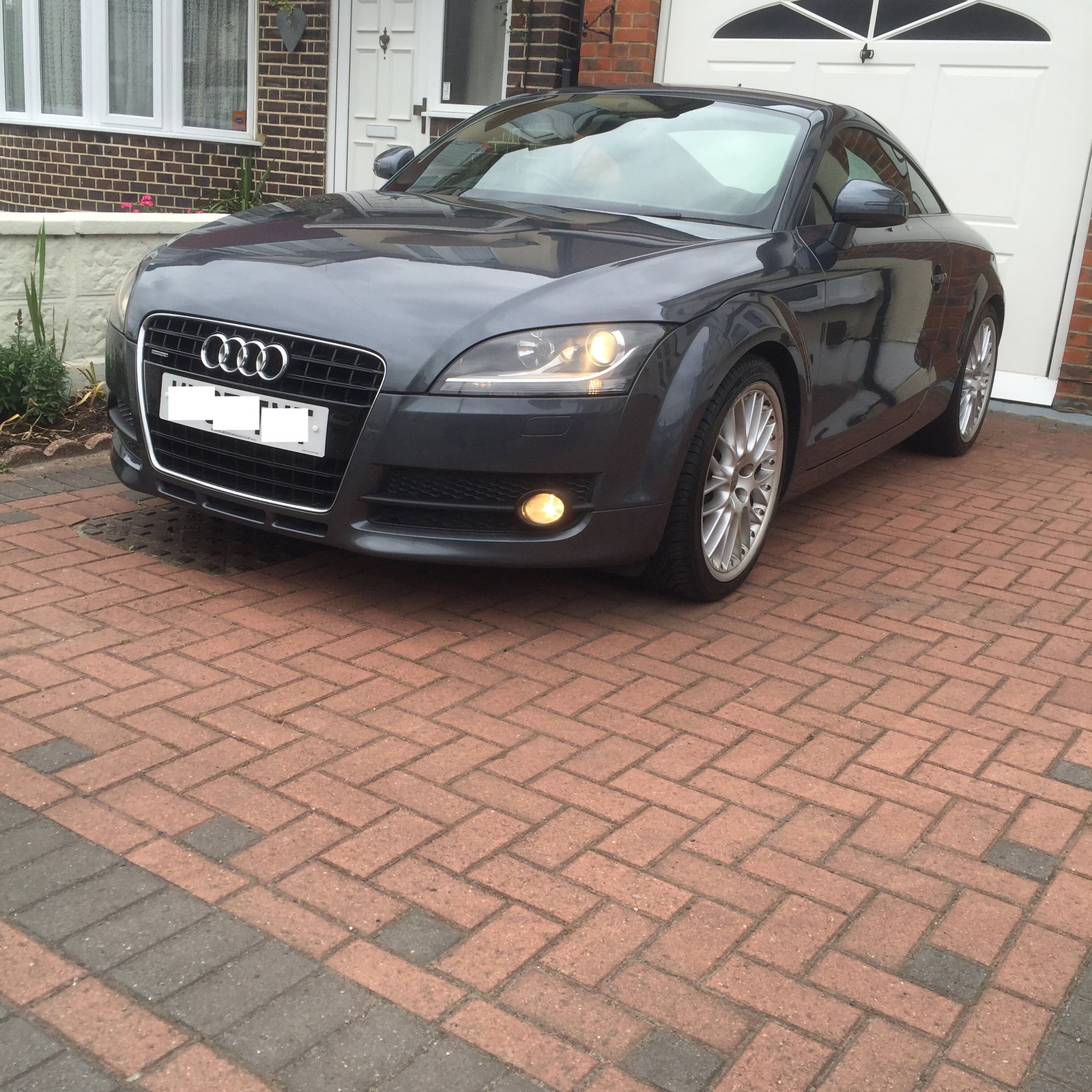
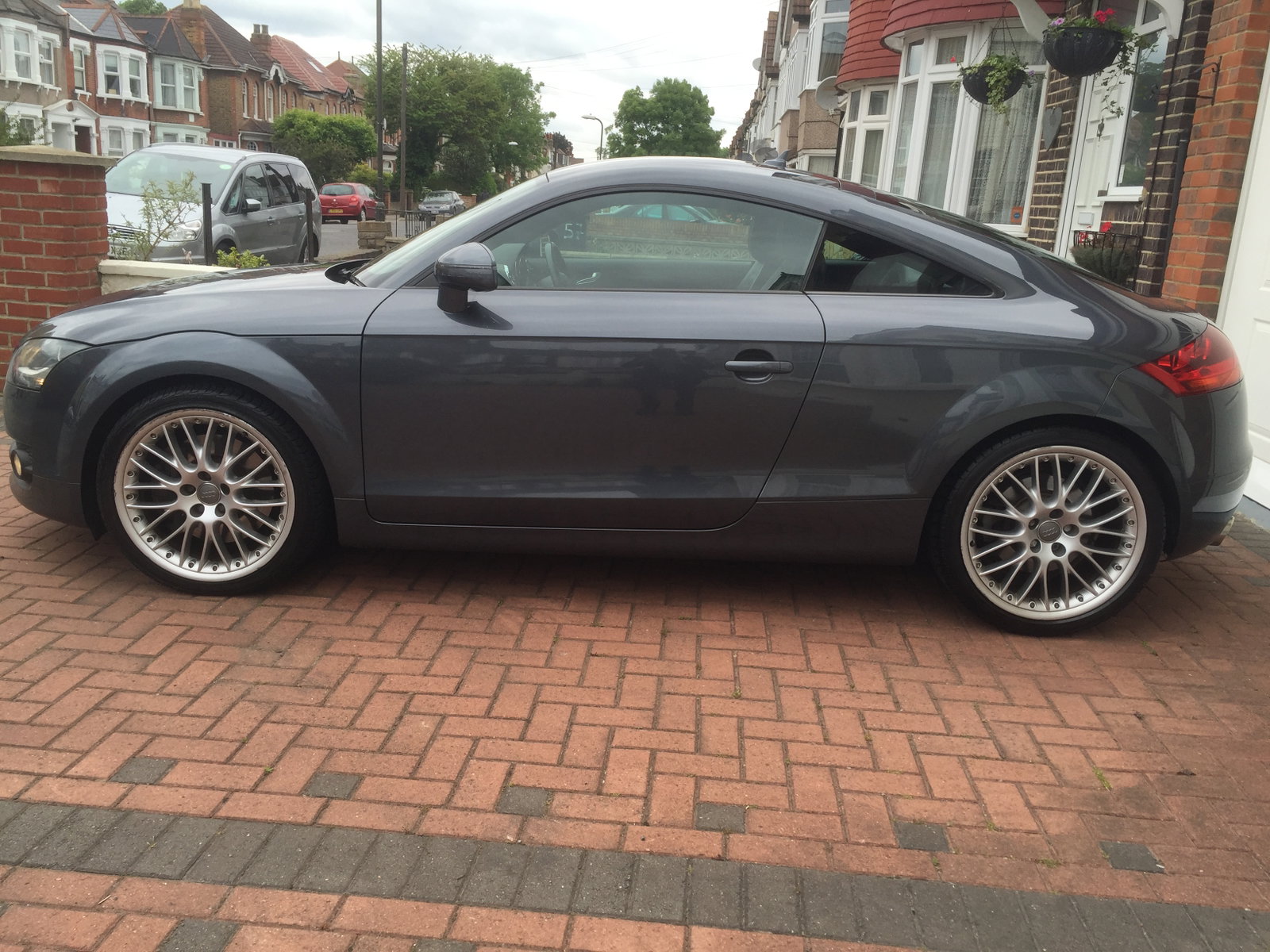
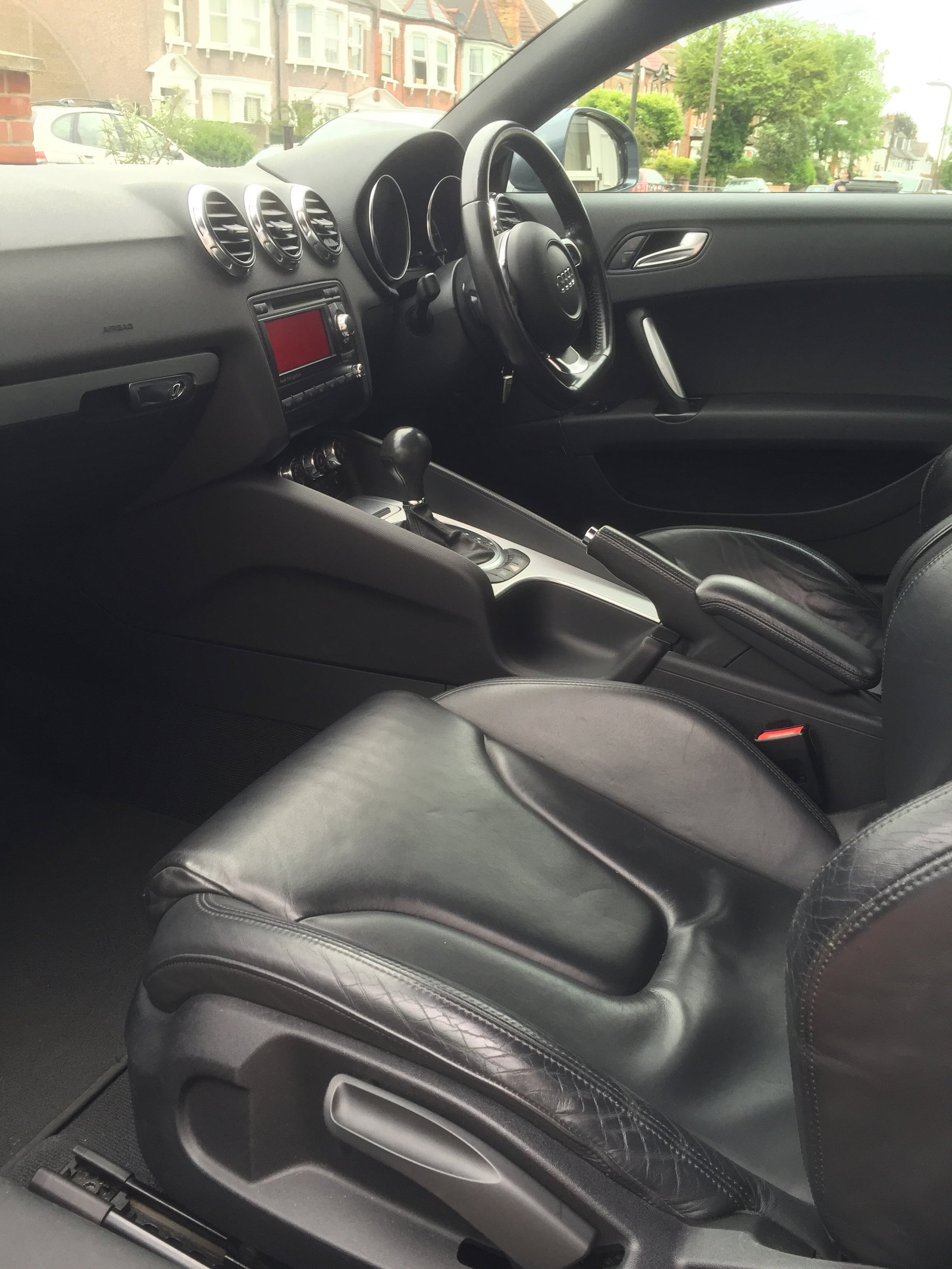
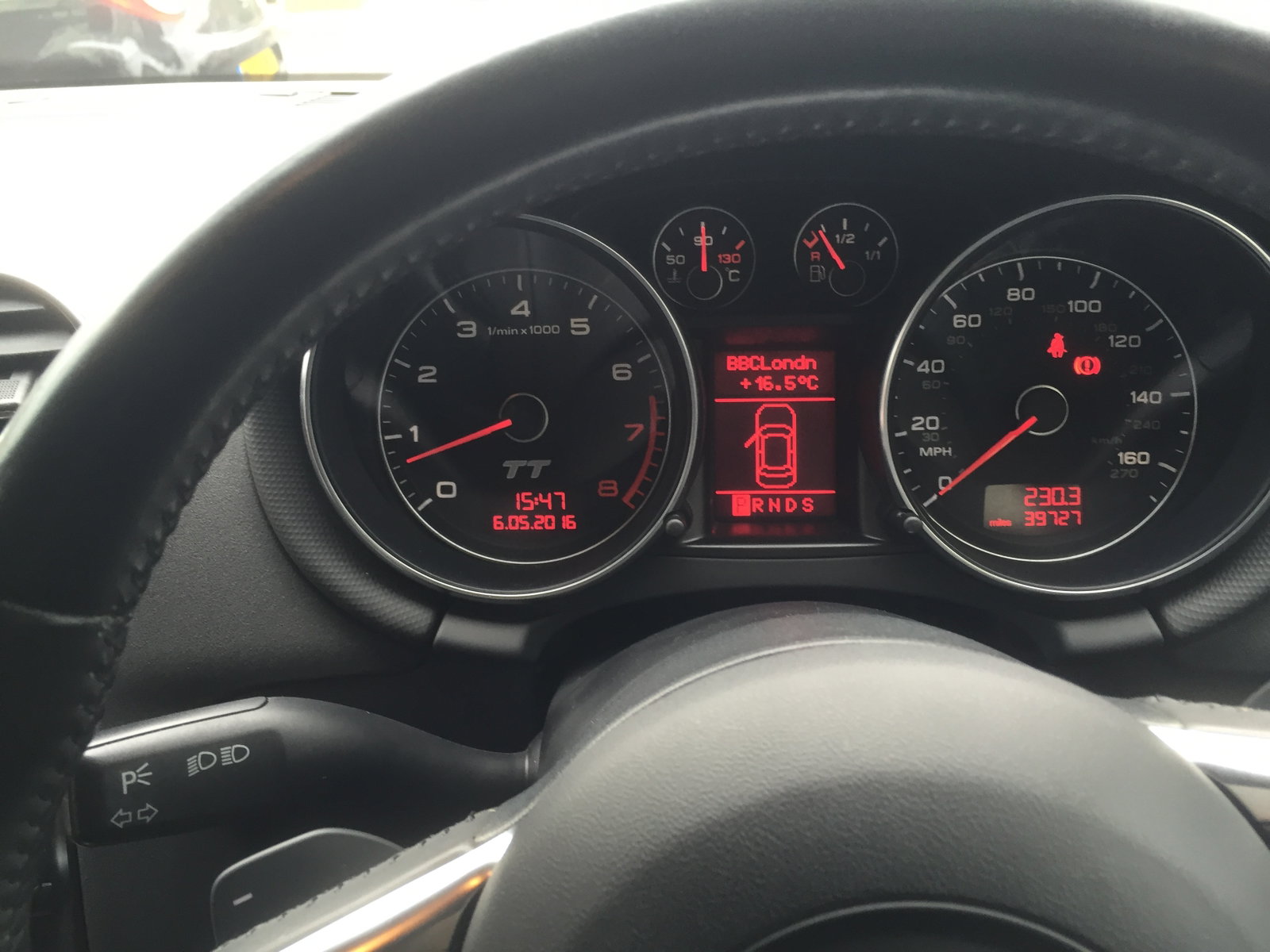
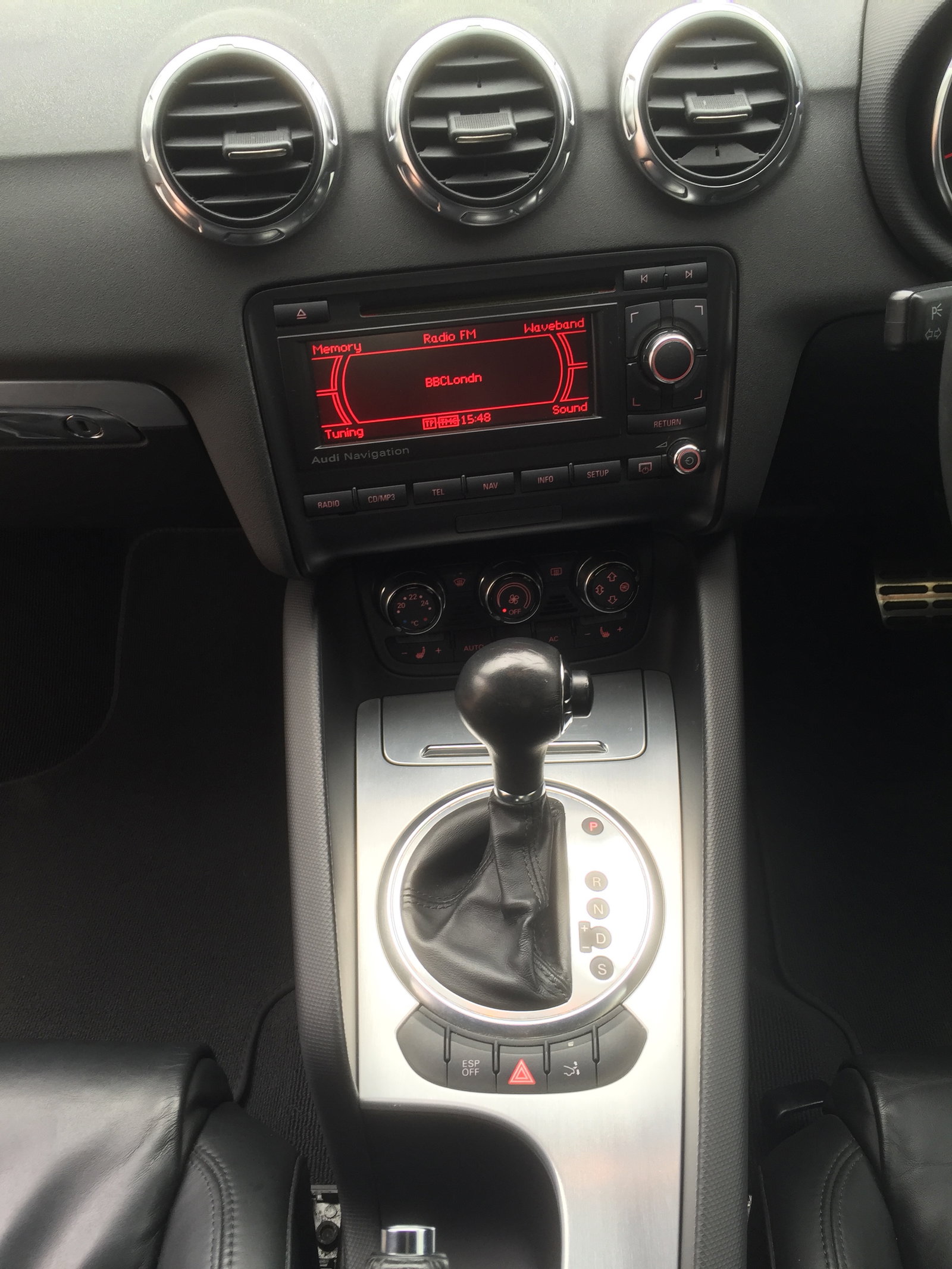
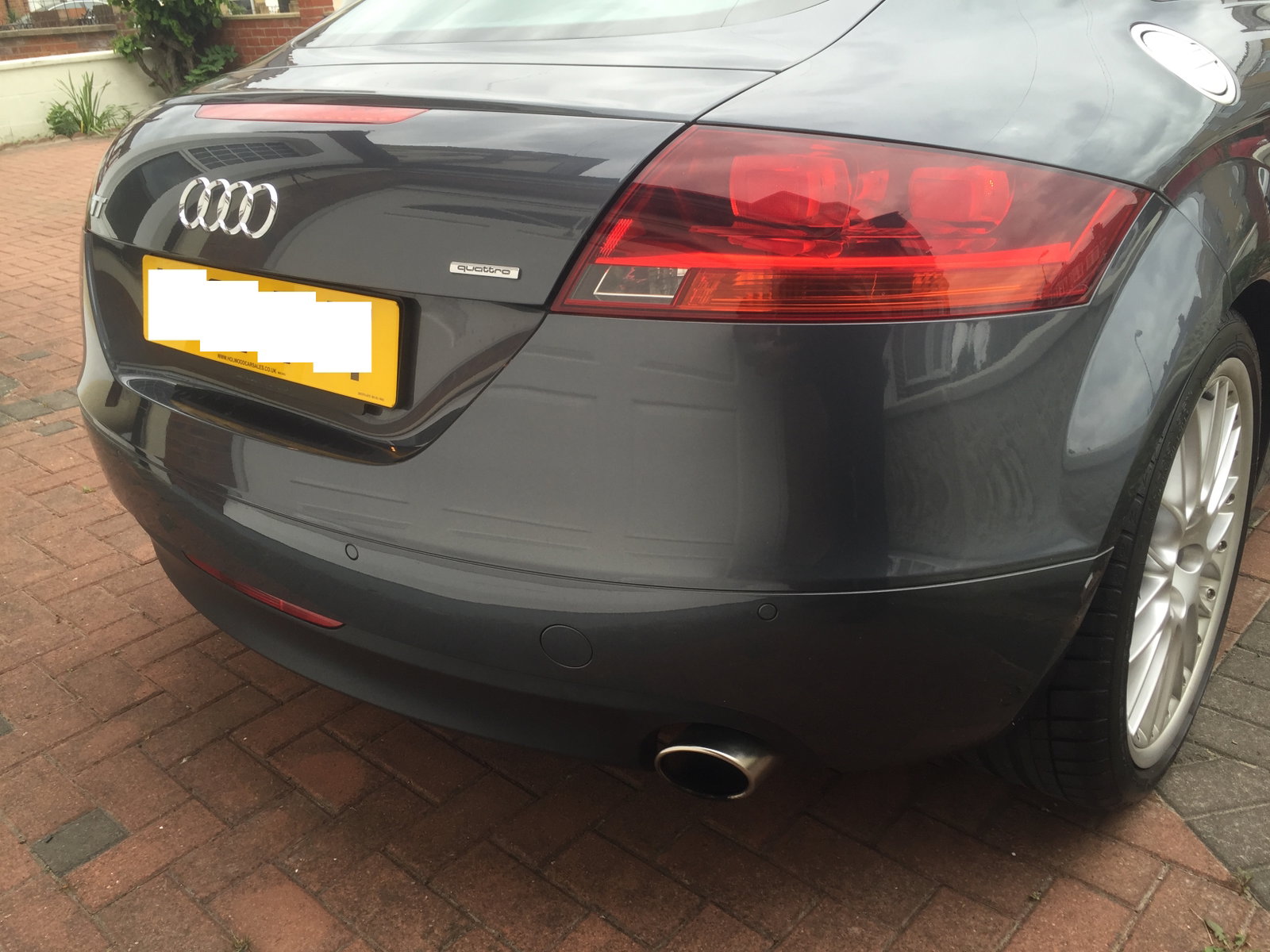
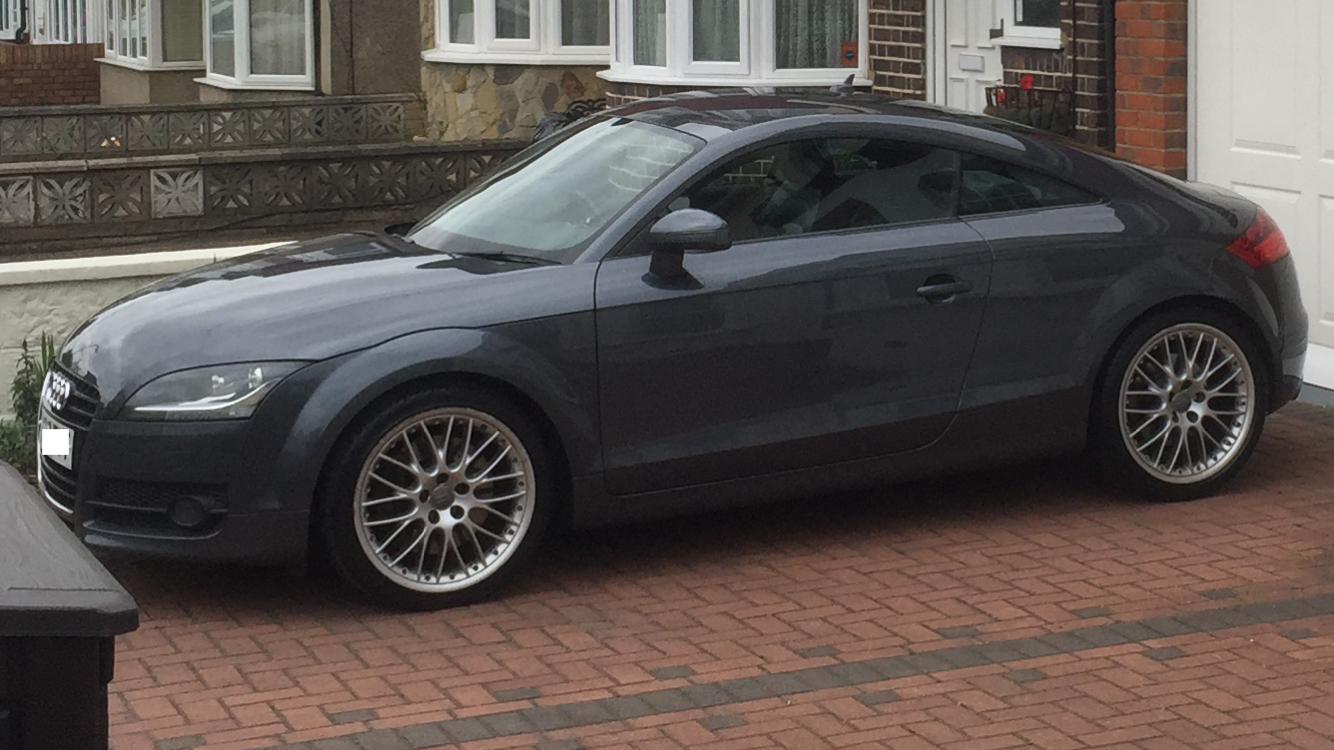
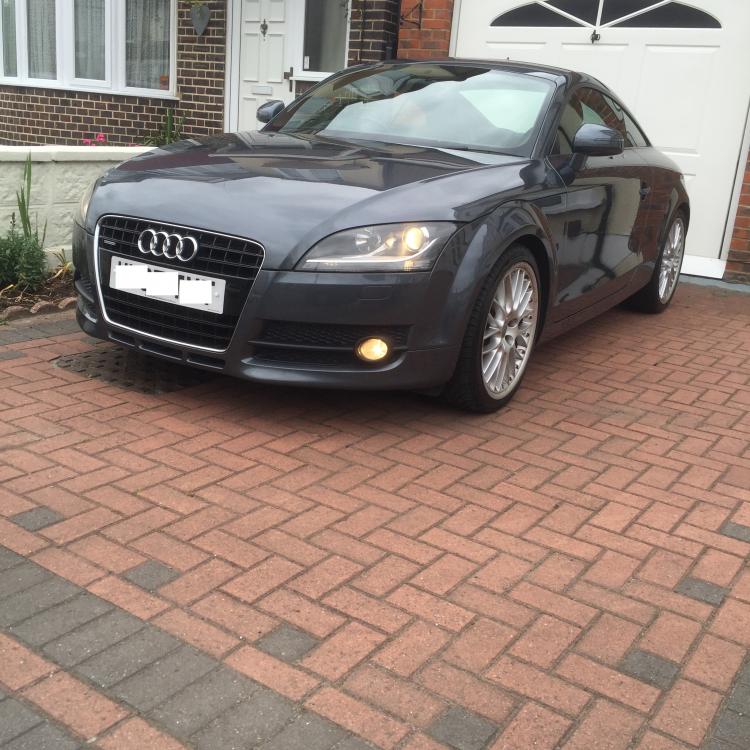
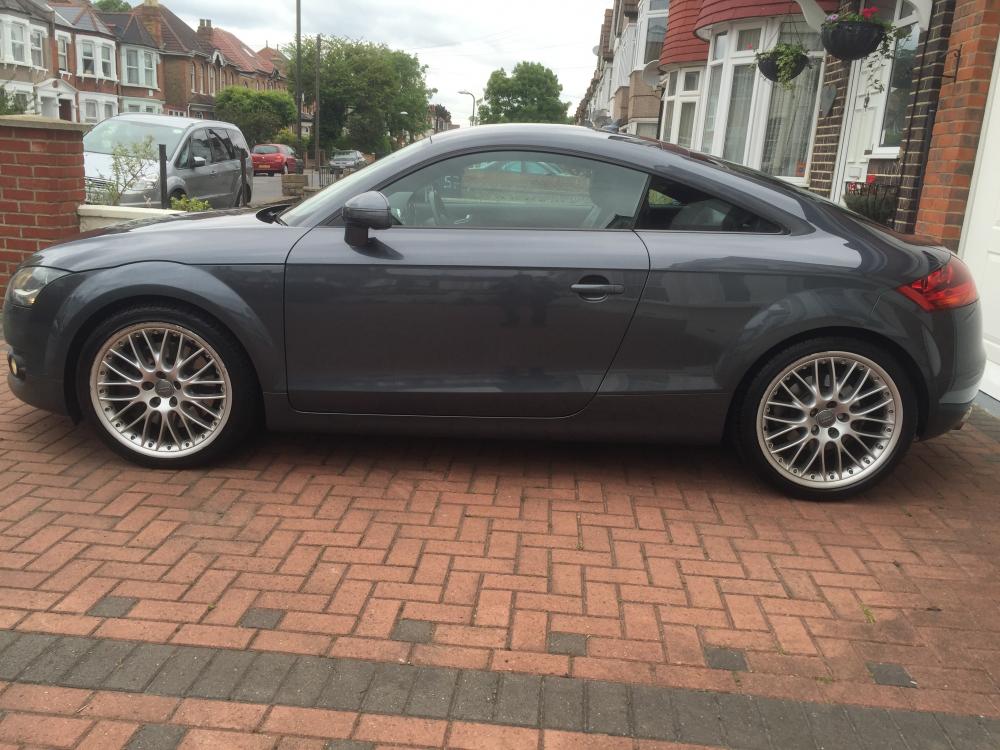
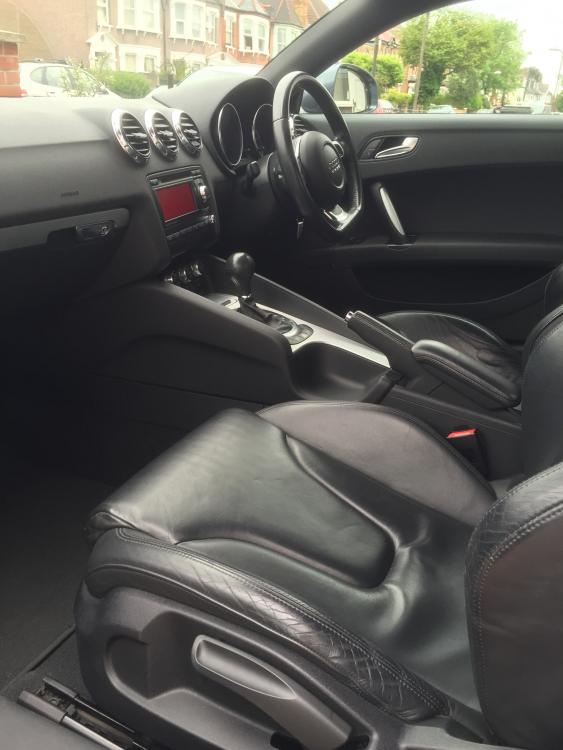
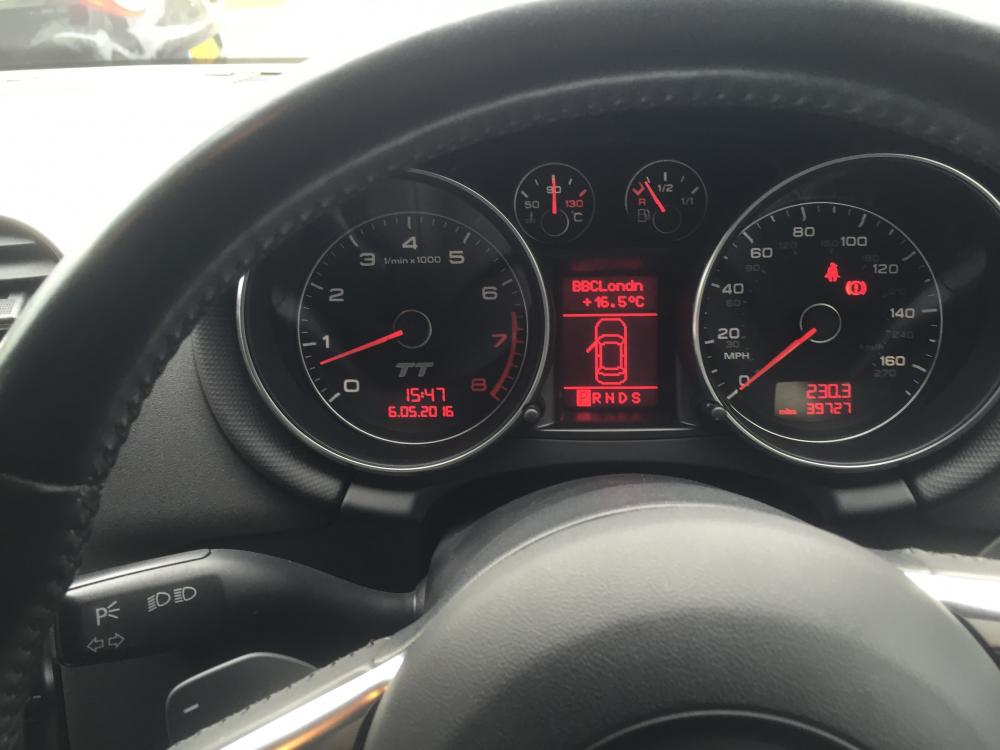
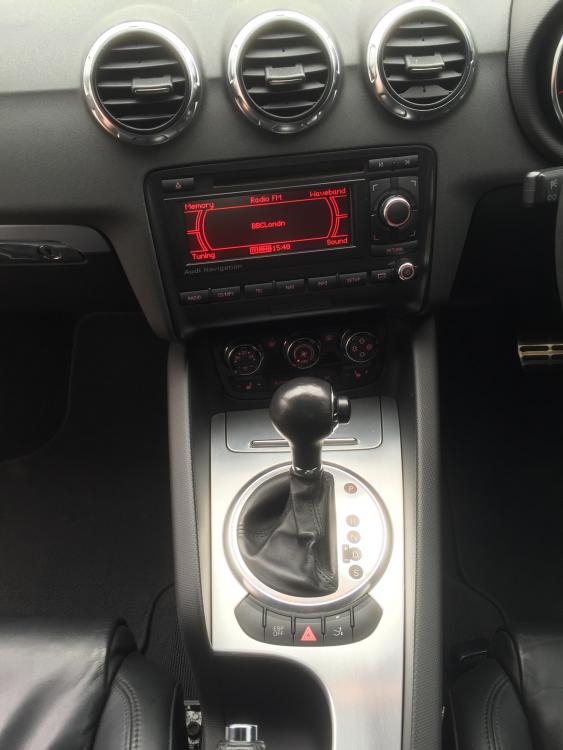
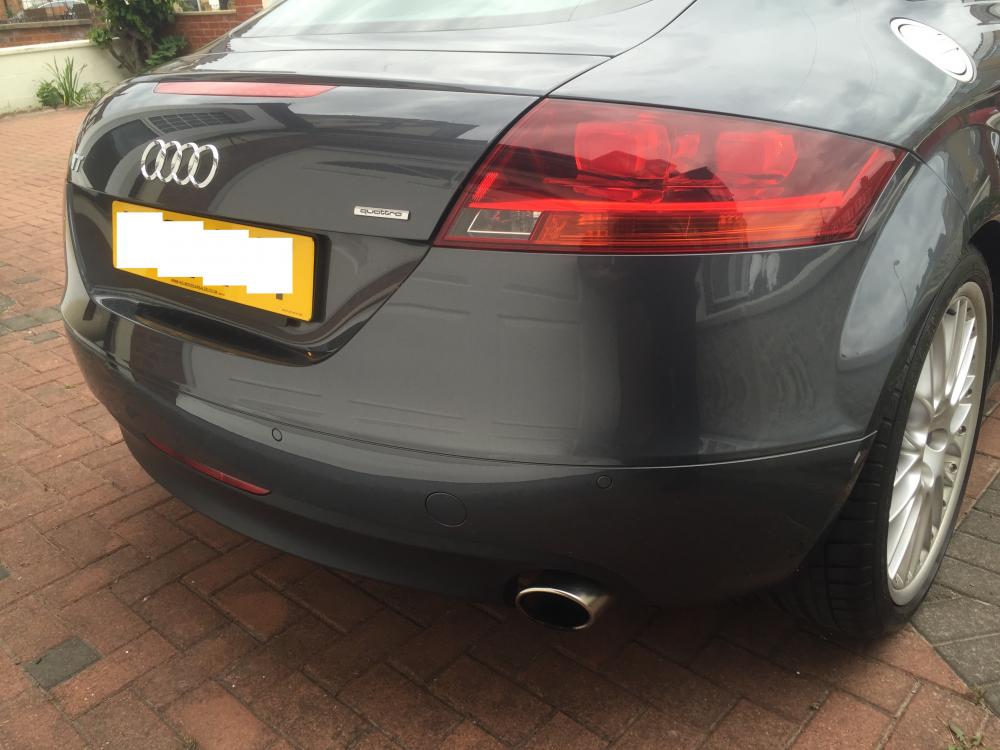
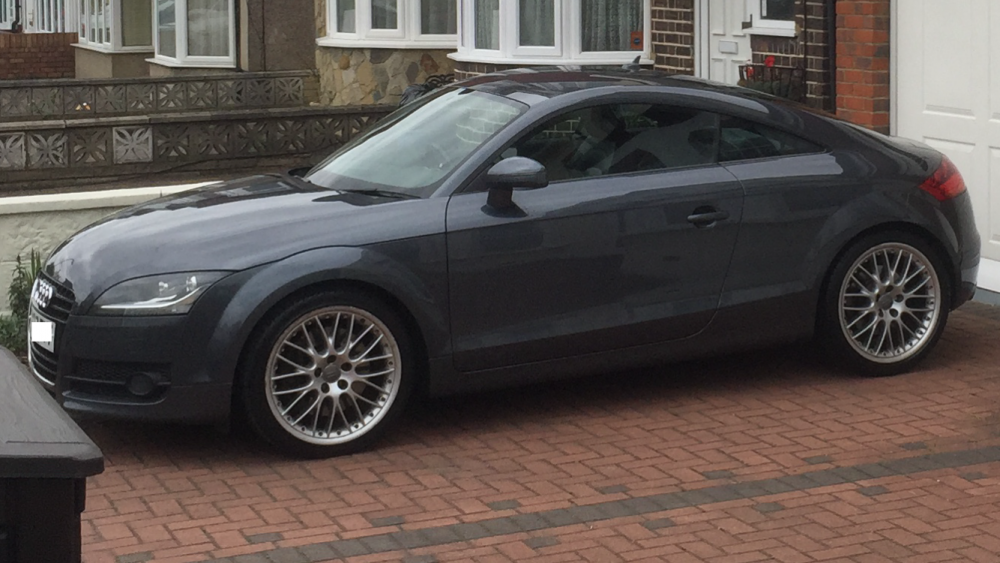
Fantastic Audi TT 3.2 Quattro Automatic in excellent condition & low mileage (40380). Bose Sound System, BBS alloys, full leather & full Audi service history!, 3 owners, Next MOT due 30/04/2017, Full service history, Electric windows, Air conditioning, Satellite navigation, Parking aid, MP3 player, CD player, Leather trim, Heated seats, Height adjustable driver's seat, Height adjustable passenger seat, Folding rear seats, Child seat points (Isofix system), Sports seats, 19" Alloy Wheels, Power steering, Steering wheel rake adjustment, Steering wheel reach adjustment, Traction control, Central locking, Alarm, Immobiliser, Driver's airbags, Side airbags, Passenger airbags. GREY, £9,695
 1 point