


Leaderboard
-
Jamieking86
Members1Points15Posts -
Adamski
Members1Points9Posts


Popular Content
Showing content with the highest reputation on 01/28/2017 in Posts
-
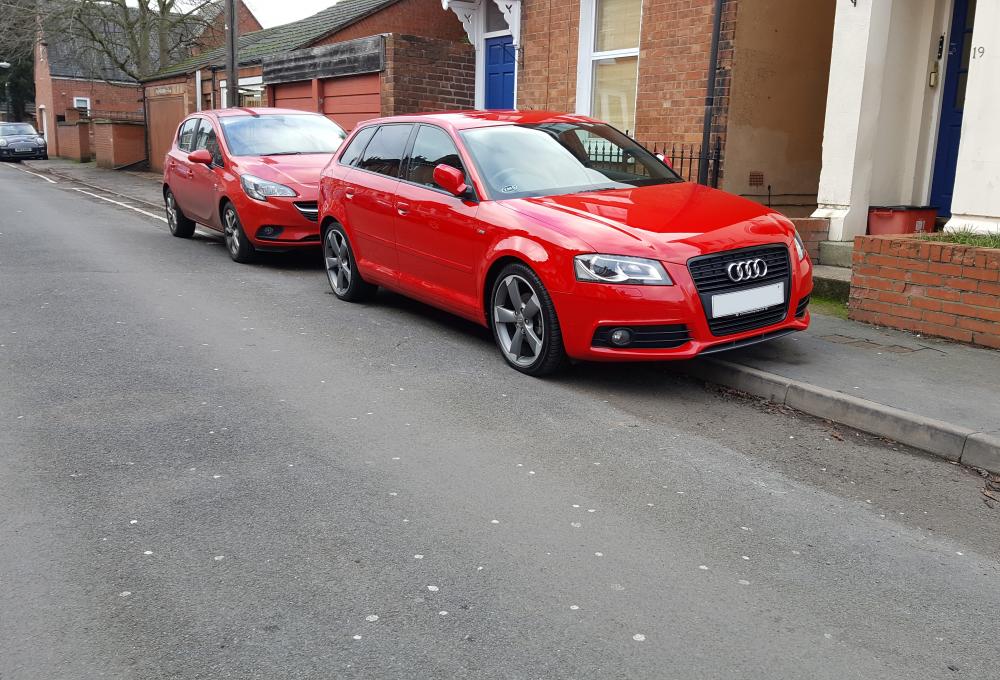
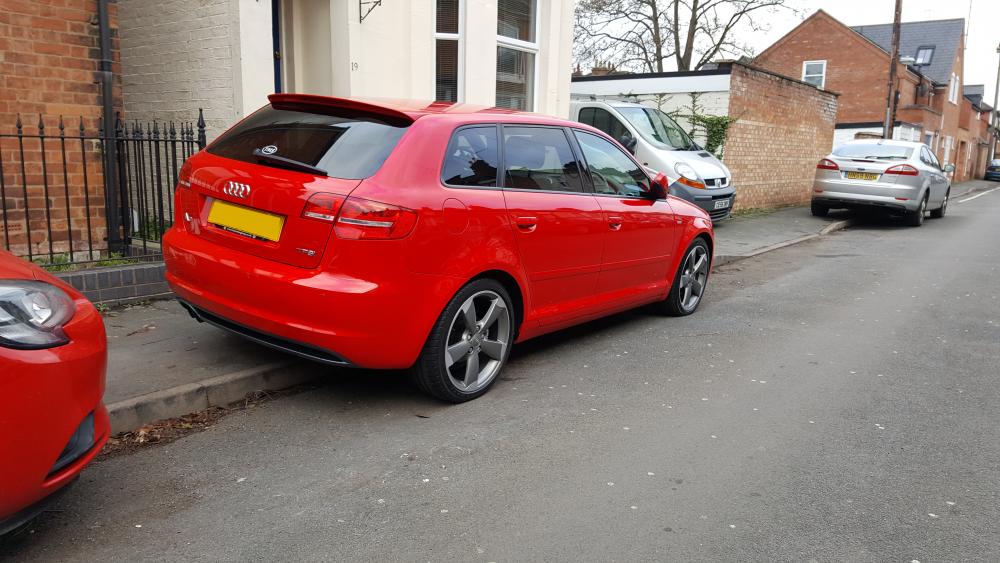
1 pointHi all Picked up my first German car on Friday being an A3 1.8TFSI Black Edition, Sportback after previously buying Peugeot/Citreon motors and being into the old modifying lark in my younger years. Small amounts still sit with me now, don't think it ever leaves you! But was time to chop the old car in and get something a bit more practical with more doors, but still with a bit of fun to it. So far I'm loving it! So smooth and quiet to drive which wouldn't have been hard coming from a 13 year old 206GTi with a noisy aftermarket exhaust! Only thing I was surprised at is little things like auto wipers and lights not being a standard considering I had them on my old car. But I'll get used to that and love how bright the headlights are on this! Will be keeping this pretty stock, apart from I'll be debadging the rear soon. Considering upgrading the stereo to something I can bluetooth directly to, currently got a bluetooth auxillary dongle which is doing the trick for now. Have been really impressed with the Bose speakers though! The idea of a stage 1 remap and a RS3 style mesh front grill also sound appealing, but we'll see. Anyway, hi from me! Ads
 1 point
 -
Hi Juggati, yes in the end it was the boot lock which was full of water due to the leaking rear washer pipe. We took the lock out, dried it, sealed the hole in the washer pipe and it's been fine ever since. Hope this helps and hope you get yours sorted soon. Thanks for your help guys.1 point

