Leaderboard
-
JackW
Members1Points3Posts

Popular Content
Showing content with the highest reputation on 01/01/2021 in Posts
-
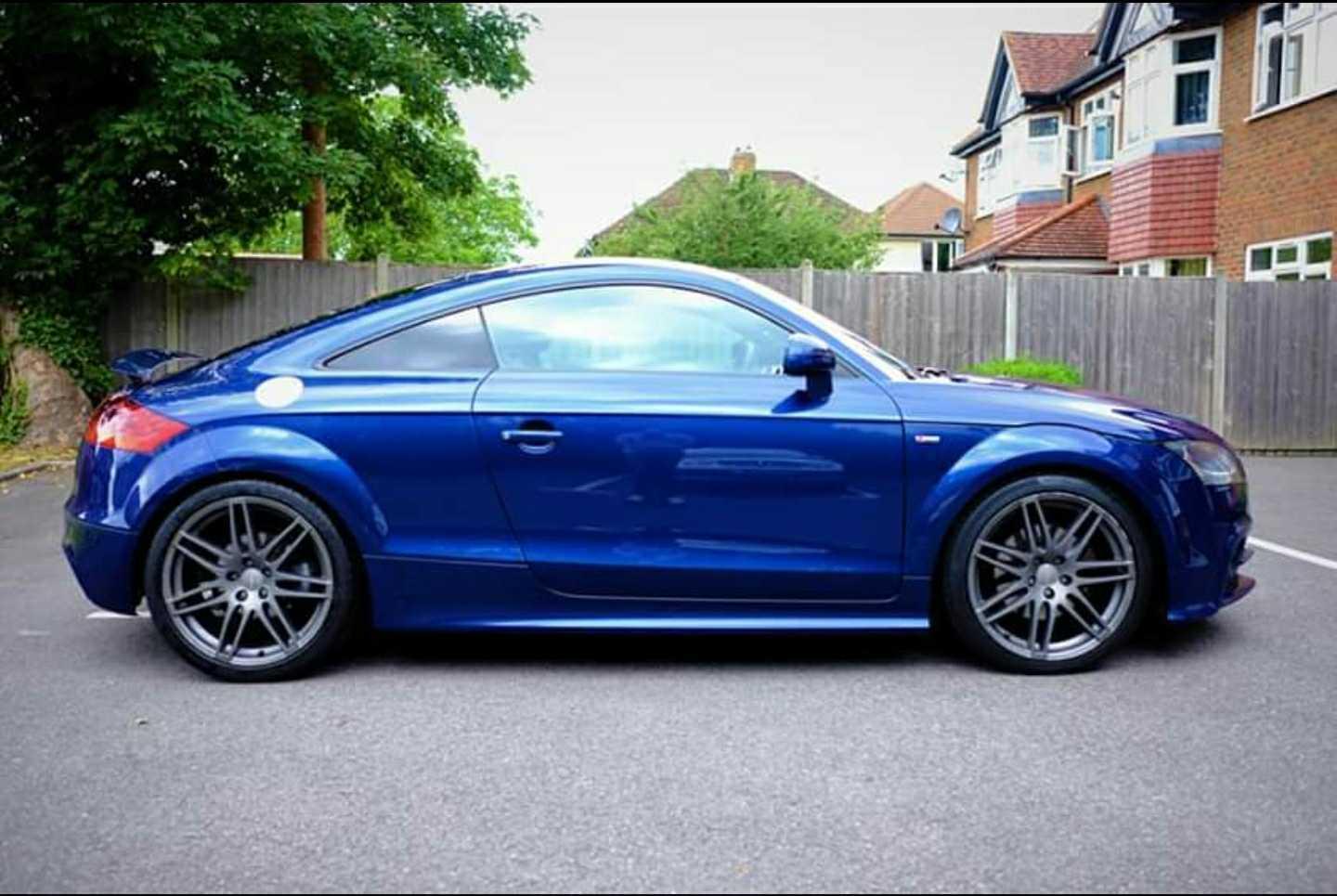
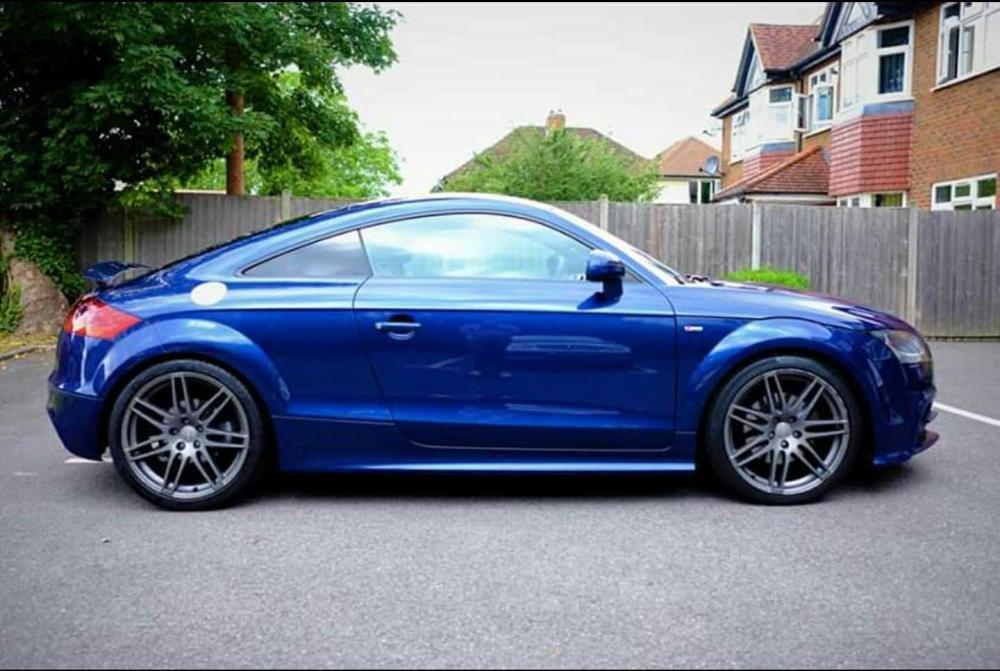
Hi guys, New to the club! Picked up my 2011 TT 2.0 tsfi s-line black edition last week. Hopefully I've posted this in the right place, sorry if not! I love the car, but am not sure about the satin grey finish on the 19in le mans alloys. They need repairing as the fronts have been curbed, but I'm wondering if painting them silver is worth it. Was the satin grey a finish specific to the s-line/black edition? I don't think I want to paint over something that was essentially an optional extra from new! I'd be aiming to match the alloys up with the fuel filler cap, or there abouts. I think it'll make the car look much more modern against the blue. (Does anyone know which factory blue that is?) Sorry for the blurry, over saturated pic, it's from the seller's listing. Anyone have any thoughts for me?
 1 point