Slooth#1
Established Member
-
Joined
-
Last visited
Everything posted by Slooth#1
-
-
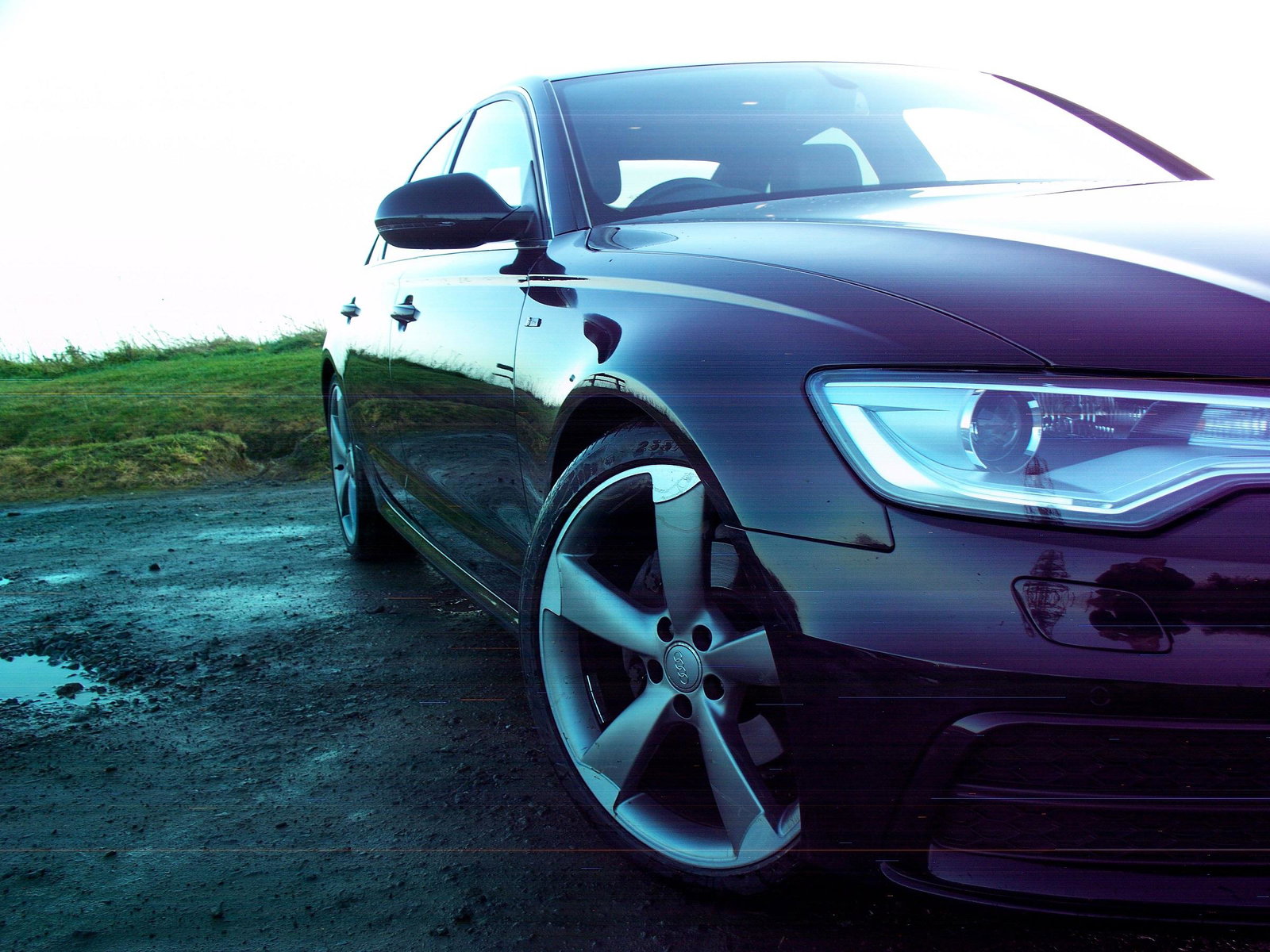
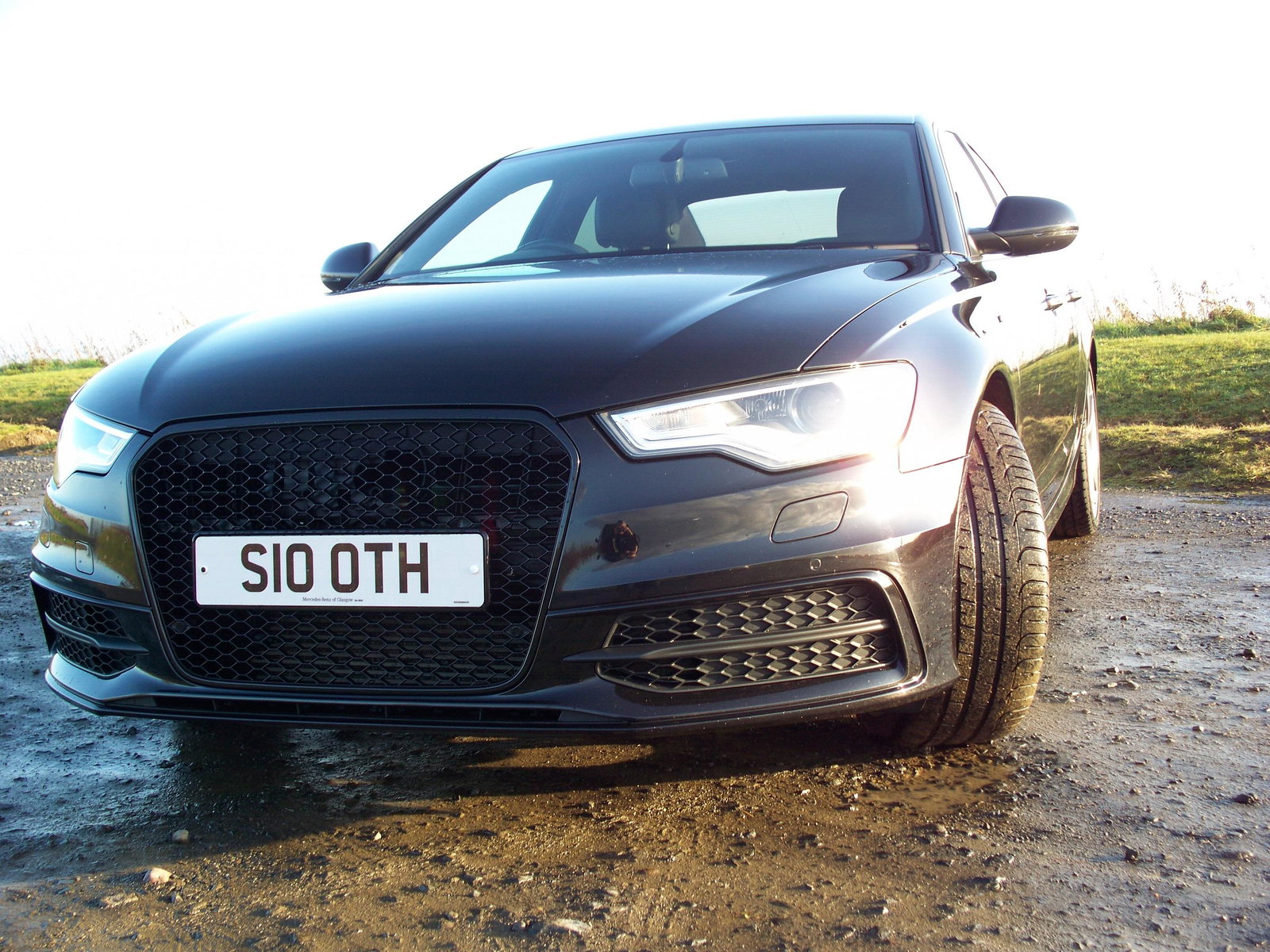
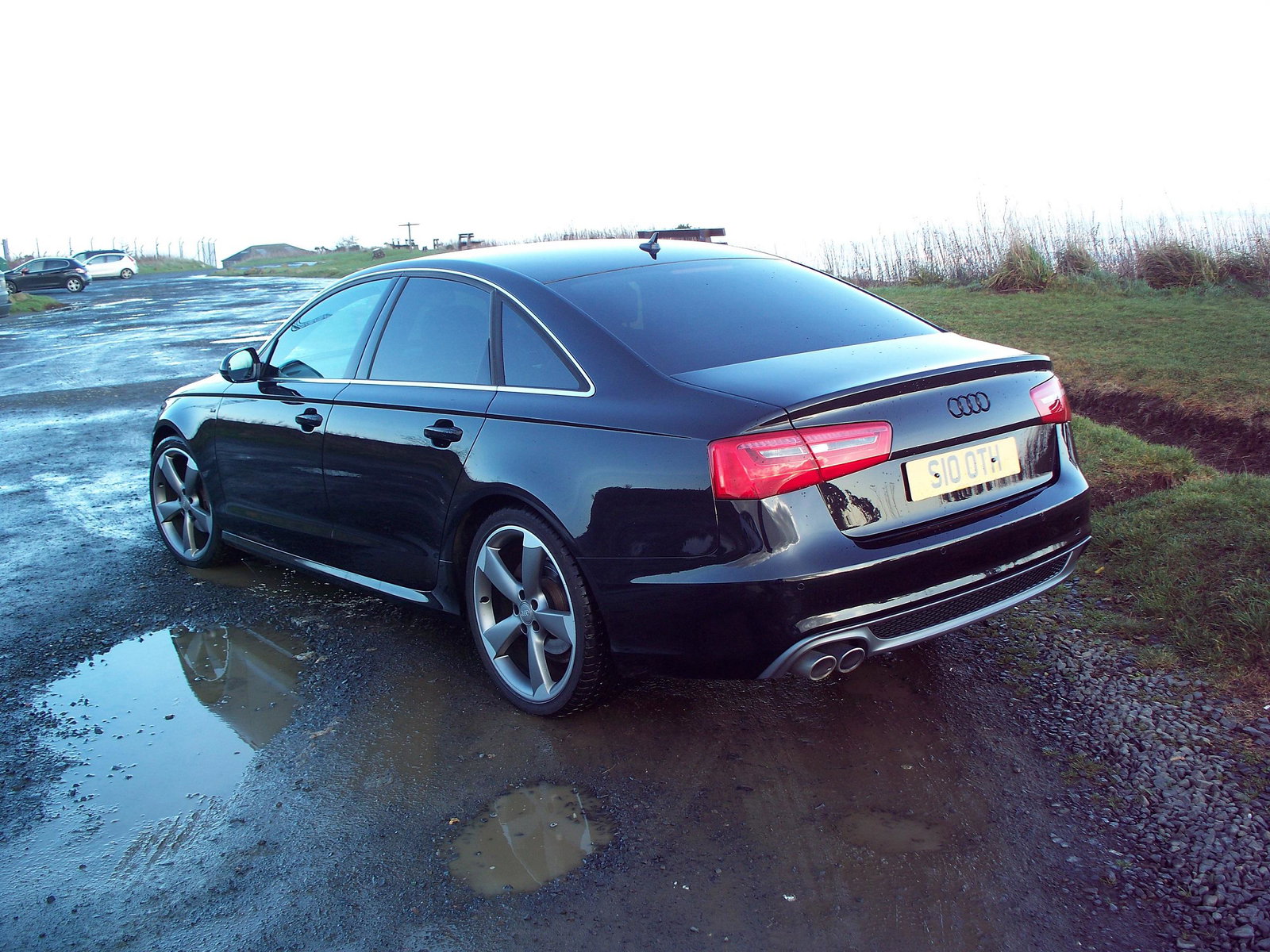
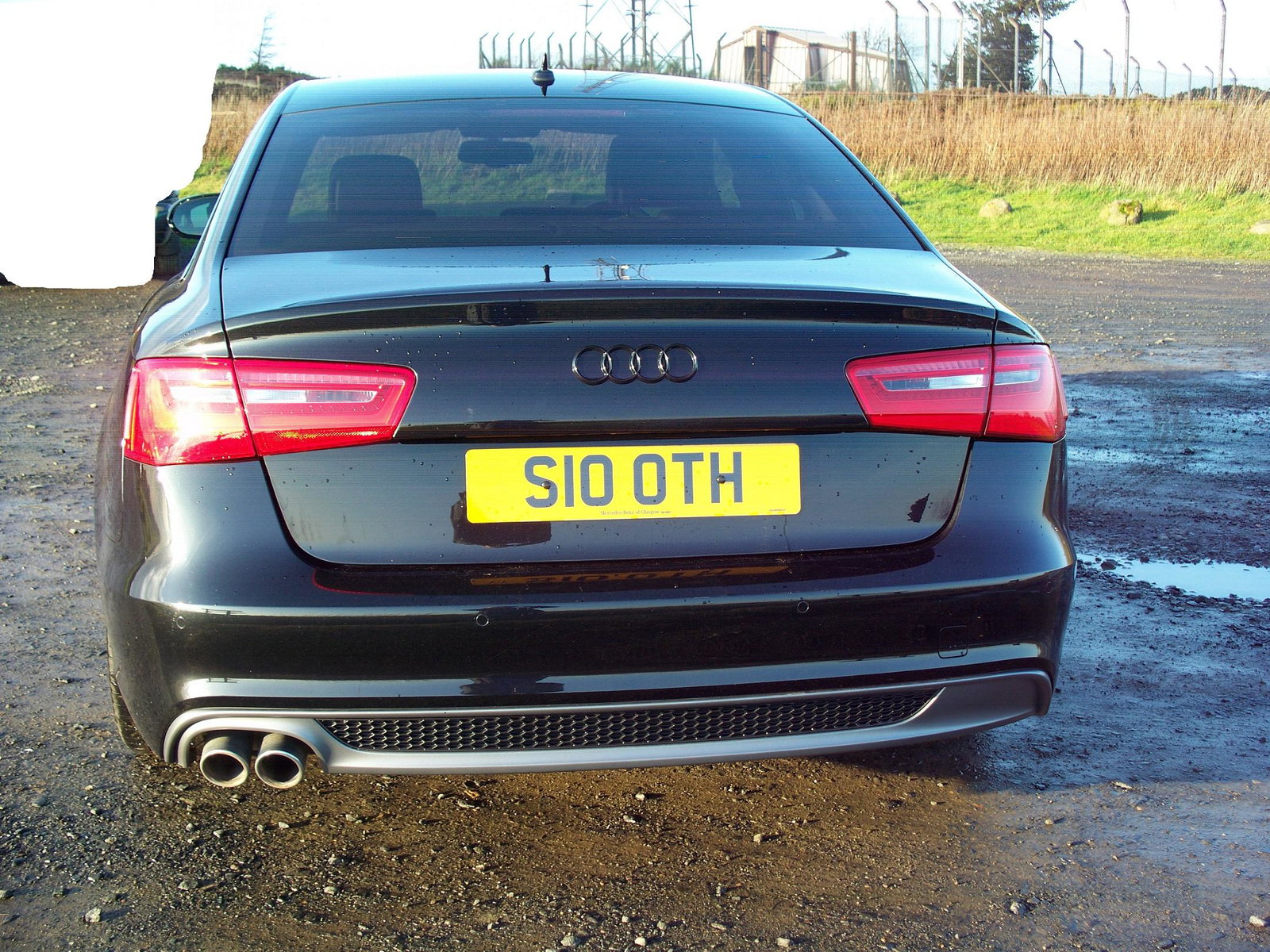
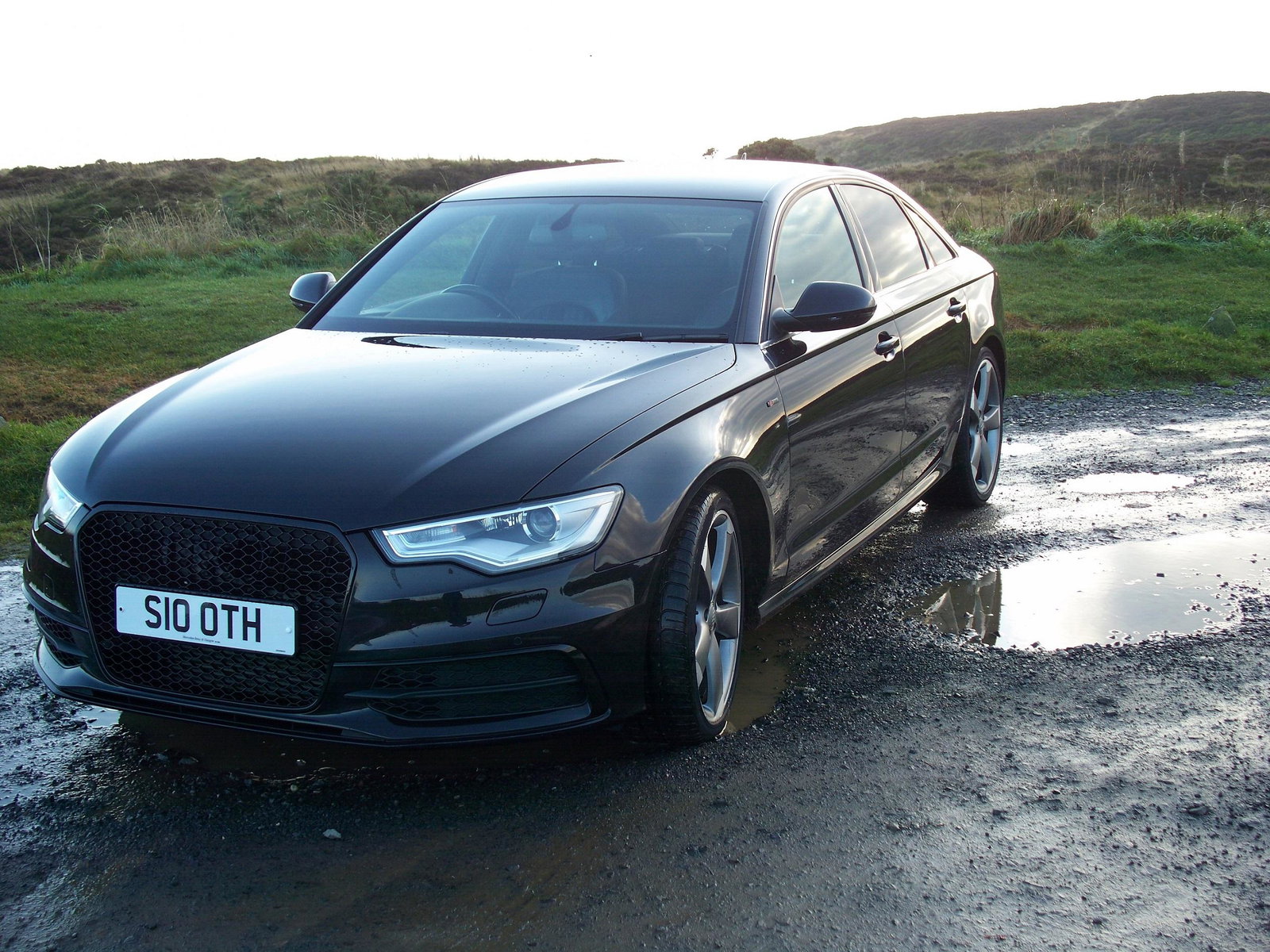
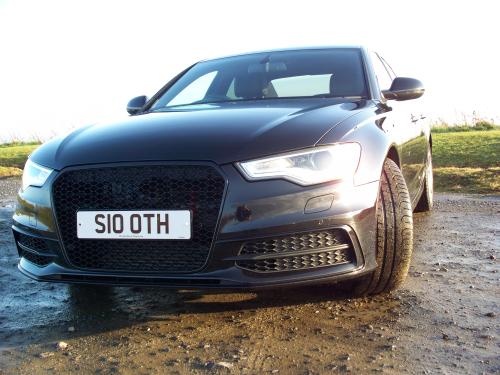
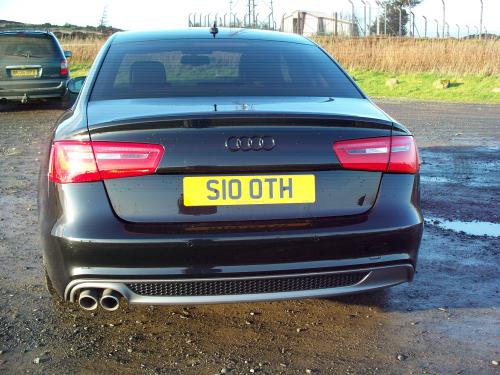
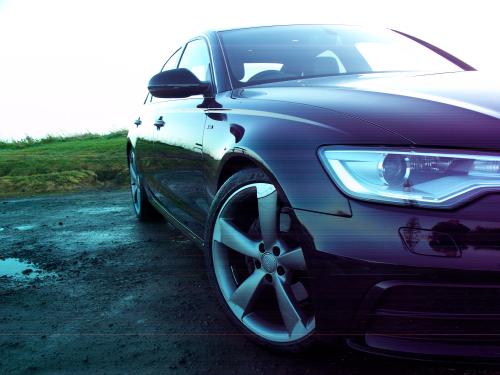
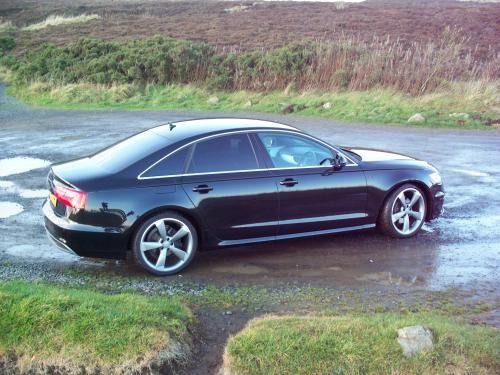
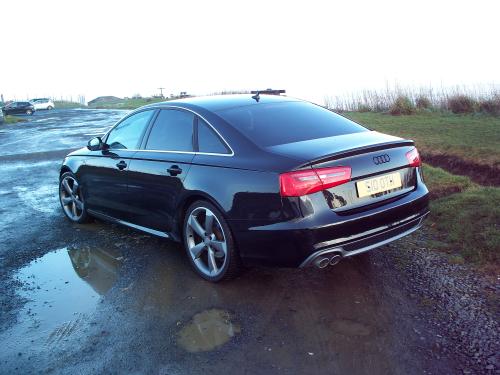
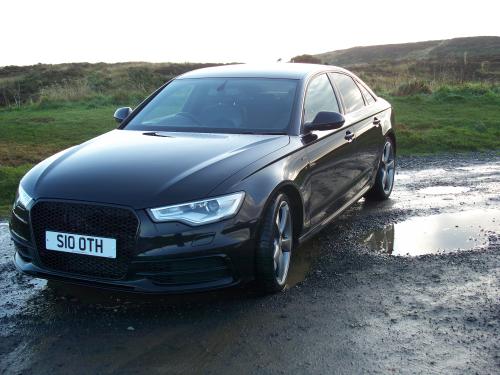
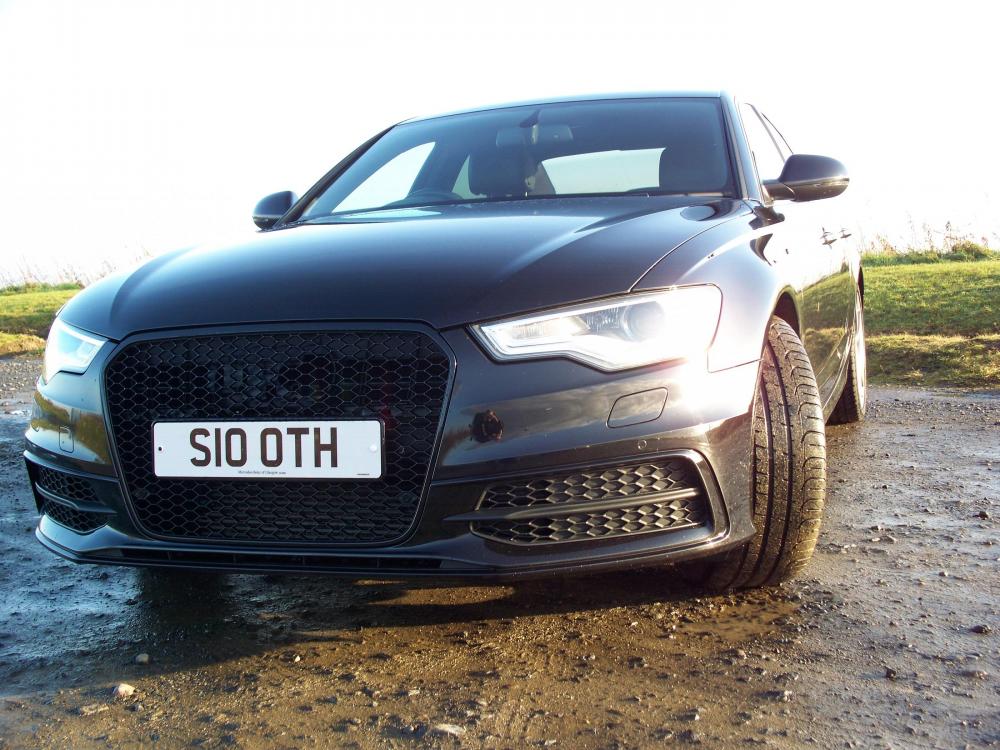
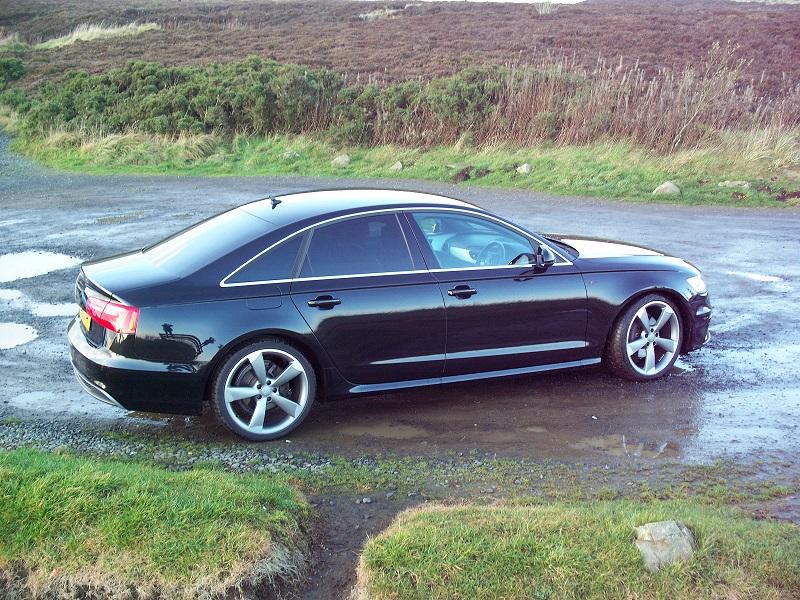
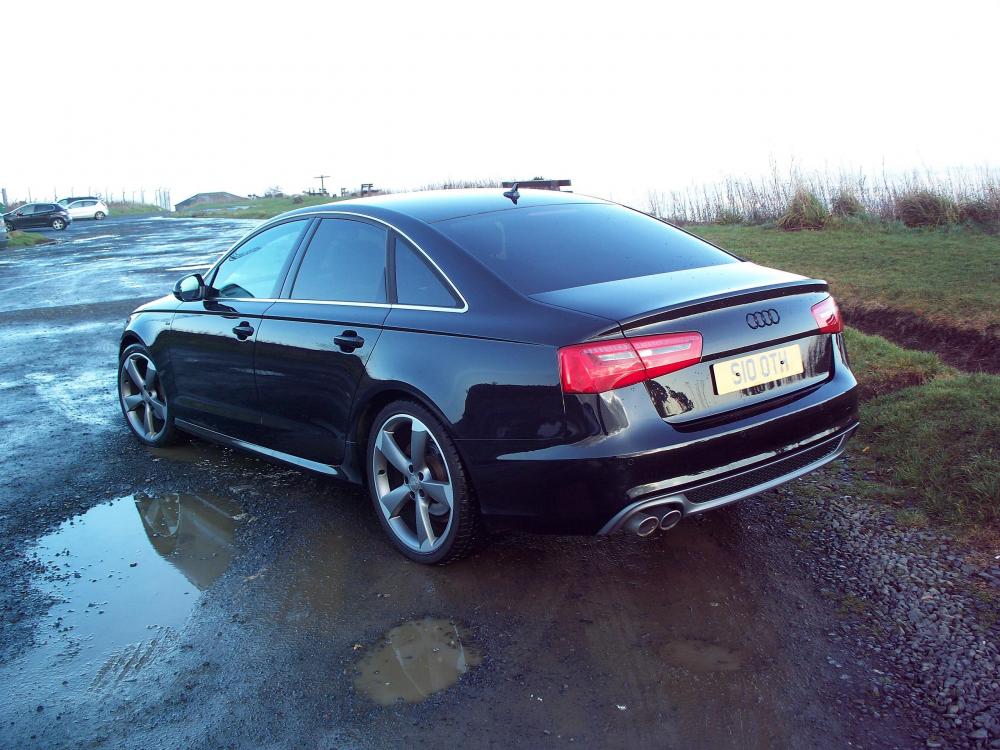
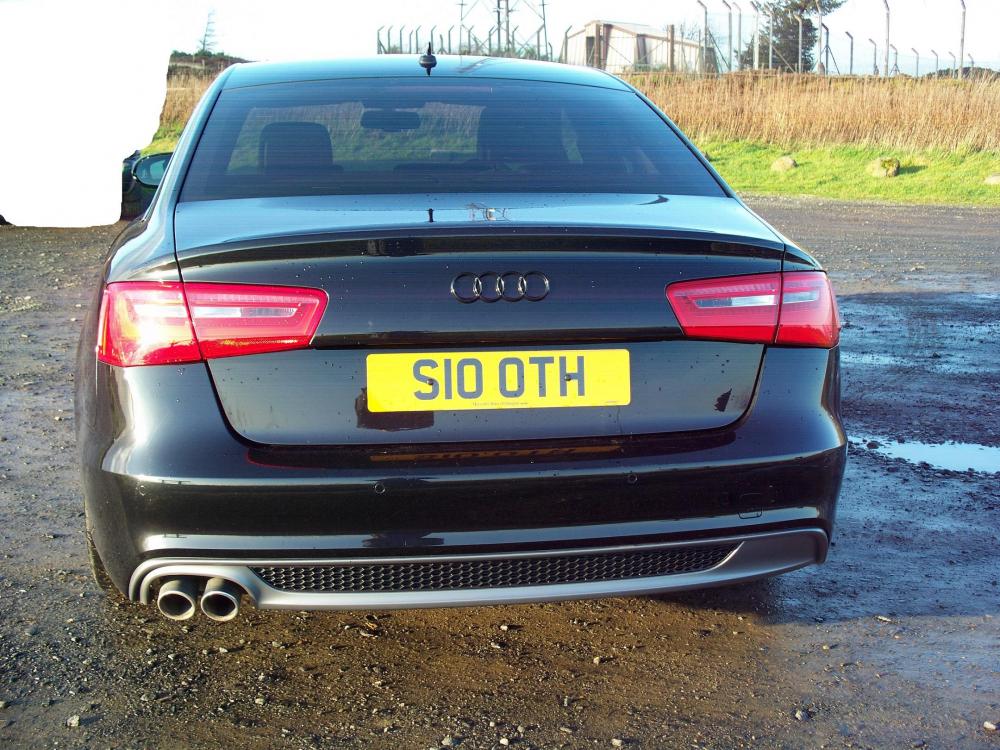
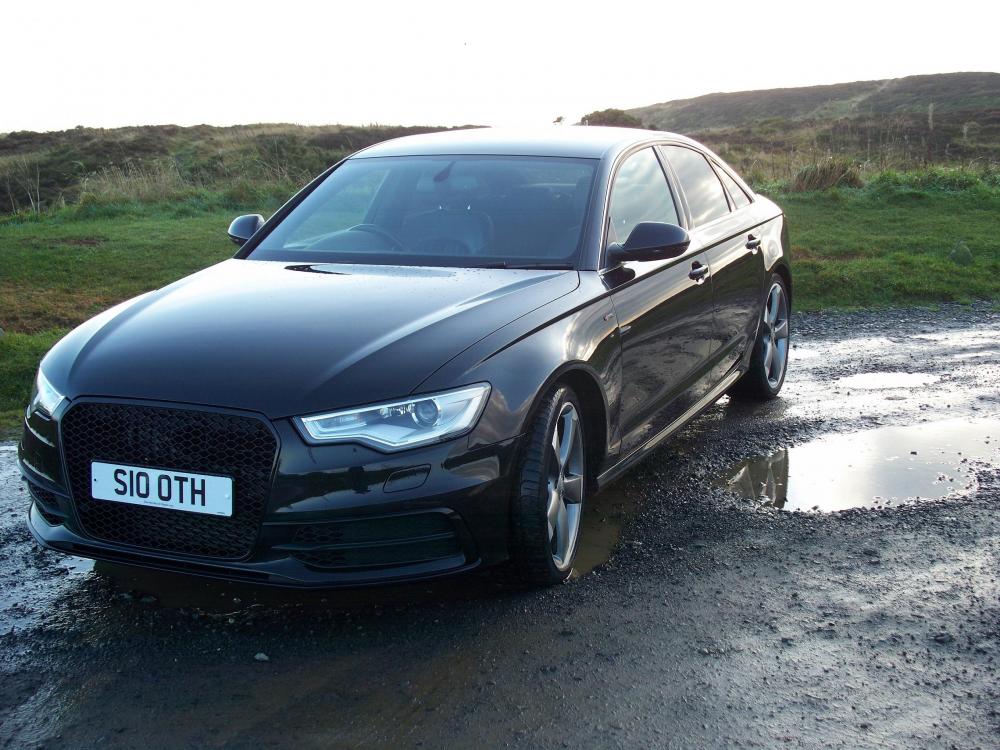
Hi everyone, Just thought I'd say hello. I'm Alistair and new to all this chatroom business so please bear with me. Over the years I've had a good selection of cars starting with my 1st car a orange Lada 1200 from 1980!! through to my boy racer years with a couple of Escort XR3i's and an Escort RS Turbo (excellent for 1987), various Vauxhall Vectra's (my boring years). More recently I've experienced a Jaguar S Type Sport and a Mercedes E220 Avantegarde but my current and 1st Audi, a 2011 A6 2.0 S-Line, is honestly the best all round car that I've owned. So I look forward to exploring this web site with all it's got to offer. I've attached some photo's that you might enjoy.
-
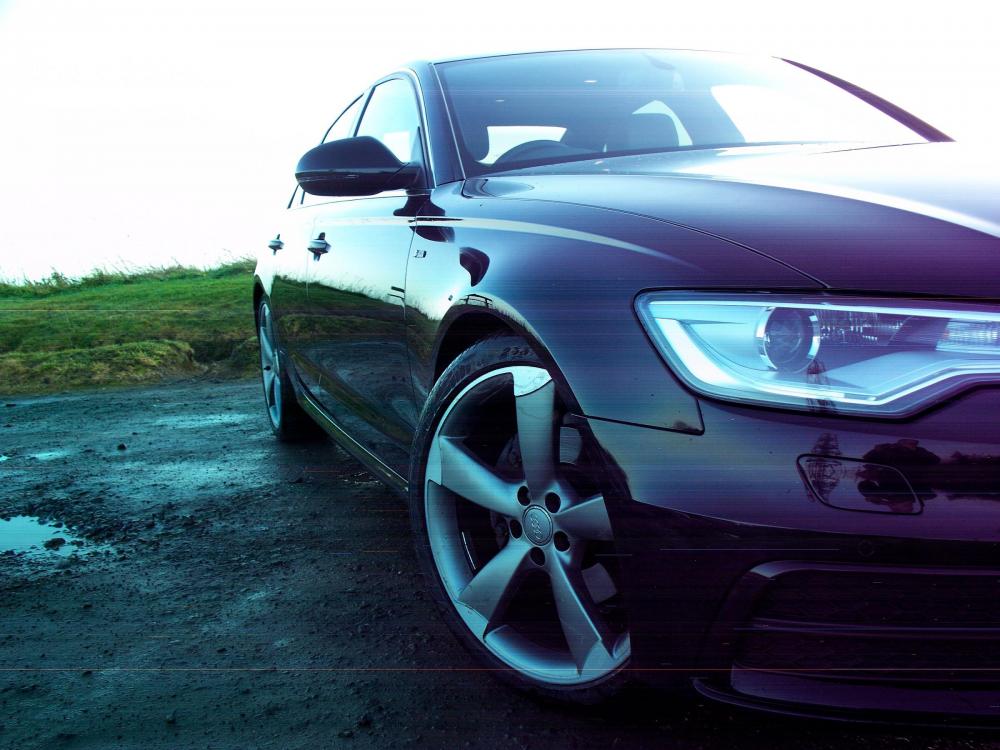
Hi, here's some pics of my car, hope you enjoy.
-
Hi, I meant the sweeping indicators (not sure what they're called).
-
Hi, can anyone tell me if the Matrix rear light system can be retro fitted to a 2011 A6 C7 saloon? If so where would I source them and is it an easy fit?
-
Hi, could someone advise me of the correct tyre pressure for an A6 S-line 2.0 Diesel with 255/35R 20Y tyres. Car will not be used for towing. Thanks in advance.
-
Hi all, I've got the interesting number plate RS51 DOL which could be for sale. Make me an offer.