Dansline
Established Member
-
Joined
-
Last visited
Everything posted by Dansline
-
Update the clock's are back and in the car let's see how it goes
-
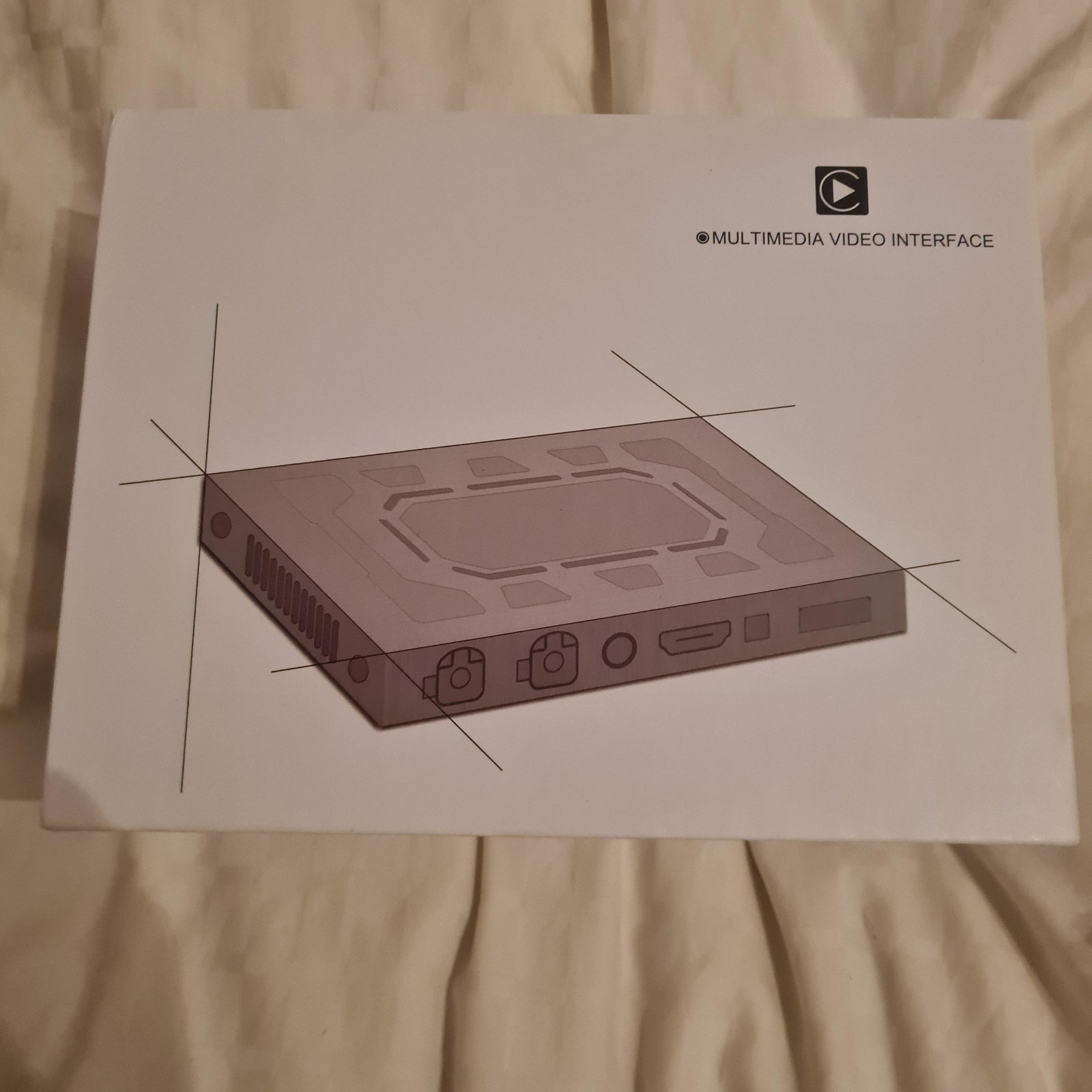
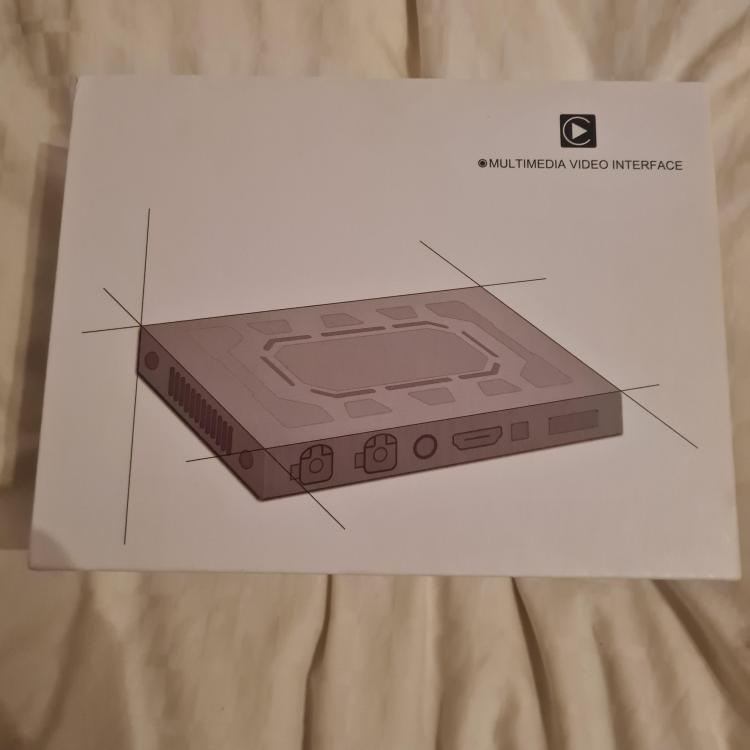
New interface for the a4 will have satnav and touch screen hope it all works
-
Ye that's one good thing being able to use the garage when I want and need to. And the tools and diagnostic equipment.
-
Ye by handing over a large amount of cash to my boss lol 😆
-
Ye will do. Hopefully back on the soon
-
I know it's normally me fixing customer audi as work for a German car specialist. But now it's my turn to have a broken one lol. I wish it had of been a cheap audi got it in August last year with 56k on the clock
-
Ye it is going to ecu testing this week hopefully.
-
Cheers. Ye it's a lovely car but being an audi it's broken lol 😆 😂
-
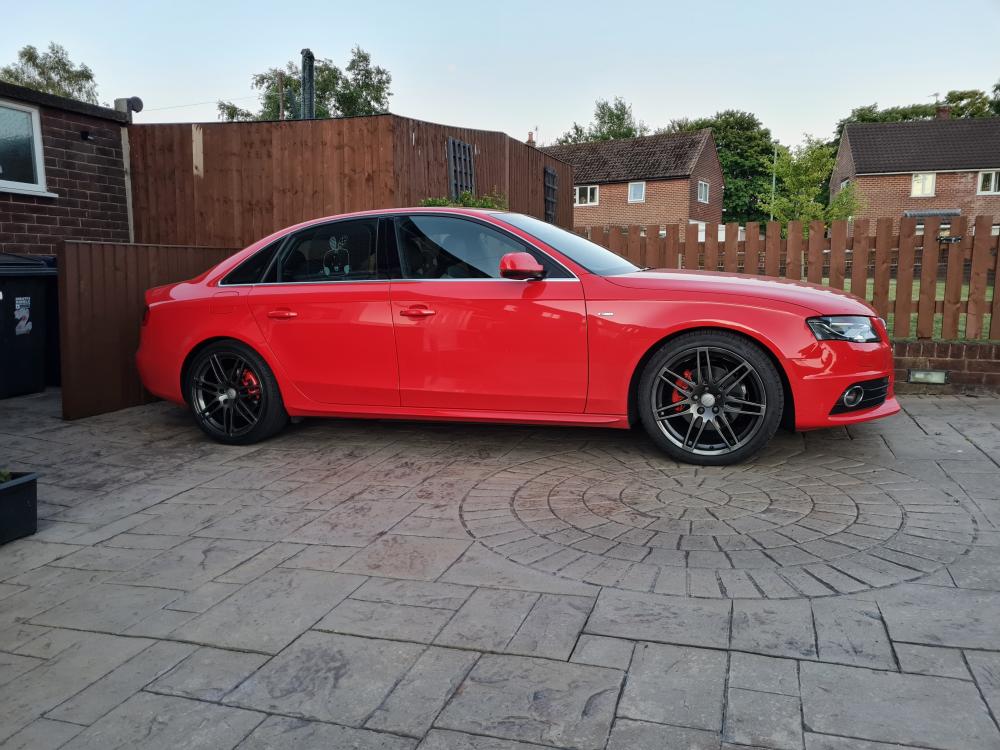
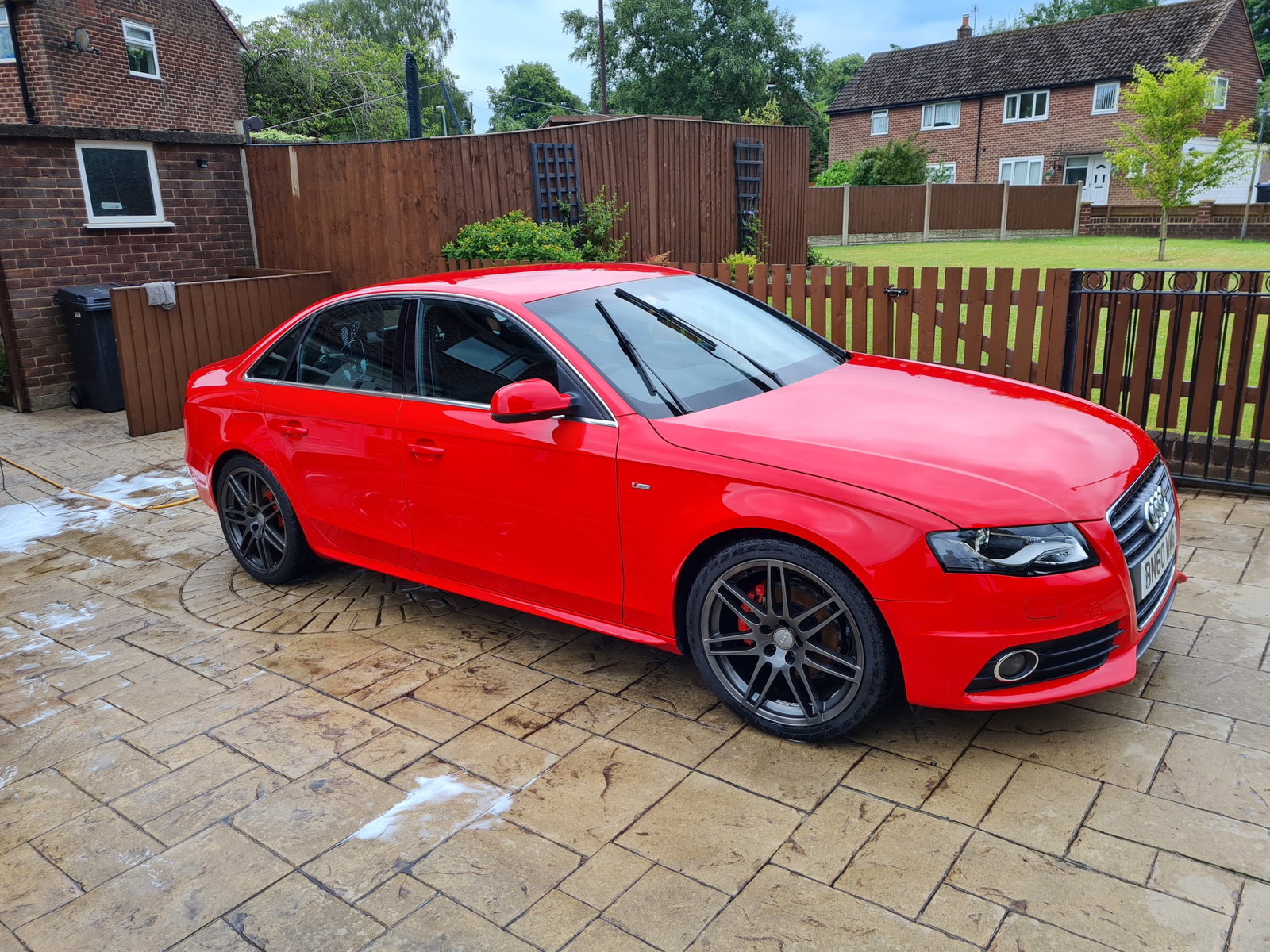
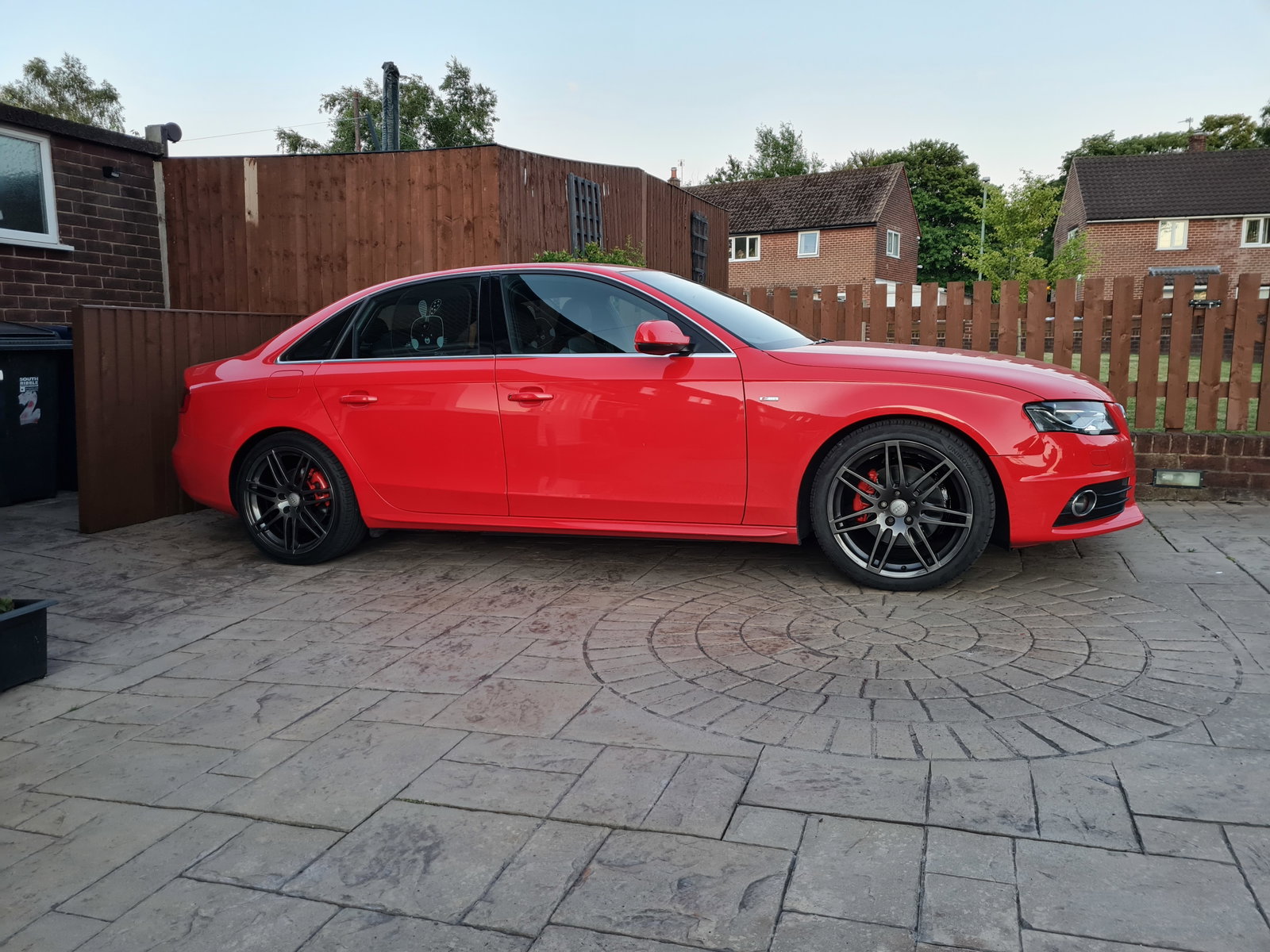
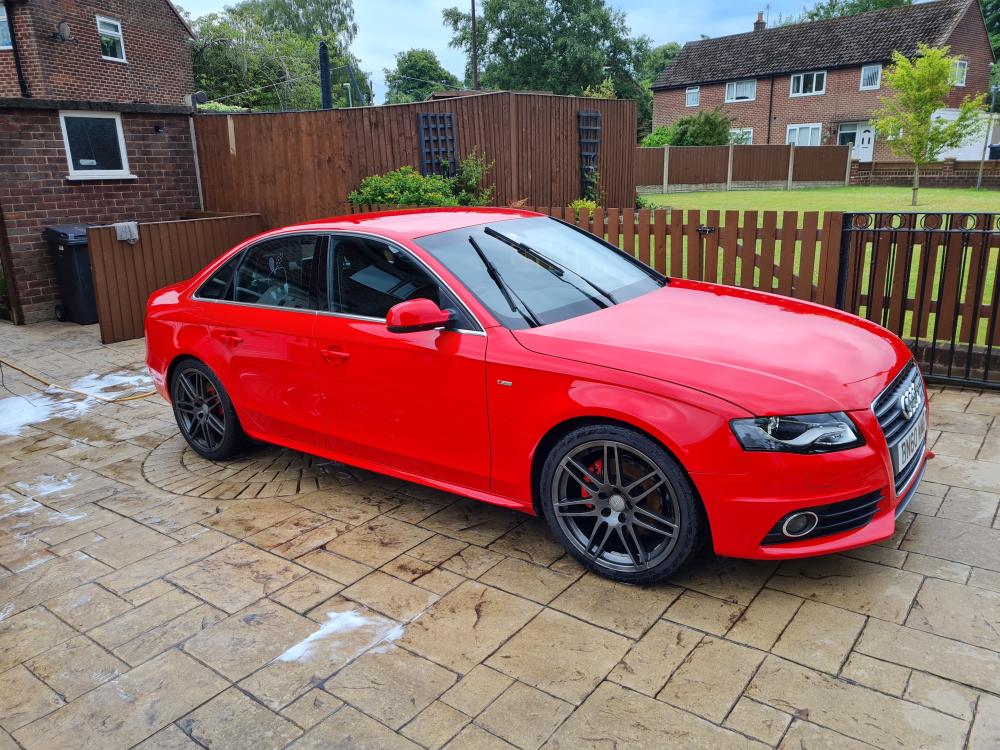
Here is my 2010 special edition
-
Hi new to the group here is my pride and joy. Yesterday day my instrument cluster went off the LCD part. Is this a common fault any help and advice would be appreciated