


Leaderboard
-
WPAWS
Established Member1Points1,717Posts -
Adbro
Established Member1Points241Posts -
Nutty Pete
Members1Points16Posts


Popular Content
Showing content with the highest reputation on 02/02/2018 in Posts
-
1 pointManaged to finish work and get home before its dark, so washed the car for the first time in weeks
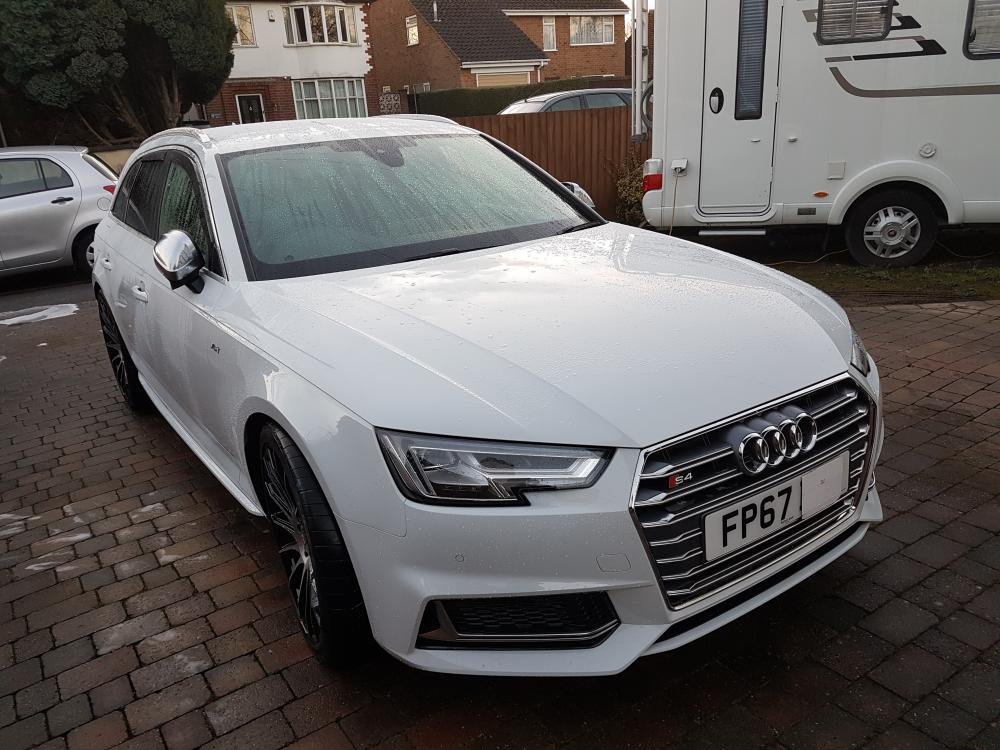
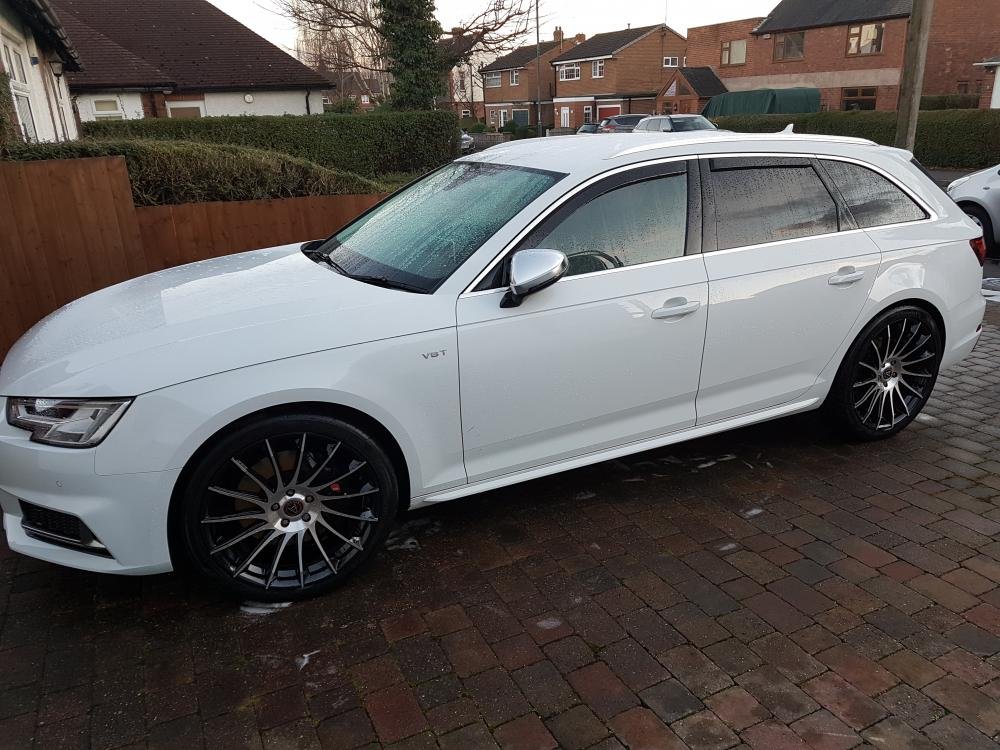
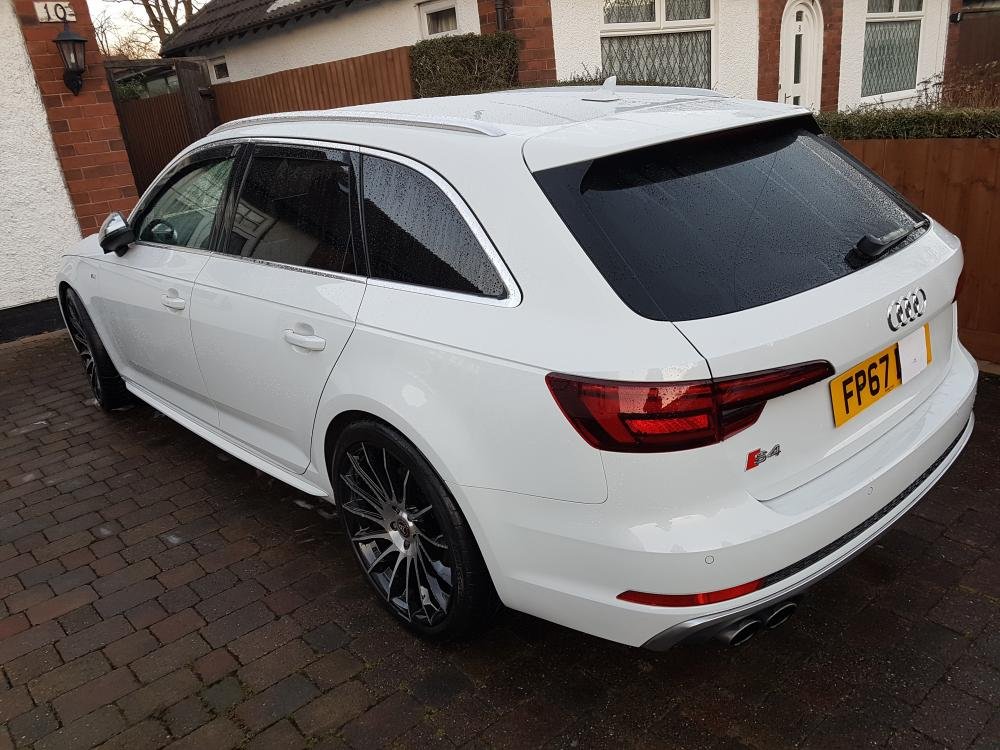
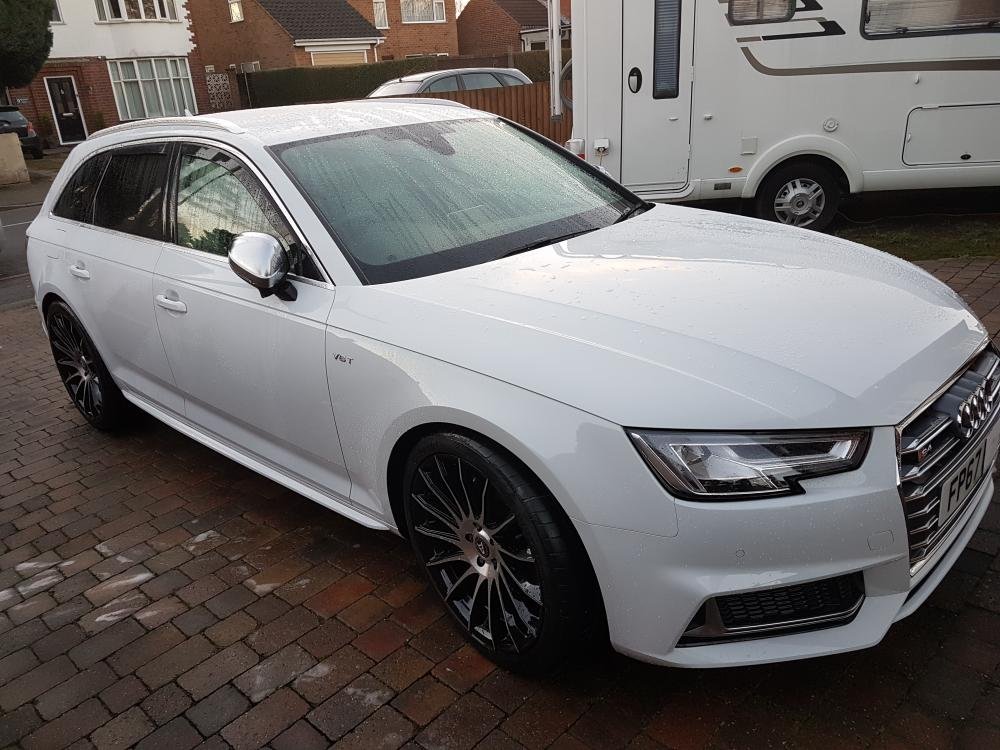 1 point
 -
1 pointJust watched a vid on here of a A6 headlight removal. Got me thinking. Would it be a pain if I wanted to watch that again how would I find it? So maybe an area where useful videos could be stored/posted. Yes the video might be posted in the chat it was meant for and in the general new area for easy reference. What you think? This area could also be used for interest links too. Say you found some guy doing great work, just post a link in this place so we all can check it out.1 point
-
Not daft m8 put simply the higher the cold crank in colder temps the better chance your car will turn over and start. Cold Cranking Amps (CCA) CCA is a rating used in the battery industry to define a battery's ability to start an engine in cold temperatures. Generally speaking, it is easier to start an engine in a warm environment than in a cold one. The rating refers to the number of amps a 12-volt battery can deliver at 0°F for 30 seconds while maintaining a voltage of at least 7.2 volts. The higher the CCA rating, the greater the starting power of the battery.1 point


