


Leaderboard
-
fast edd
Established Member2Points136Posts -
James
Established Member1Points1,380Posts -
niedzial1983
Established Member1Points1,264Posts -
Dennis K
Members1Points7Posts


Popular Content
Showing content with the highest reputation on 04/29/2018 in Posts
-
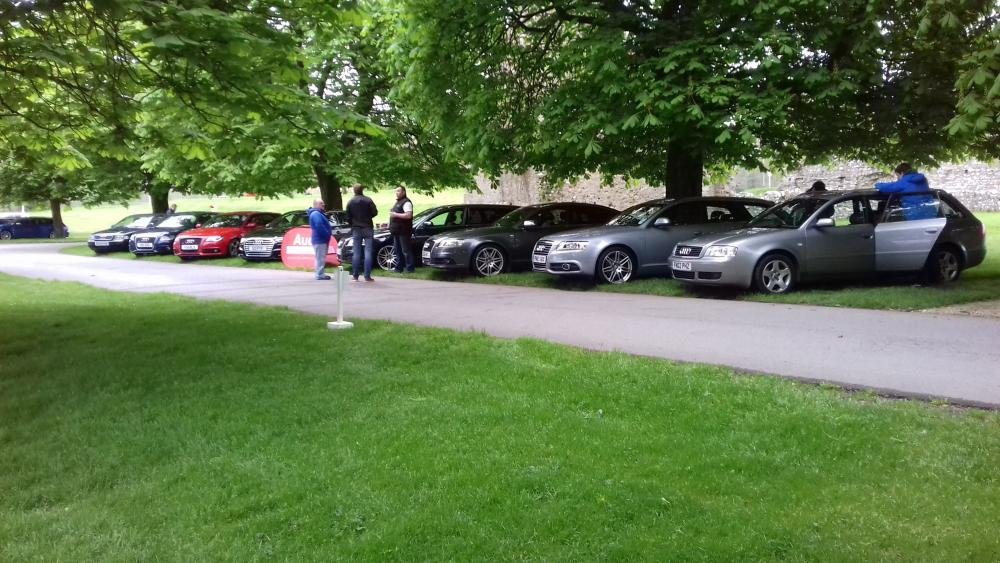
1 pointGreat day ladies and gentlemen, looking to the next great event . Many thanks Edd and Evie
 1 point1 pointHi Gareth, I decided to do all repairs by myself. Seller gave me only £200 cashback (Better than nothing). At this moment I have done - Head skim, thermostat, water pump, cam belt, oil, oil filter change and also turbocharger have been changed by the way. Now I having a problem with oil pressure. Oil pressure light comes up on 90 deg and 1300-1600rpm. Made pressure test, it was 1.8bar on 2000rpm (Looks it is slightly under of minimum, i guess it should be 2.0 bar minimum...). Oil in my car is 5w-30 at this moment and I'm not sure about oil quality. I'd like to change it to Mobil1 5w-40 oil and check if oil pressure light will appear again. If this action will be unsuccessful, then I will do oil pump and oil intake pipe check. So, this is how I sorting out my problem1 point1 pointthank you guys, I took the glove box off and it was the air flap motor, took the motor apart and found the teeth on the cog had warn off, managed to order an ebay one for £15 and replace! just the roof to go now ;-) !! thank you for your help1 pointDon’t forget those tickets ! Drive safe see all soon at Dibden1 pointI will have my obdeleven pro with me so if anyone want to see how it works , check fault codes, do some vcds mods, let me know !!!1 point1 pointHave a look on this site: http://www.programyourkeys.com/program_car_keys_-_audi.html1 point


