


Leaderboard
-
NewA5Owner
Members1Points1Posts -
cjames19
Members1Points5Posts -
Seb Green
Members1Points6Posts -
Maverick69
Members1Points3Posts


Popular Content
Showing content with the highest reputation on 12/29/2019 in Posts
-
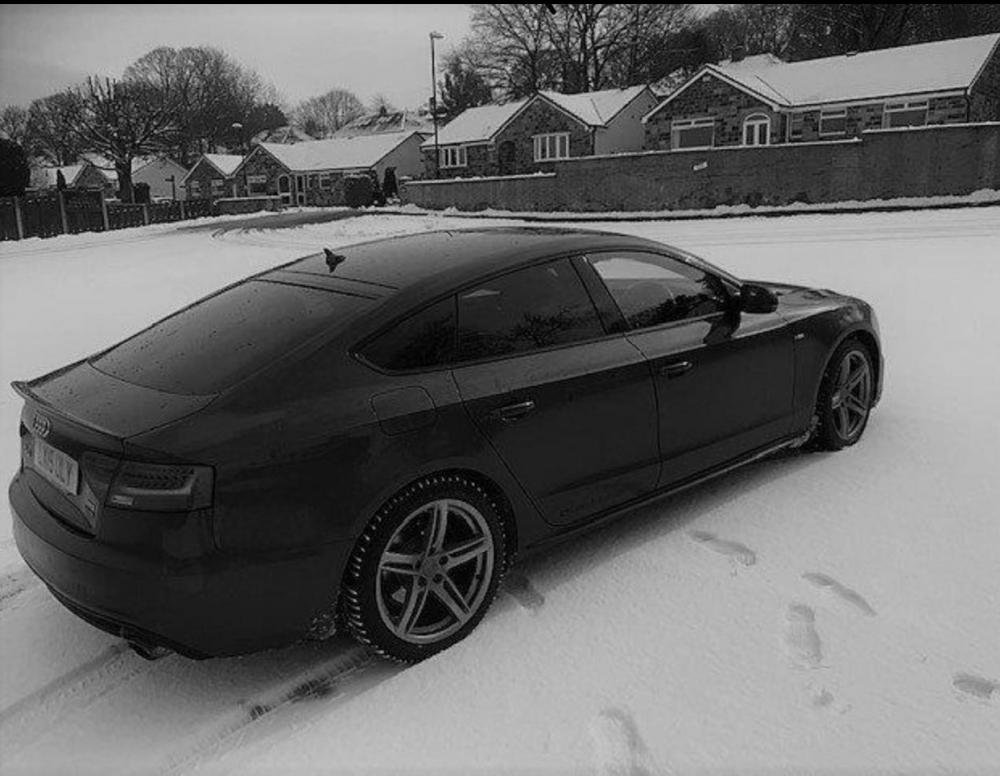
This is my A5 Quattro with her snow tyres on I’m looking to play sky from my phone to the head unit tv is this possible??
 1 point
 -
1 point
-
1 pointHI, This weekend I became a A5 owner, buying a used A5 S Line Convertible 2.0 TDI, auto, in a nice mid blue. My first Audi, having traded in my trusty Saab convertible. I’m looking forward to many years of ownership. My first impression is that it is such a quiet drive, but feels so very capable - especially the sound system.1 point
-
1 point*UPDATE* After 3 garages failed to diagnose, I decided to investigate myself. I took the air filter casing lid off and removed the air filter and the case it sits in to discover the recently fitted air filter was blocked with polystyrene from the packaging!!! There was also a rubber tube coming out the bottom of the air filter casing which was blocked with dirt. I cleared this and cleared the air filter. I then also sprayed Electrical contact cleaner on the Electrical connection to the mass air flow. I reset the light and have been driving around for a week with no light now. The car instantly felt more responsive!1 point


