Seb Green
Members
-
Joined
-
Last visited
Everything posted by Seb Green
-
Currently on the standard Audi fit Yokohama Advan Sport Not a massive fan. Running the 20" wheels. Any recommendations please?
-
-
I can highly recommend VAG Bolton - taken both my S4's there and always had stellar service. Everything form minor serving right up to DSG issues which main dealer didn't want to touch. https://www.vagbolton.com/ Ask for David (Owner) and tell him Seb recommended you. He will look after you.
-
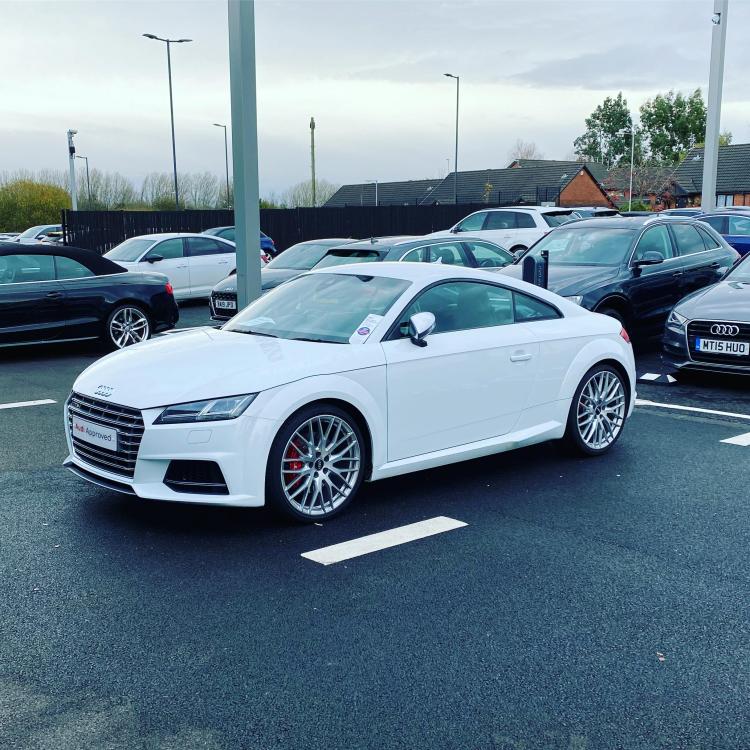
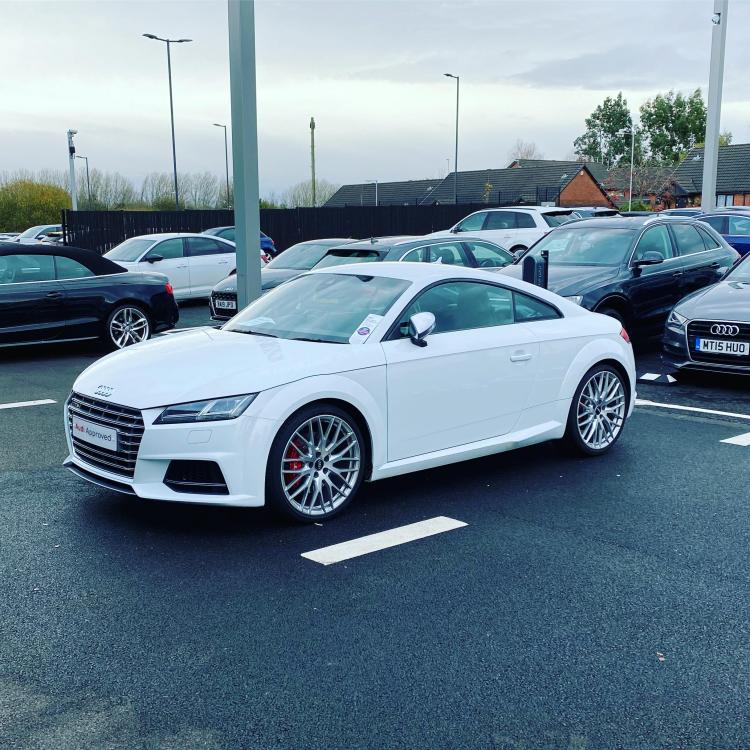
Hey all, Had the car 2 weeks. Love it so far.
-
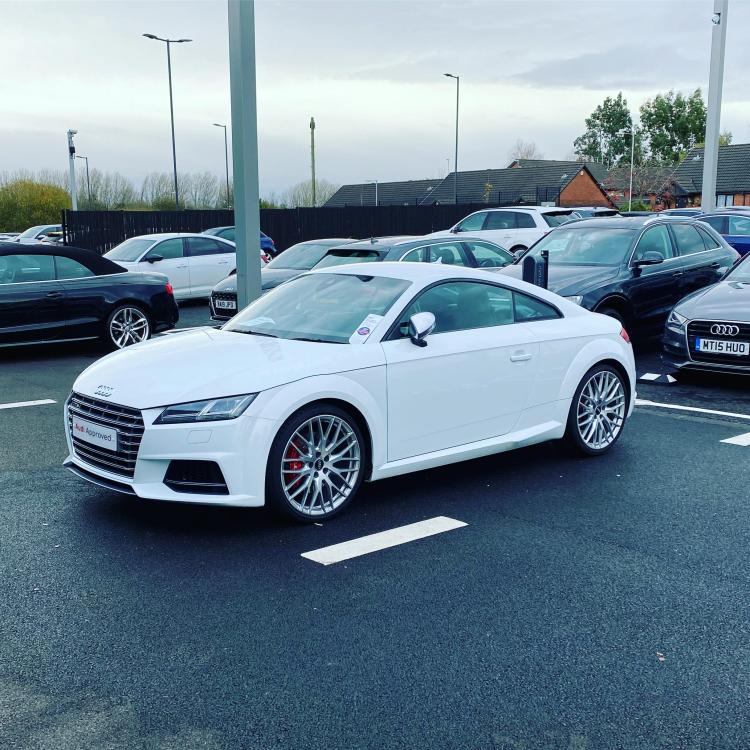
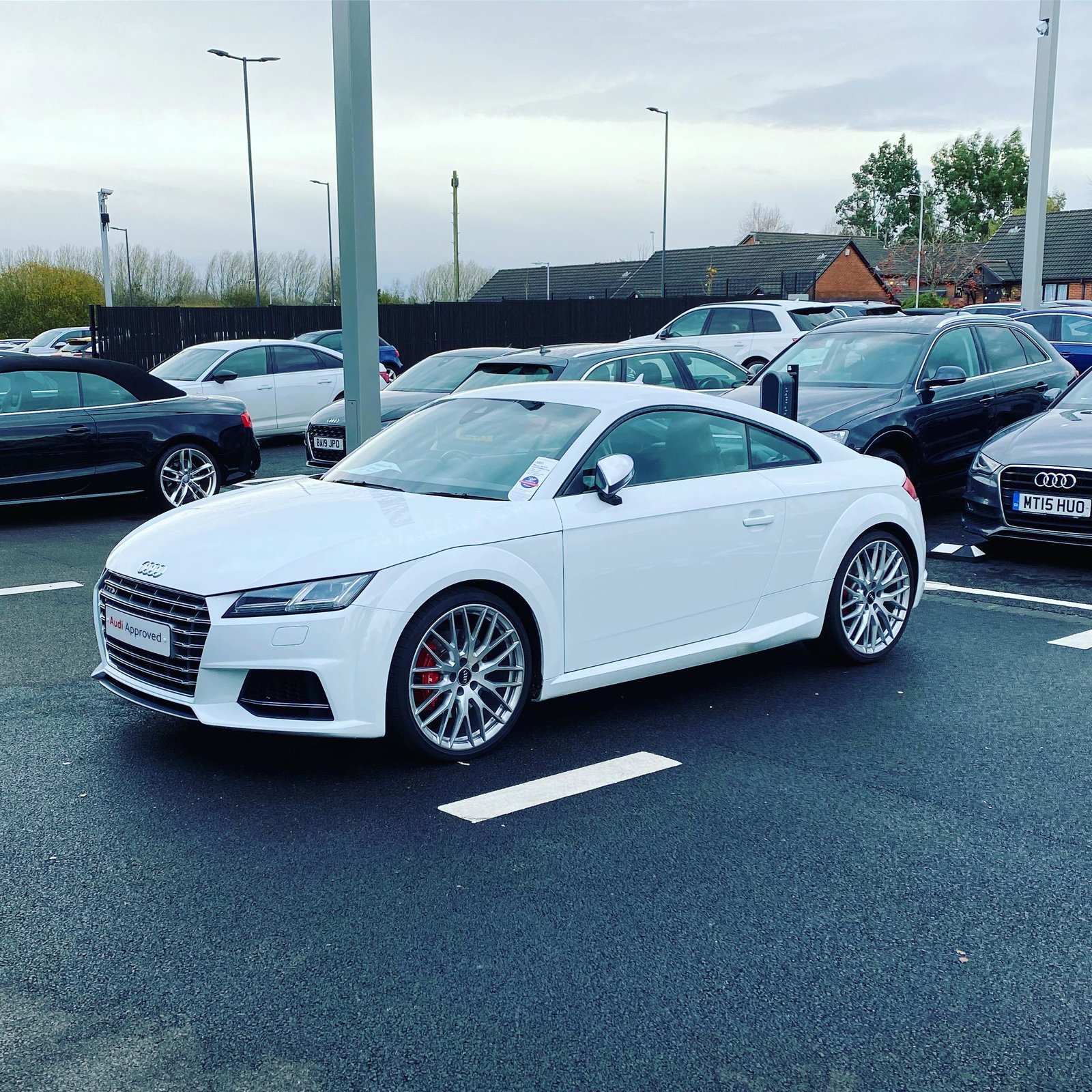
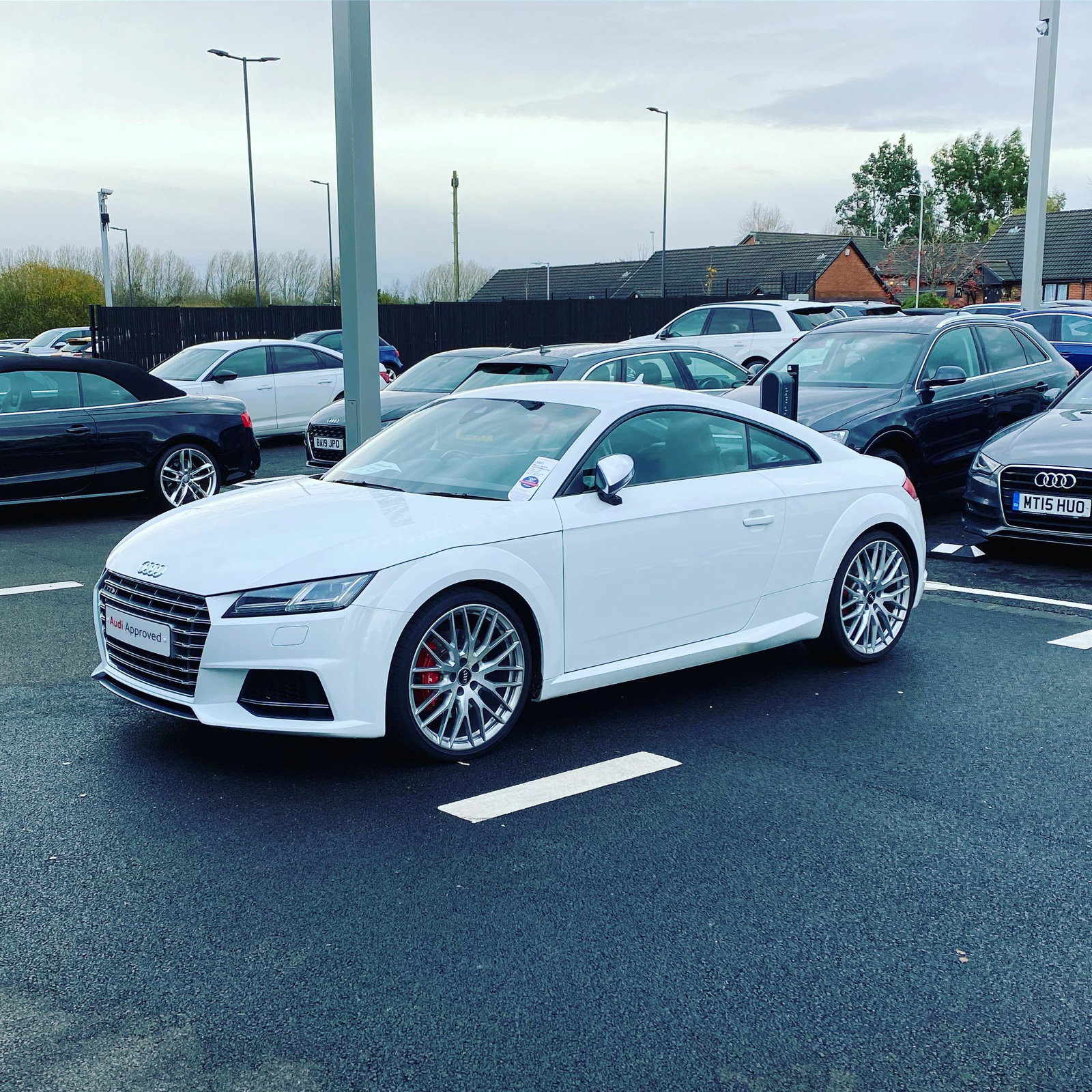
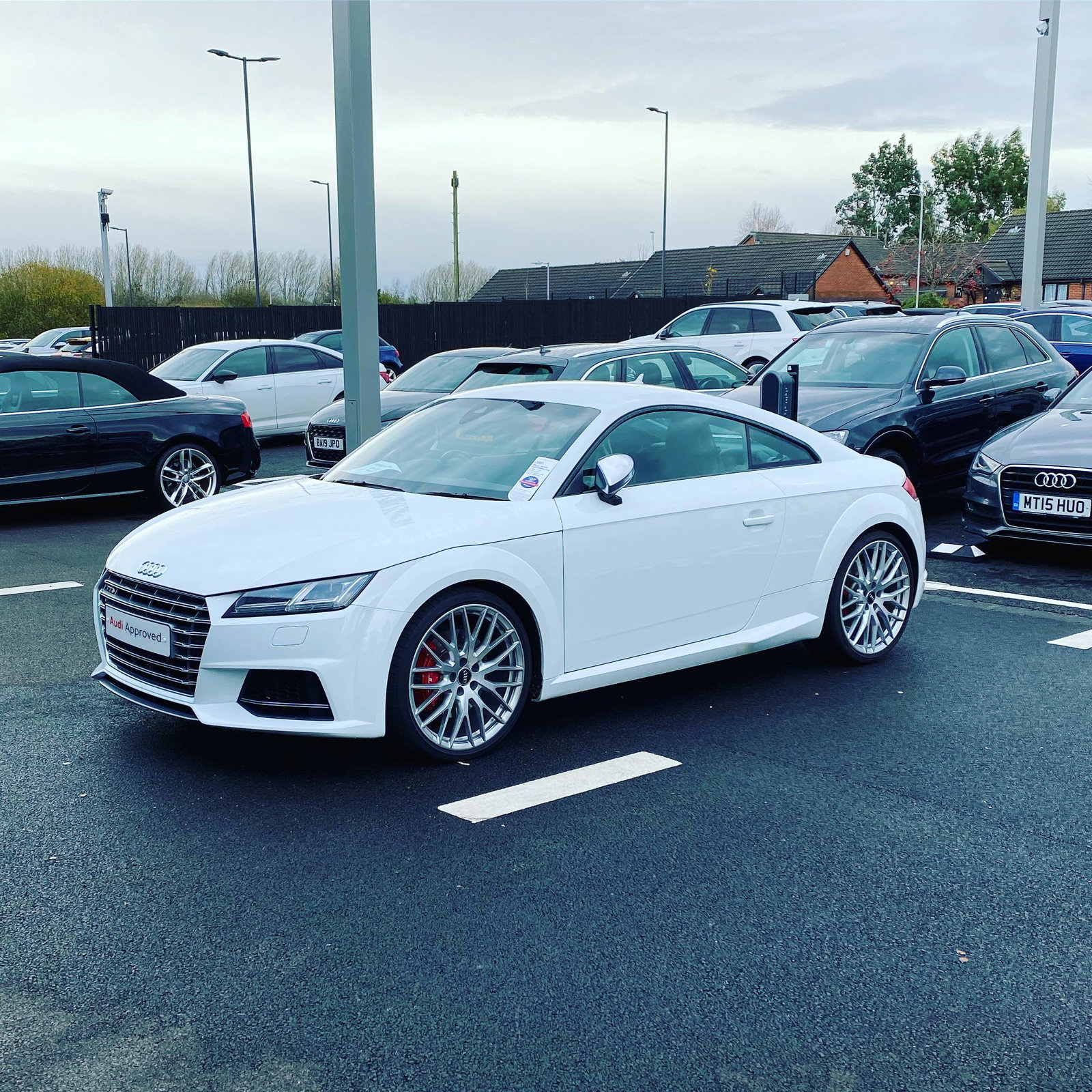
2016 TTS Had it 2 weeks. Love it.
-
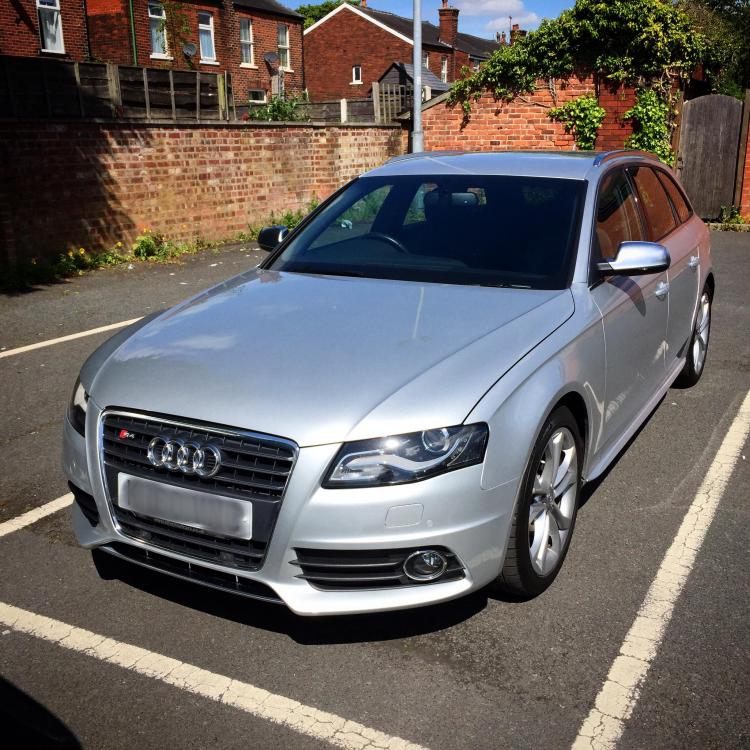
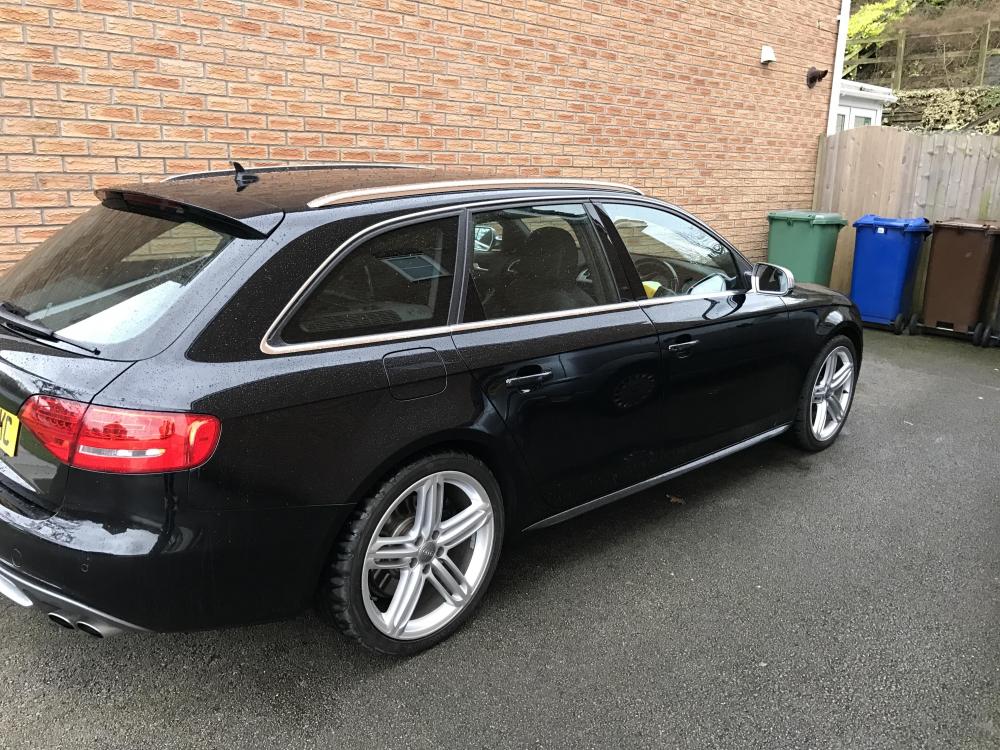
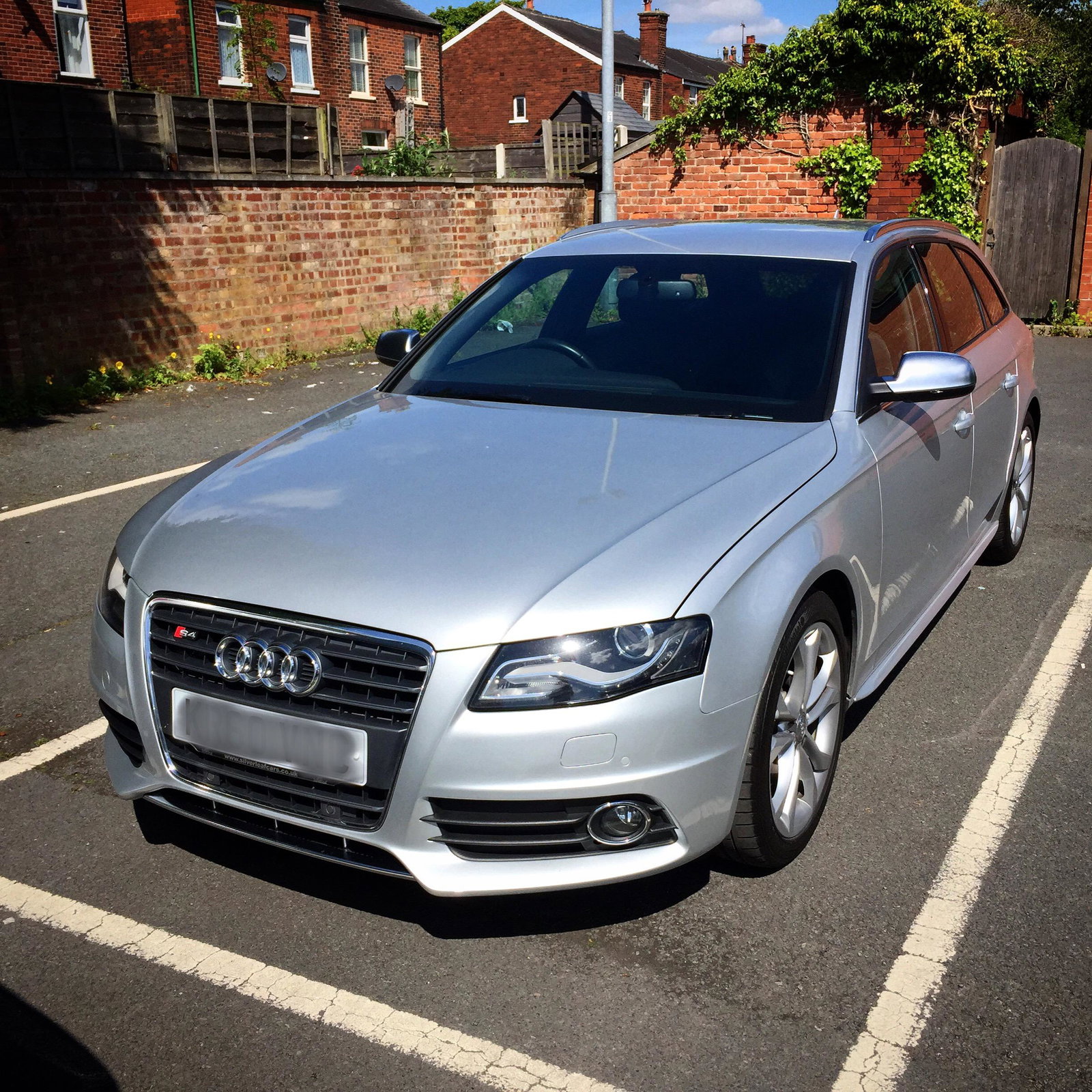
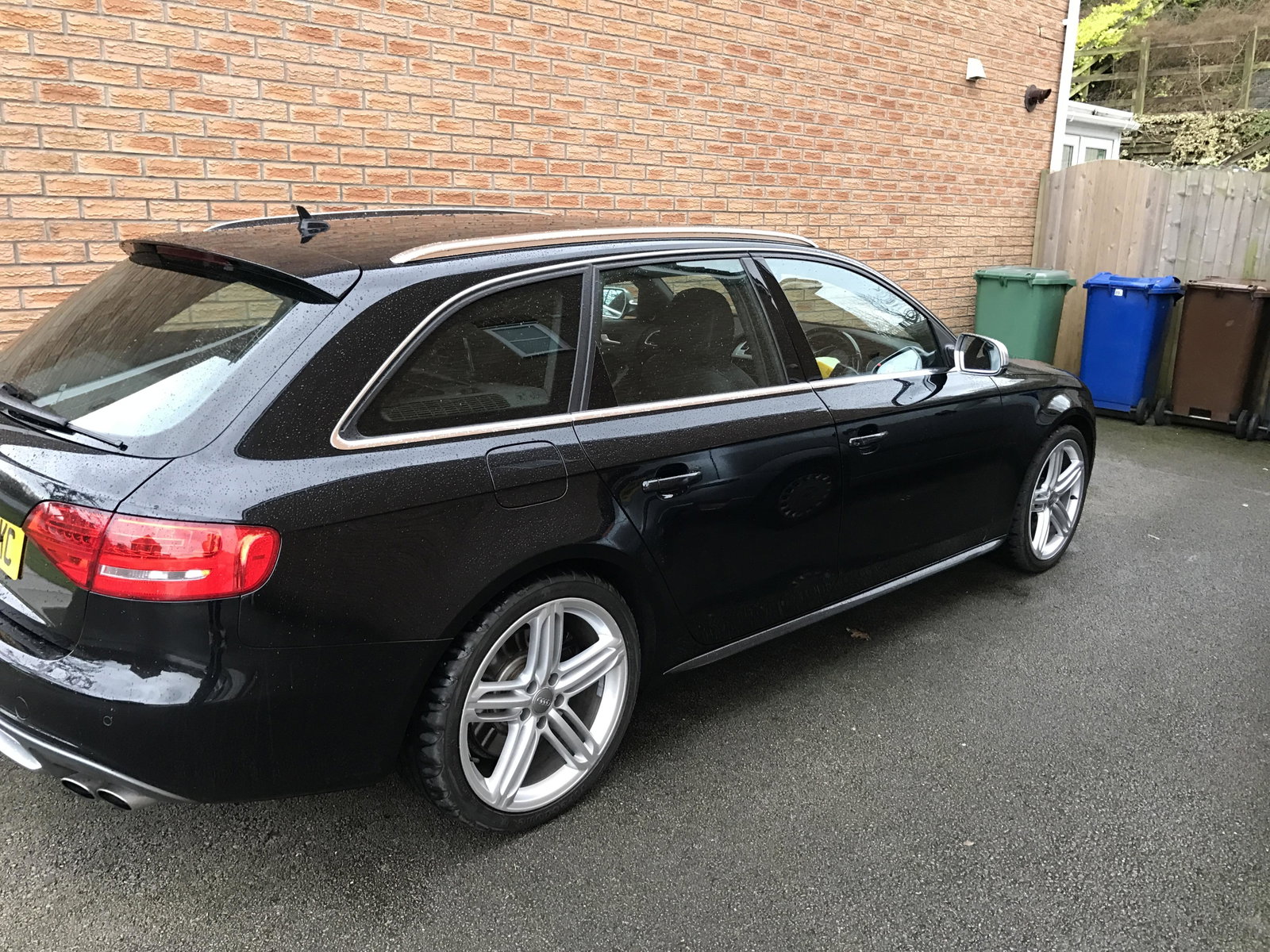
Hey all, Started out with an 8P A3 2l TDI S line in 2007. Had it for 5 years. Then had a short stray into BMW ownership with an E46 330i. Needless to say I came back to Audi after only 2 years. Had a Silver B8 S4 Avant which sadly got stolen after only 2 years. Replaced this with a Black B8 S4 Avant which got written off in an accident (not my fault) after having it 2 years. I won't upload the pics as it still make me sad to see it - thankfully I walked away unharmed and the car was ok to drive but with over 14k of damage it was not repaired. After the crash on 5th Nov I replaced the S4 with a 2016 TTS. It's fully loaded with everything apart from front parking sensors and electric seats. I love it so far. Not sure why I have not joined this forum sooner - been an Audi driver for over 10 years, the past 6 as an S car owner.