


Leaderboard
-

AOC Admin
Administrators1Points3,807Posts -
mvfjps
Members1Points4Posts -
JustinPhil
Members1Points1Posts -
Rilla
Members1Points8Posts


Popular Content
Showing content with the highest reputation on 03/18/2020 in Posts
-
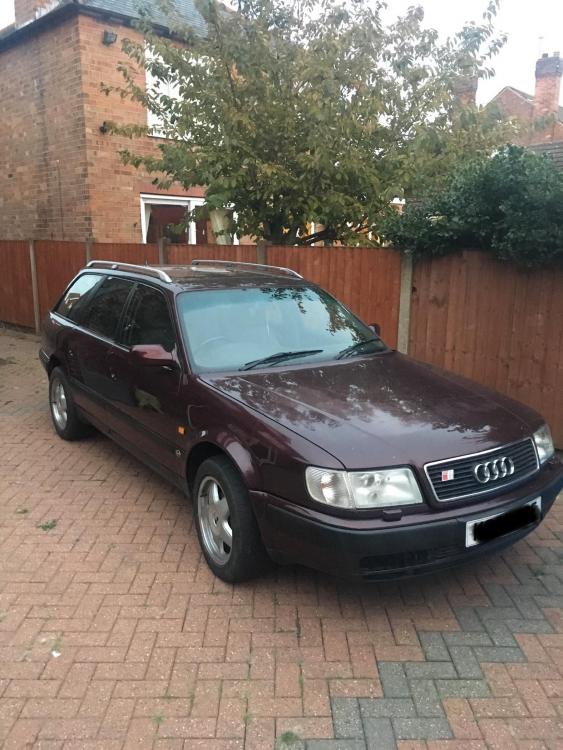
1 pointHi all just dropping by to say hi , new member but life long Audi owner .. I’m lucky enough to to have owned GT’s , 80’s , 90’s & B5’s ... current car is ‘92 manual 100 S4 avant .. she’s been in the family since early 2000 , little tired in places but still one of the best drives ..
 1 point
 -
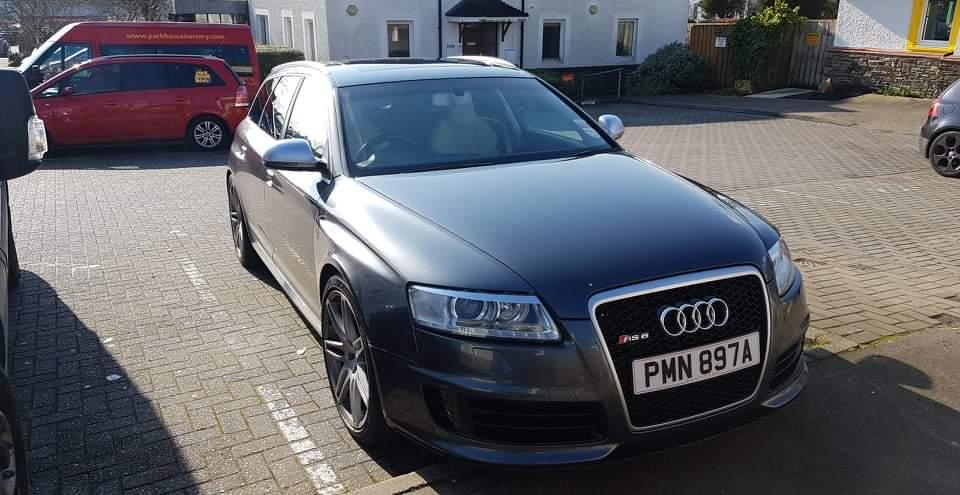
1 pointHi all. Previously owned a c5 rs6, stage 2 remapped and running around 520bhp. Stupidly sold it tho about 6 years ago and have had an itch ever since. Itch has been scratched now tho with the arrival of a stage 2 c6 rs6, 2008 with 60k miles. Over 20k worth of recipts and the dreaded oil seal and coolant pipe already done. What a machine lol. Currently running around 745bhp, but is very usable and smooth when just pottering about. Stand on the loud peddle tho and warp 10 engages fairly quickly lol. Will do some decent pics etc once i have finished playing and given her a full detail
 1 point
 -
1 pointHi Stuart.....welcome to you and your fine Audi Good to have you onboard1 point
-
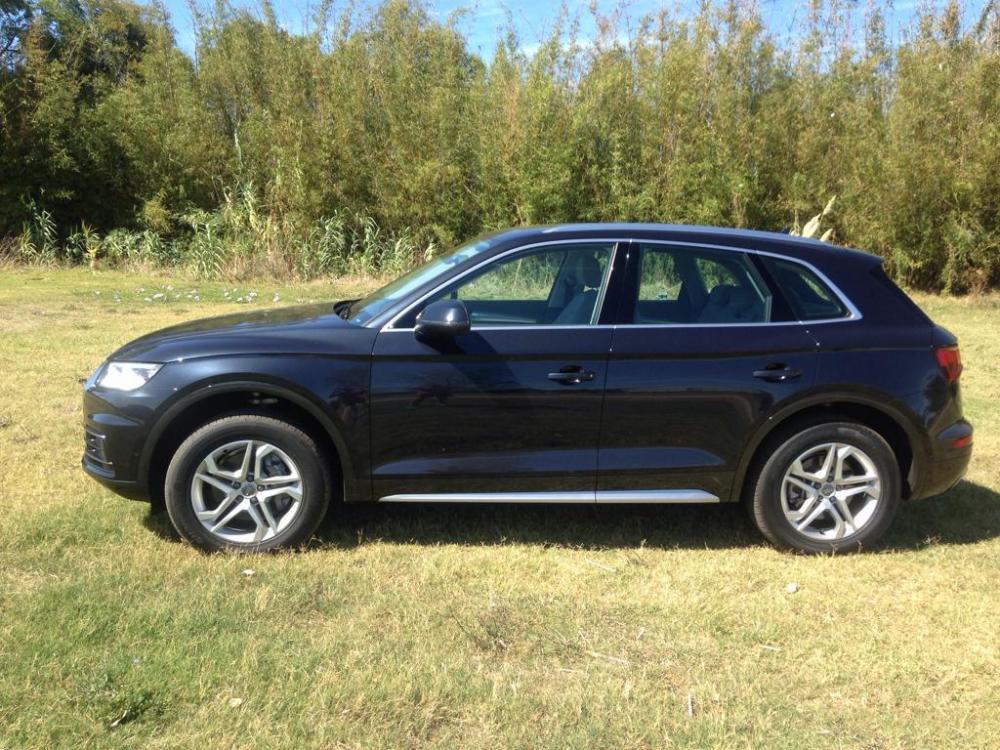
1 pointCar Finally arrived, it will take a while to work out how everything works on this vehicle. So many different functions and switches.

 1 point


