




Leaderboard
-
Realist
Established Member2Points47Posts -
Stevey Y
Established Member1Points3,602Posts -
Broadband007bond
Members1Points11Posts -
Johan_swe
Members1Points3Posts


Popular Content
Showing content with the highest reputation on 04/10/2024 in Posts
-
1 pointHi Gareth nothing wrong with ancient , look at us we are still functioning, don't knock it. Steve.1 point
-
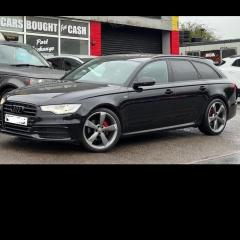
Yes history looks all ok just looking for a car that looks the part, goes, peanuts on tax and way less fuel cost compared to my 3.0L Discovery 4.1 point
-
1 pointSoftware version is 3620 MMI software version is release-35.12-2126-SNAPSHOT-28.06.2021-13:58:42 Navigation database is V03959822FK_P1140_EU_2024.03 Since having it updated I now have Android Auto wirelessly which I didn't before (had to connect a cable) Hope this helps !1 point
-
Problem resolved. I replace the tailgate lock. My conclusion is that the lock did not "signal" door open and this causes the towbar to not release etc....1 point
-
Called garage and asked they are happy taking my car and waiting for the new V5. So happy days. Thanks bud.1 point