Skip to content
View in the app

A better way to browse. Learn more.

Audi Owners Club (UK)

A full-screen app on your home screen with push notifications, badges and more.

To install this app on iOS and iPadOS
  1. Tap the Share icon in Safari
  2. Scroll the menu and tap Add to Home Screen.
  3. Tap Add in the top-right corner.
To install this app on Android
  1. Tap the 3-dot menu (⋮) in the top-right corner of the browser.
  2. Tap Add to Home screen or Install app.
  3. Confirm by tapping Install.


Noel

Members
  • Joined

  • Last visited

Everything posted by Noel

  1. You’ll get the Ballasts on EBay a lot cheaper than Audi, I switched the bottom Ballasts around when the first headlight stopped working so I’d assume as the headlight was letting in water it corroded the second (good) ballast as well
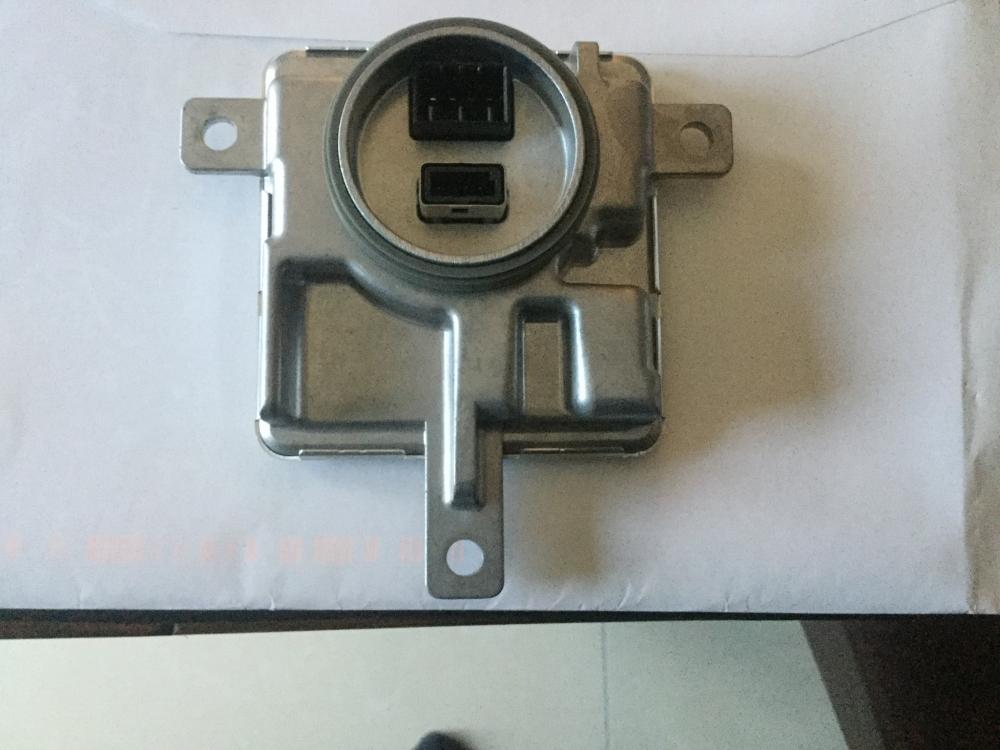
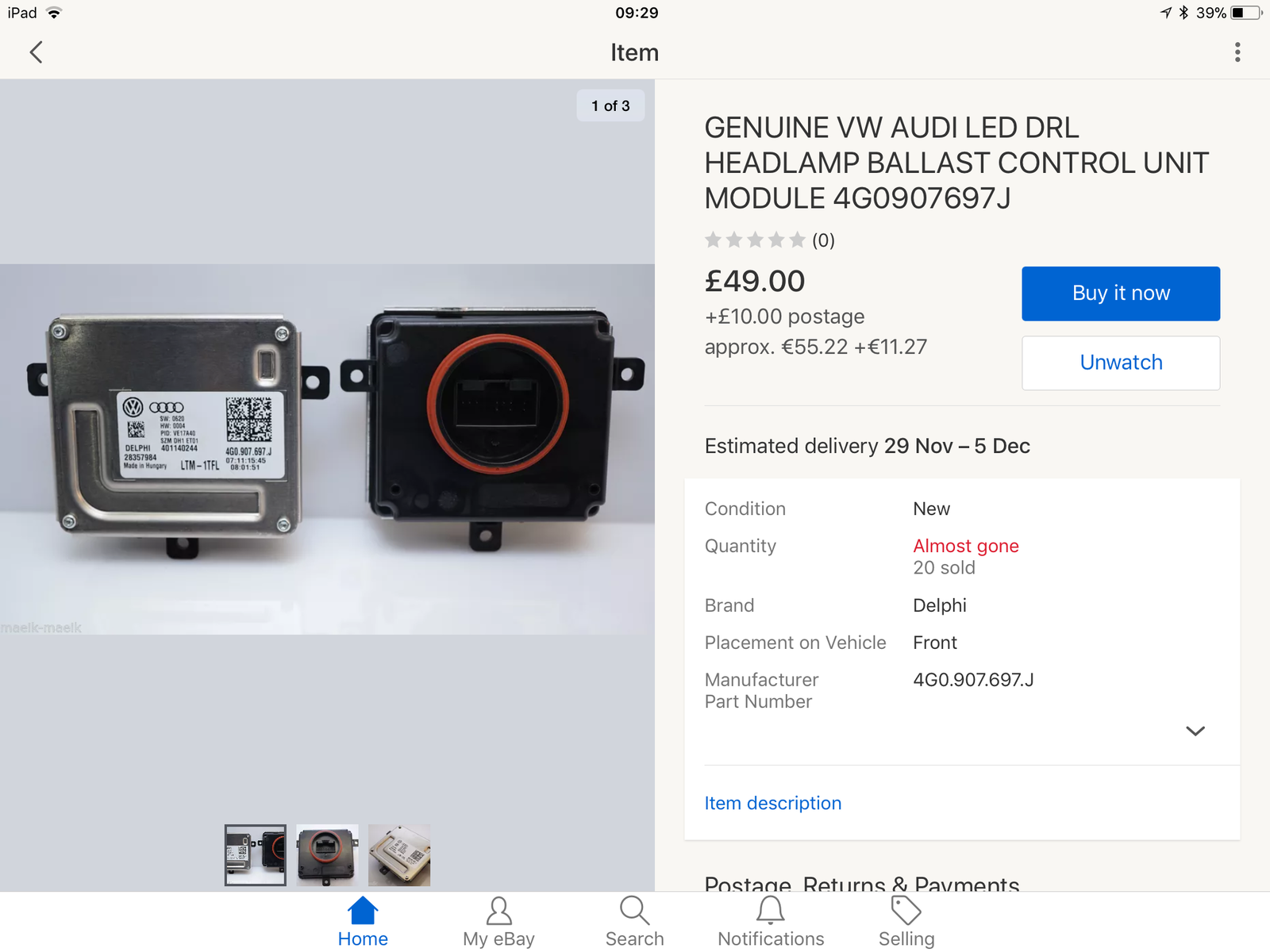
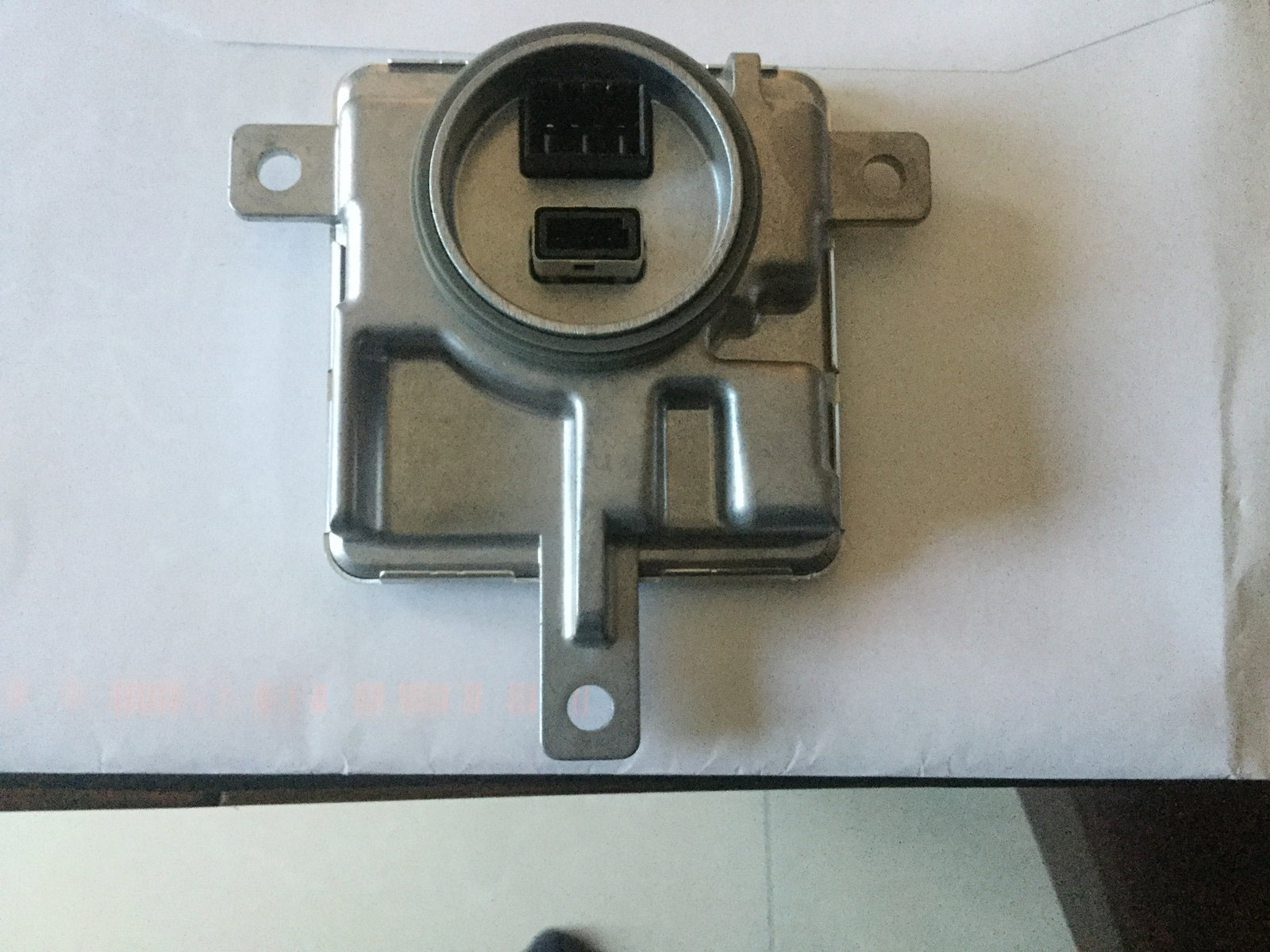
  2. Check the Ballast, my 2012 A6, has 2 on each light, one at the back and one underneath the headlights, my headlight is letting in water so that’s a good reason, why it stopped working, can’t seem to find where water is getting in, I’ve attached pics of Ballasts one has 2 x connections at the back and the other one has 1 x connection, I’ve managed to get one light working got 2 x new ballasts, mind you it’s now showing Headlight Range Defective Fault, and the light is poor, waiting on 2 x more Ballasts,
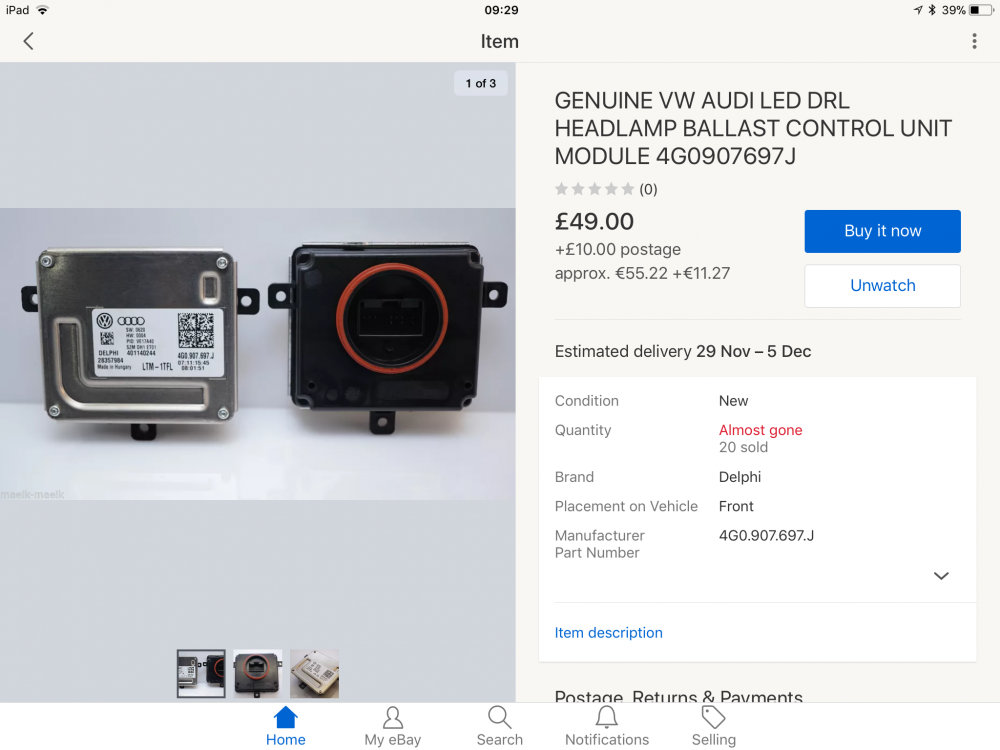
  3. When you say scan I take it you mean connecting it up to diagnostic equipment ?
  4. It’s reading circuit problem as far as I’m aware !
  5. Hi guys, My headlights not working it states a bulb is blown, but it’s not the bulbs, I was told it’s a ballast, but purchased a ballast and that doesn’t seem to be the problem either, it was initially one light not working,, but now after a guy (auto elec) looked at it both lights are now not working, it seems to be baffling the auto electrician has anyone come across this problem before ? Thanks in advance


Background Picker
Customize Layout

Account

Navigation

Search

Search

Configure browser push notifications

Chrome (Android)
  1. Tap the lock icon next to the address bar.
  2. Tap Permissions → Notifications.
  3. Adjust your preference.
Chrome (Desktop)
  1. Click the padlock icon in the address bar.
  2. Select Site settings.
  3. Find Notifications and adjust your preference.