




Skip to content
View in the app

A better way to browse. Learn more.

Audi Owners Club (UK)

A full-screen app on your home screen with push notifications, badges and more.

To install this app on iOS and iPadOS
  1. Tap the Share icon in Safari
  2. Scroll the menu and tap Add to Home Screen.
  3. Tap Add in the top-right corner.
To install this app on Android
  1. Tap the 3-dot menu (⋮) in the top-right corner of the browser.
  2. Tap Add to Home screen or Install app.
  3. Confirm by tapping Install.

slimbaz

Members
  • Joined

  • Last visited

Everything posted by slimbaz

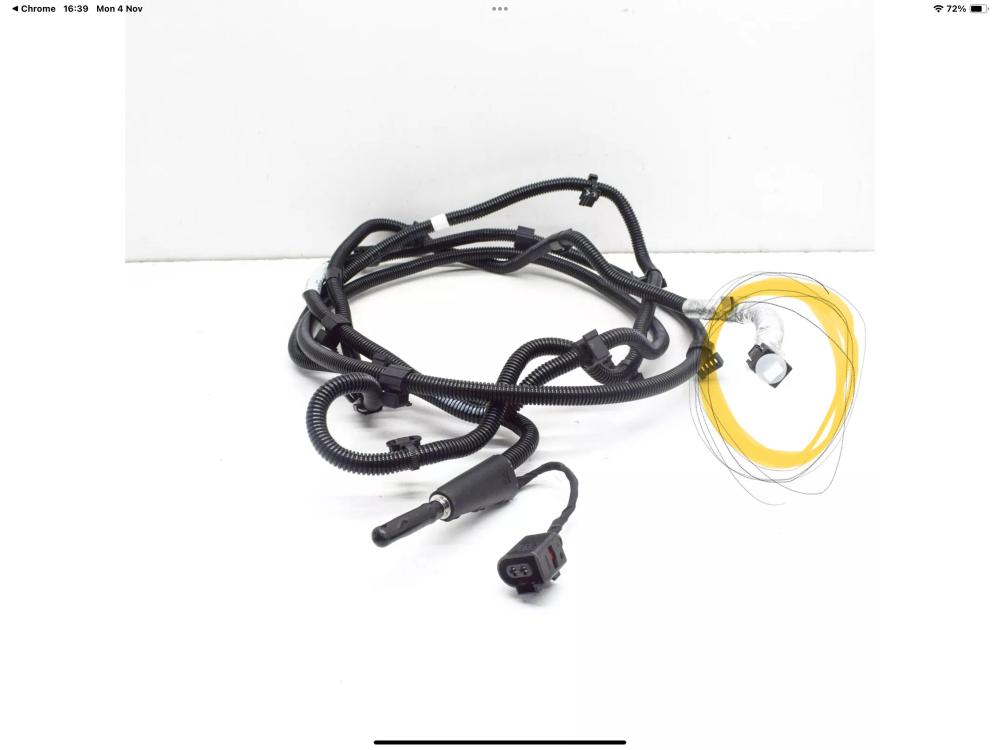
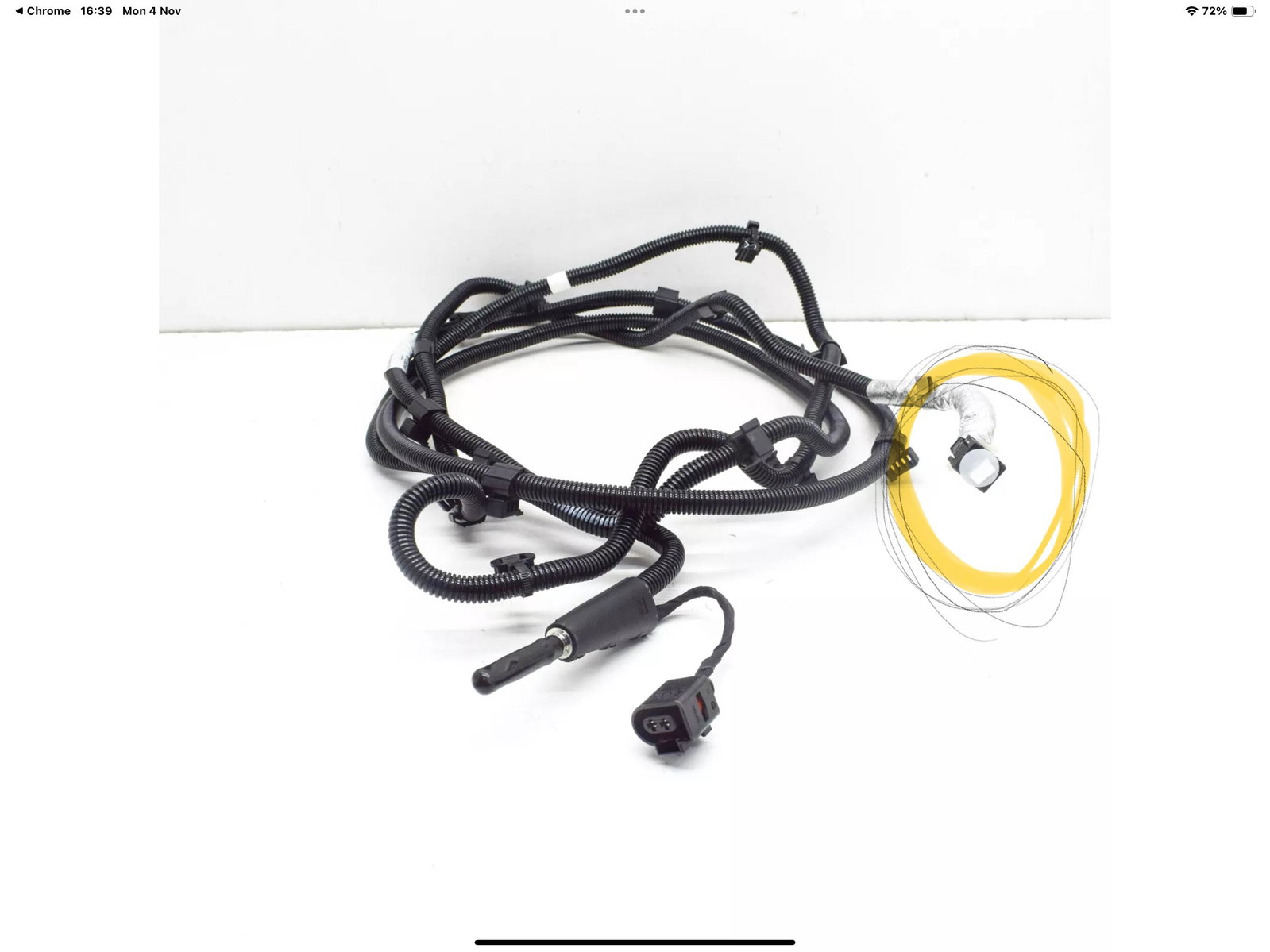
  1. Hi, my A8 is leaking from the coupling on the feeder hose. I have tried to tape up to no avail. I have added a photo of the part that is leaking. The injector is fine. Any help?
  2. I have an Audi A8L 2014. I have inserted several SIM cards that all work in a mobile phone. Once inserted the network provider is displayed I.e three/Vodafone/ee etc and displays 3G or 2g. I try to make a call or access Audi connect but it does not connect and at about 2 minutes loses connection. I also connect via rSAP with a Samsung on EE which also loses connection after 2 minutes. I have taken it to an Audi dealer who carried out a diagnosis and said there was nothing wrong with the car, but didn't fix the issue. Can anyone help?


Background Picker
Customize Layout

Account

Navigation

Search

Search

Configure browser push notifications

Chrome (Android)
  1. Tap the lock icon next to the address bar.
  2. Tap Permissions → Notifications.
  3. Adjust your preference.
Chrome (Desktop)
  1. Click the padlock icon in the address bar.
  2. Select Site settings.
  3. Find Notifications and adjust your preference.