




Skip to content
View in the app

A better way to browse. Learn more.

Audi Owners Club (UK)

A full-screen app on your home screen with push notifications, badges and more.

To install this app on iOS and iPadOS
  1. Tap the Share icon in Safari
  2. Scroll the menu and tap Add to Home Screen.
  3. Tap Add in the top-right corner.
To install this app on Android
  1. Tap the 3-dot menu (⋮) in the top-right corner of the browser.
  2. Tap Add to Home screen or Install app.
  3. Confirm by tapping Install.


Ledgie95

Members
  • Joined

  • Last visited

Everything posted by Ledgie95

  1. Thanks Paul 👍🏻
  2. Does anybody know if you can download the latest MMI update if so how and where do I find this?
  3. The car was immaculate no marks at all everything seemed tip top condition I have had it for a month now and it has only just come on I will need to check the wires tomorrow thanks Steve.
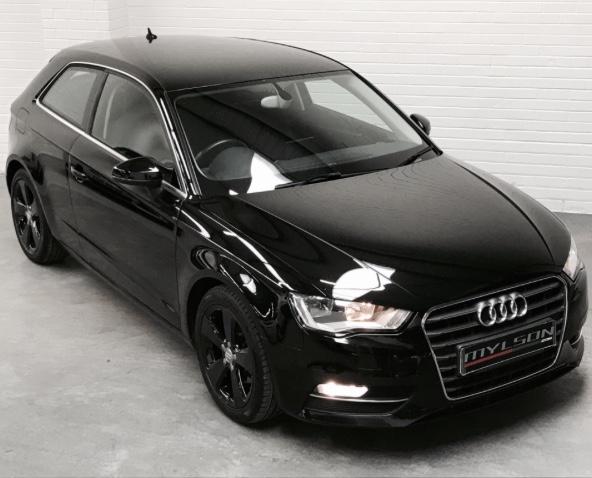
  4. Hi everyone I have recently bought my Audi A3 14 plate a couple of days ago the system fault and the passenger airbag sign popped up on the dash does anybody know if this will be a big problem as I haven’t got the money to get it in a garage to get it looked at until the 12th



Background Picker
Customize Layout

Account

Navigation

Search

Search

Configure browser push notifications

Chrome (Android)
  1. Tap the lock icon next to the address bar.
  2. Tap Permissions → Notifications.
  3. Adjust your preference.
Chrome (Desktop)
  1. Click the padlock icon in the address bar.
  2. Select Site settings.
  3. Find Notifications and adjust your preference.