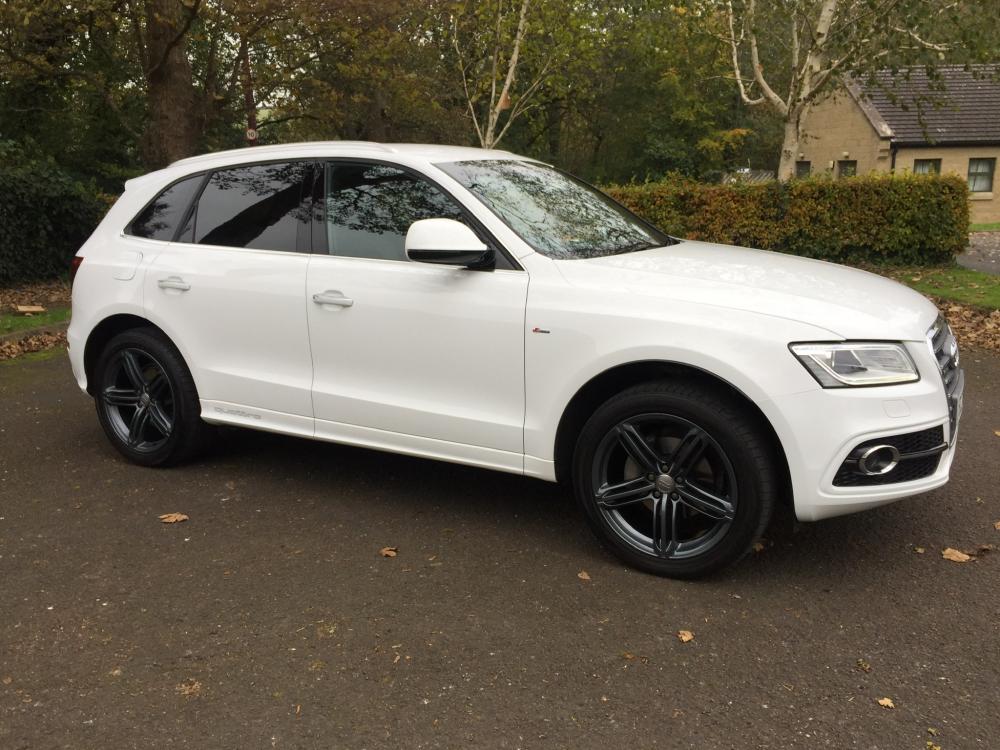
Q5driver58
Members
-
Joined
-
Last visited
-
Joske Only reading this now, you probably have been sorted. Just to let you know I replaced my original Sline steering wheel with a flat bottom SQ5 steering wheel of the same year the original round steering wheel airbag fitted both wheels, I fitted the wheel myself with no problems and no warning lights. Hope this is of help. Ian
-
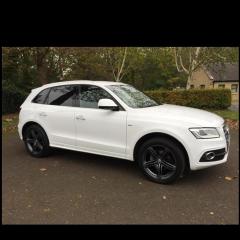
Q5driver58 changed their profile photo
-
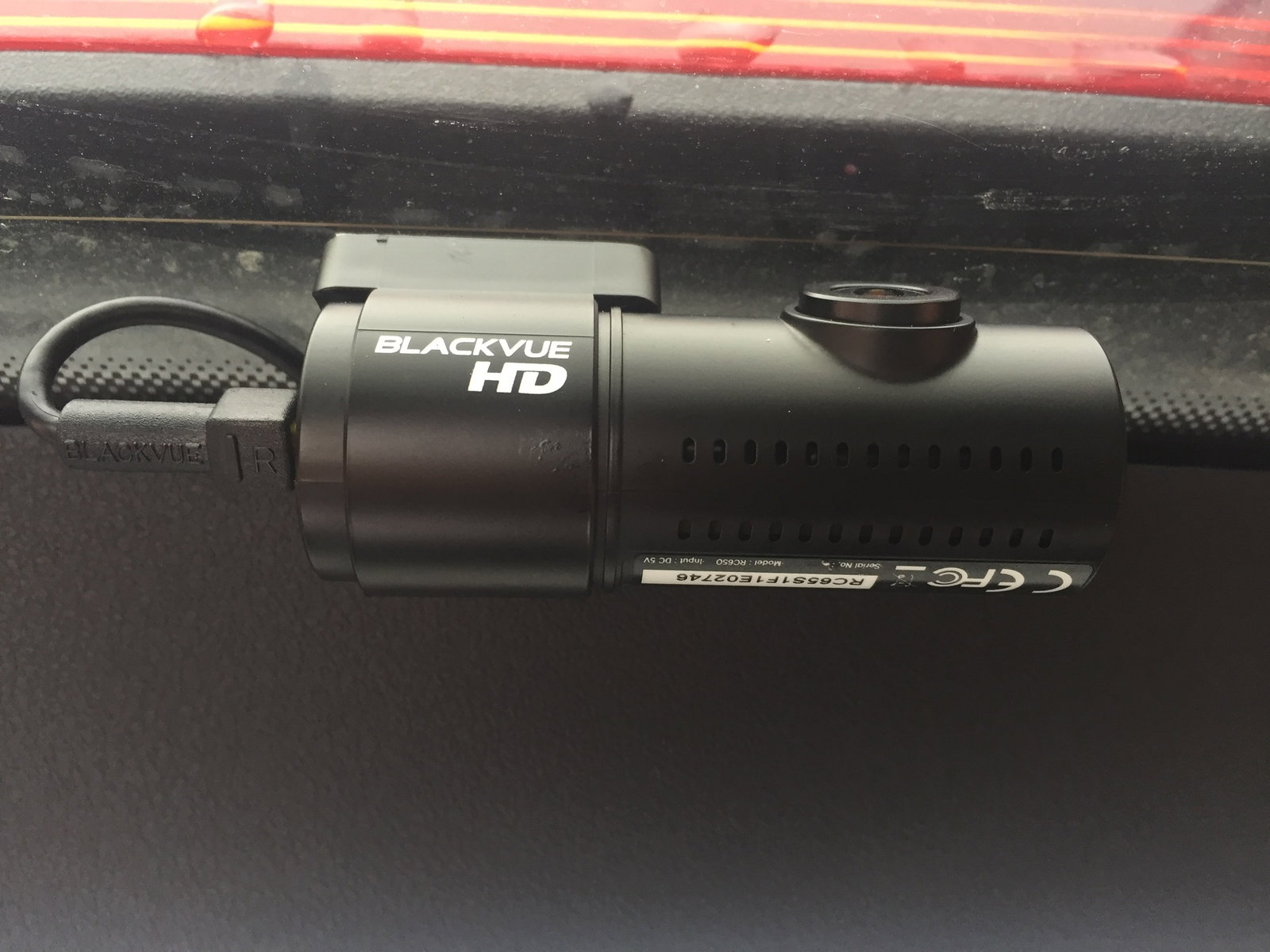
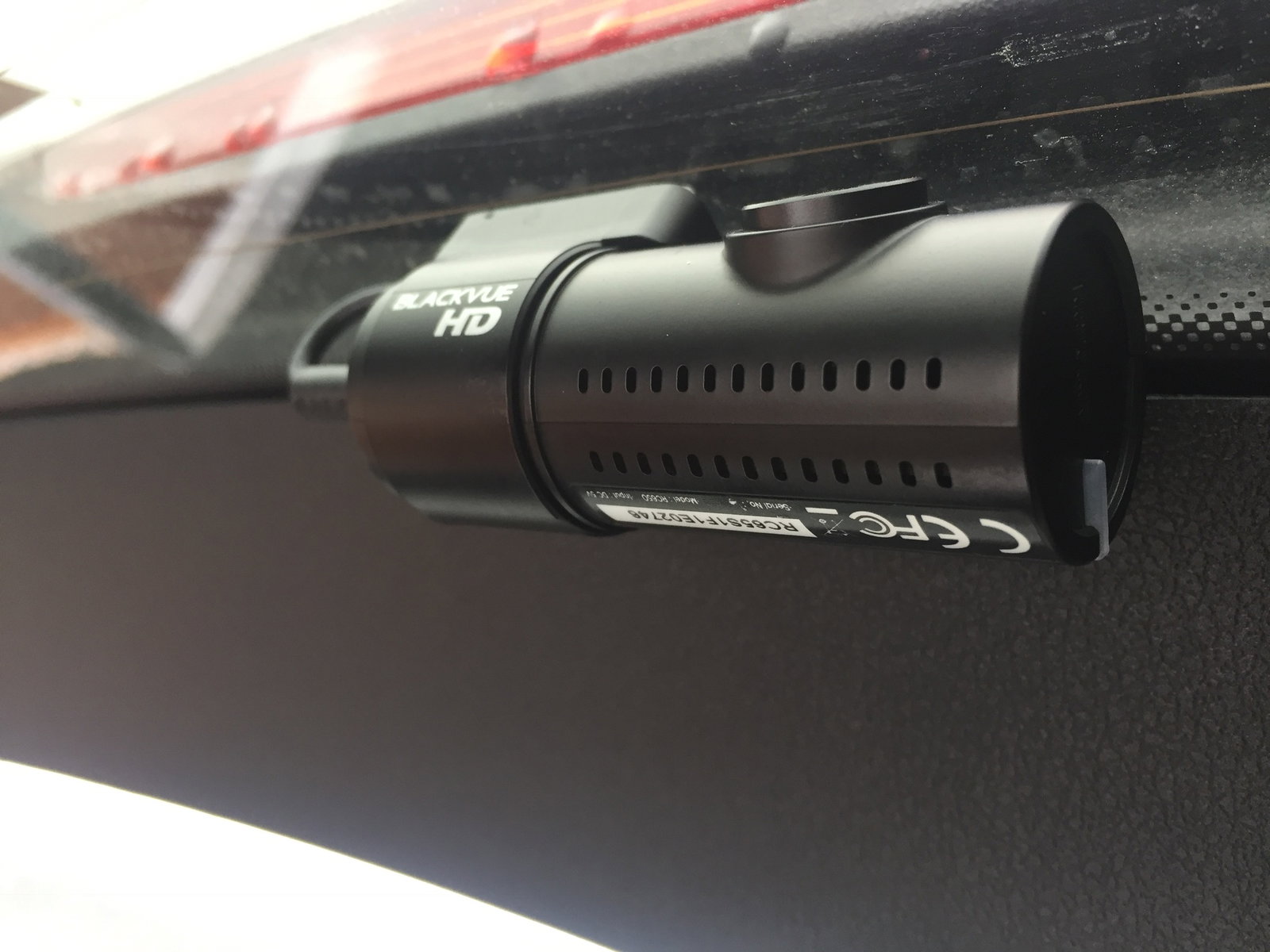
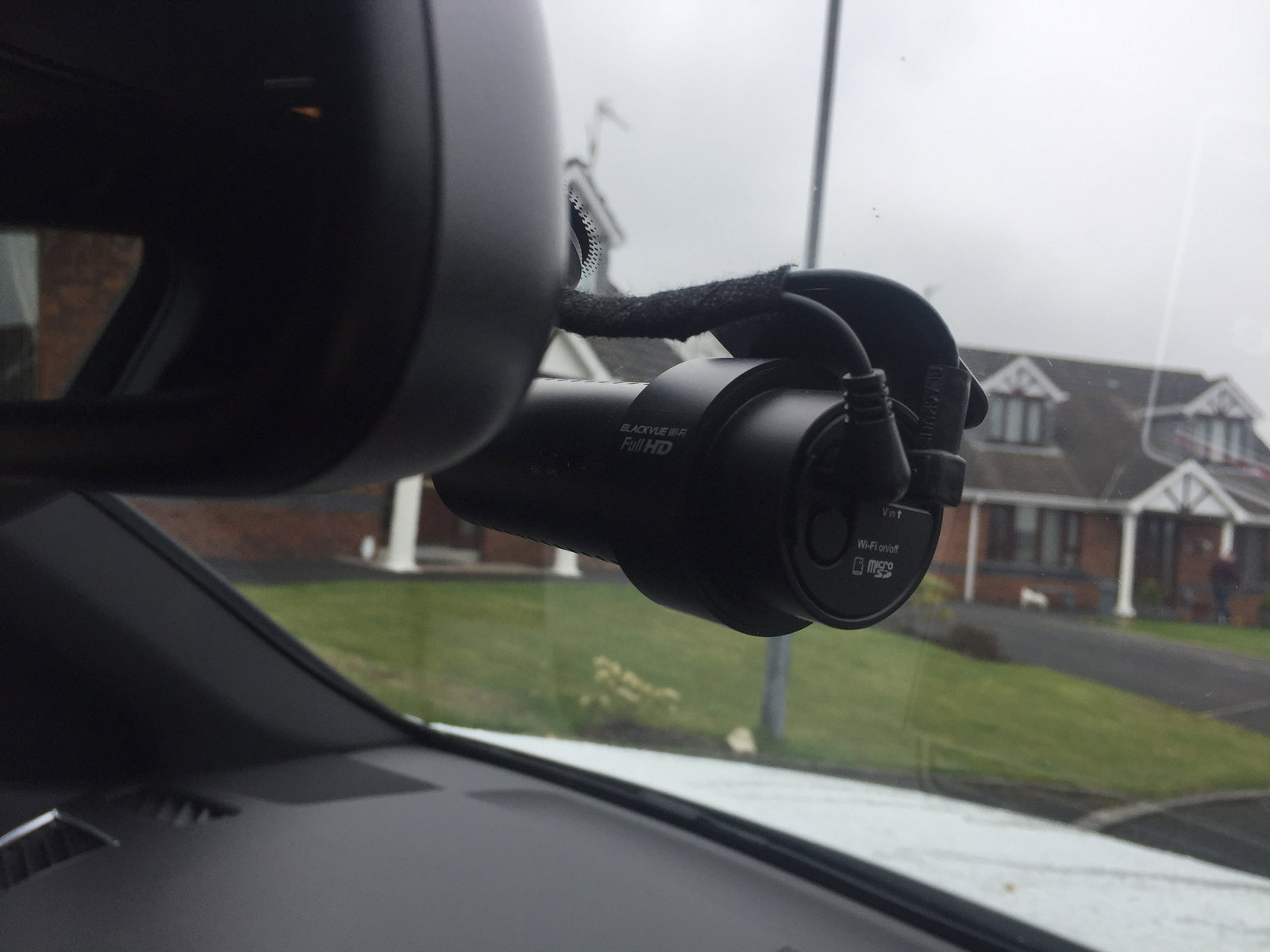
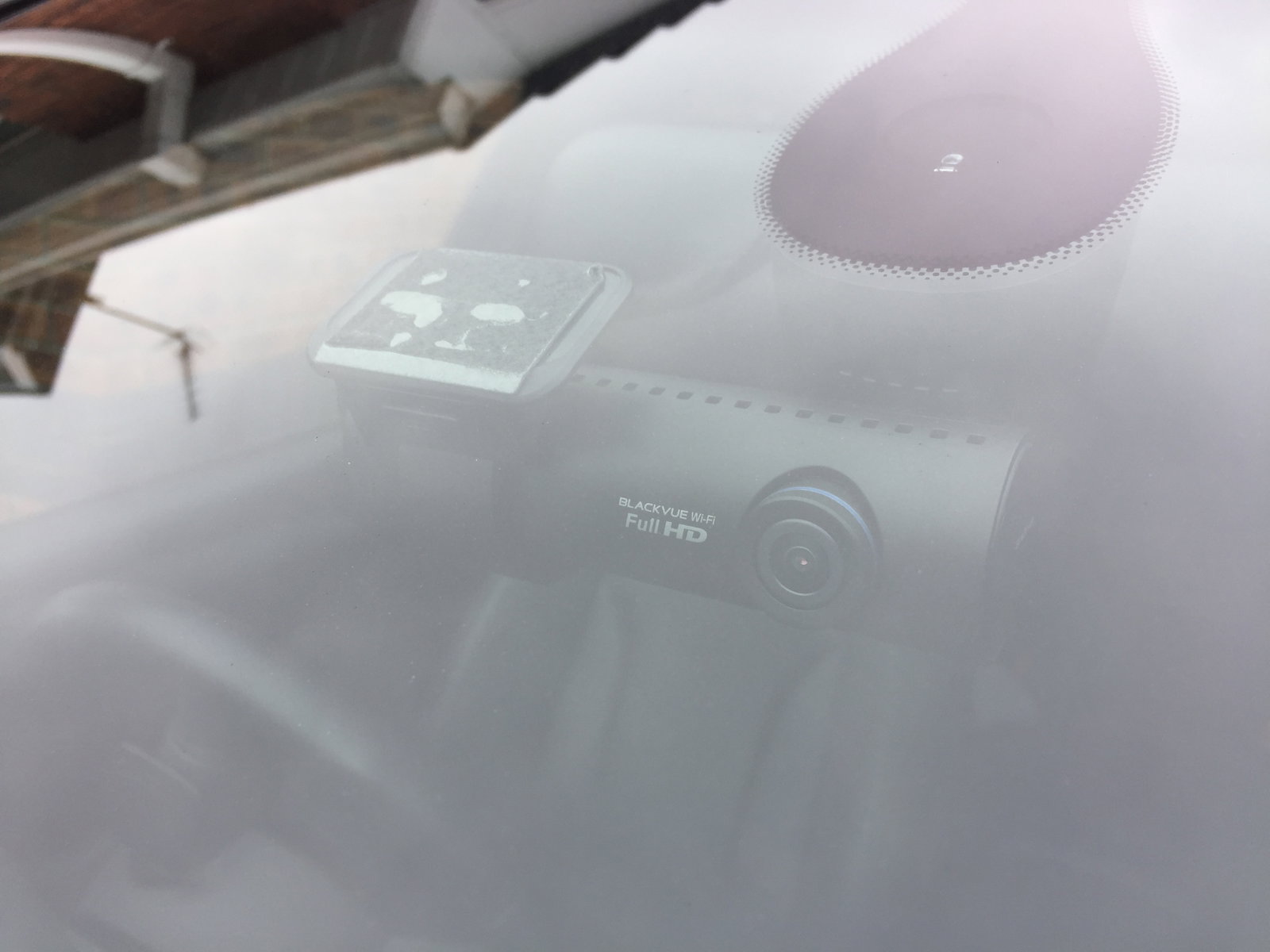
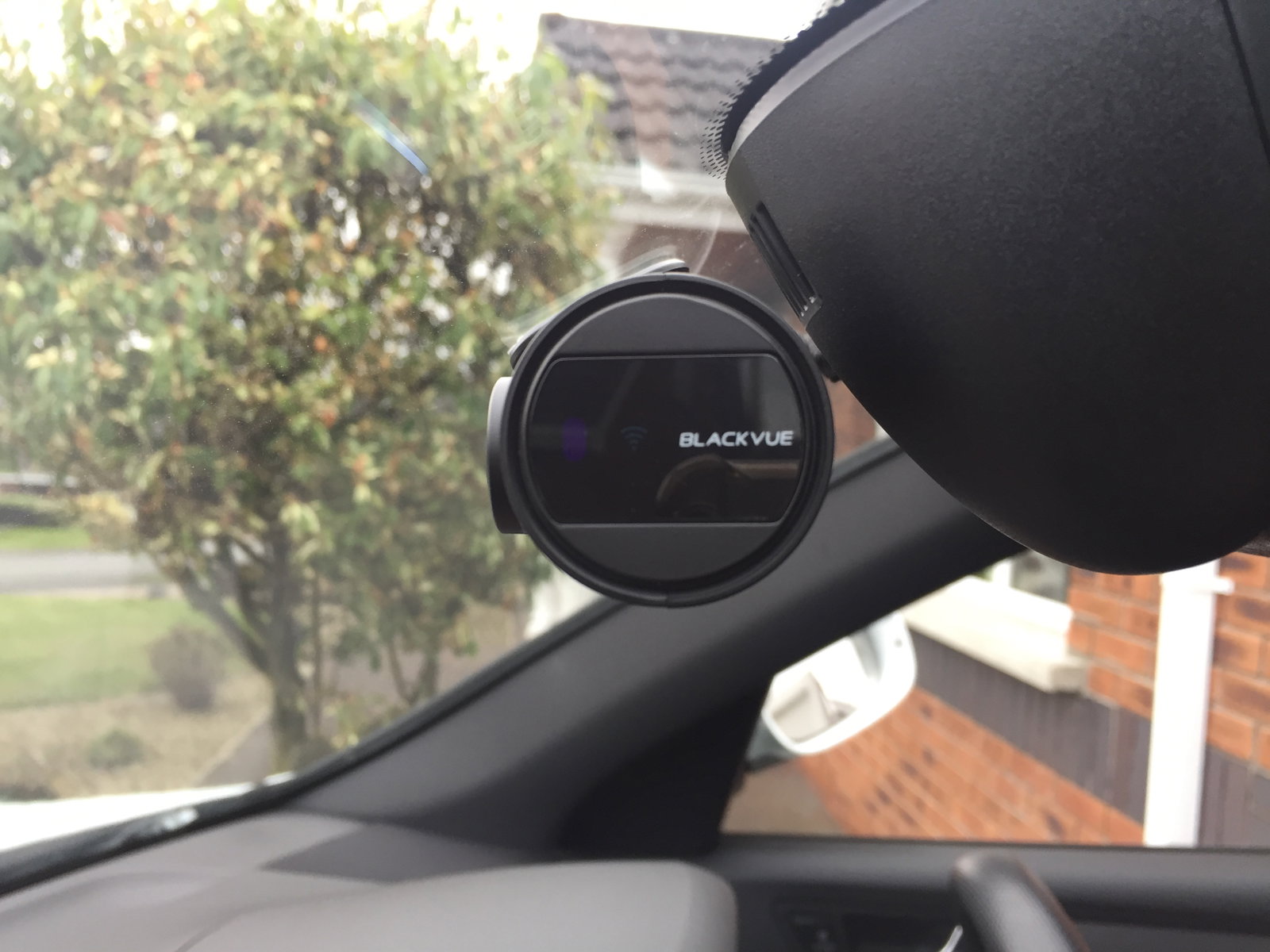
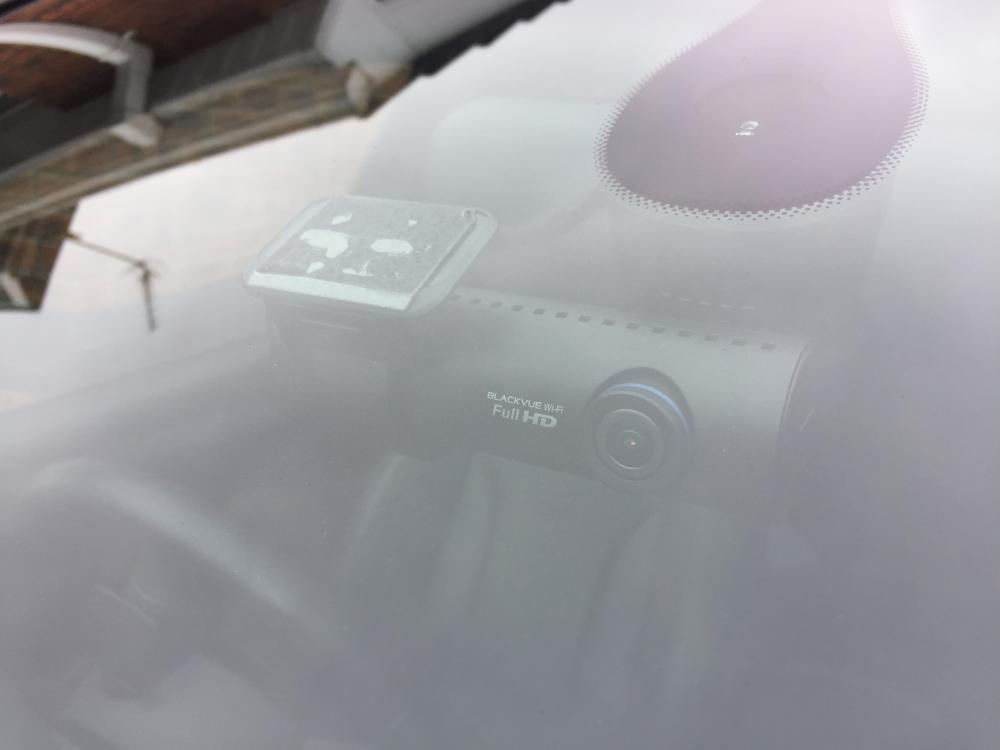
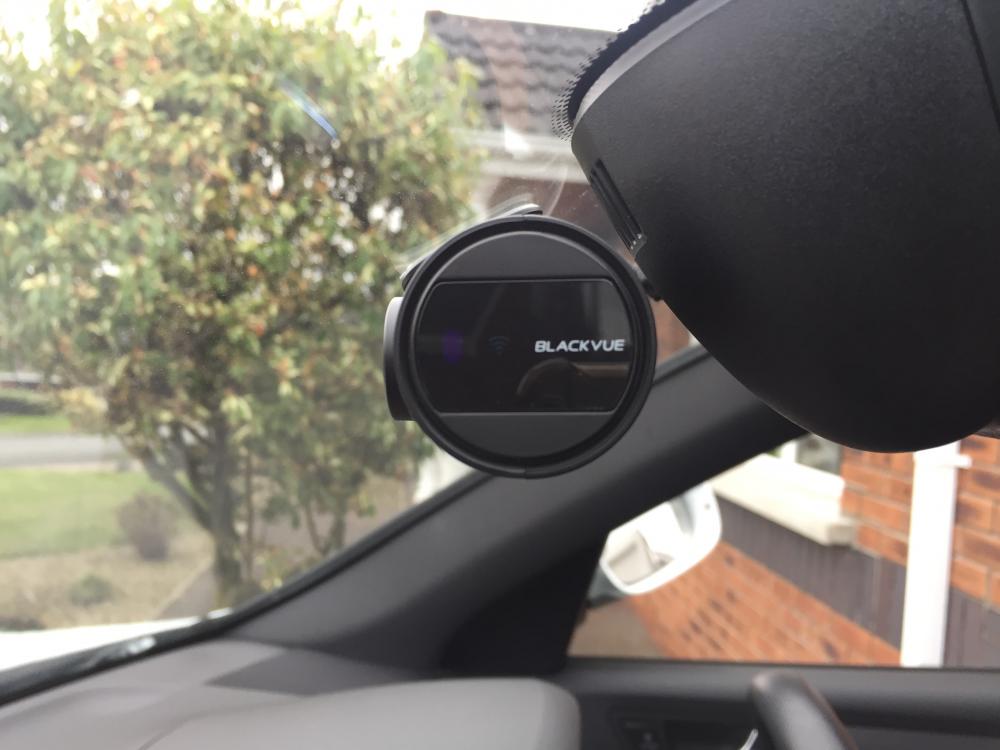
Just a couple of pics of Blackvue fitted to my car. This is the second Audi I have had these cameras fitted to and have no reason to use the warranty so cannot comment on the warranty. Photos 1,2 & 3 front camera Photos 4&5 rear camera
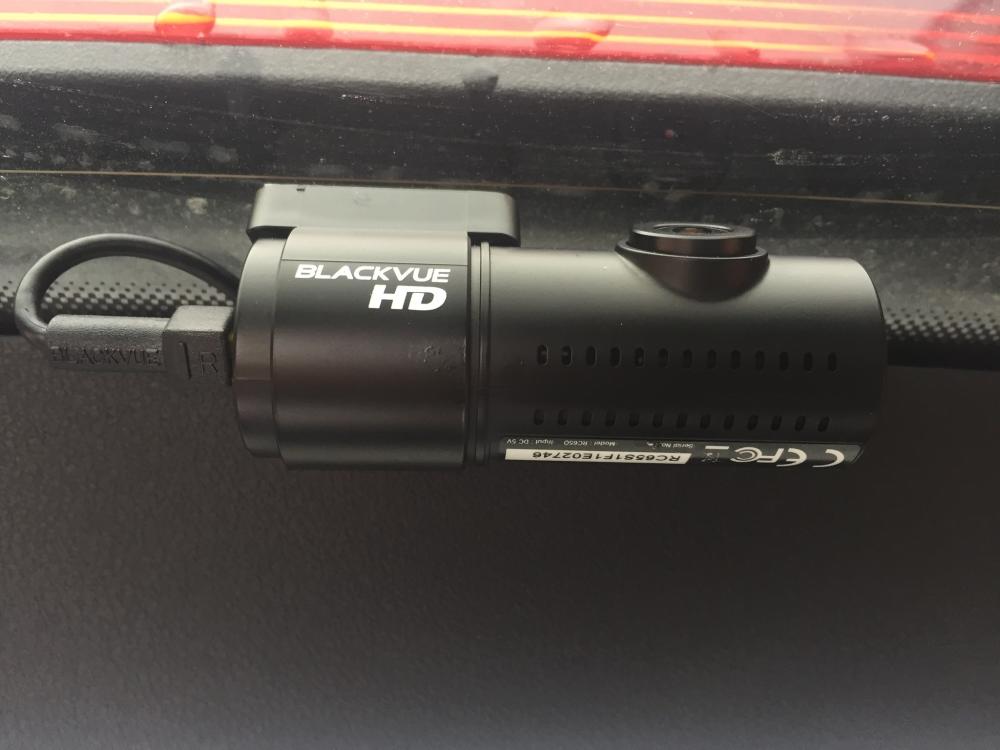
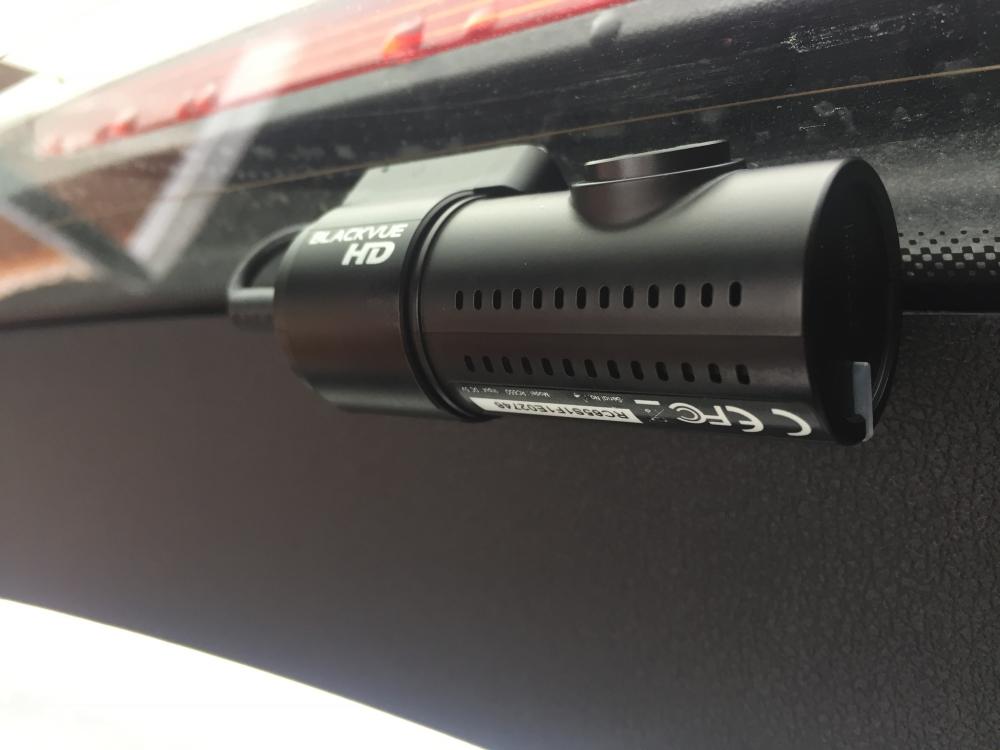
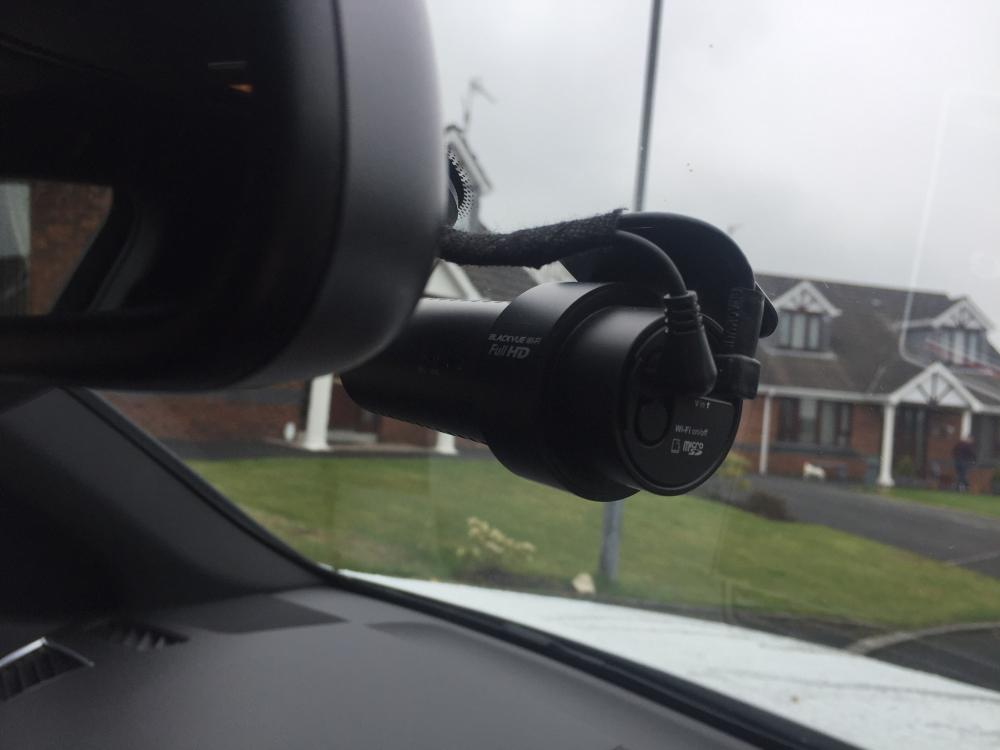
-
I can’t recommend Blackvue enough. The 2 channel DR650GW hard wired, they are similar in size and shape to the thinkware. www.blackvue.co.uk
-
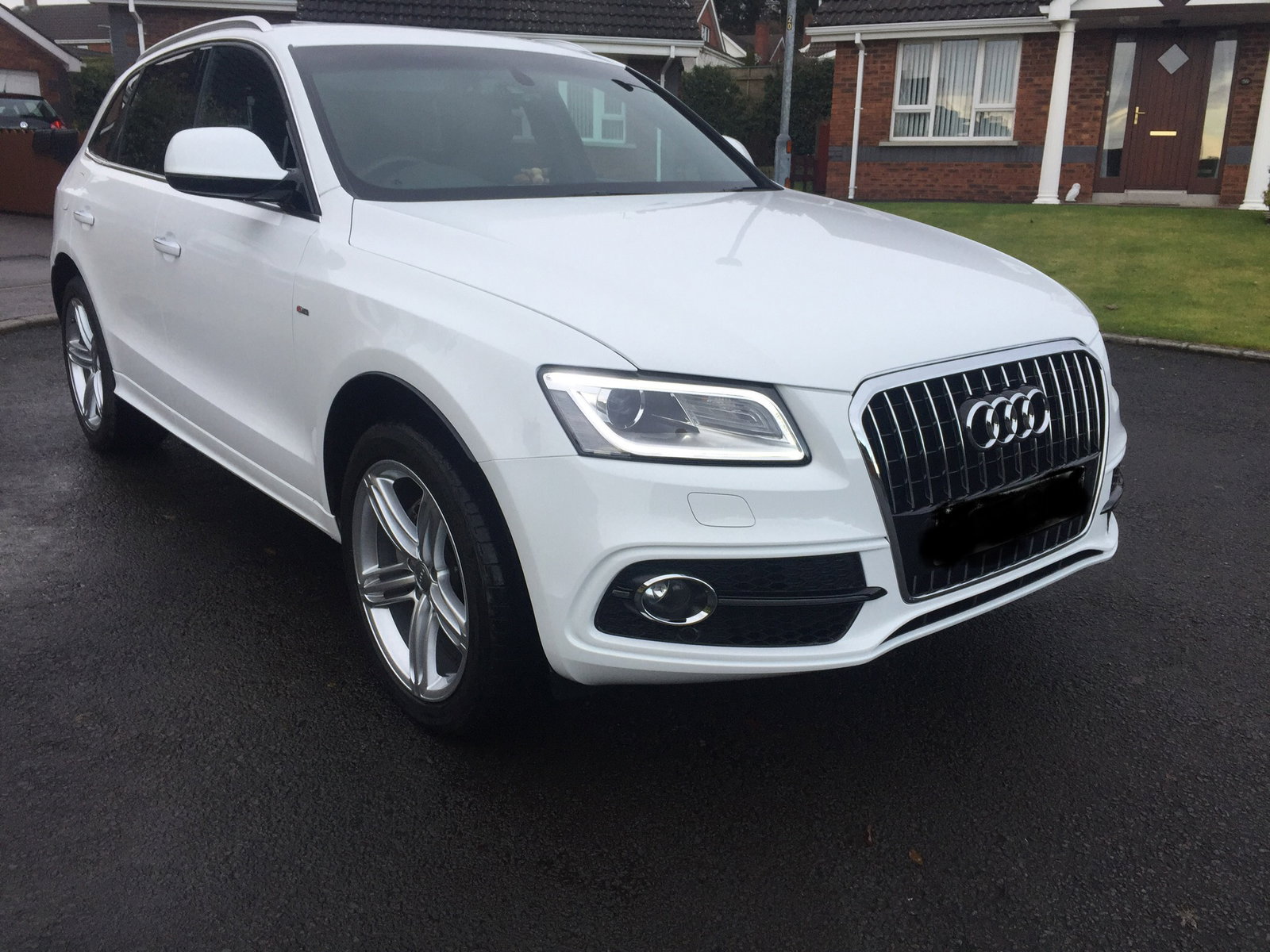
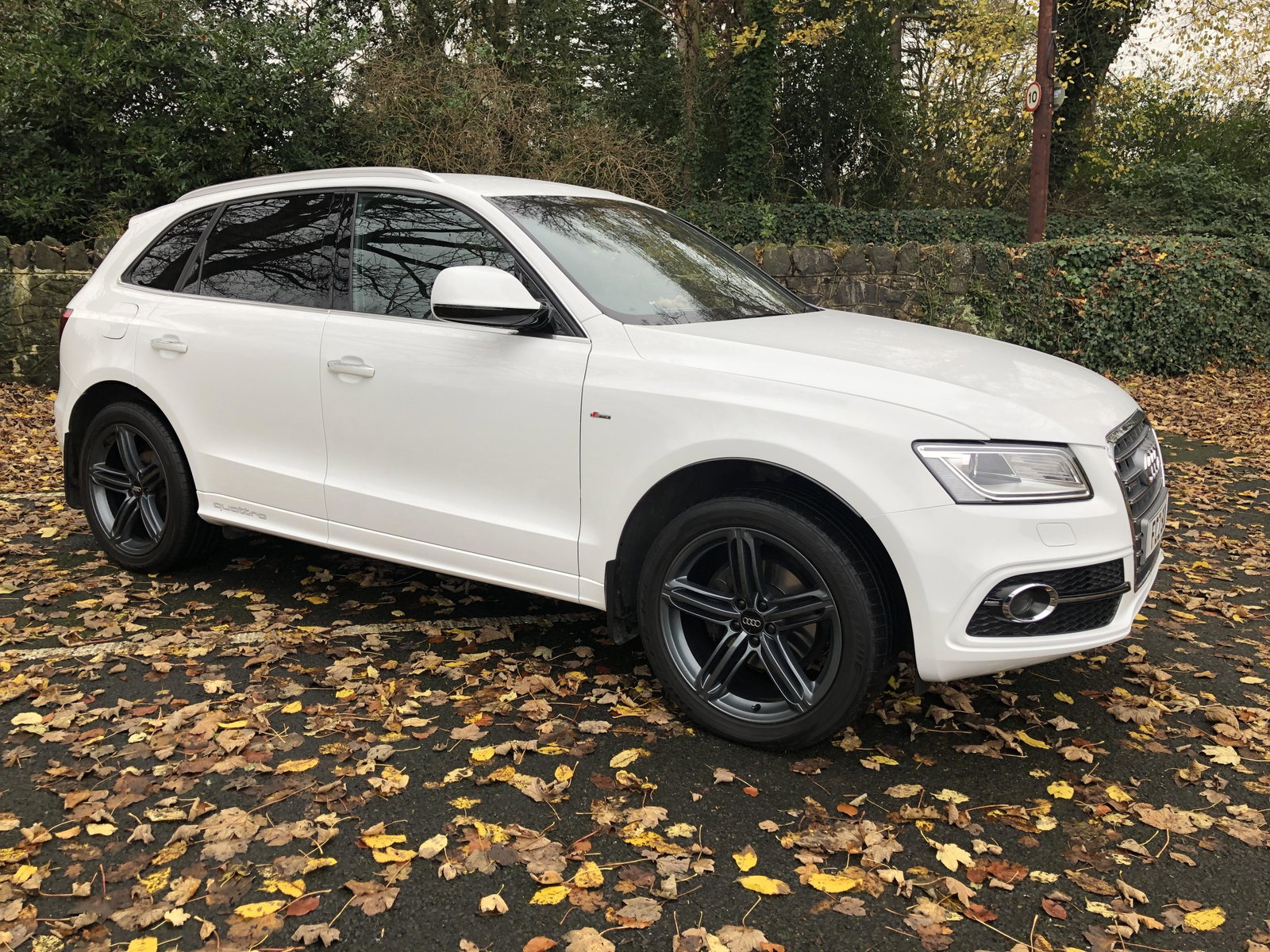
Nizamuk. In my opinion I would stay well away from this type of camera. I fitted a front and rear Blackvue camera to my Q5. Hard wired so no unplugging from the socket no untidy wires and a very high quality item for the camera and a little box of tricks to stop the drain on your battery when car switched off (can’t remember name of this box). Fitted just over £400 but well worth it. The camera records even when away from the car so if someone is to bump your car the camera starts to record. If you have a budget you need to stick to I would suggest contacting a local fitter or read the reviews in Autoexpress car mag for cameras. Happy hunting. Enjoy the Q5.
-
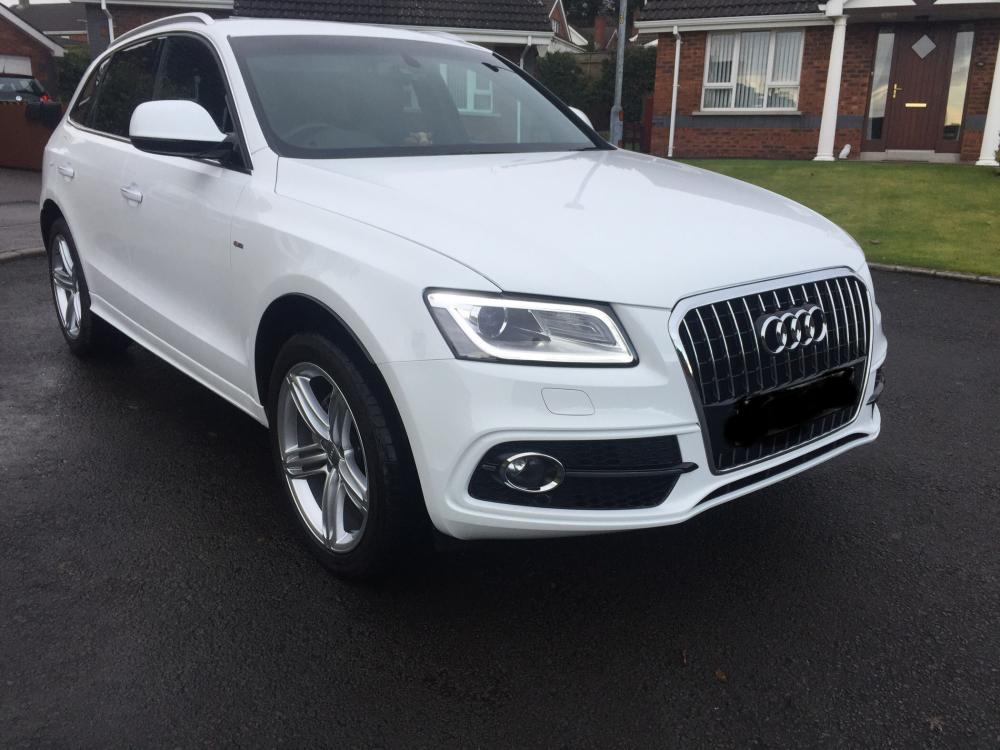
Welcome to the Club. That would make 2 from the Emerald Isle. 1 North 1 South.
-
Sound advice.
-
Only joined today. Just picked up on this topic. Totally agree with David I have these cameras fitted to my Q5 they are excellent very discrete and the they work with an app on your phone.