Skip to content
View in the app

A better way to browse. Learn more.

Audi Owners Club (UK)

A full-screen app on your home screen with push notifications, badges and more.

To install this app on iOS and iPadOS
  1. Tap the Share icon in Safari
  2. Scroll the menu and tap Add to Home Screen.
  3. Tap Add in the top-right corner.
To install this app on Android
  1. Tap the 3-dot menu (⋮) in the top-right corner of the browser.
  2. Tap Add to Home screen or Install app.
  3. Confirm by tapping Install.

g33g33

Members
  • Joined

  • Last visited

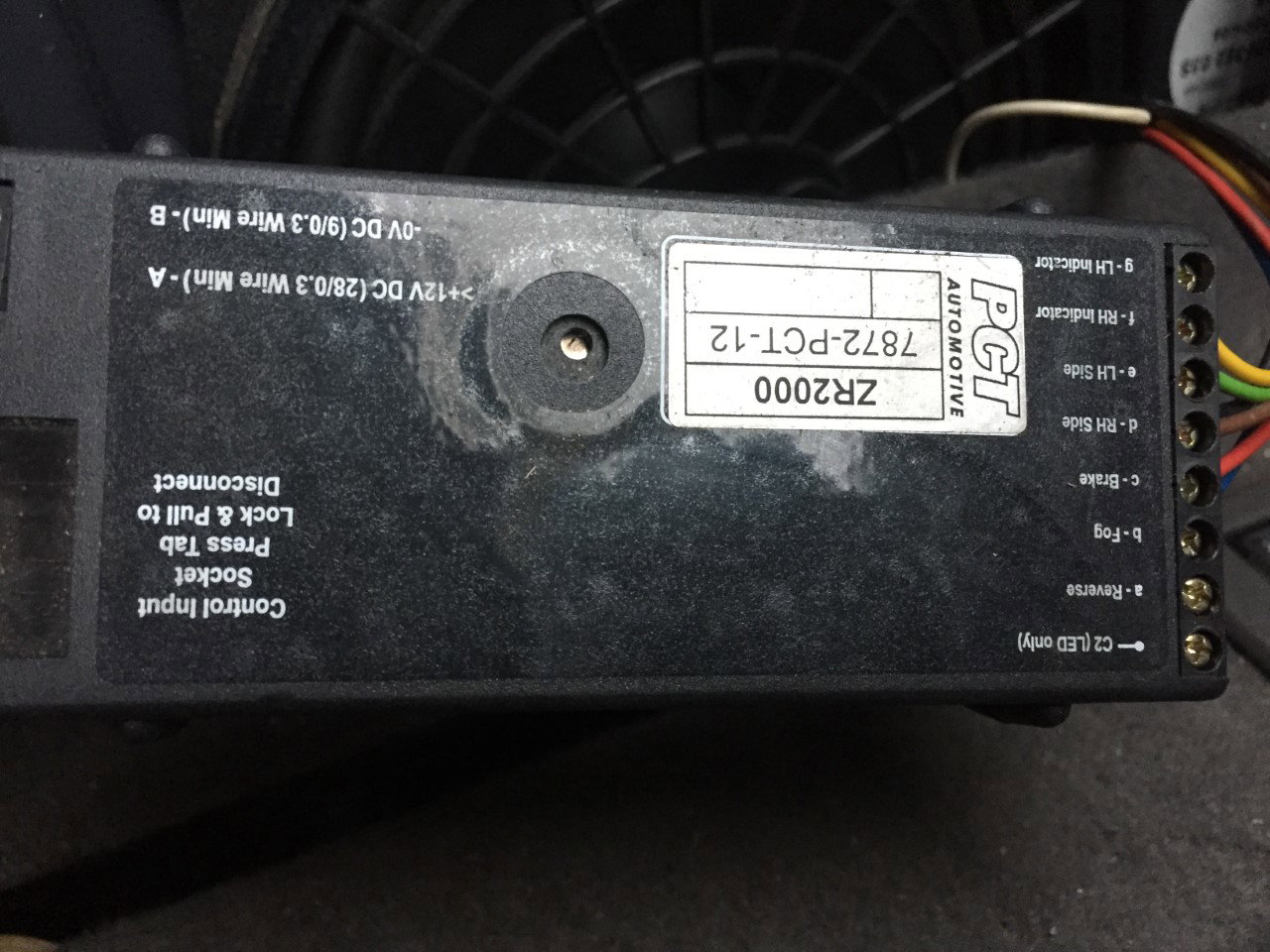
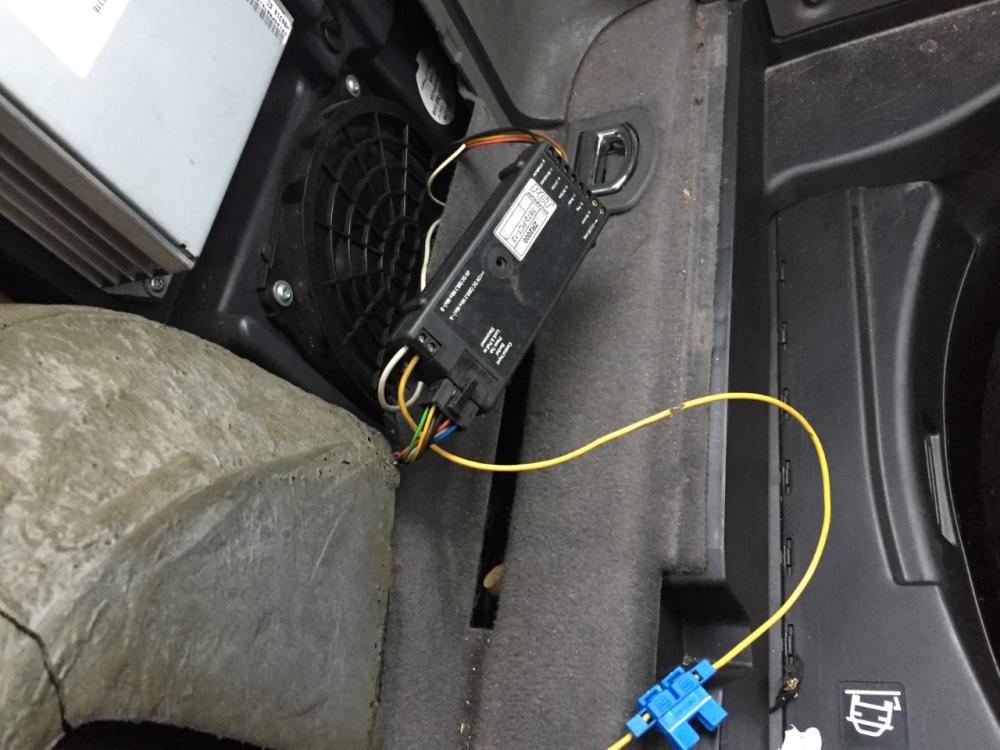
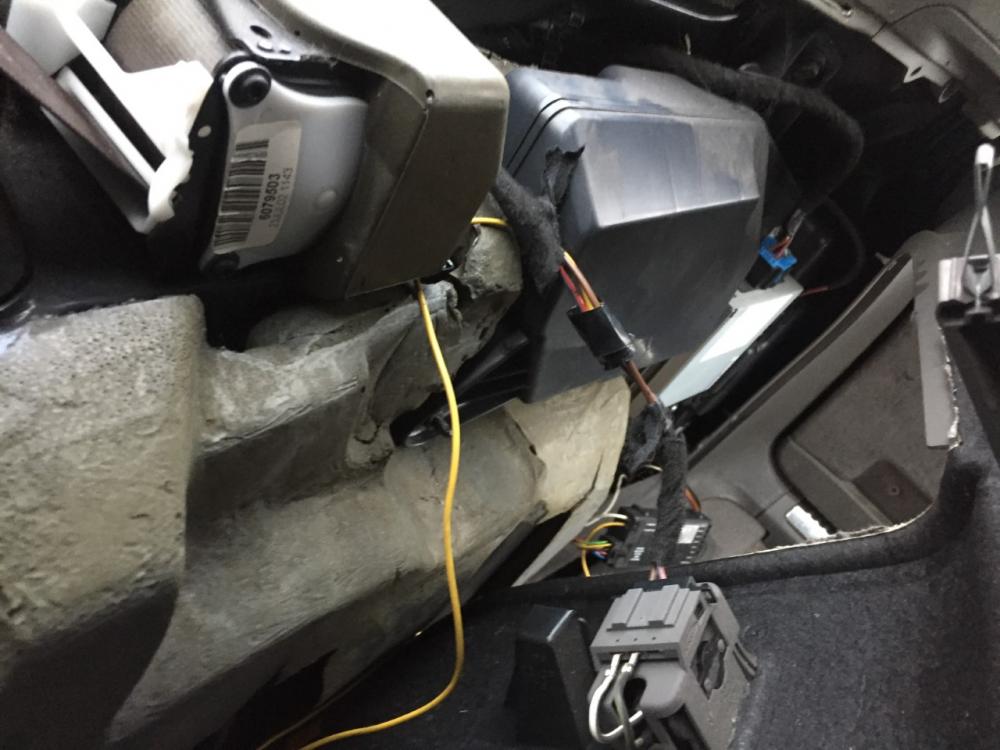
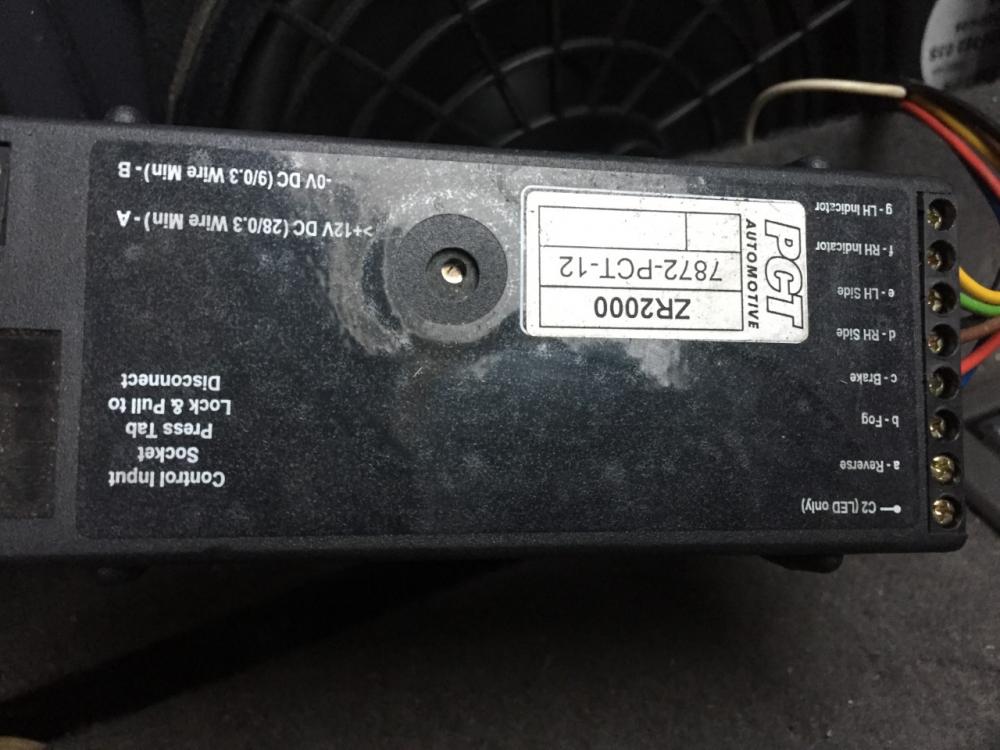
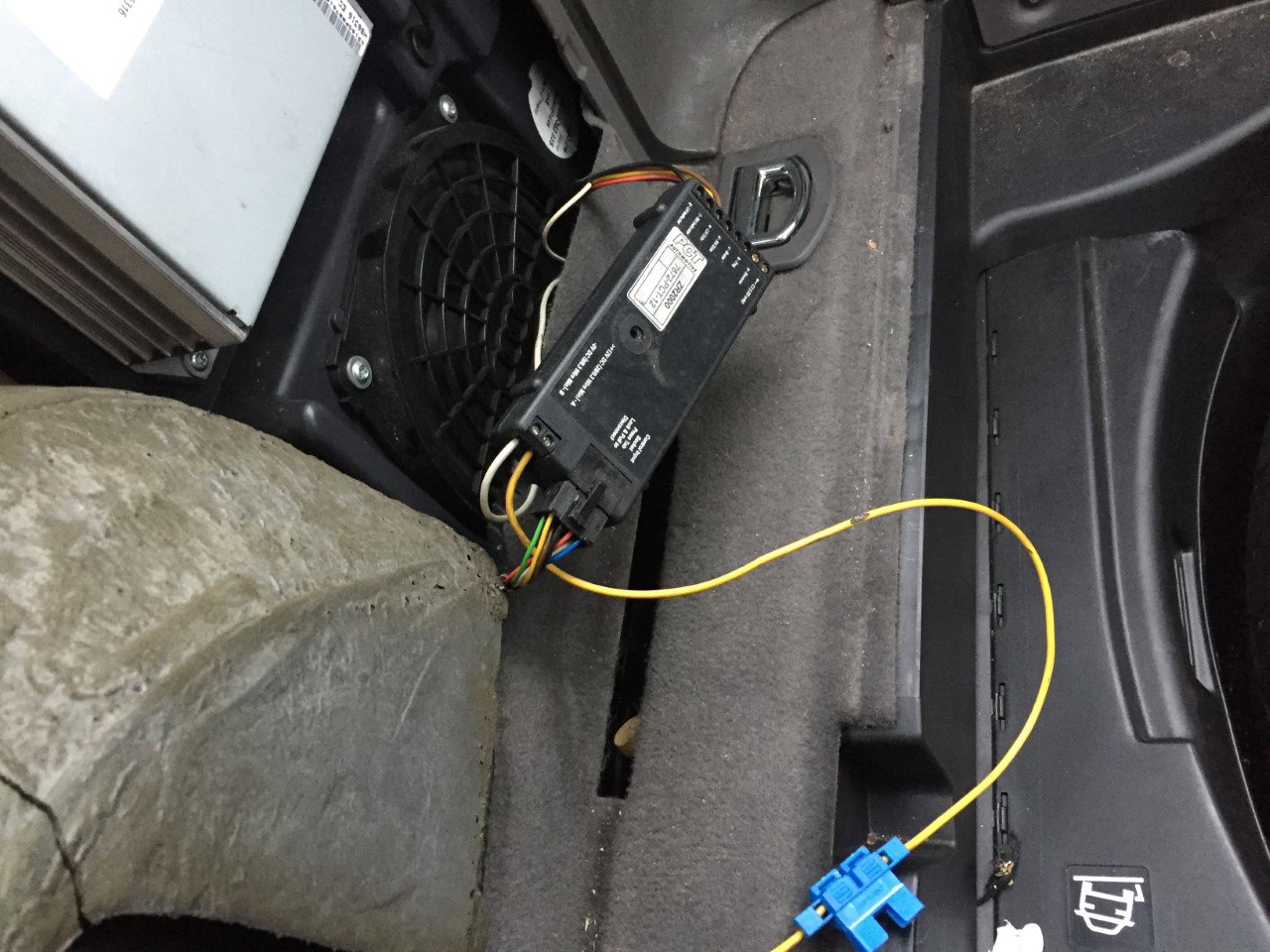
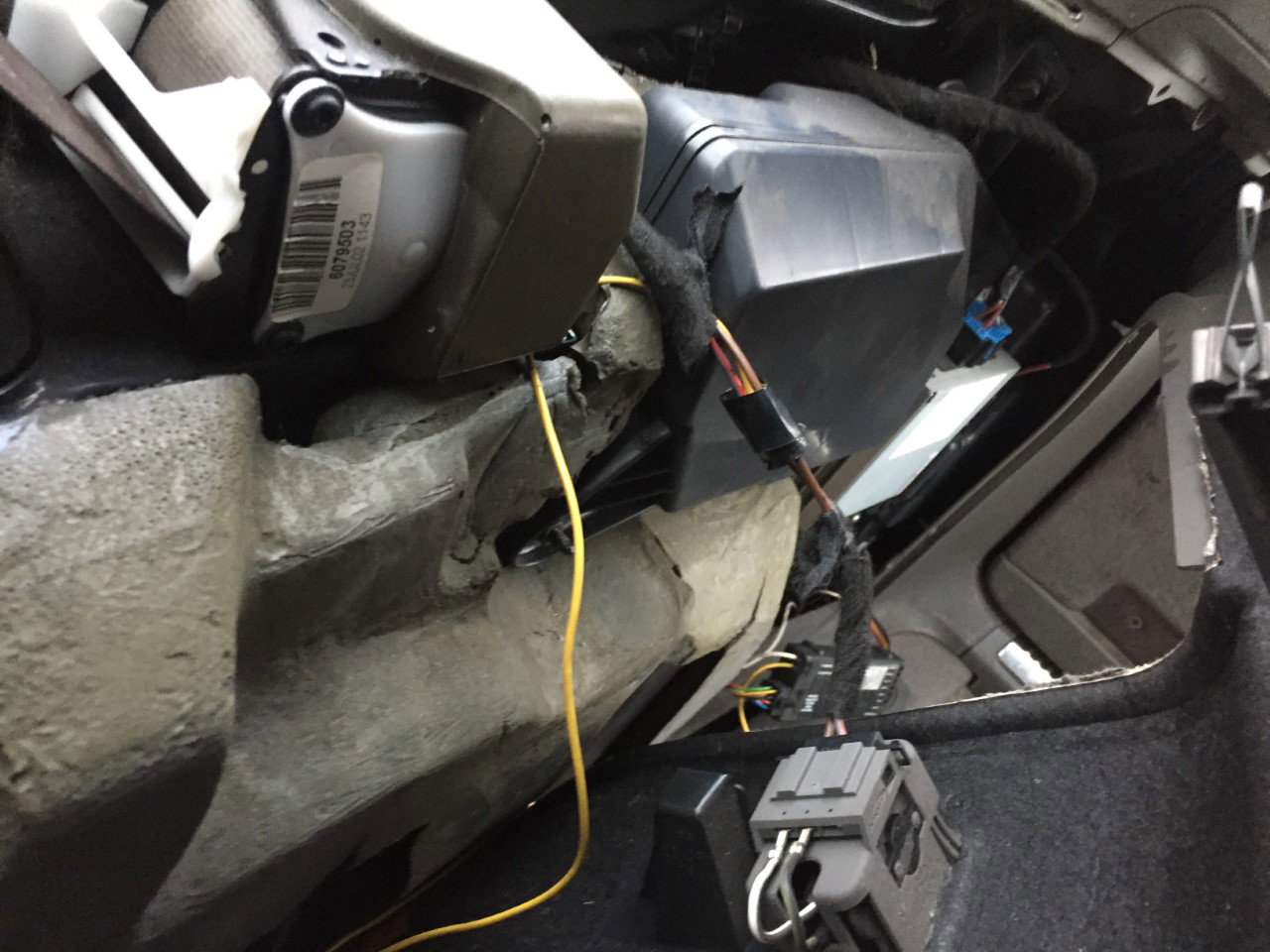
  1. hi im new to your forum looking for some advice my young cousin has went away and bought an audi a4 estate but it has issues. for starters the windows dont go down the central locking does nt work when you press the brake the sidelights come on although i think that may have stopped also cant get the boot open ive checked for water in the footwell theres none i do think this maybe the problem i noticed a yellow wire that looked out of place in the back arch its actually a live feed coming from the 12v power supply in the boot wired to some sort of control box but dont know why ill include a couple of pictures thanks in advance for any help i recieve.
Background Picker
Customize Layout

Account

Navigation

Search

Search

Configure browser push notifications

Chrome (Android)
  1. Tap the lock icon next to the address bar.
  2. Tap Permissions → Notifications.
  3. Adjust your preference.
Chrome (Desktop)
  1. Click the padlock icon in the address bar.
  2. Select Site settings.
  3. Find Notifications and adjust your preference.