krazyhorse
Members
-
Joined
-
Last visited
Everything posted by krazyhorse
-
Hi Trevor - I am chuffed with it. pulls like a train, effortless. thanks for the shout!
-
It was these guys: http://www.marshall.co.uk/audi/service/ Maybe I should just go here: https://www.audi.co.uk/locate-a-centre/dealer/262/Wimbledon+Audi
-
Hi Guys, I want to do my front pads and discs myself - which brakes have you guys done and at what prices please? What's a good brand for a decent price? I was quoted front pads and 2 discs from local audi supplier for £255. No way am I buying that. What do you guys run?
-
Hi Joe - fantastic - I'm glad I'm not the only one, don't know anyone our height that felt the same so good and reassuring to know. Thanks!
-
Thanks guys
-
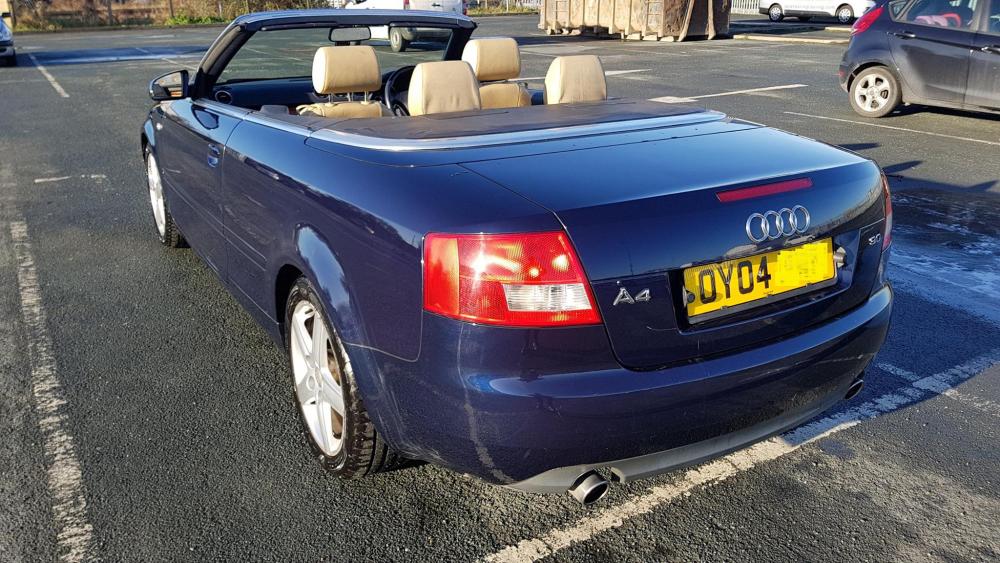
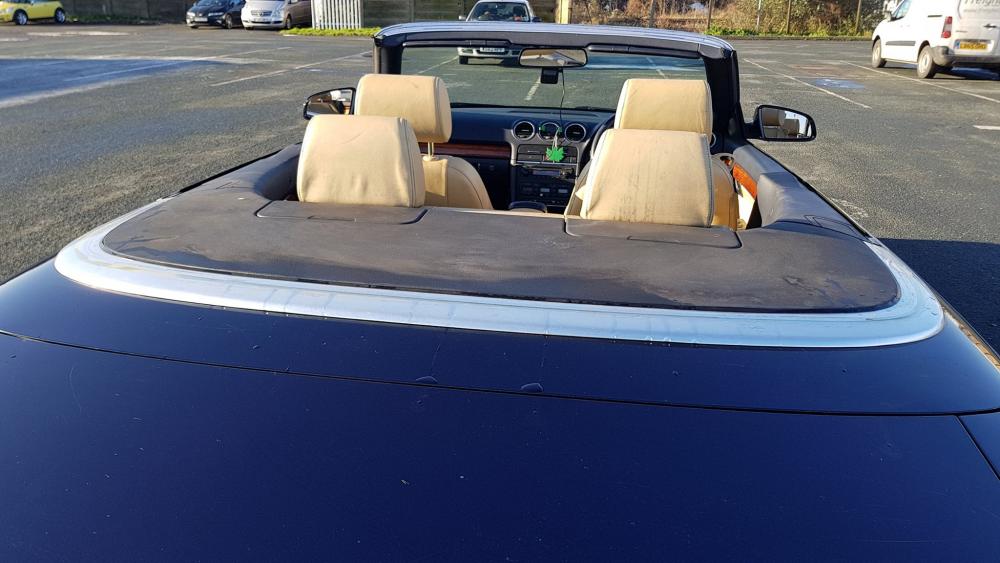
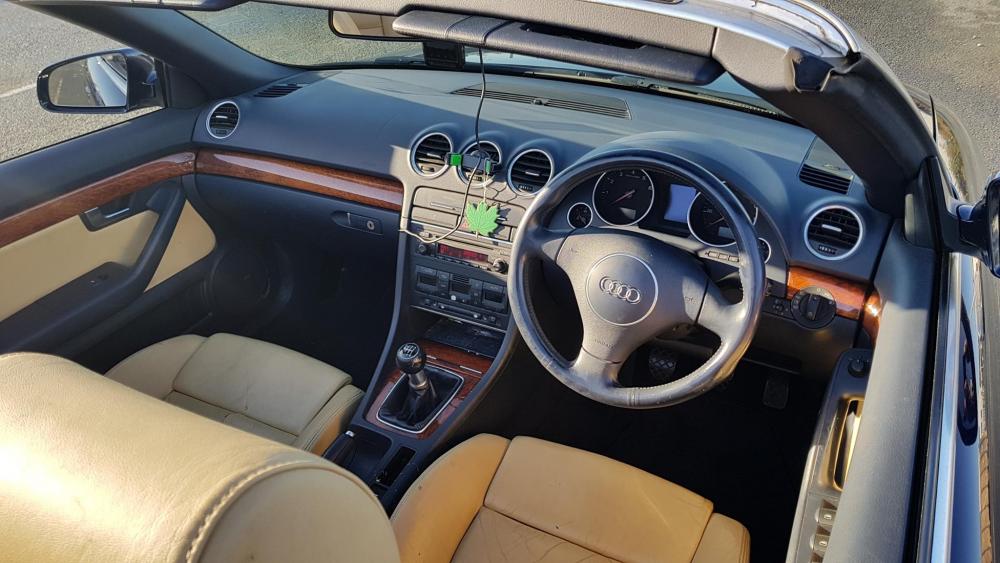
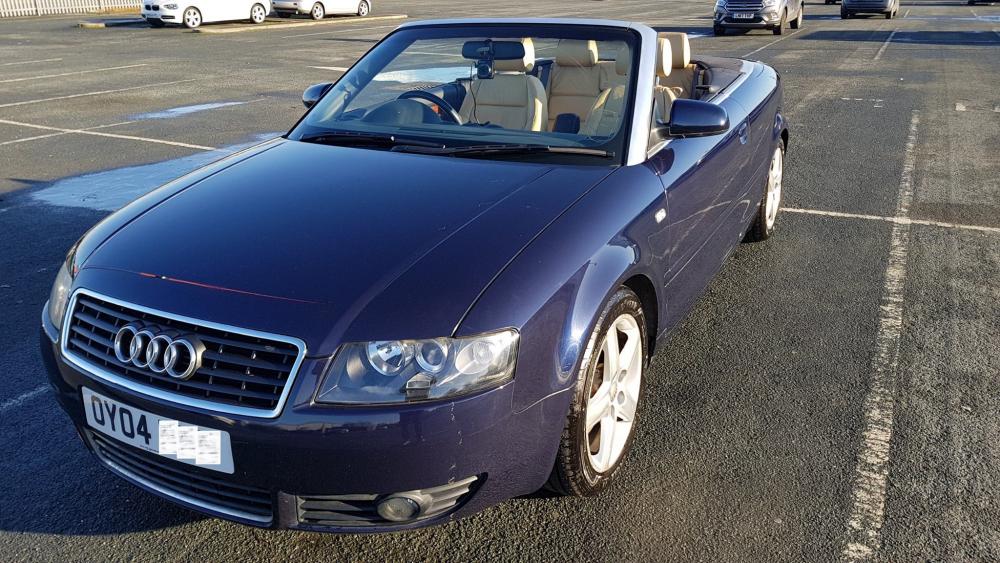
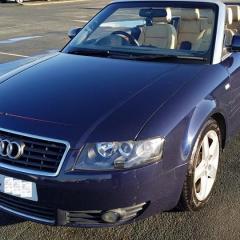
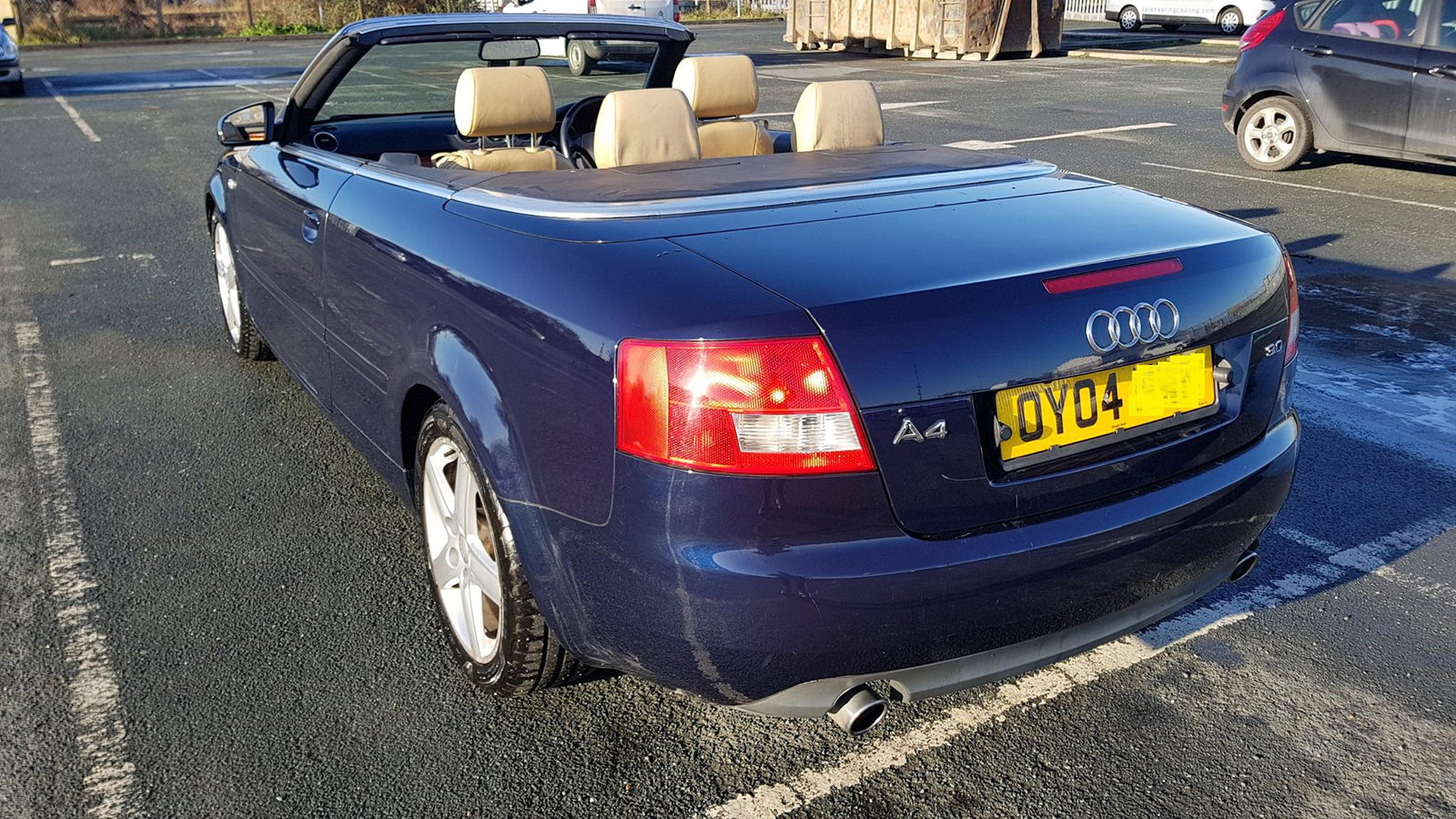
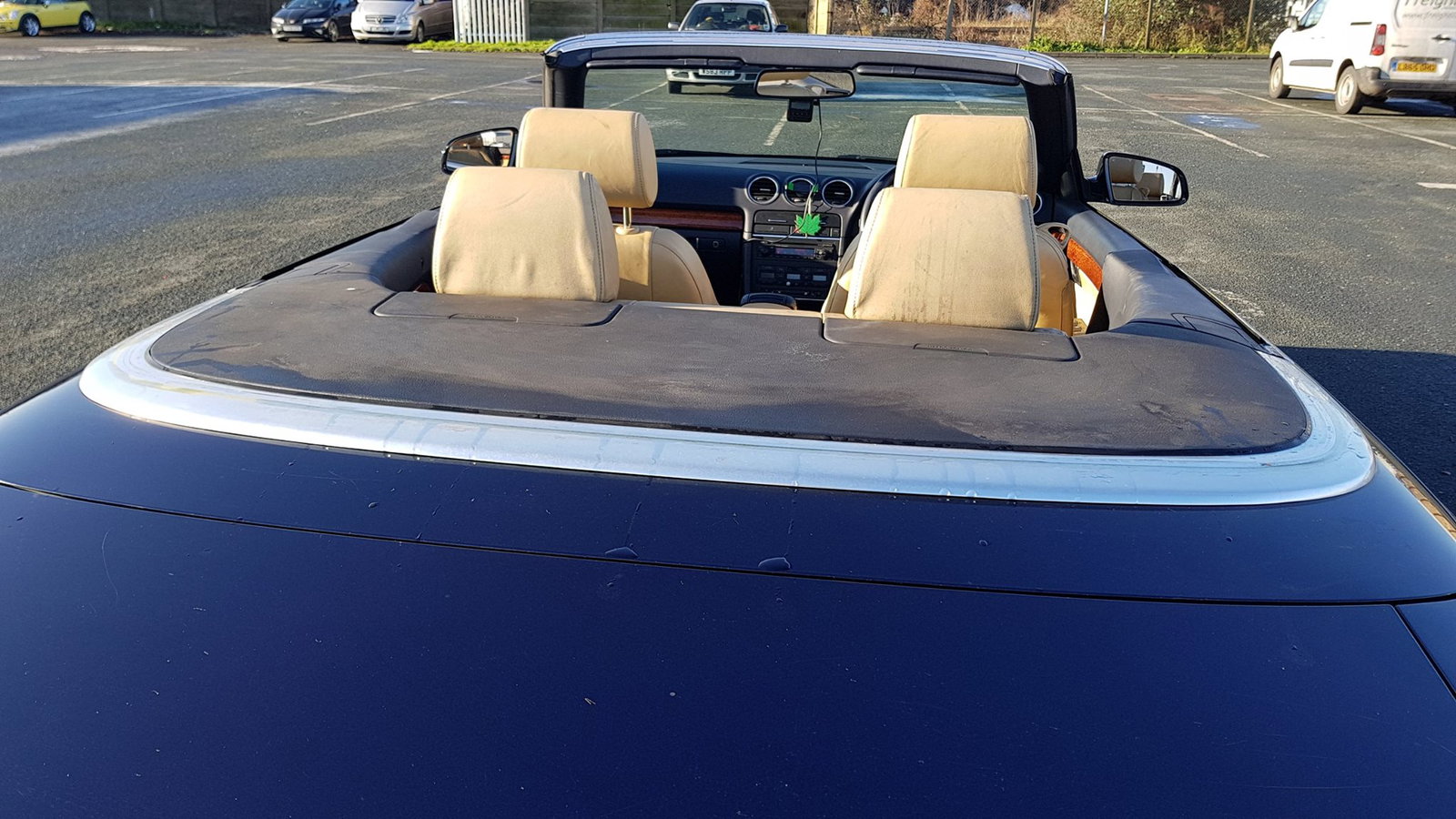
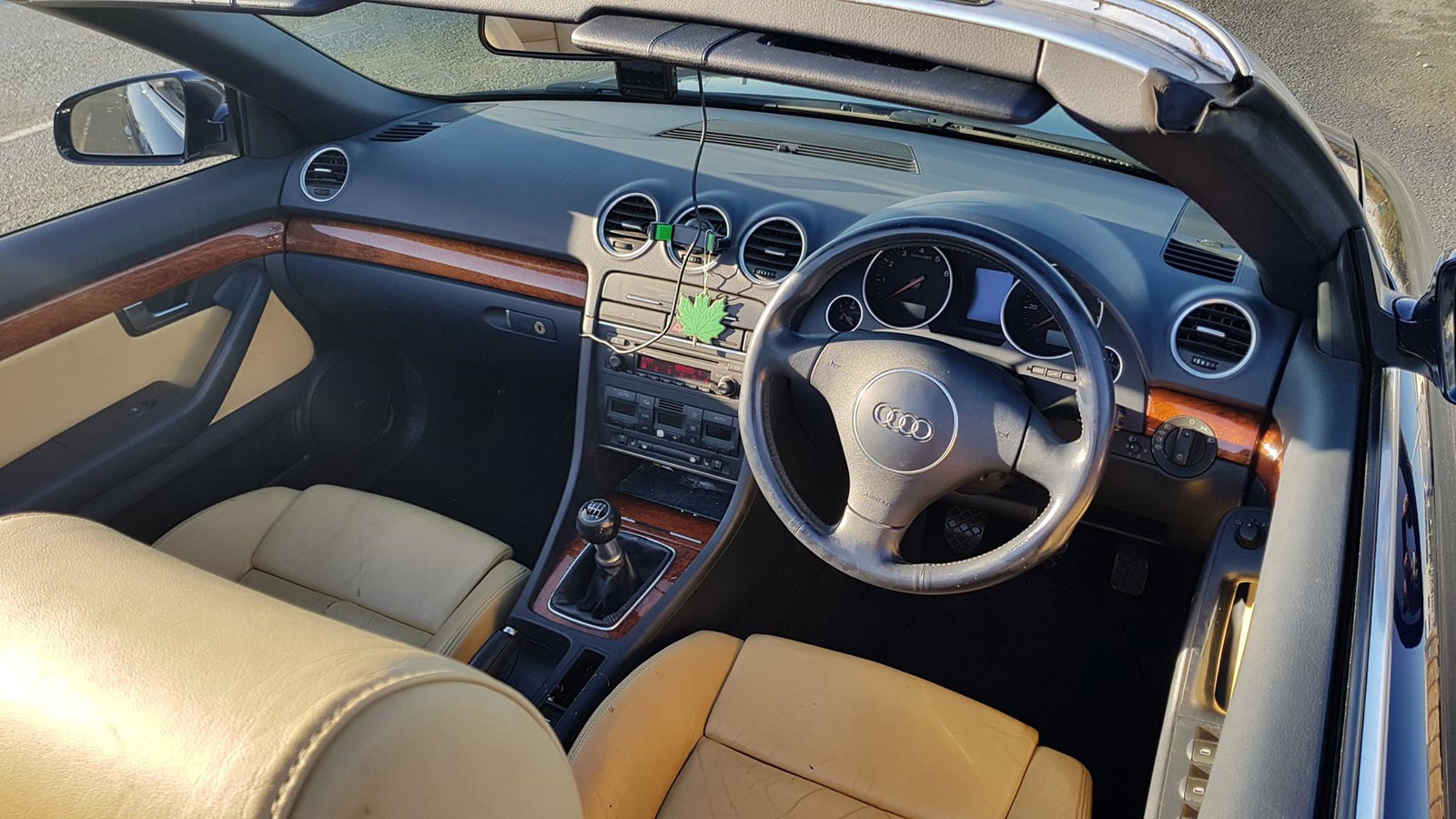
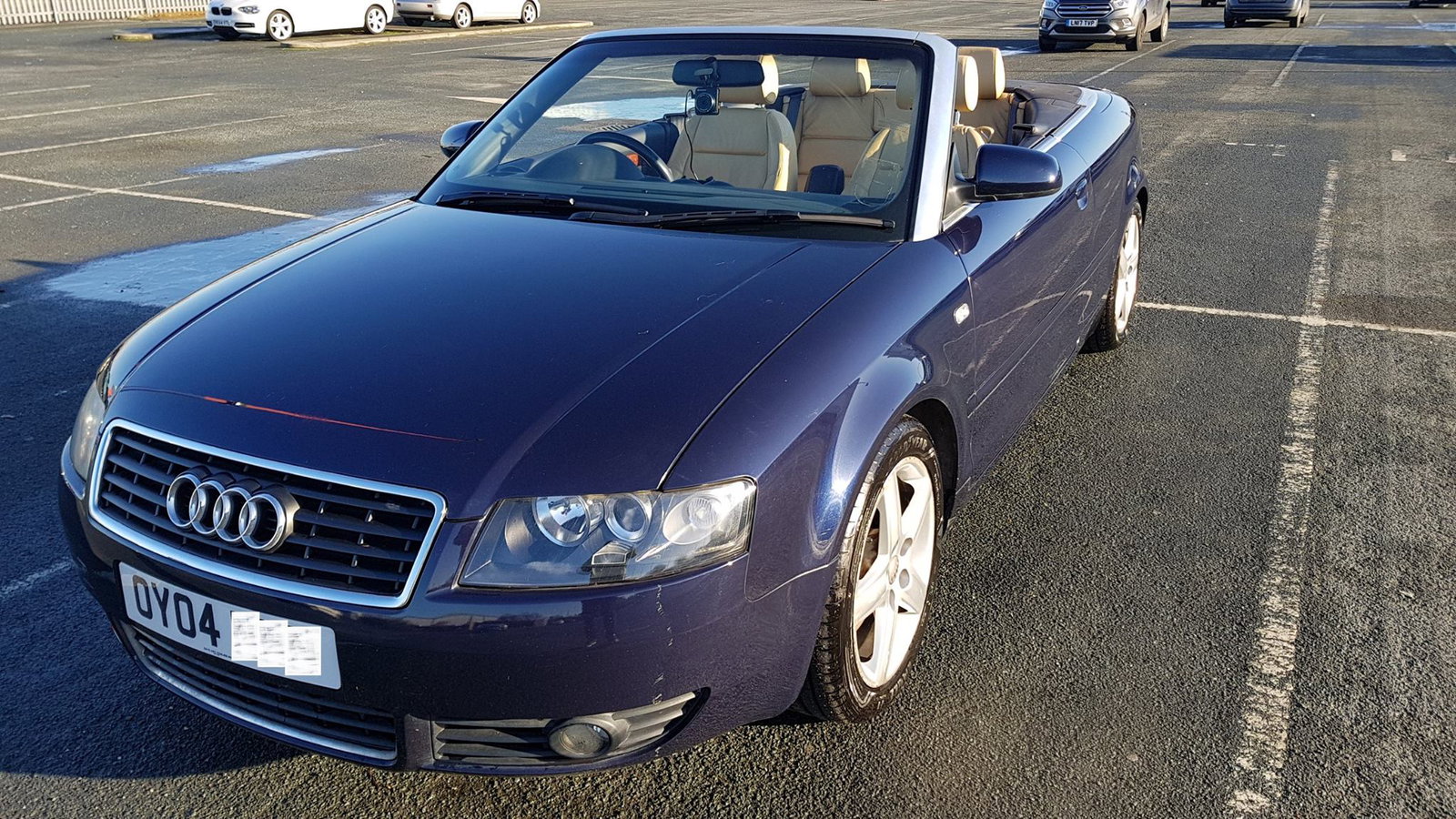
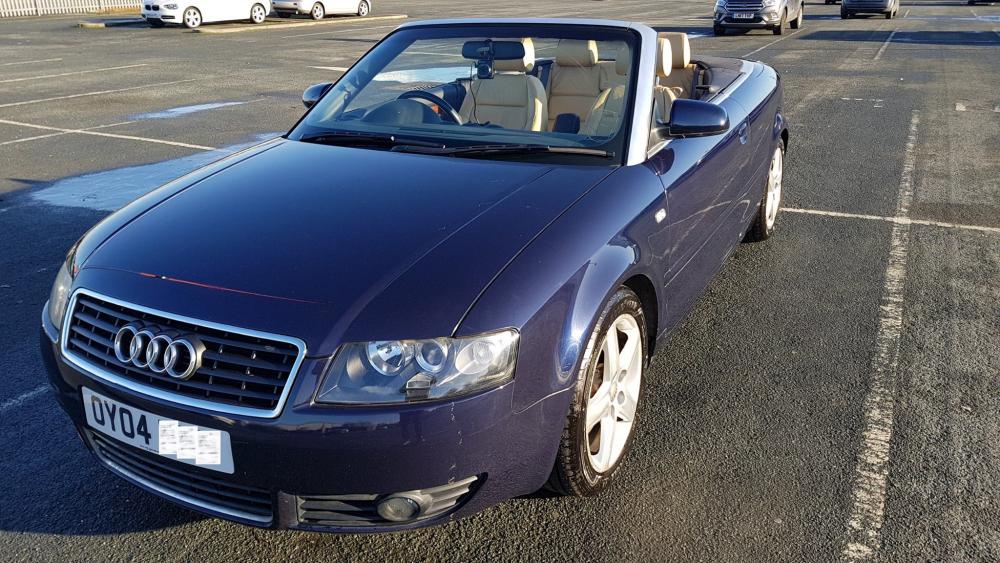
Hi All Just bought my first Audi. I've always been a BMW e46 lover, but at 6ft4 tall ... on long journeys I just find them too small and uncomfortable to drive. Sat in this and fell in love. I know, still a compact coupe inside, but just enough room for me, comfortable on long and short journeys. Completely unmolested too and the engine looks like it was treated well. It certainly feels like it was looked after with care and respect too, which I was so happy to buy from a family man, like myself.