Skip to content
View in the app

A better way to browse. Learn more.

Audi Owners Club (UK)

A full-screen app on your home screen with push notifications, badges and more.

To install this app on iOS and iPadOS
  1. Tap the Share icon in Safari
  2. Scroll the menu and tap Add to Home Screen.
  3. Tap Add in the top-right corner.
To install this app on Android
  1. Tap the 3-dot menu (⋮) in the top-right corner of the browser.
  2. Tap Add to Home screen or Install app.
  3. Confirm by tapping Install.


flinty

Members
  • Joined

  • Last visited

Everything posted by flinty

  1. flinty replied to flinty's topic in Audi Q7 Club
    unfortunately the sat nav hasnt been updated but going to buy a new disc and try it
  2. flinty posted a topic in Audi Q7 Club
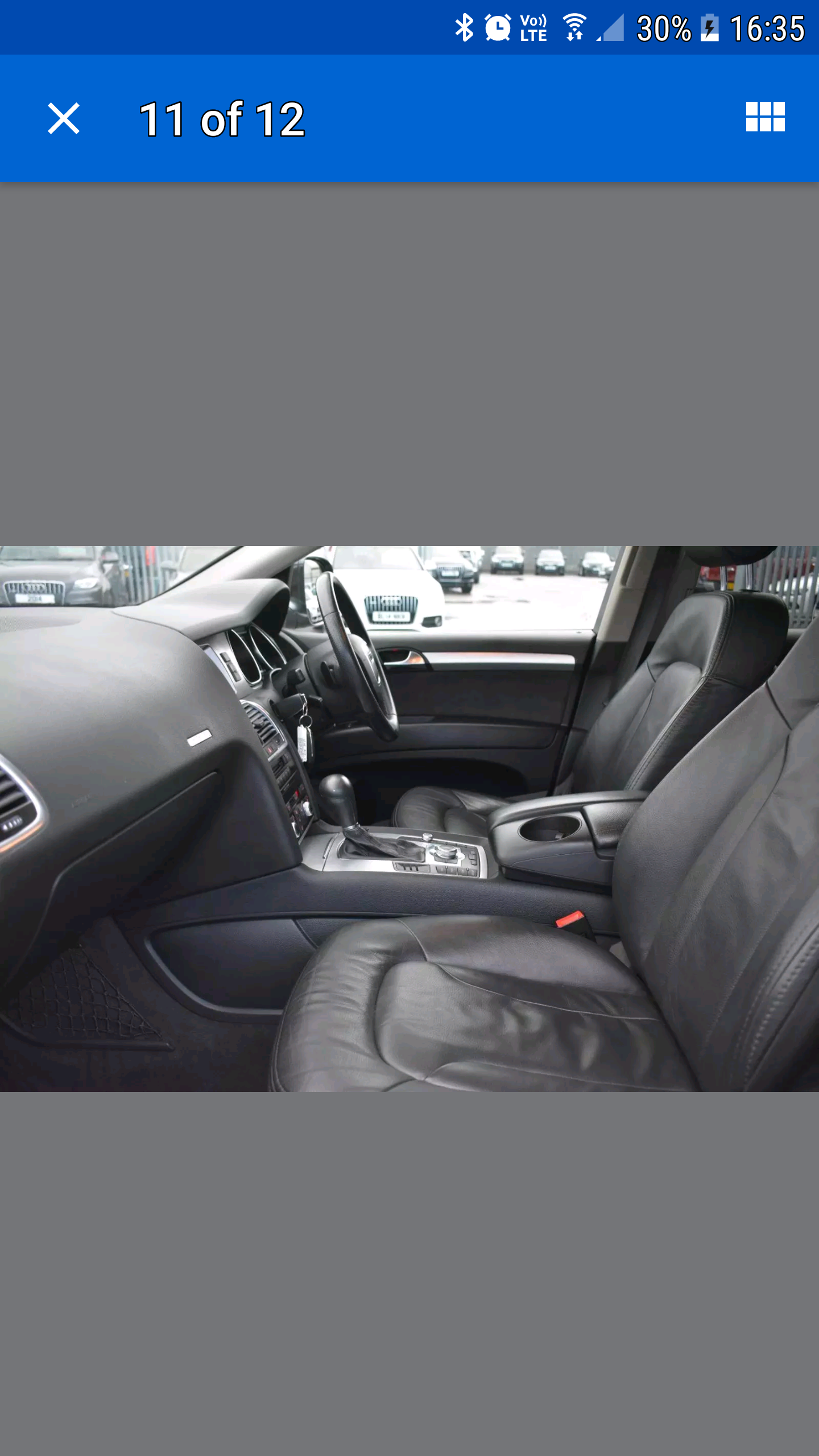
    our 2008 q7 only allows a 5 digit post code which in her job is useless as some of her jobs are farm house's..is there a fix to be able to enter the 7 digit post code
  3. Am a mechanic also Steve and work on kia all day lol
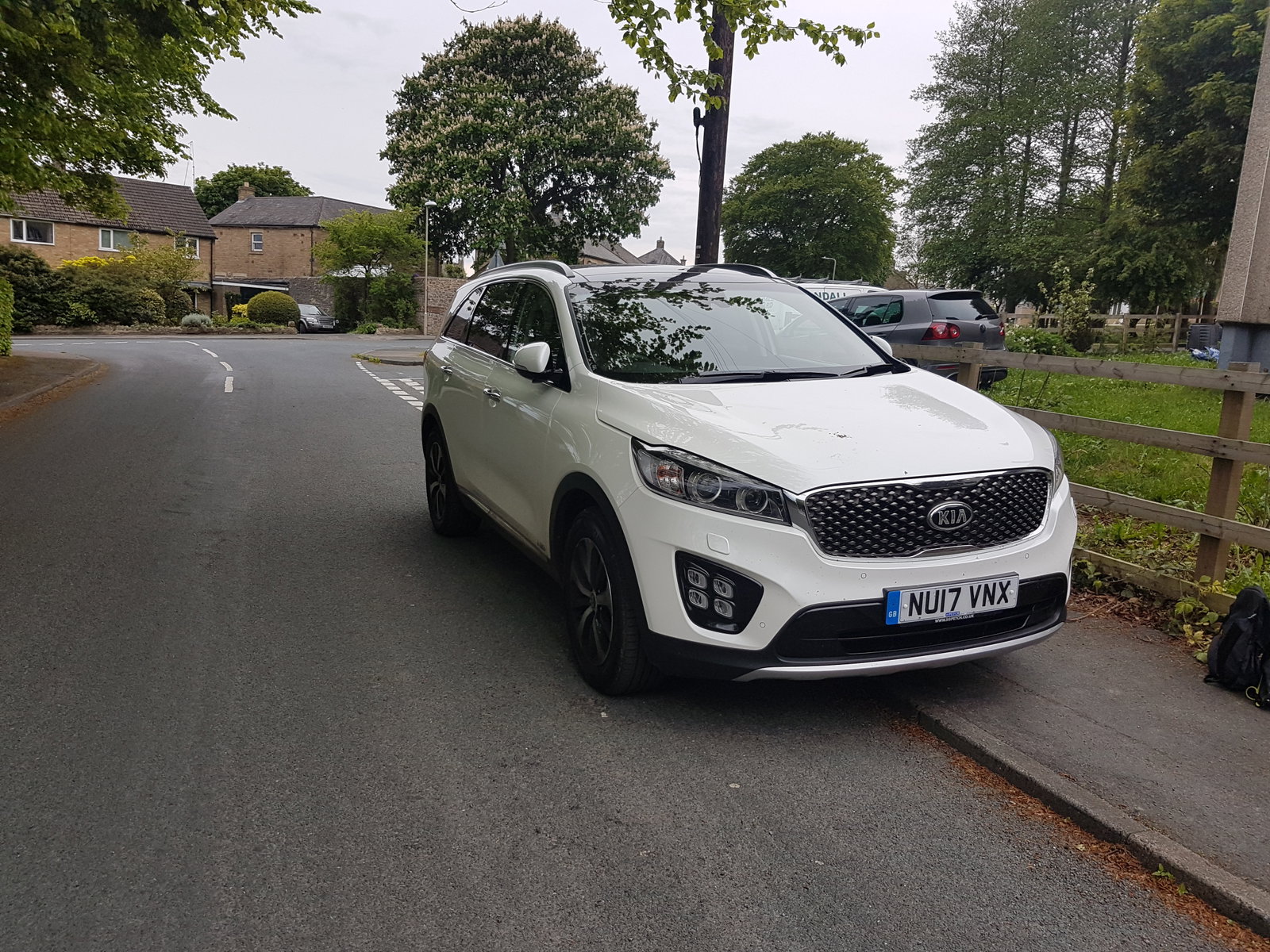
  4. we have a new kia sorrento on lease through my work but even thou the audi is 2008 its better build than the kia
  5. love it Steve...there is 6 in our family so need a 7seater
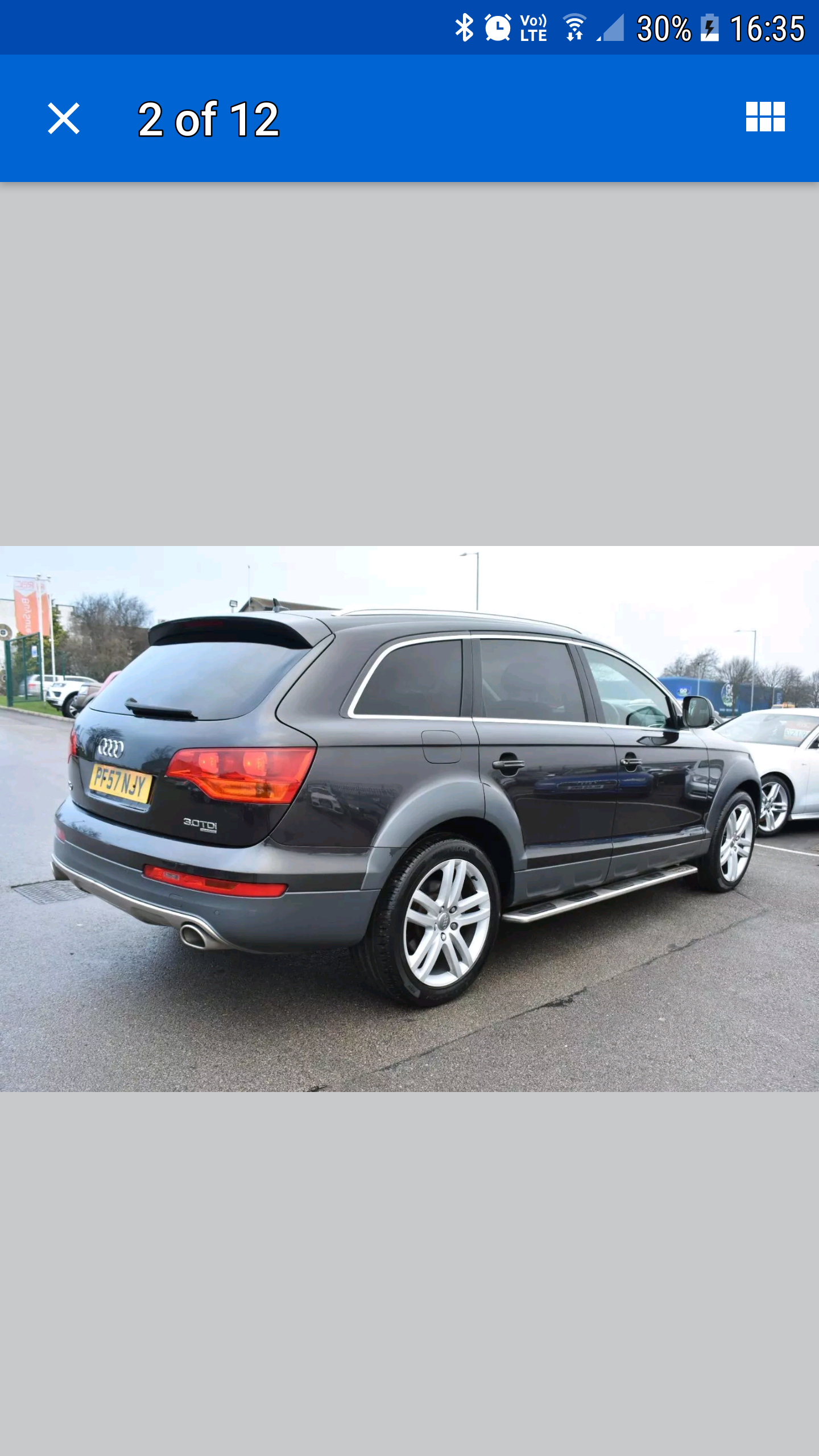
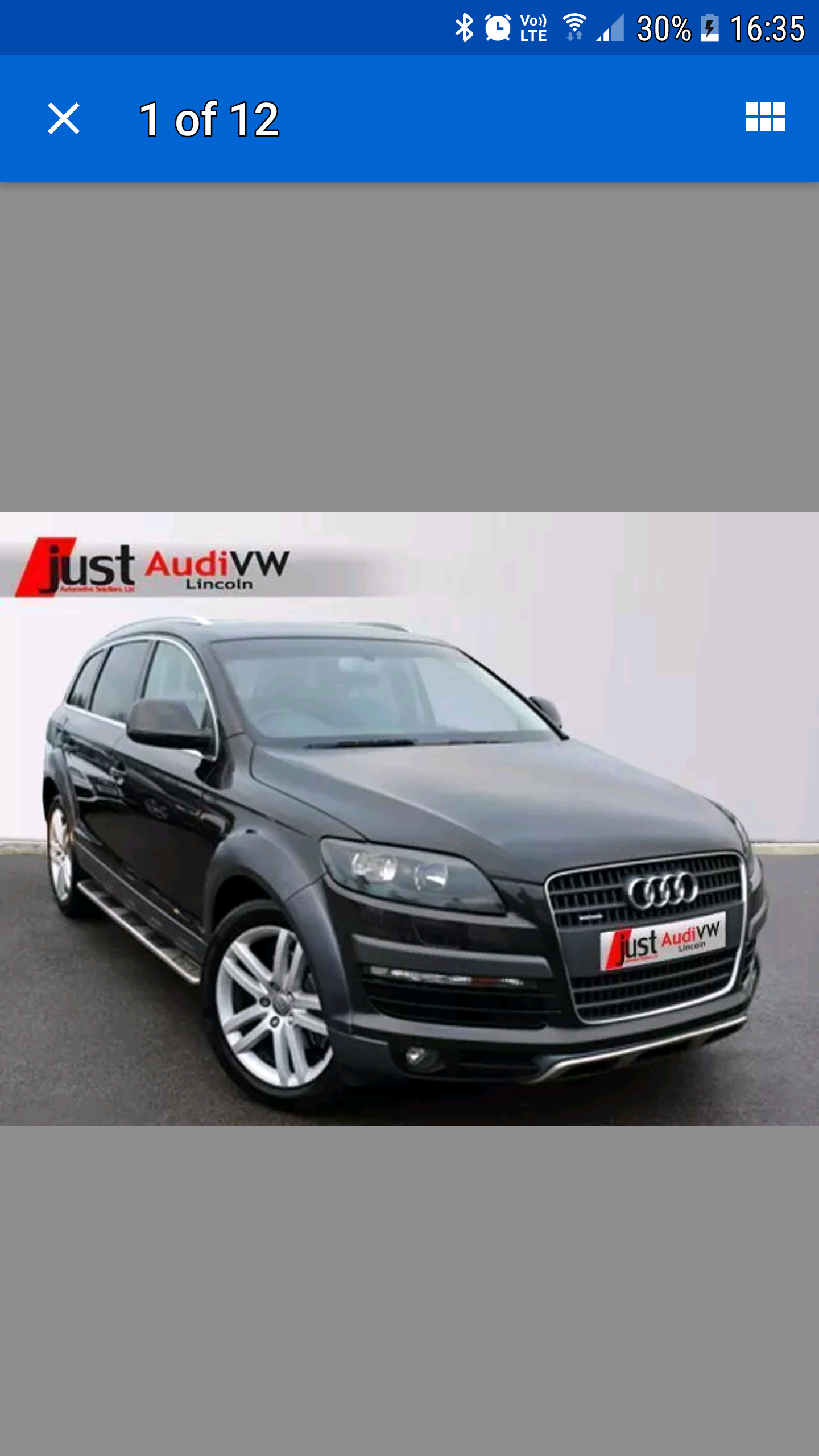
  6. cheers for the welcome the model is the special edition 3.0 v6 tdi..we were not sure by the pics if we liked the trim around the wheel arch but looks good in the flesh so to speak
  7. hopefully pick up.our q7 on a 08 plate next week from just vw audi in Lincoln next sat


Background Picker
Customize Layout

Account

Navigation

Search

Search

Configure browser push notifications

Chrome (Android)
  1. Tap the lock icon next to the address bar.
  2. Tap Permissions → Notifications.
  3. Adjust your preference.
Chrome (Desktop)
  1. Click the padlock icon in the address bar.
  2. Select Site settings.
  3. Find Notifications and adjust your preference.