




Skip to content
View in the app

A better way to browse. Learn more.

Audi Owners Club (UK)

A full-screen app on your home screen with push notifications, badges and more.

To install this app on iOS and iPadOS
  1. Tap the Share icon in Safari
  2. Scroll the menu and tap Add to Home Screen.
  3. Tap Add in the top-right corner.
To install this app on Android
  1. Tap the 3-dot menu (⋮) in the top-right corner of the browser.
  2. Tap Add to Home screen or Install app.
  3. Confirm by tapping Install.


Sabml

Members
  • Joined

  • Last visited

Everything posted by Sabml

  1. Sabml posted a topic in Audi TT Club
    Hi All, I have a 2016 TT and the amp B&O amp located under the passengers seat has stopped working, I want to check the fuse first and think its located in the glove box, does anyone know which fuse it is?? #cheers, Mark
  2. Sabml replied to Sabml's topic in Audi TT Club
    Hi Gareth, 18months old, bought 6 months old from Audi dealer. Full service history by Audi. Cheers.
  3. Sabml posted a topic in Audi TT Club
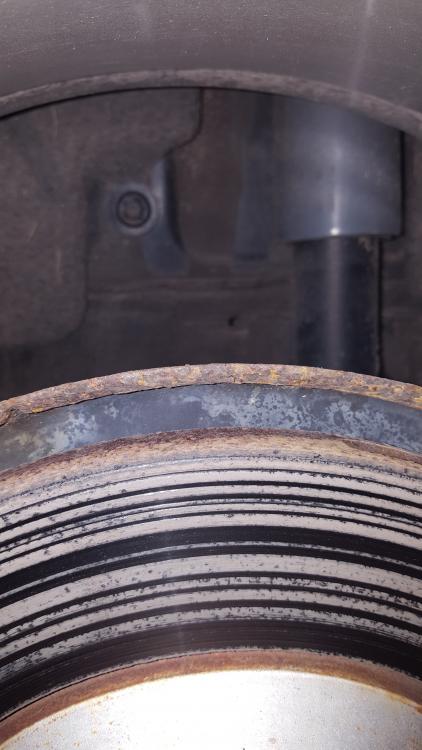
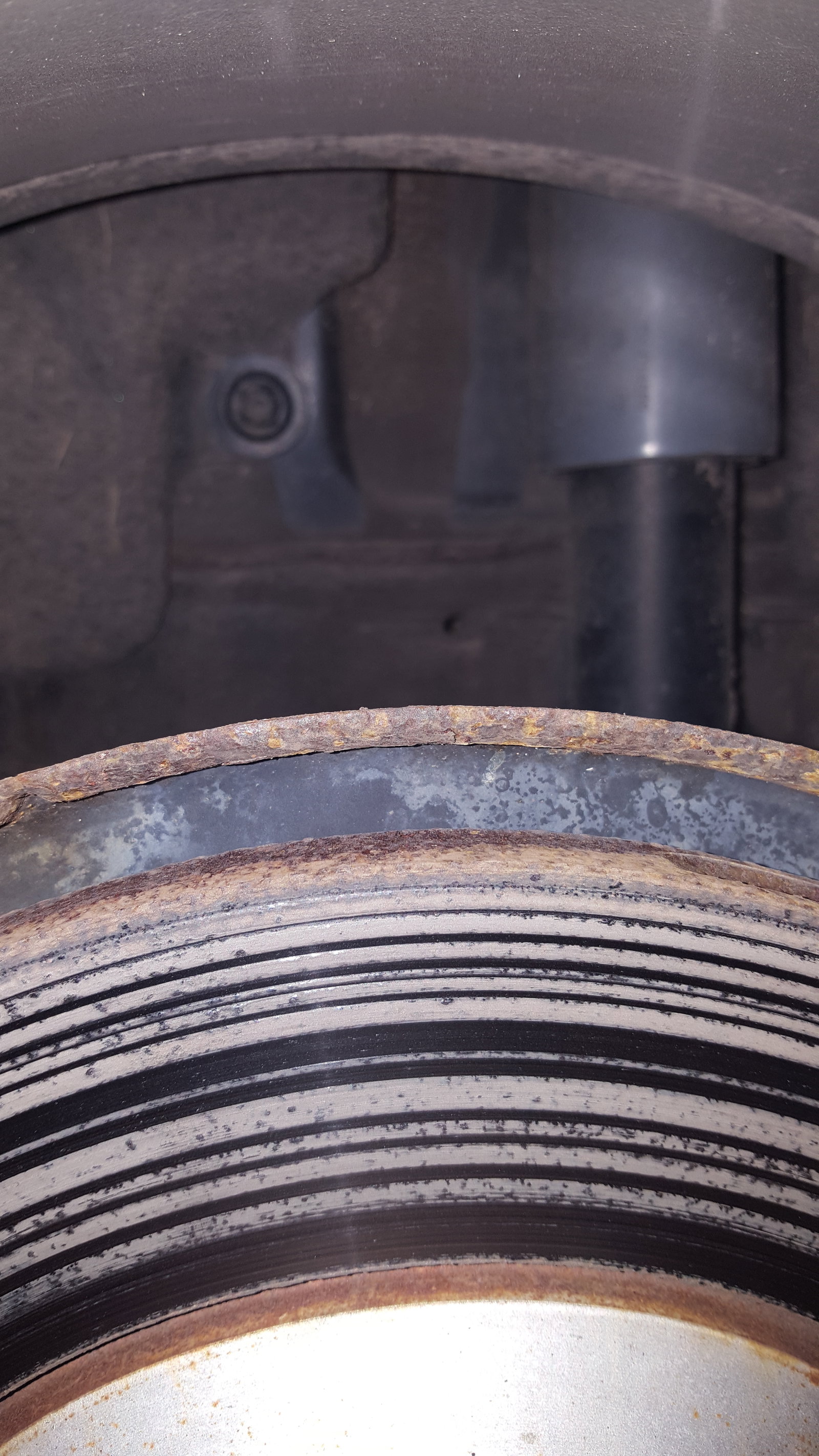
    Hi all, new o this and was wondering if anyone has experience worn brake discs on new Audi. I have a TT on 2016 p,are and have been given a red warning on rear disc with 14k on the clock.


Background Picker
Customize Layout

Account

Navigation

Search

Search

Configure browser push notifications

Chrome (Android)
  1. Tap the lock icon next to the address bar.
  2. Tap Permissions → Notifications.
  3. Adjust your preference.
Chrome (Desktop)
  1. Click the padlock icon in the address bar.
  2. Select Site settings.
  3. Find Notifications and adjust your preference.