





Skip to content
View in the app

A better way to browse. Learn more.

Audi Owners Club (UK)

A full-screen app on your home screen with push notifications, badges and more.

To install this app on iOS and iPadOS
  1. Tap the Share icon in Safari
  2. Scroll the menu and tap Add to Home Screen.
  3. Tap Add in the top-right corner.
To install this app on Android
  1. Tap the 3-dot menu (⋮) in the top-right corner of the browser.
  2. Tap Add to Home screen or Install app.
  3. Confirm by tapping Install.


erez

Members
  • Joined

  • Last visited

Everything posted by erez

  1. erez replied to erez's topic in Audi A3 (8P) Forum
    keep me posted if you success to install i`m hopeless :( and without good music
  2. erez replied to erez's topic in Audi A3 (8P) Forum
    thank you as i see from the video this is not my audi concert stereo my stereo is single DIN
  3. erez replied to erez's topic in Audi A3 (8P) Forum
    hi Steve Q thank you so much i don`t think there is AUX in the back , maybe someone from the forum bought a connector or some adapter that they can recommend me ? also, can you tell me if there is a common problem with the electric windows in the model?
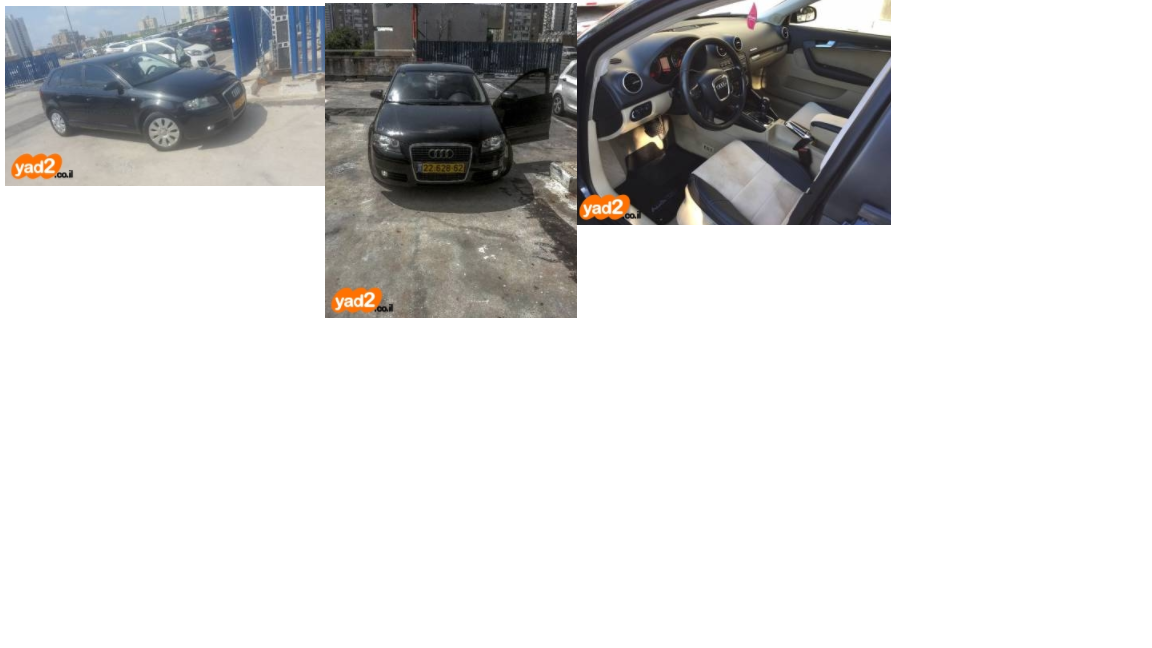
  4. hello all , that is so great that i have some knowledge center :) i just bought my first car A3 2007 2.0 5 DOORS and i have a couple of questions 1. is there a way to connect AUX port ?, the standard stereo lack of it 2. what is the best site to get parts and interior buttons from? tnx for now :)



Background Picker
Customize Layout

Account

Navigation

Search

Search

Configure browser push notifications

Chrome (Android)
  1. Tap the lock icon next to the address bar.
  2. Tap Permissions → Notifications.
  3. Adjust your preference.
Chrome (Desktop)
  1. Click the padlock icon in the address bar.
  2. Select Site settings.
  3. Find Notifications and adjust your preference.