Pete Britton
Members
-
Joined
-
Last visited
-
All sorted Graham, turns out Seat do the same one, same part number, 49p each 👍 thanks to you all for your help.
-
Thanks for all the help guys. Southampton Graham not sure how you managed to find that. Cheer very much 👍
-
Thanks Steve.
-
I haven’t taken it in to my local Audi dealer as of yet as they are a distance away. That will be my next option
-
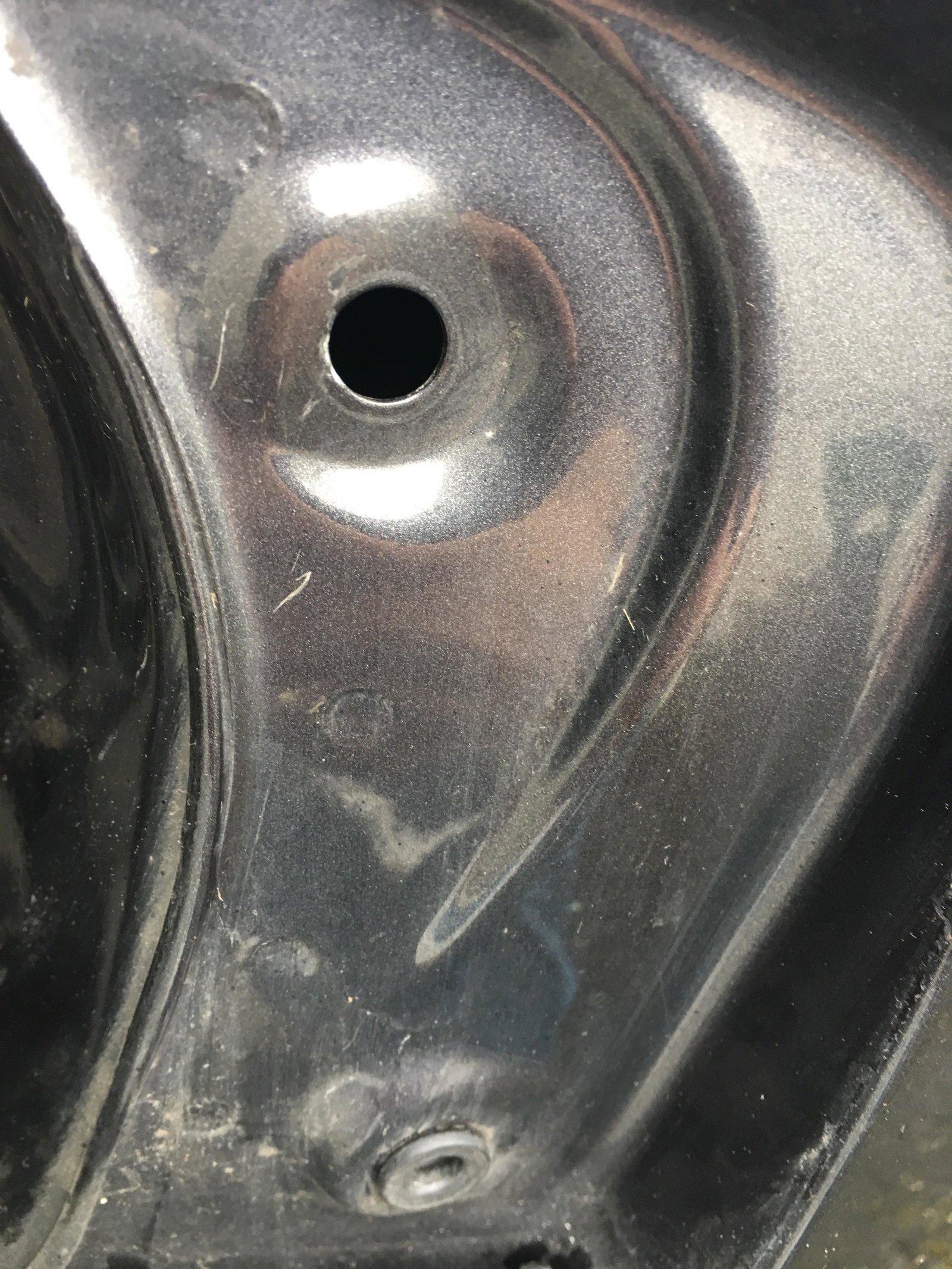
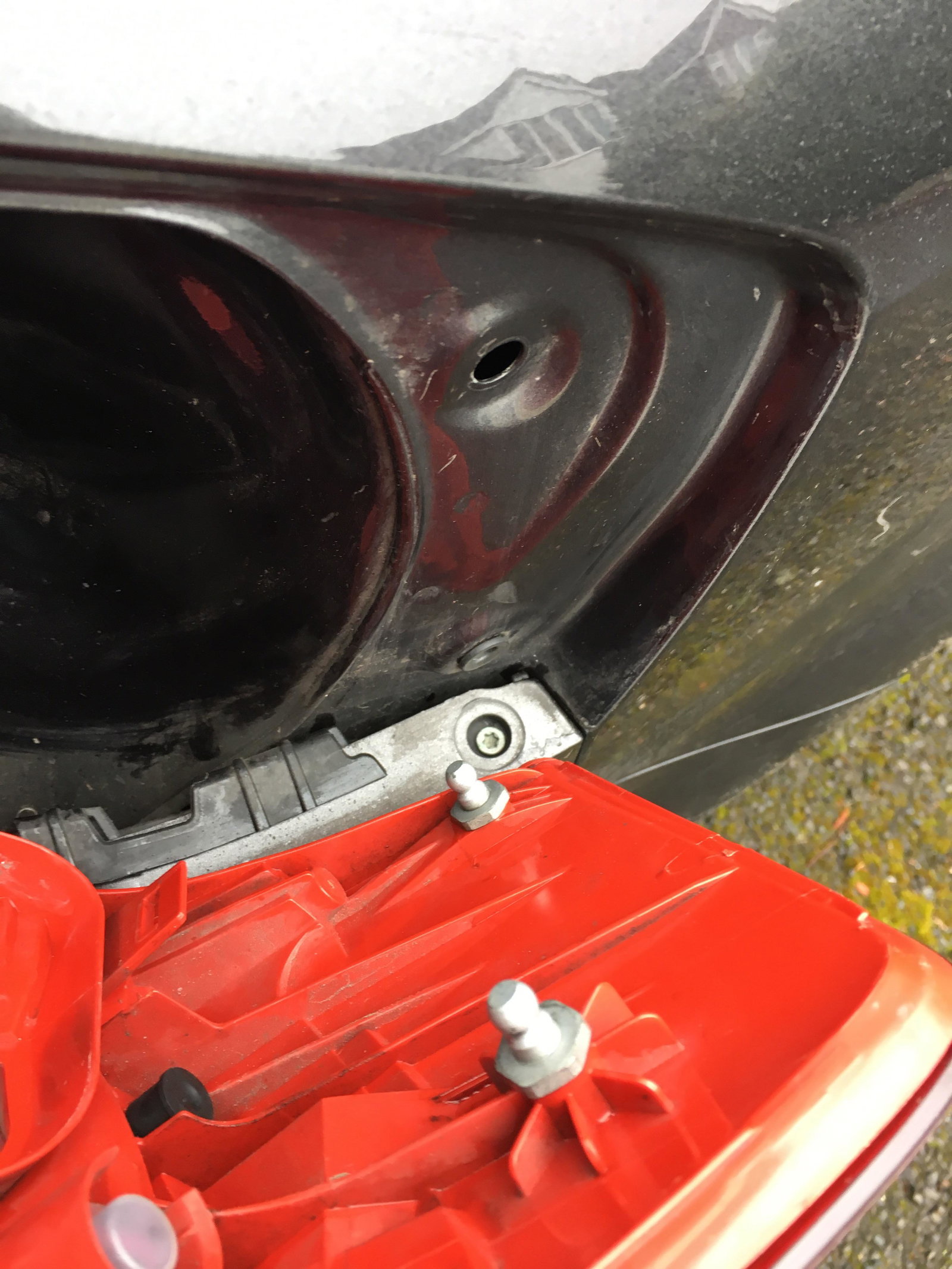
No, the rubber cups that sit in the side panels that you clip the light cluster into. I was thinking a bit of silicone silent might do the trick for the water but if the cluster was fixed with new rubber cups it might do the trick.Thanks Steve Q, do you know what they are called? I have no chance of finding them without the correct terminology.Hi all, i have removed my rear light cluster to change a build but unfortunately one of the rubber bungs have dropped down into the side panel. Anyone know the correct name for them and where I can get replacements? Also any tips on how to stop rain water getting into the cluster. Cheers.