Skip to content
View in the app

A better way to browse. Learn more.

Audi Owners Club (UK)

A full-screen app on your home screen with push notifications, badges and more.

To install this app on iOS and iPadOS
  1. Tap the Share icon in Safari
  2. Scroll the menu and tap Add to Home Screen.
  3. Tap Add in the top-right corner.
To install this app on Android
  1. Tap the 3-dot menu (⋮) in the top-right corner of the browser.
  2. Tap Add to Home screen or Install app.
  3. Confirm by tapping Install.


Chapperz91A4Q

Members
  • Joined

  • Last visited

Everything posted by Chapperz91A4Q

  1. Thanks Paul, I've read and accepted rules where do i sign my life away Have a great weekend all !! Adam
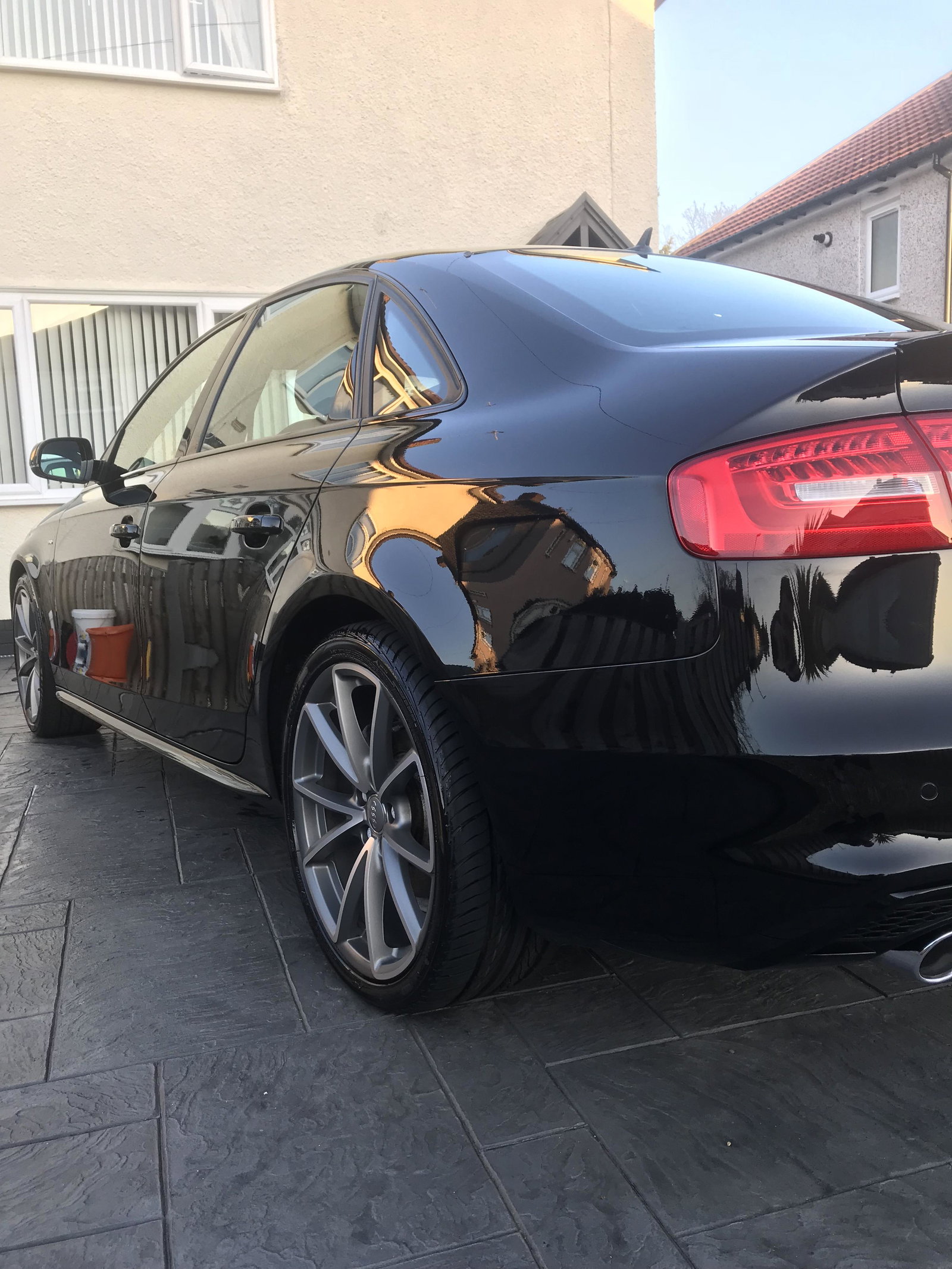
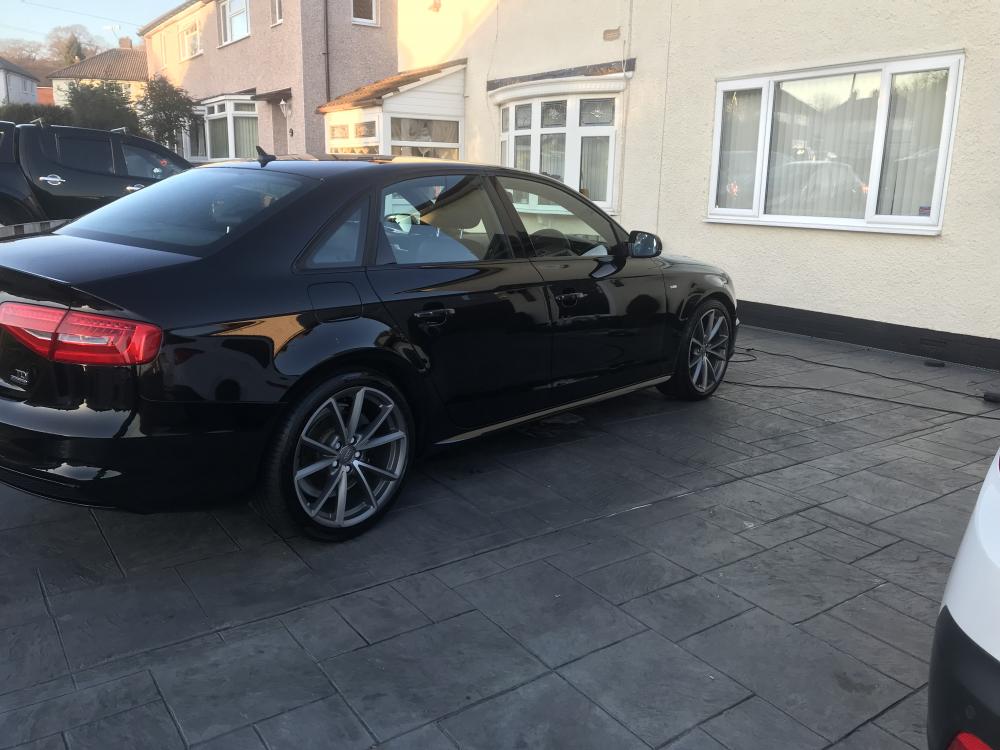
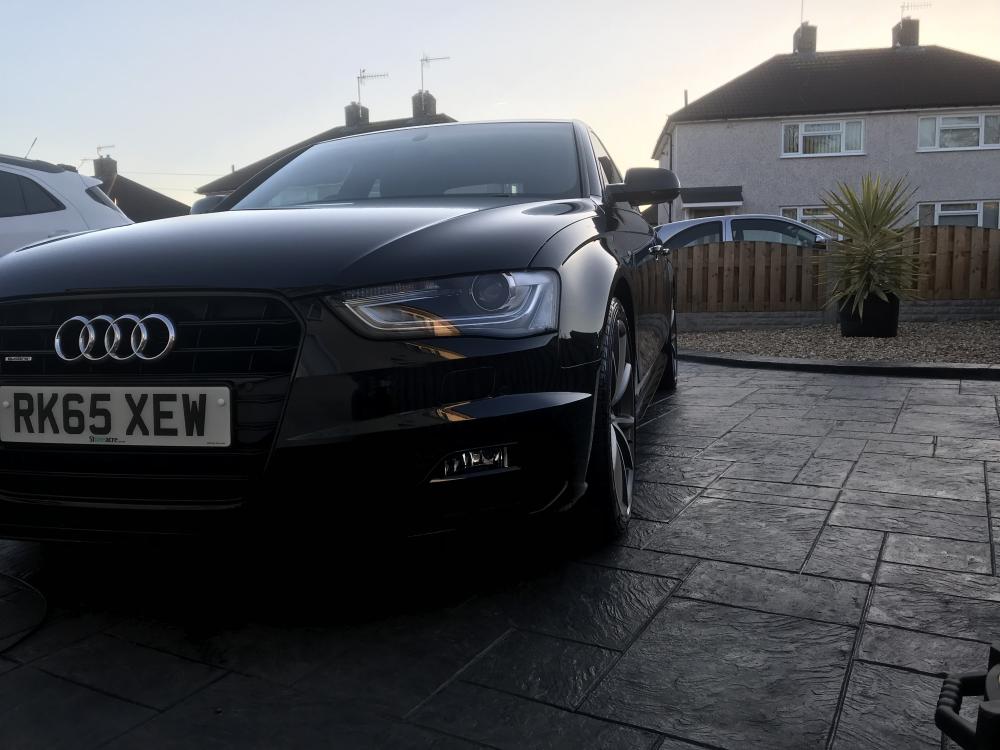
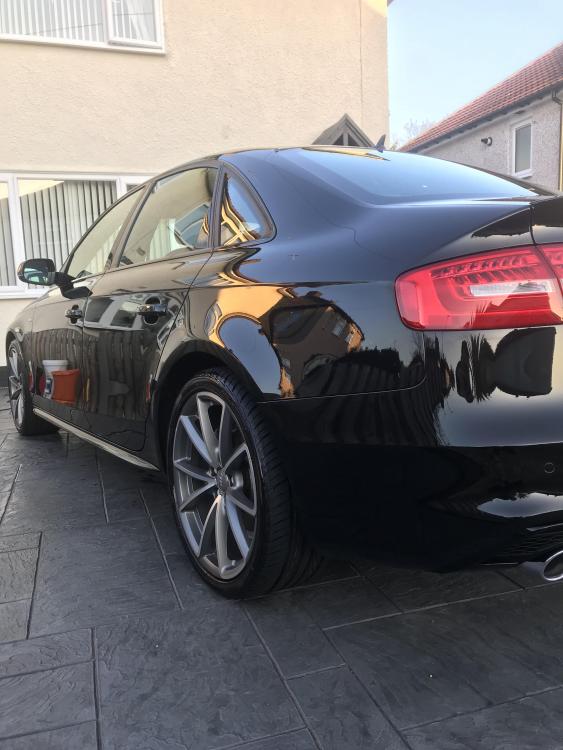
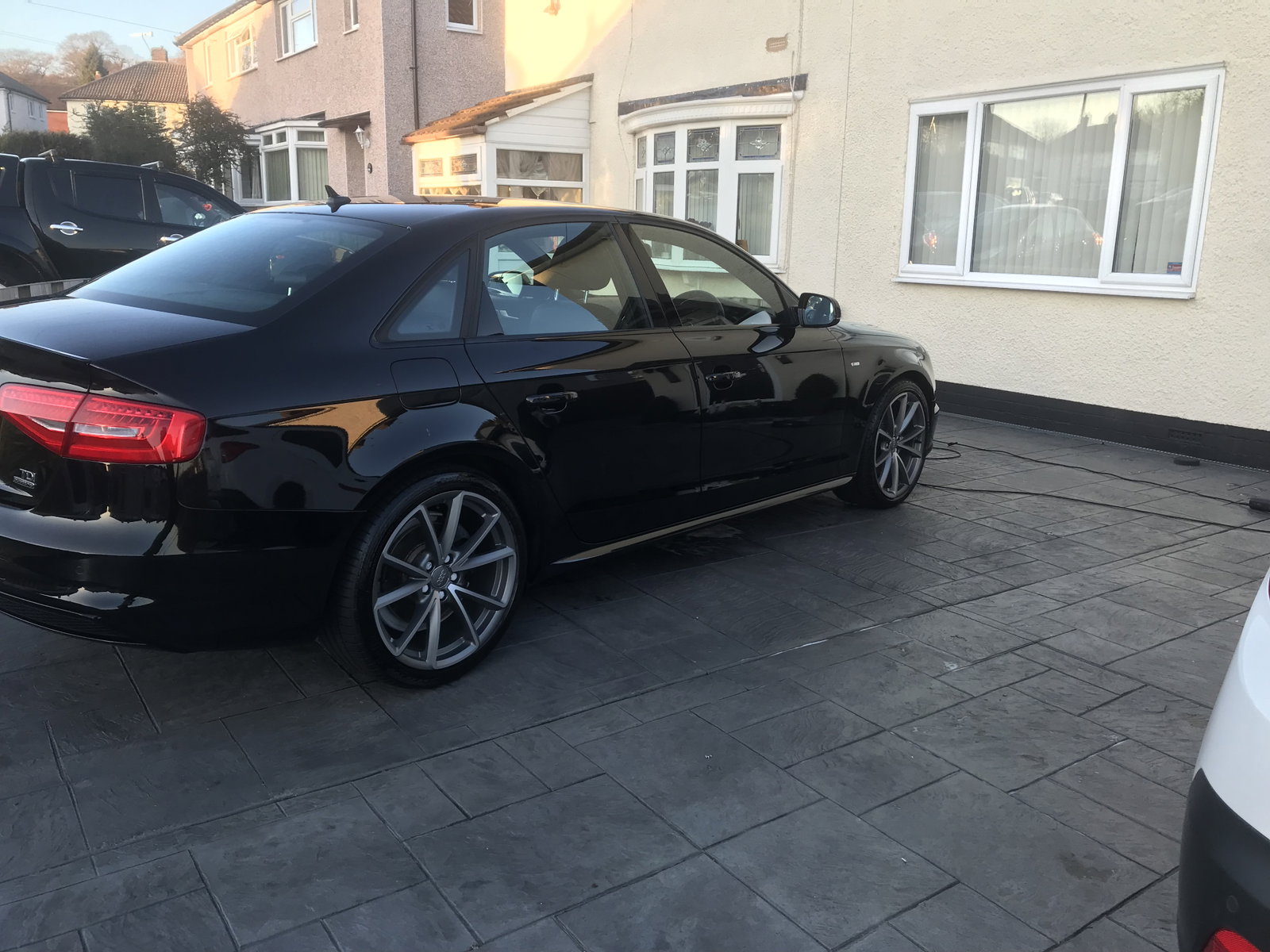
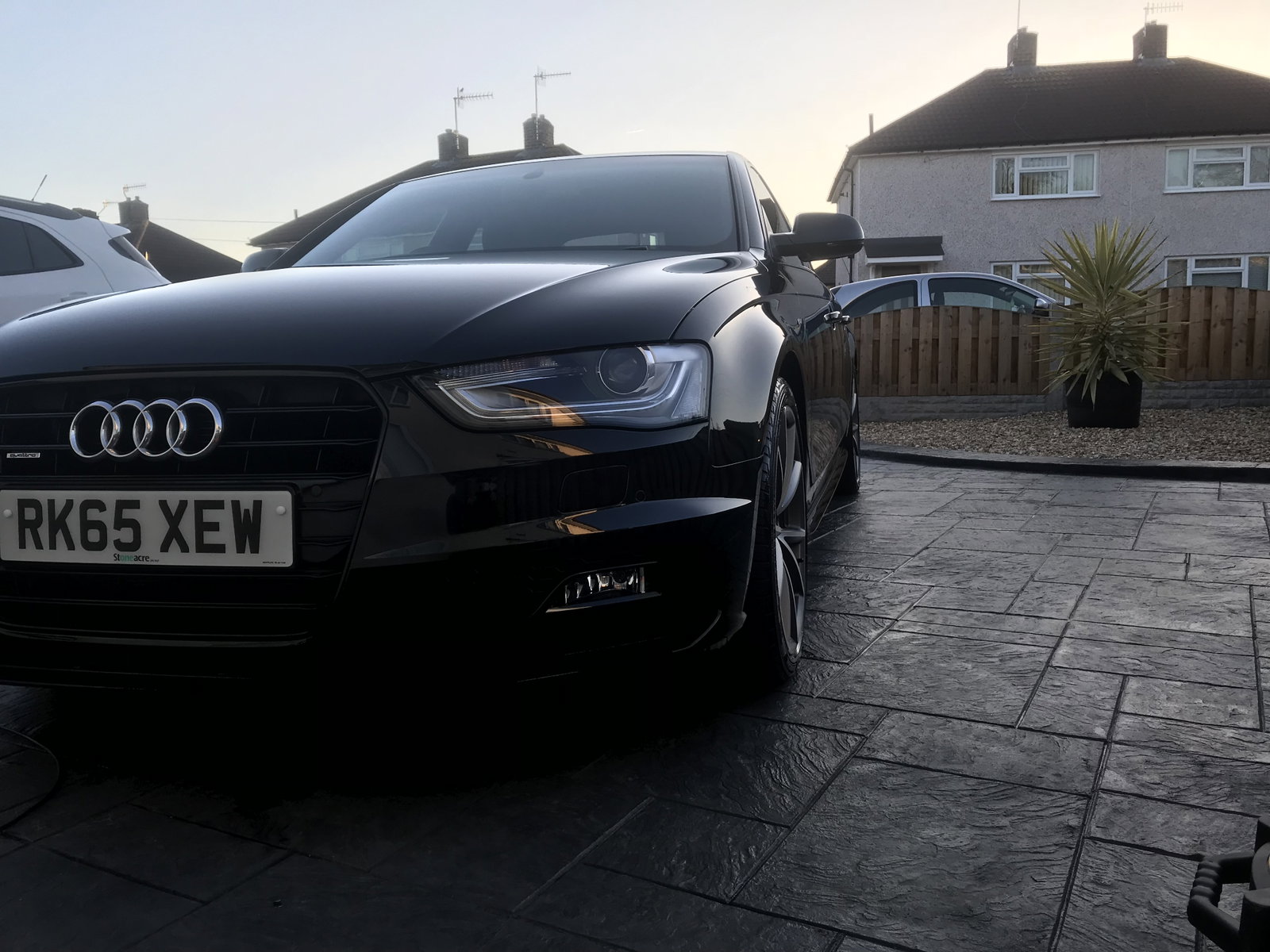
  2. Afternoon Everyone, I'm Adam from Chesterfield 27 and this is my first Audi. Audi A4 Saloon 2.0 TDI Clean Diesel 190 Quattro Black Edition in Black I purchased this beast last weekend and what a way to start the working week then using the Quattro system to it's full potential in the snow arriving. 14k on the clock very low for a Diesel but love it to bits. I'm sure i am going to have plenty of fun with this beast. Any questions you may have shout up and also thank you for allowing me to join All the best Chapperz (Adam)
Background Picker
Customize Layout

Account

Navigation

Search

Search

Configure browser push notifications

Chrome (Android)
  1. Tap the lock icon next to the address bar.
  2. Tap Permissions → Notifications.
  3. Adjust your preference.
Chrome (Desktop)
  1. Click the padlock icon in the address bar.
  2. Select Site settings.
  3. Find Notifications and adjust your preference.