Monksey7
Established Member
-
Joined
-
Last visited
-
Thanks Steve 🙂
-
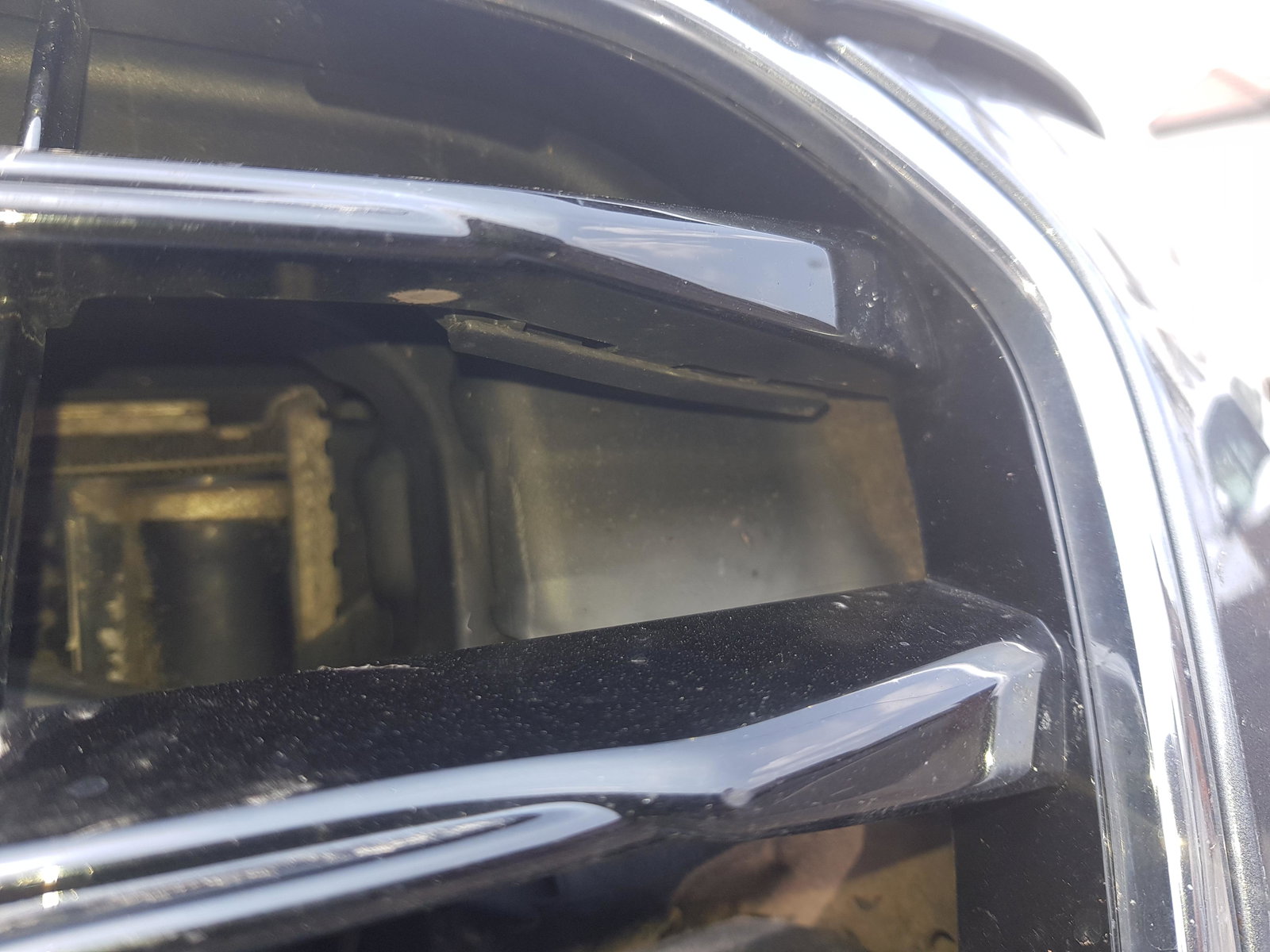
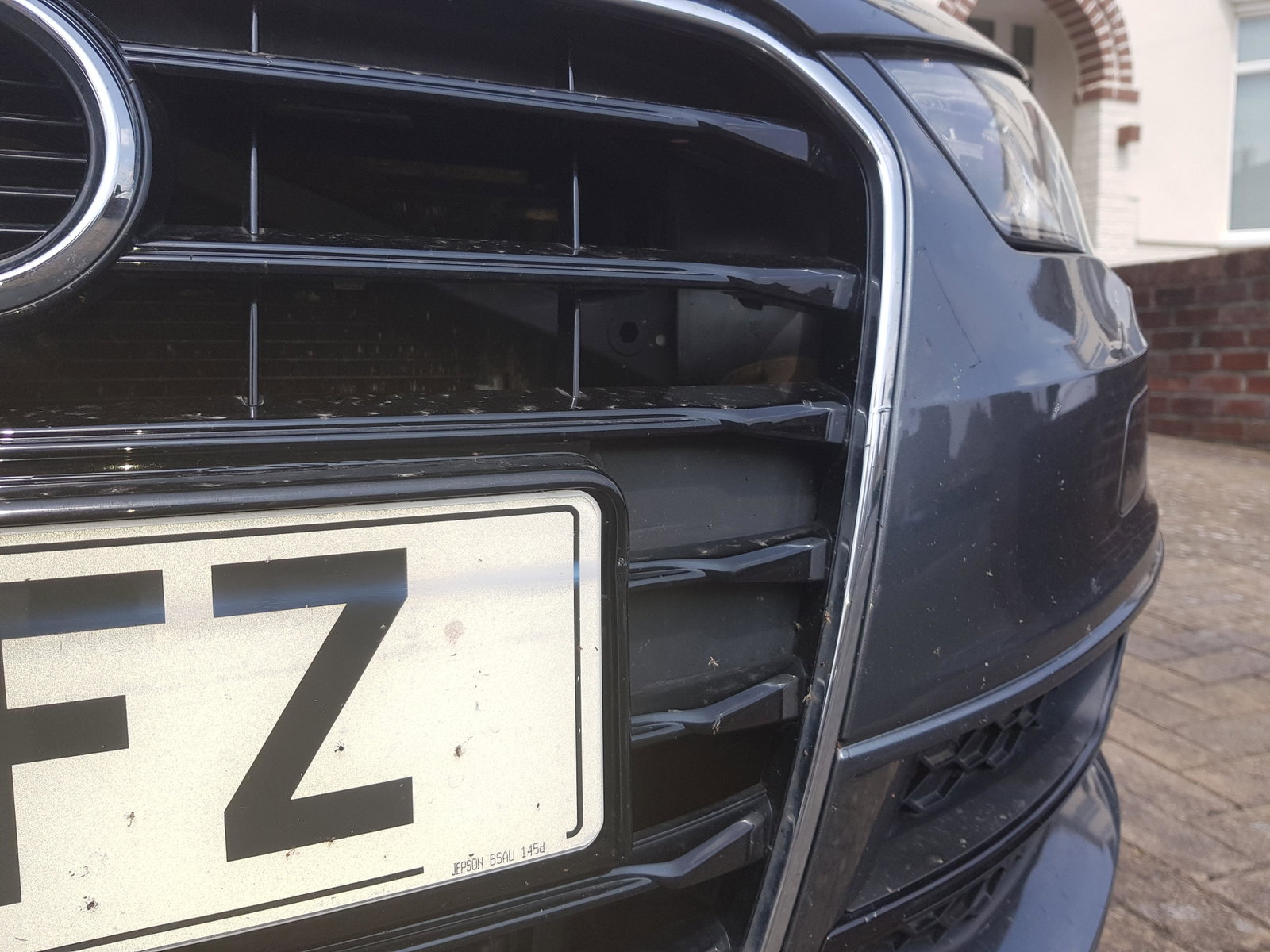
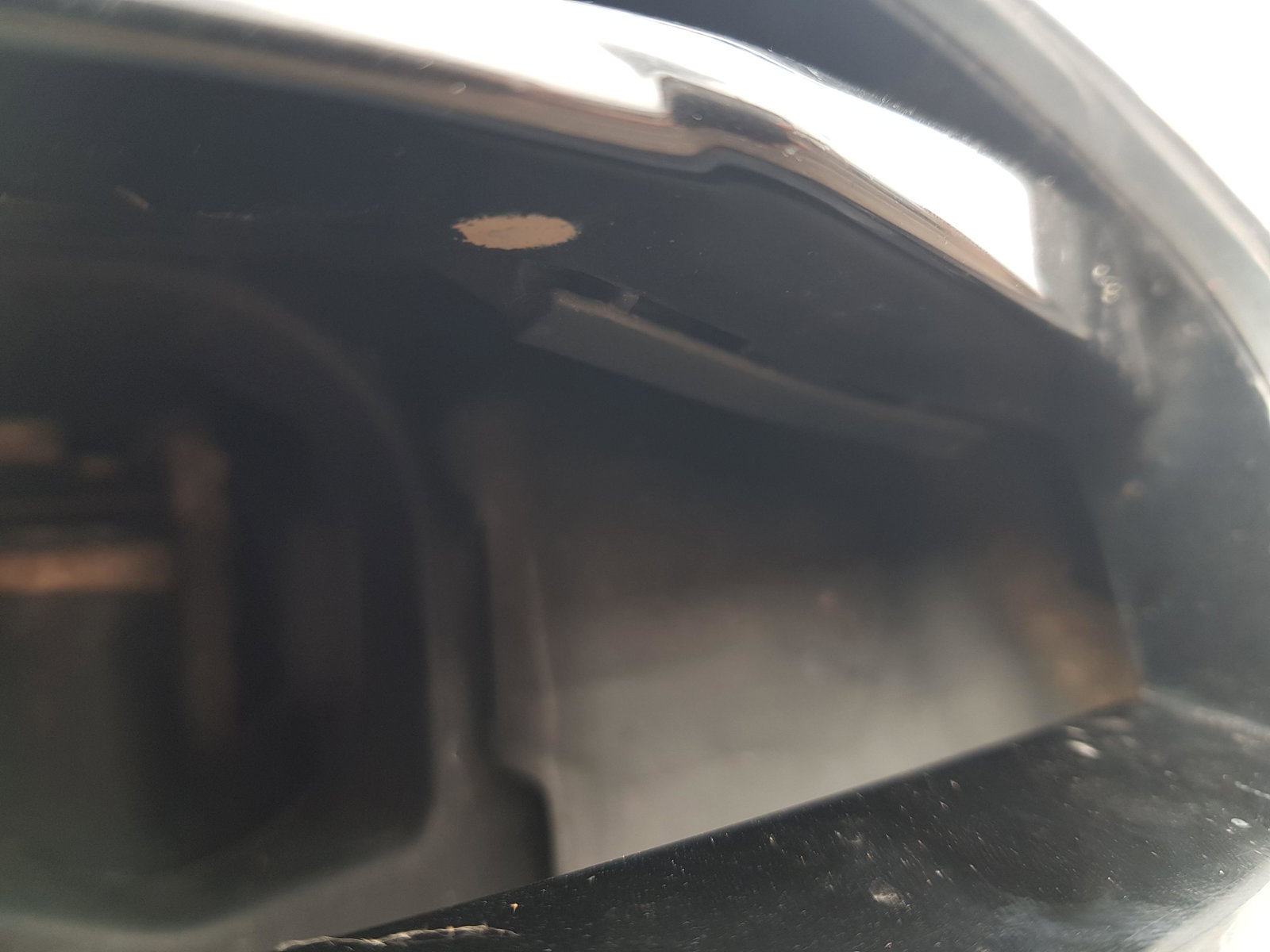
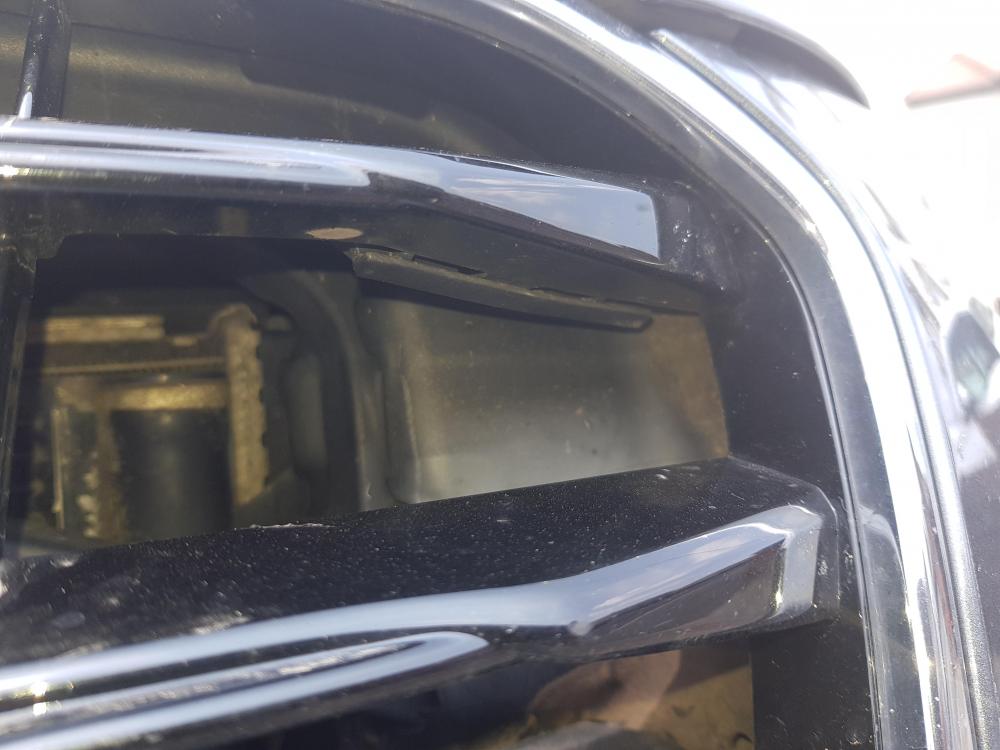
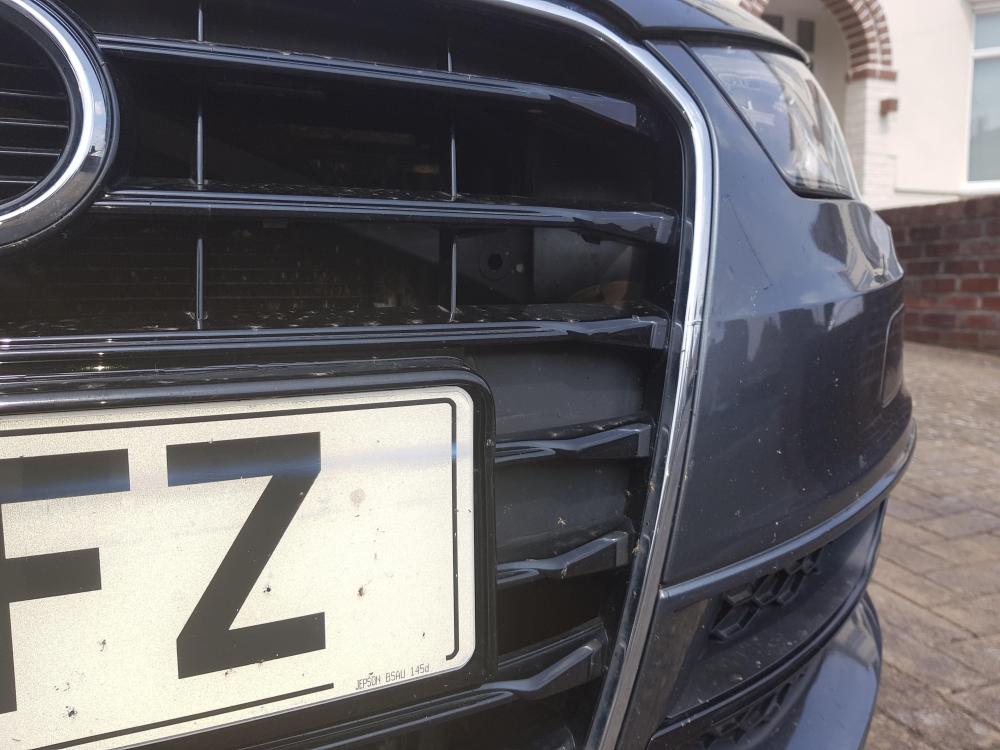
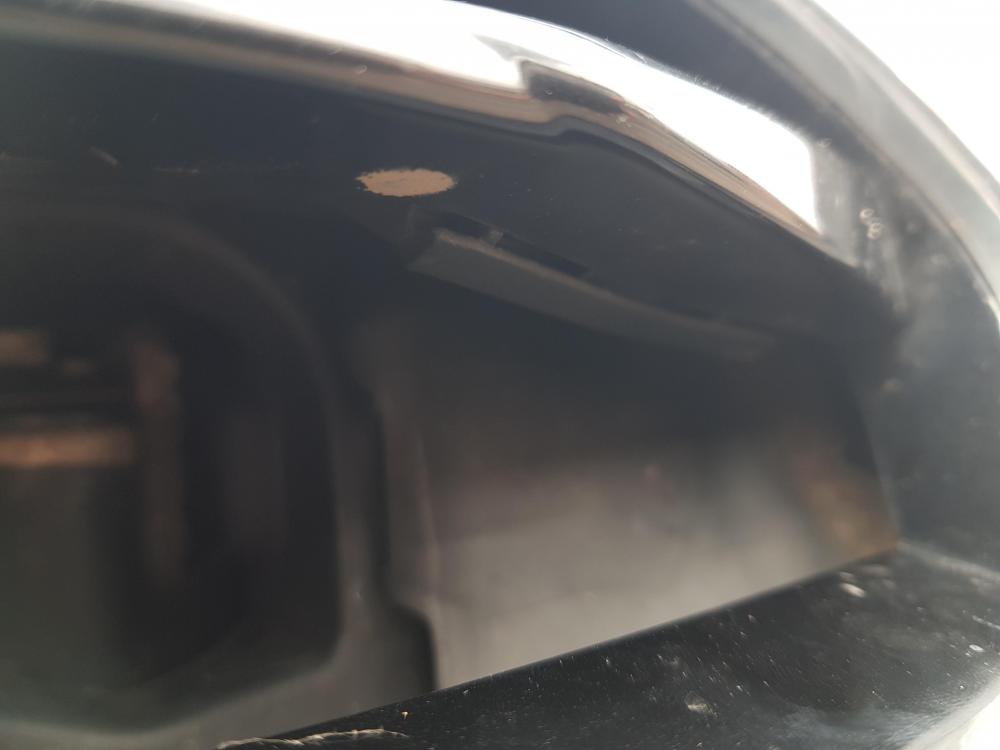
Hi, I was wondering if and where I could get hold of a replacement for the plastic panel behind the grill in the number plate area, only mine has some creases in it.
-
I thought so, it must be popped out and I must've clicked it back in the other day. Thanks Steve.
-
Hi Steve, here are the less zoomed pictures.
-
Hi guys, stupid question but what are the small plastic pieces just behind the grille, only I managed to make one make a clicking noise earlier.
-
Hi, I am thinking about trying some redex diesel additive/cleaner in my 2.0 A3, however I am unsure on how I can get the redex into the tank as the fuel filler is one of those antiwrongfuel ones. Does anyone know how I can get the additive in?
-
Thanks, yeah I'm good, you?
-
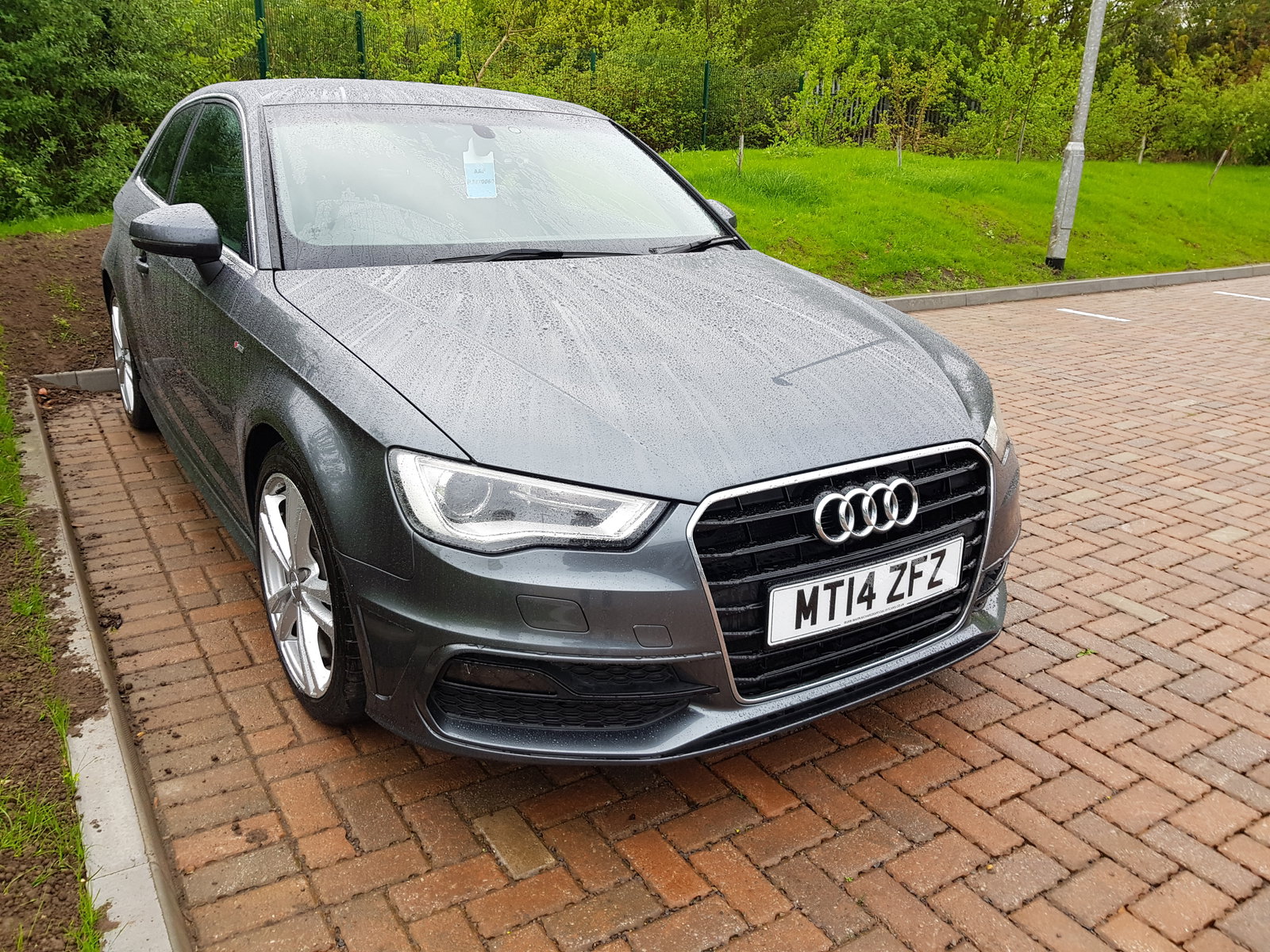
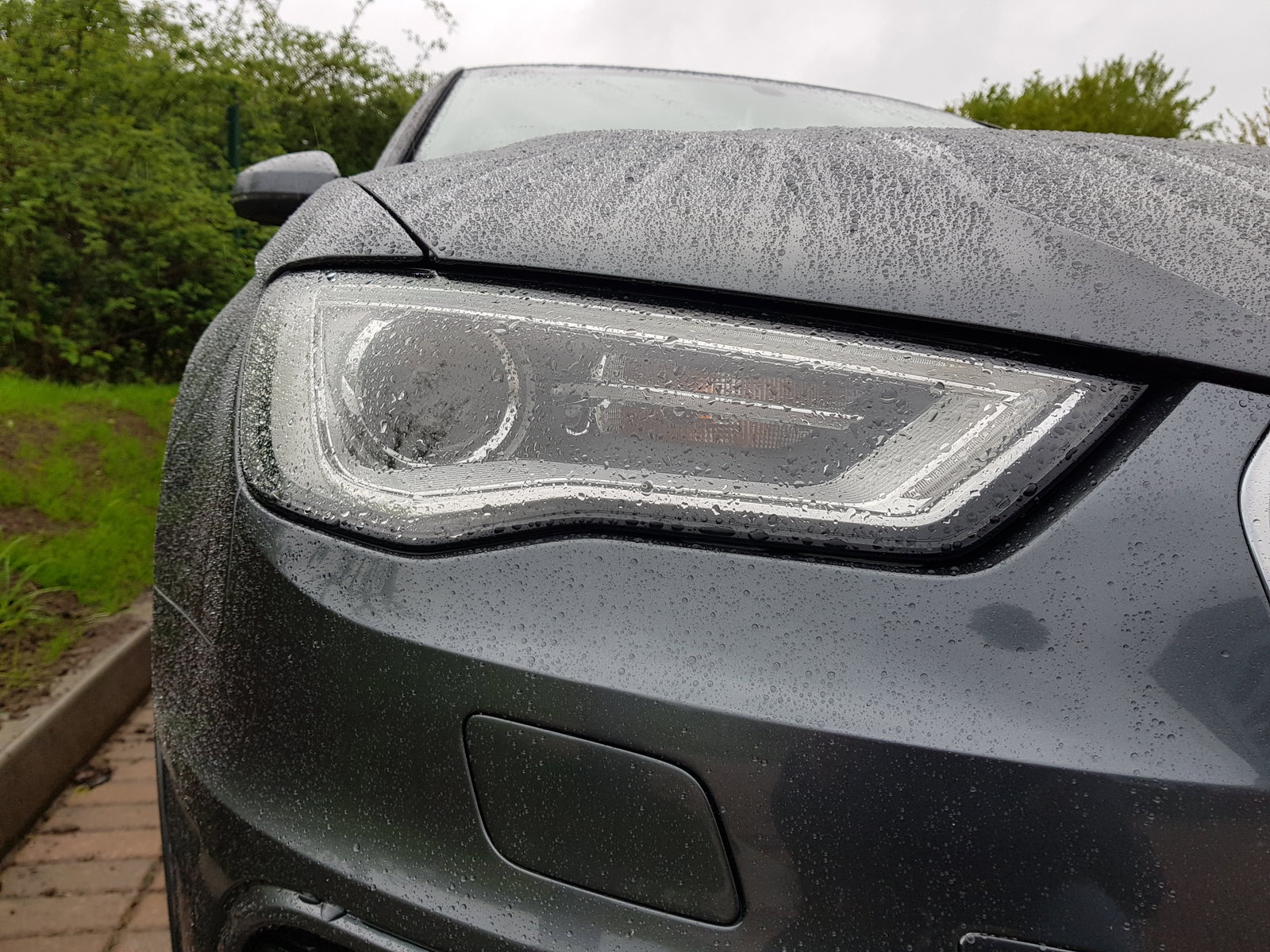
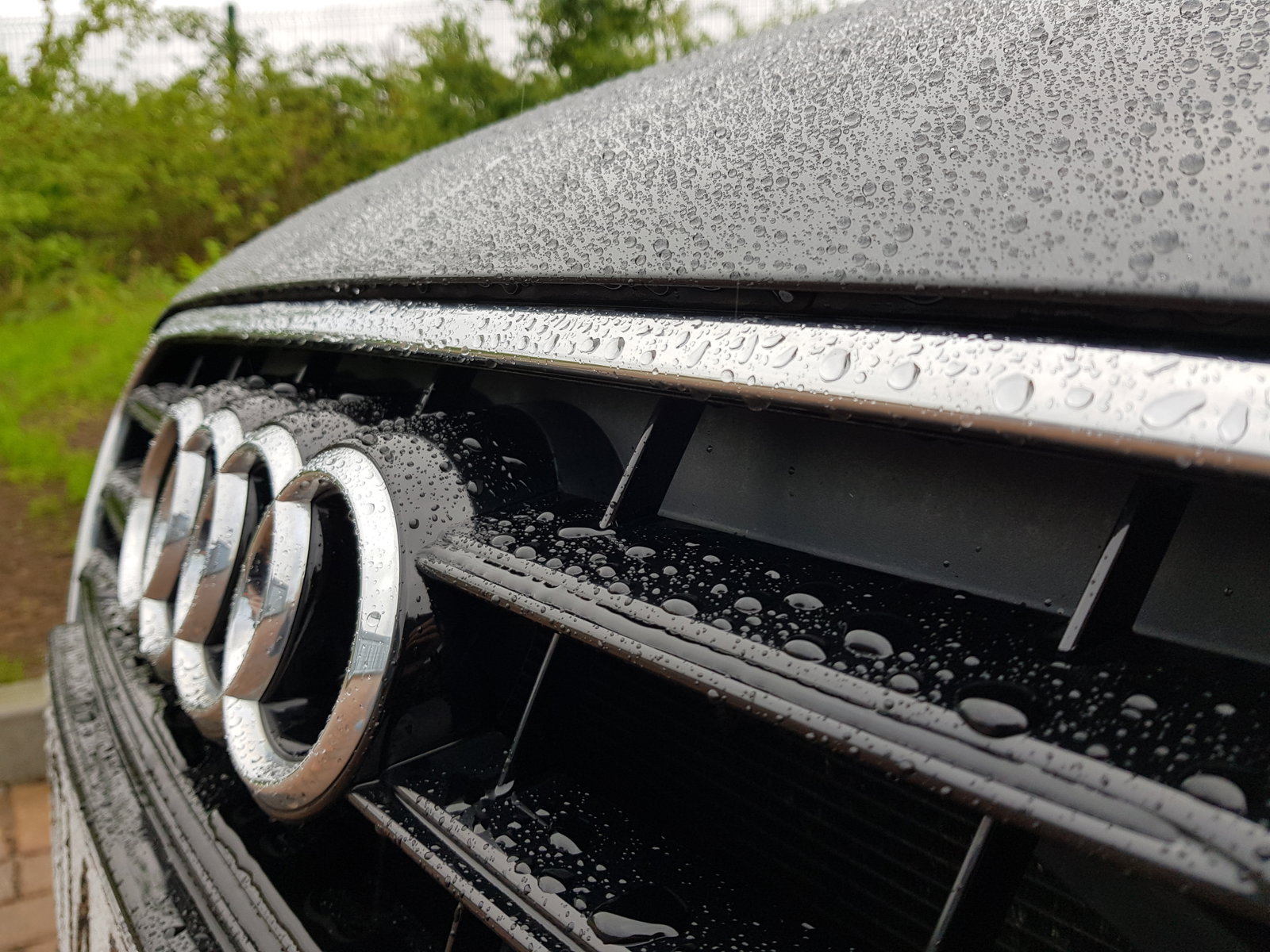
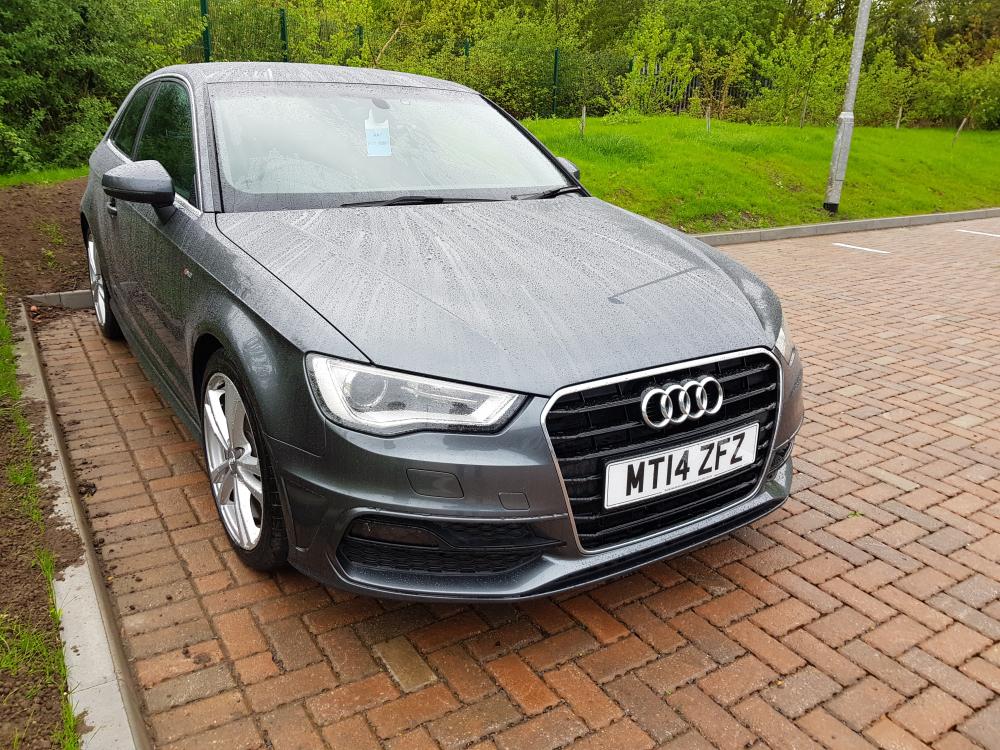
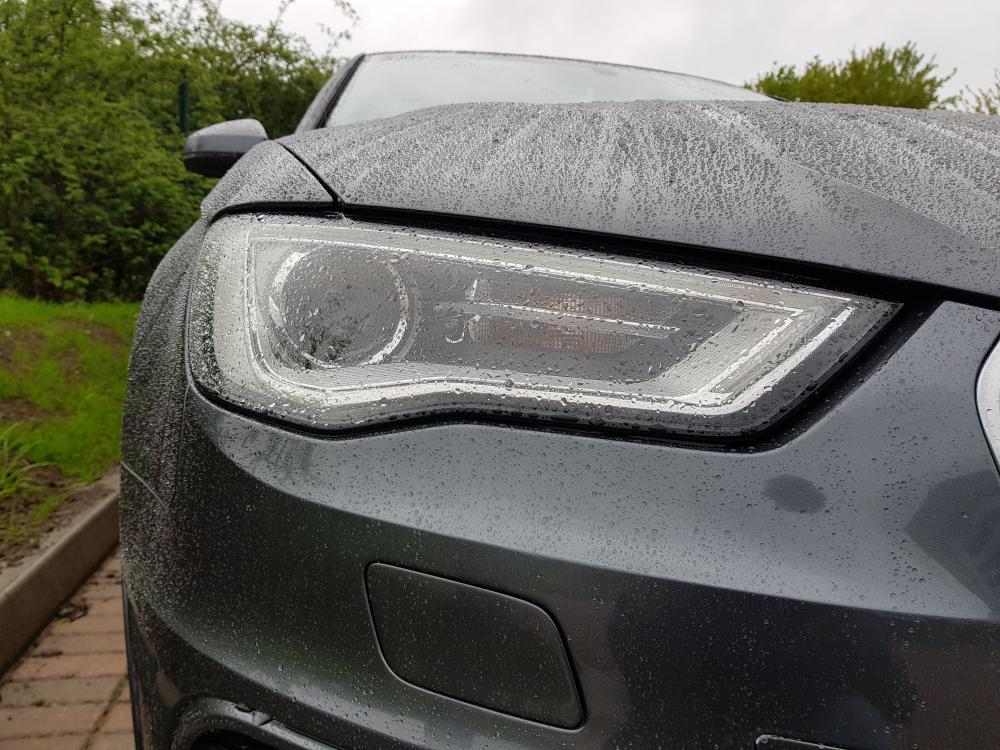
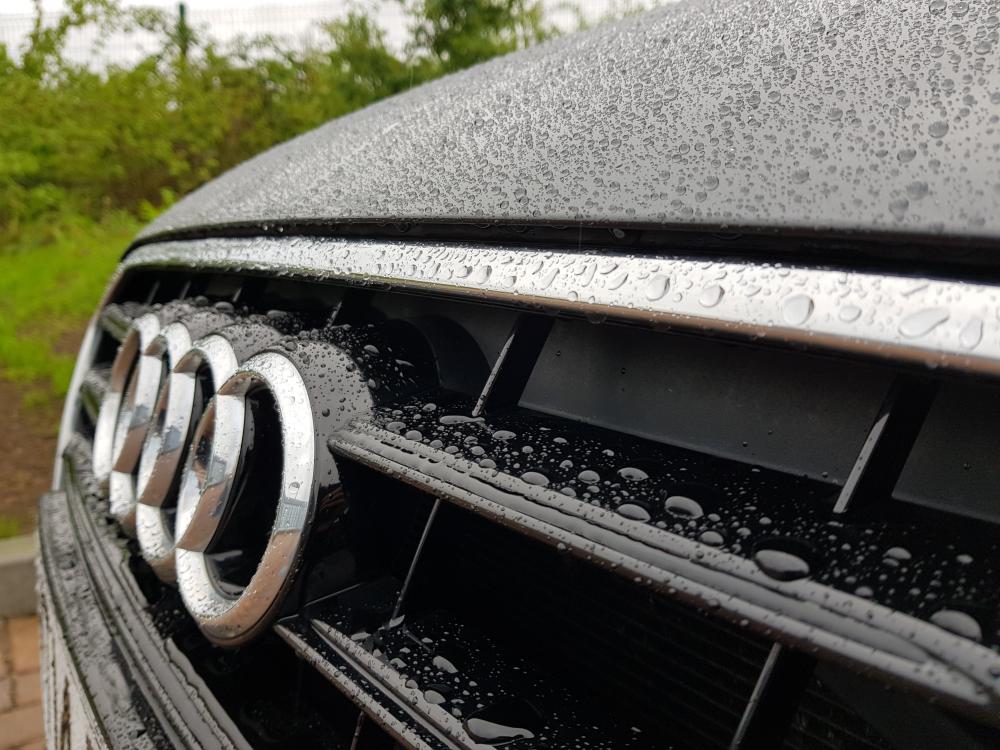
Sorry, couldn't resist some freshly waxed rainy shots.
-
Thanks Gareth, I'll bear that in mind.
-
Thanks, that works out with the non headlight washer version with the alert coming on at half a litre ish.
-
Thanks Paul, 5.5 litres it is
-
Hi Paul, No I was just wondering as I didn't want to makeup too much washer fluid from the concentrate.
-
Hi guys, I was just wondering what the reservoir capacity is on the a3 8v hatchback only the warning buzzer has come on to tell me it is low on washer fluid.
-
Thanks Rich!
-
The front seat mechanism doesn' lift the seat but tilts it forward and slides it forward as you push the seat.