




Skip to content
View in the app

A better way to browse. Learn more.

Audi Owners Club (UK)

A full-screen app on your home screen with push notifications, badges and more.

To install this app on iOS and iPadOS
  1. Tap the Share icon in Safari
  2. Scroll the menu and tap Add to Home Screen.
  3. Tap Add in the top-right corner.
To install this app on Android
  1. Tap the 3-dot menu (⋮) in the top-right corner of the browser.
  2. Tap Add to Home screen or Install app.
  3. Confirm by tapping Install.


spottedhaggis

Members
  • Joined

  • Last visited

Everything posted by spottedhaggis

  1. ah ok Ill have a go now Need to do the 1110 first and its 200me
  2. Thanks, now I understand it all better. My new 2017 sat nav disk from ebay seemed to work 100% even with my old 2004 version of software :-) Im still doing the update, tomorrow. I assume if I place a trickle charger on the batter while I do it, all will be ok?
  3. ok so I went ahead and purchased the 2017 maps on ebay, and they installed and worked without any issues. Not sure, still what version MMI I have but I now have all the disks needed to go up to the latest verison
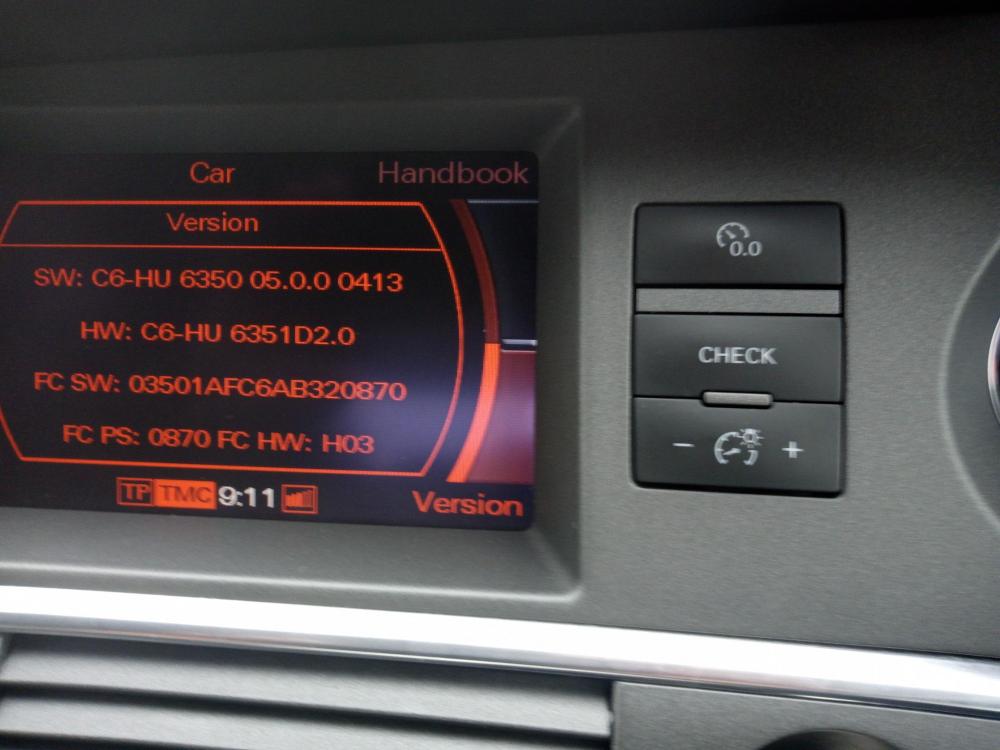
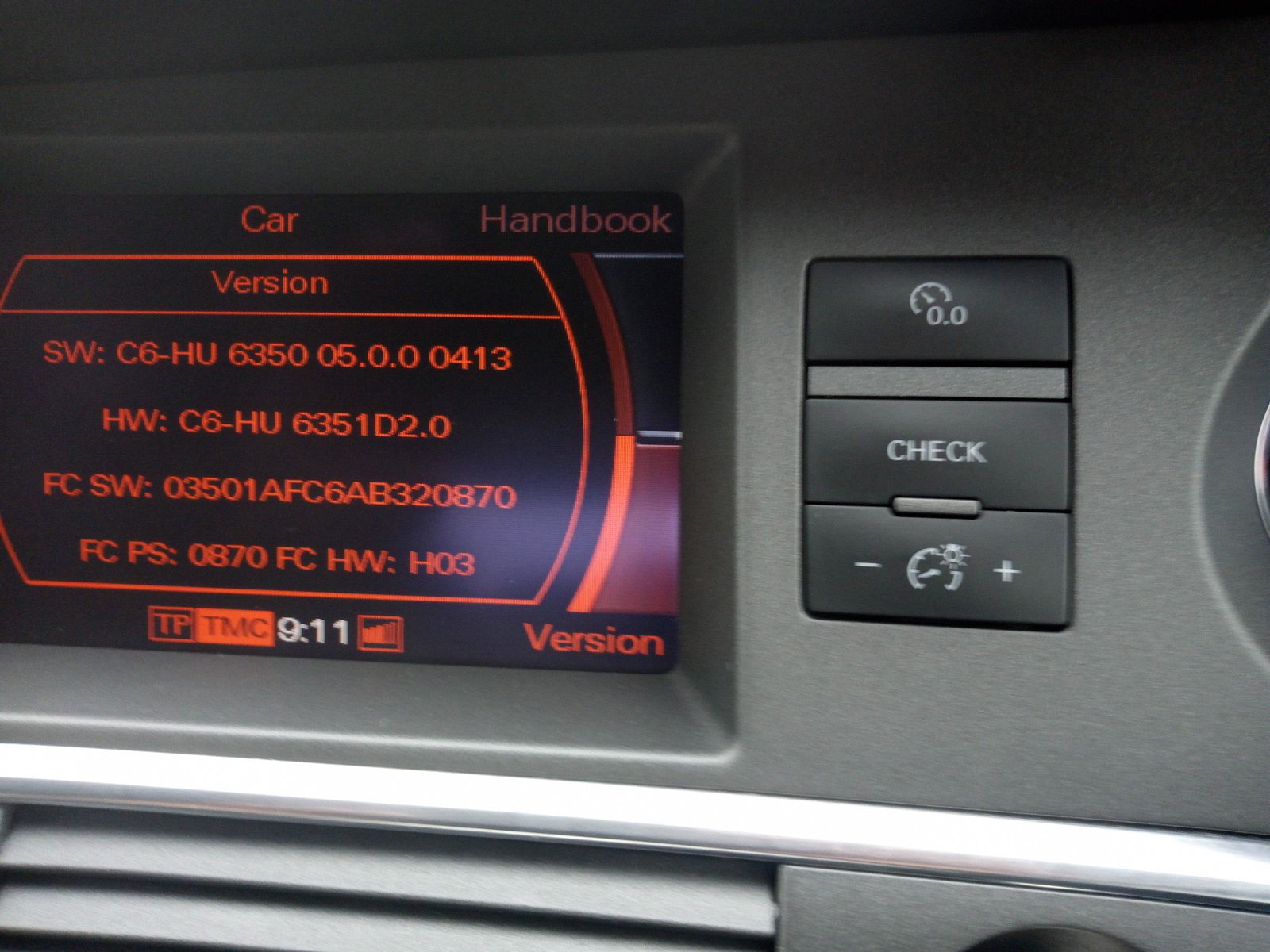
  4. I cant figure my version out. I have tried comparing it to others but I seem to have more numbers. I also purchased the 2017 dvd maps, will they work on mine or do I need to do an MMI update?


Background Picker
Customize Layout

Account

Navigation

Search

Search

Configure browser push notifications

Chrome (Android)
  1. Tap the lock icon next to the address bar.
  2. Tap Permissions → Notifications.
  3. Adjust your preference.
Chrome (Desktop)
  1. Click the padlock icon in the address bar.
  2. Select Site settings.
  3. Find Notifications and adjust your preference.