




Skip to content
View in the app

A better way to browse. Learn more.

Audi Owners Club (UK)

A full-screen app on your home screen with push notifications, badges and more.

To install this app on iOS and iPadOS
  1. Tap the Share icon in Safari
  2. Scroll the menu and tap Add to Home Screen.
  3. Tap Add in the top-right corner.
To install this app on Android
  1. Tap the 3-dot menu (⋮) in the top-right corner of the browser.
  2. Tap Add to Home screen or Install app.
  3. Confirm by tapping Install.


Seano

Members
  • Joined

  • Last visited

Everything posted by Seano

  1. Wife is happy bunny for 5mins, might get a cup of tea tonight 😁
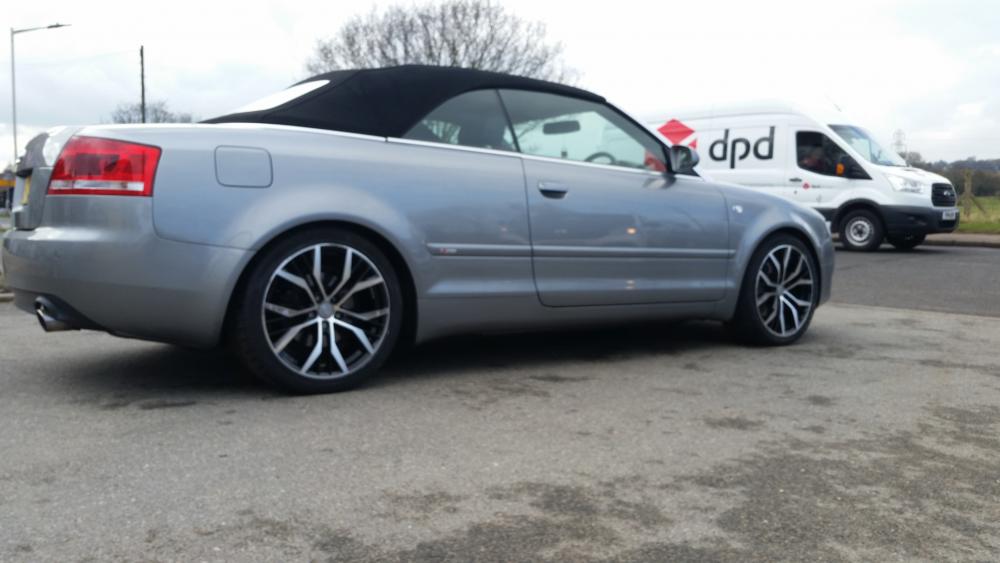
  2. Fantastic news thanks Steve
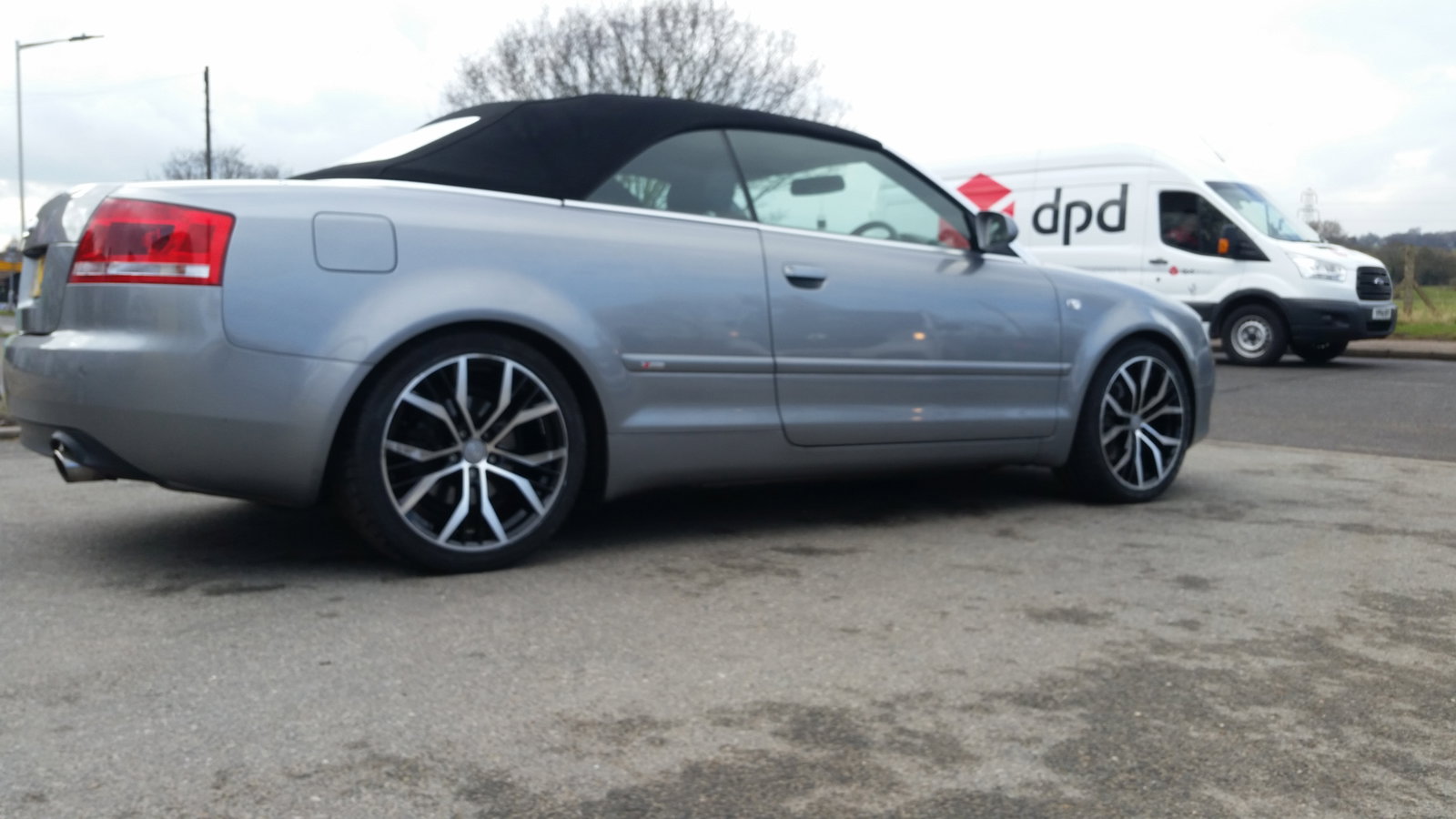
  3. Hi, great forum. Wife had a brill 09 cabriolet that had all the toys and whistles till someone wasnt looking and ploughed into the back of it. She is gutted. Bought her another soft top 07 S Line and found a breakers with sat nav and Bose that i'd like to replace with her Audi Symphony. Is this possible to swap them ? Thanks in advance ! Ps... i wont even bother trying to put in the day running lights !



Background Picker
Customize Layout

Account

Navigation

Search

Search

Configure browser push notifications

Chrome (Android)
  1. Tap the lock icon next to the address bar.
  2. Tap Permissions → Notifications.
  3. Adjust your preference.
Chrome (Desktop)
  1. Click the padlock icon in the address bar.
  2. Select Site settings.
  3. Find Notifications and adjust your preference.