Didz
Members
-
Joined
-
Last visited
Everything posted by Didz
-
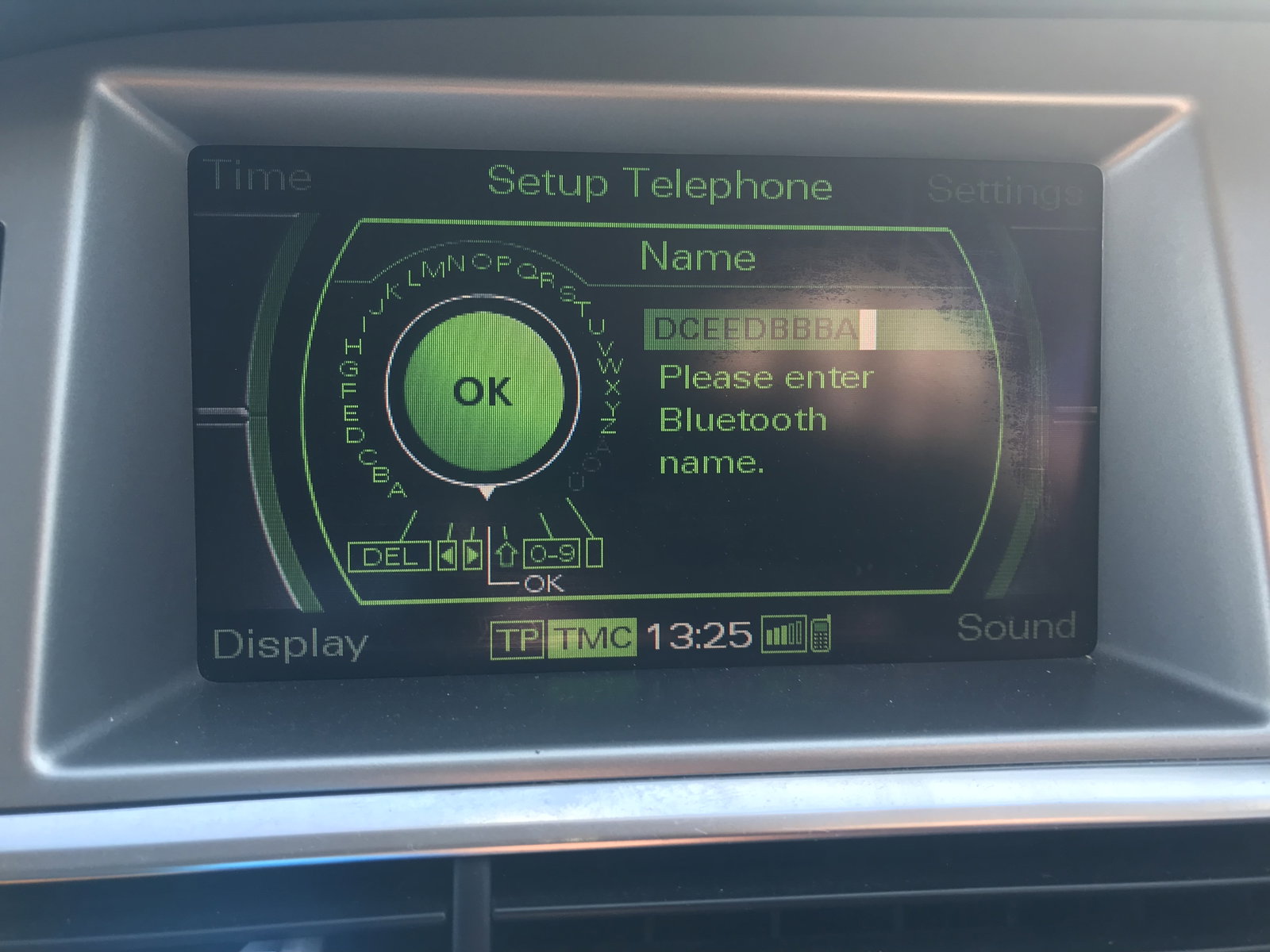
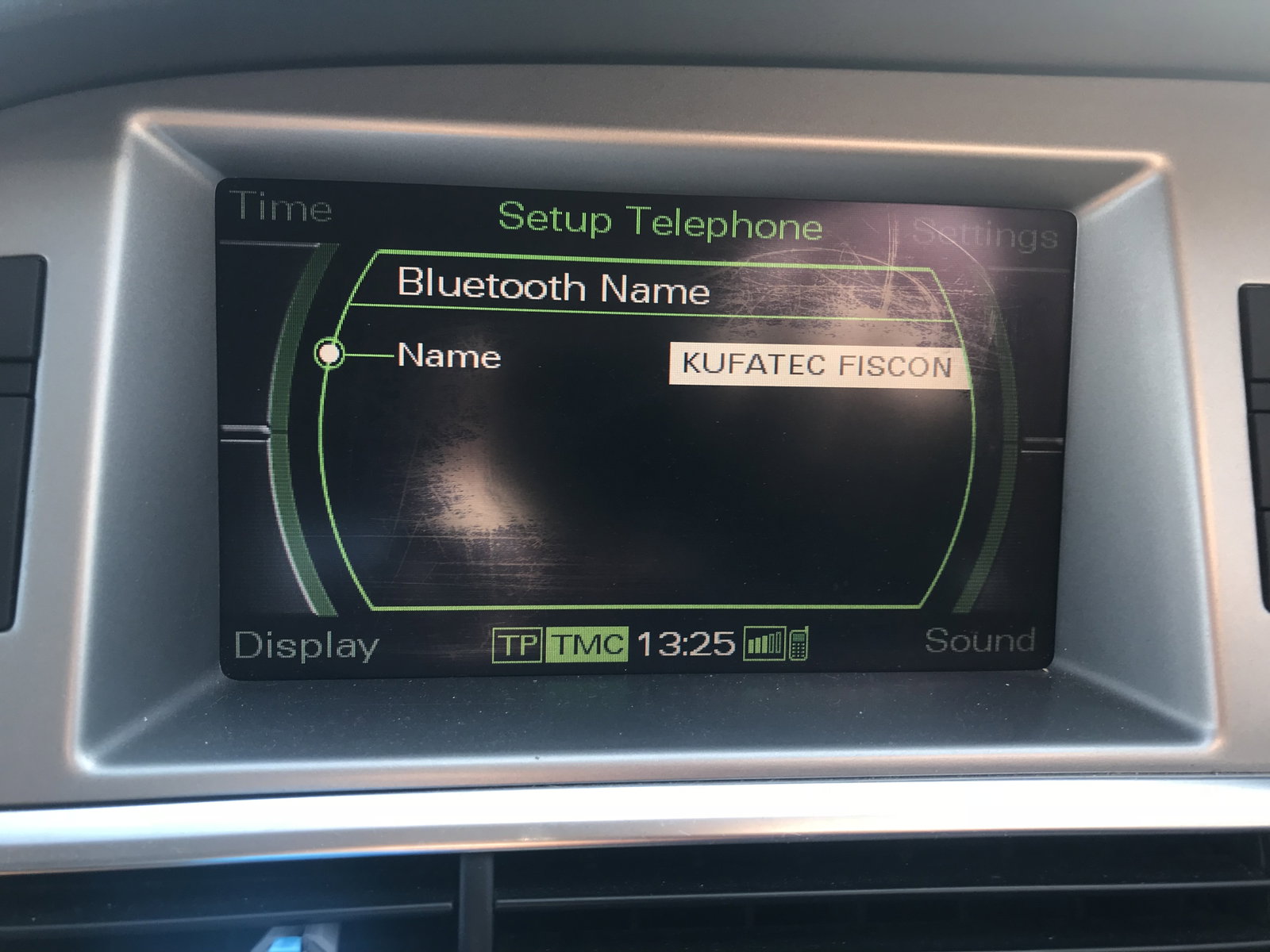
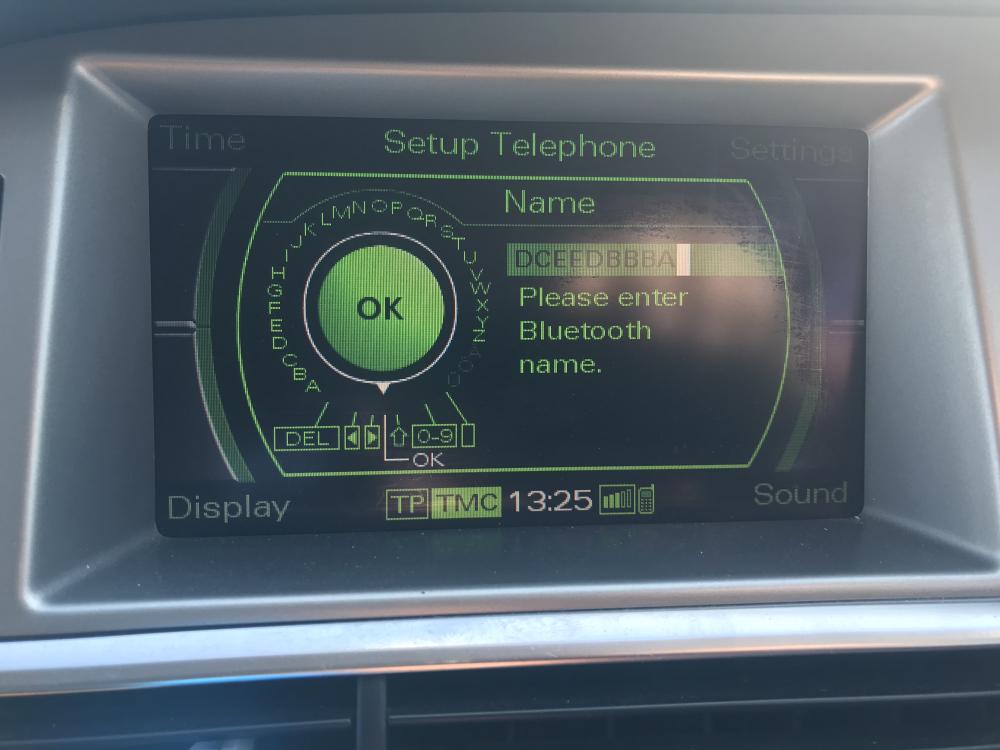
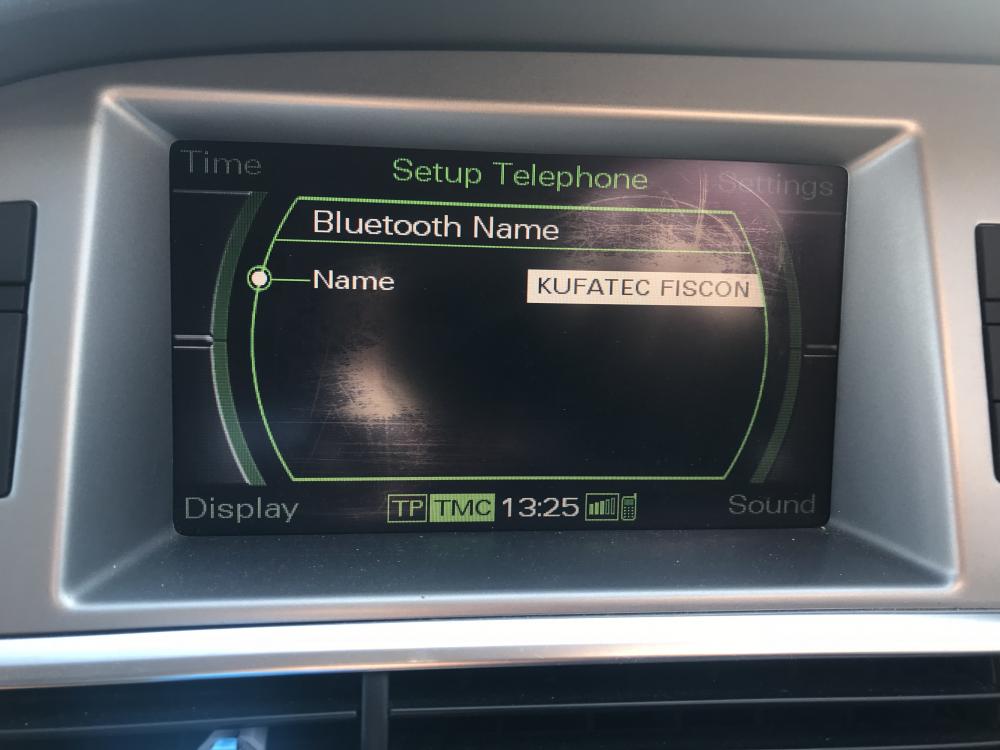
So I have a dumb question for you all!! I have been trying to change the name of my Bluetooth on the car and have summingly failed! It keeps reverting back to the original name. I have tried with the phone connected and unconnected. For example I tried to Enter some random letter and it reverted back to the original name. It on an A6 Avant 2007. Help!? Thankies
-
Hey all, One of the first things I wanted to do to my A6 Avant was to tint the windows. But..... I have no idea of the costs or were to go. I don't want to get ripped off! I'm in Surrey area. Many thanks. Didz
-
Hey all So after a number of years driving and quite a few car choices I have landed in the Audi world. Yesterday I brought a 2007 A6 Avant TDI SE in Sliver. Still learning the car. But I am loving every minute so far. So prepare for some annoying questions! Anywhooo I'm Dave and I'm in Surrey.