




Skip to content
View in the app

A better way to browse. Learn more.

Audi Owners Club (UK)

A full-screen app on your home screen with push notifications, badges and more.

To install this app on iOS and iPadOS
  1. Tap the Share icon in Safari
  2. Scroll the menu and tap Add to Home Screen.
  3. Tap Add in the top-right corner.
To install this app on Android
  1. Tap the 3-dot menu (⋮) in the top-right corner of the browser.
  2. Tap Add to Home screen or Install app.
  3. Confirm by tapping Install.

PaulAFC84

Established Member
  • Joined

  • Last visited

Everything posted by PaulAFC84

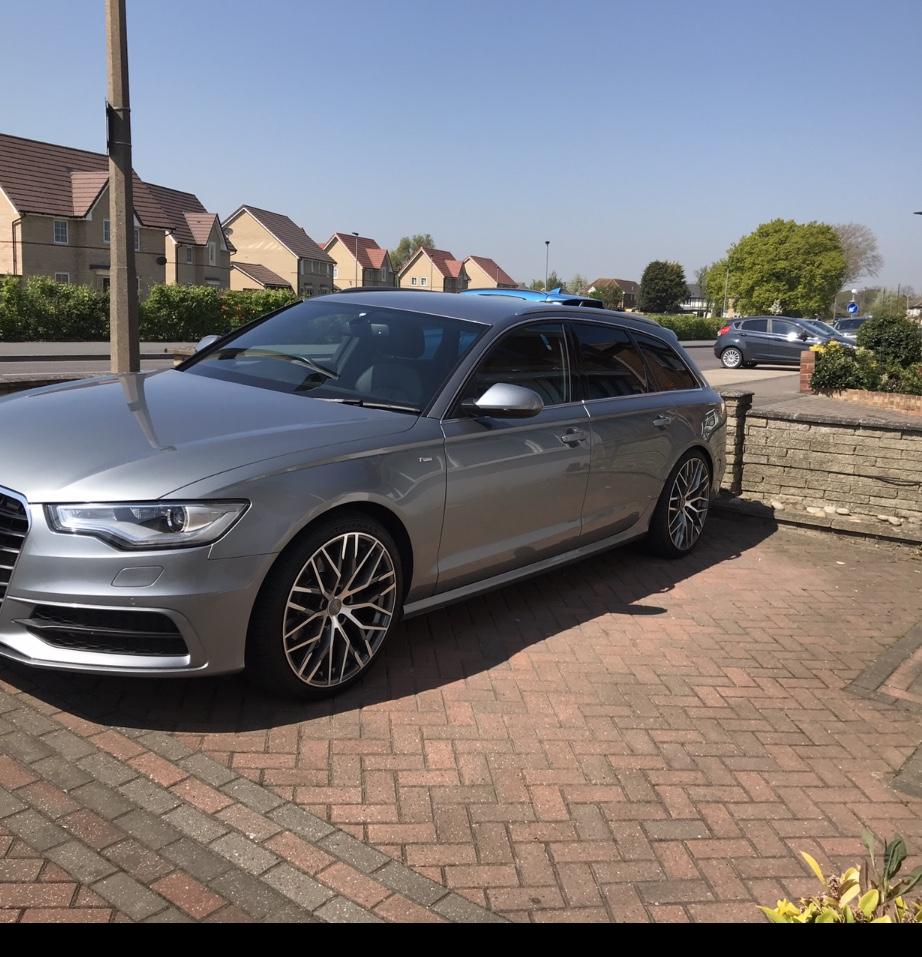
  1. Evening all, I wondered if anyone on here can help me.This is my first post, as I haven’t picked up my A6 yet, but I had some questions about the keyless entry/keyless go security precautions people on here have taken? I’ve read into it a little, and I’ve had people recommend the faraday key pouches, I just wondered if anyone can recommend any of these in particular? I was also looking into a steering lock, but apparently the disklok can be smashed off in a matter of minutes, and the other ones can cut into the steering wheel? Sorry to bombard you with questions,and thanks in advance. Paul



Background Picker
Customize Layout

Account

Navigation

Search

Search

Configure browser push notifications

Chrome (Android)
  1. Tap the lock icon next to the address bar.
  2. Tap Permissions → Notifications.
  3. Adjust your preference.
Chrome (Desktop)
  1. Click the padlock icon in the address bar.
  2. Select Site settings.
  3. Find Notifications and adjust your preference.