Matt85
Members
-
Joined
-
Last visited
-
I scanned it before i took it back and there were no faults. Real time data was showing 6 bar in the system too so i presume there isn't a pressure sensor for the low side?
-
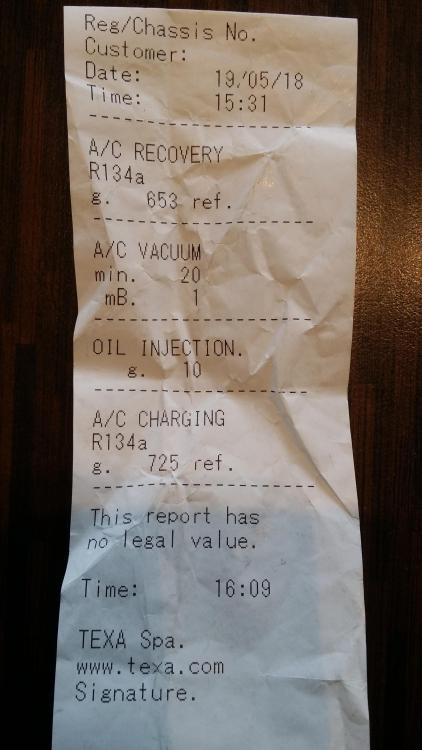
Hi I'm new to the owners club. Bought a 2008 3.0tdi s line a few weeks ago and the a/c doesn't work properly. The econ light was on all the time so i had it pressure tested. Changed the pipe on the nsf and pressure tested again, all good so had it charged. Worked for a couple of days then stopped working but i was able to switch econ on and off. Took it back to the garage and they connected the machine, low pressure side was reading 1.5 bar and 6 bar on the high pressure side. Technician said they should both be 6 bar with the engine off so he recharged the system. All went well, it passed the vacuum test and was getting cold air again but he did say it had lost 70g of gas in a week. Drove it to a friends around a 30 minute trip all worked fine. Left it for 2 hours and drove home. Straight away no a/c. Turned the whole system off, whilst driving, switched it back on and it started to work again but then stopped again whilst driving. Any a/c guru's out there? Here's the report from the machine