Bailey
Members
-
Joined
-
Last visited
-
Thanks Steve The car was bought new by my dad when he retired. When he changed to a Merc it wasn’t worth trading in so we kept it as a spare. I sometimes used it for commuting and as all my other cars are rear drive roadsters, it was good for the winter roads. But the fuel consumption was always the Achilles heal. I’ve just picked up a Rover75 based MGZT with the BMW Diesel engine with only 15k on it so the A4 is totally surplus. Will be sorry to see it go but would be worse if it got scrapped.
-
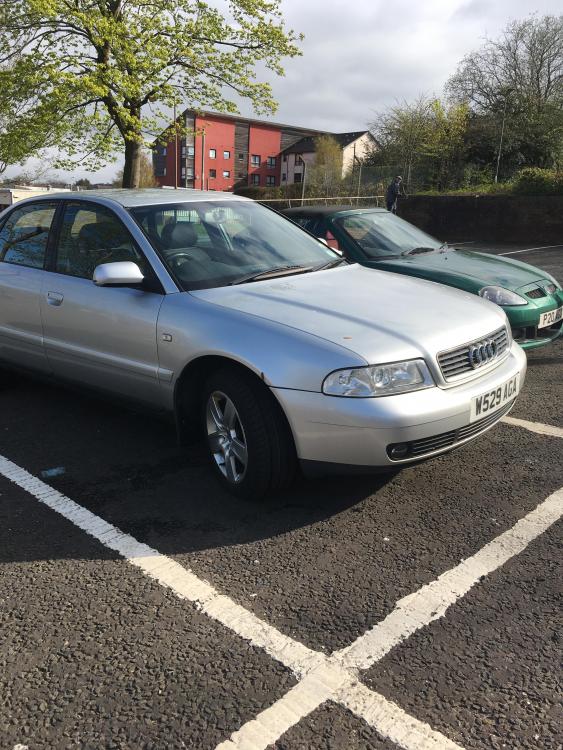
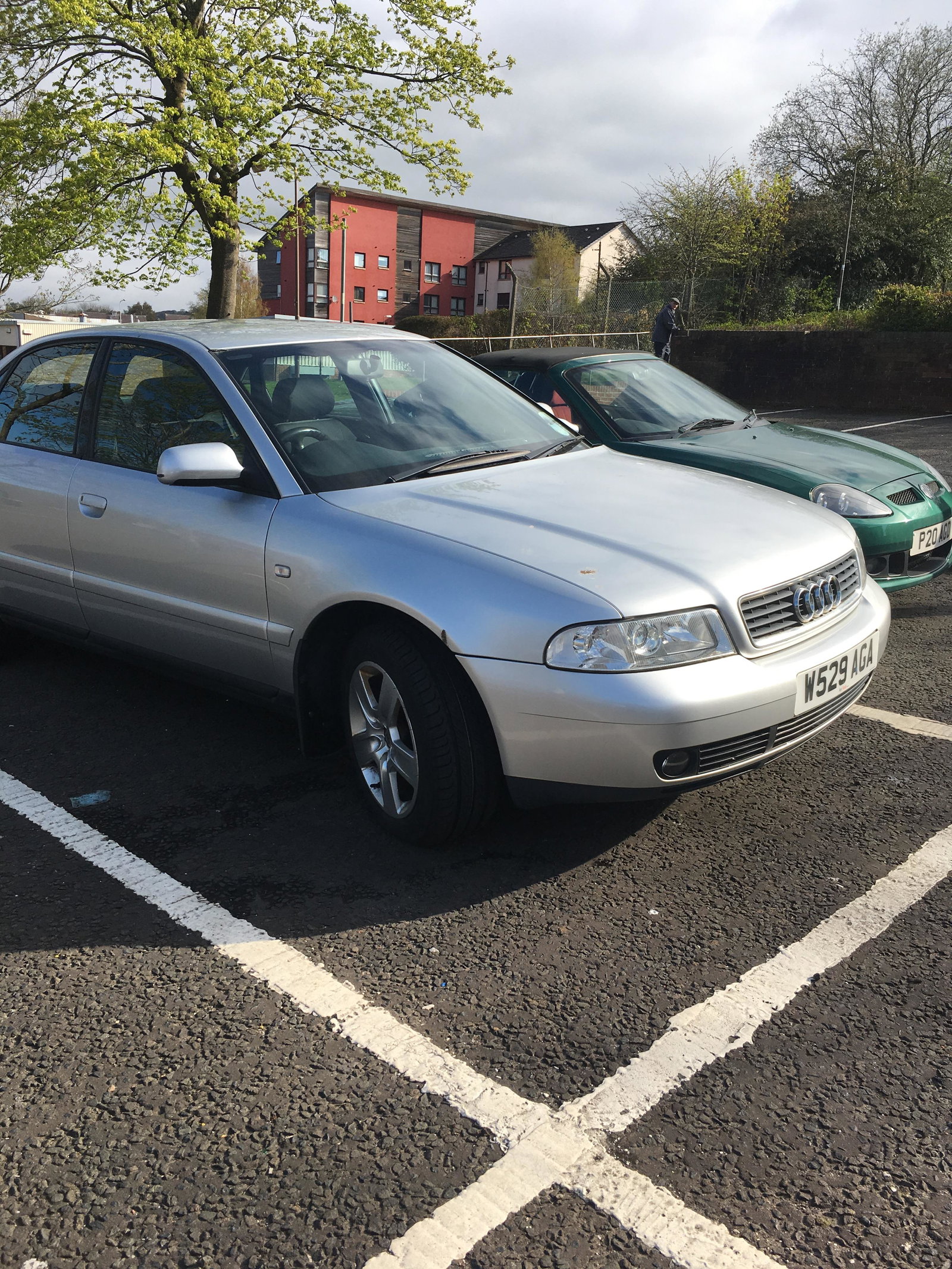
Our 2000 A4 has been in our family since new and has always been incredibly reliable. However, now that it’s time to sell it on, it has developed a fault. It is an automatic. It drives normally until I try to accelerate either hard to overtake or on long inclines. Essentially, if for example while doing 60mph and the accelerater is pressed it will decelerate rapidly. It can be very gently accelerated but any attempt at more it does the opposite, like hitting the brake virtually. Although I’m only trying to sell it for a couple of hundred, it’s near impossible with this fault. I’m reluctant to simply scrap it as it drives like new and is far too good to scrap and ideally I’d have liked it to go to an enthusiast. Im not remotely technical, I can just about change a wheel, so I was hoping there might be a simple solution otherwise it’ll have to go to the car park in the sky. Any advice appreciated.