RMConey
Members
-
Joined
-
Last visited
Everything posted by RMConey
-
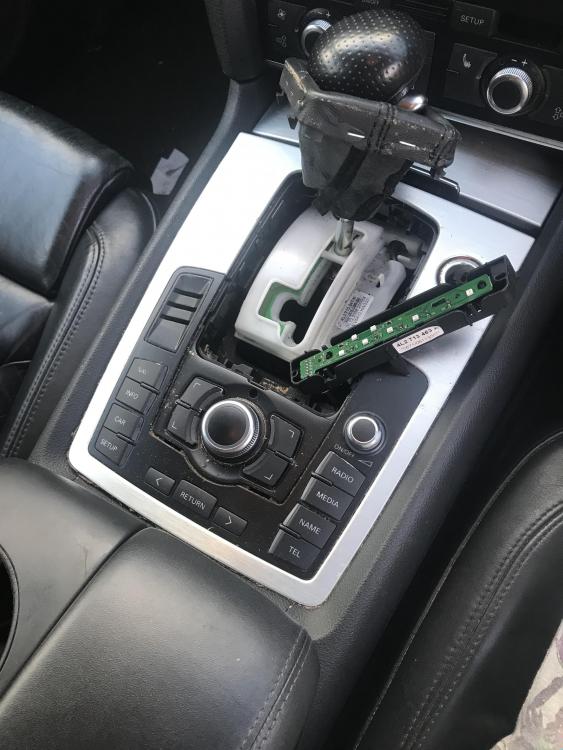
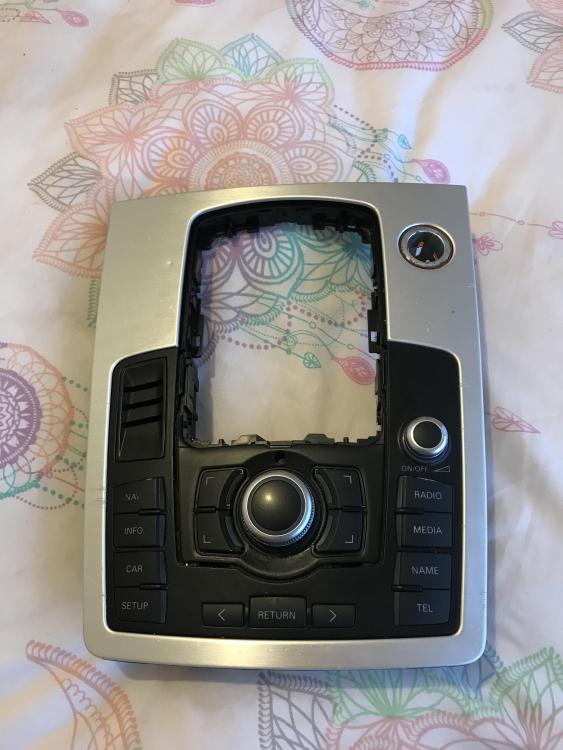
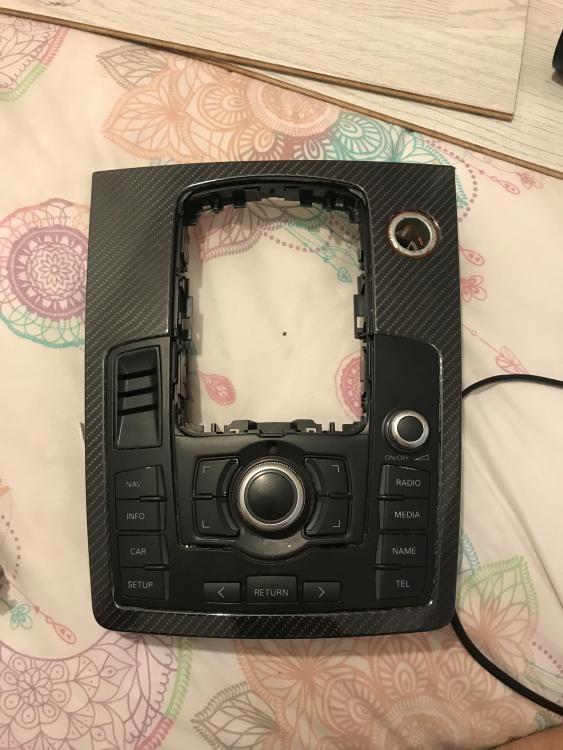
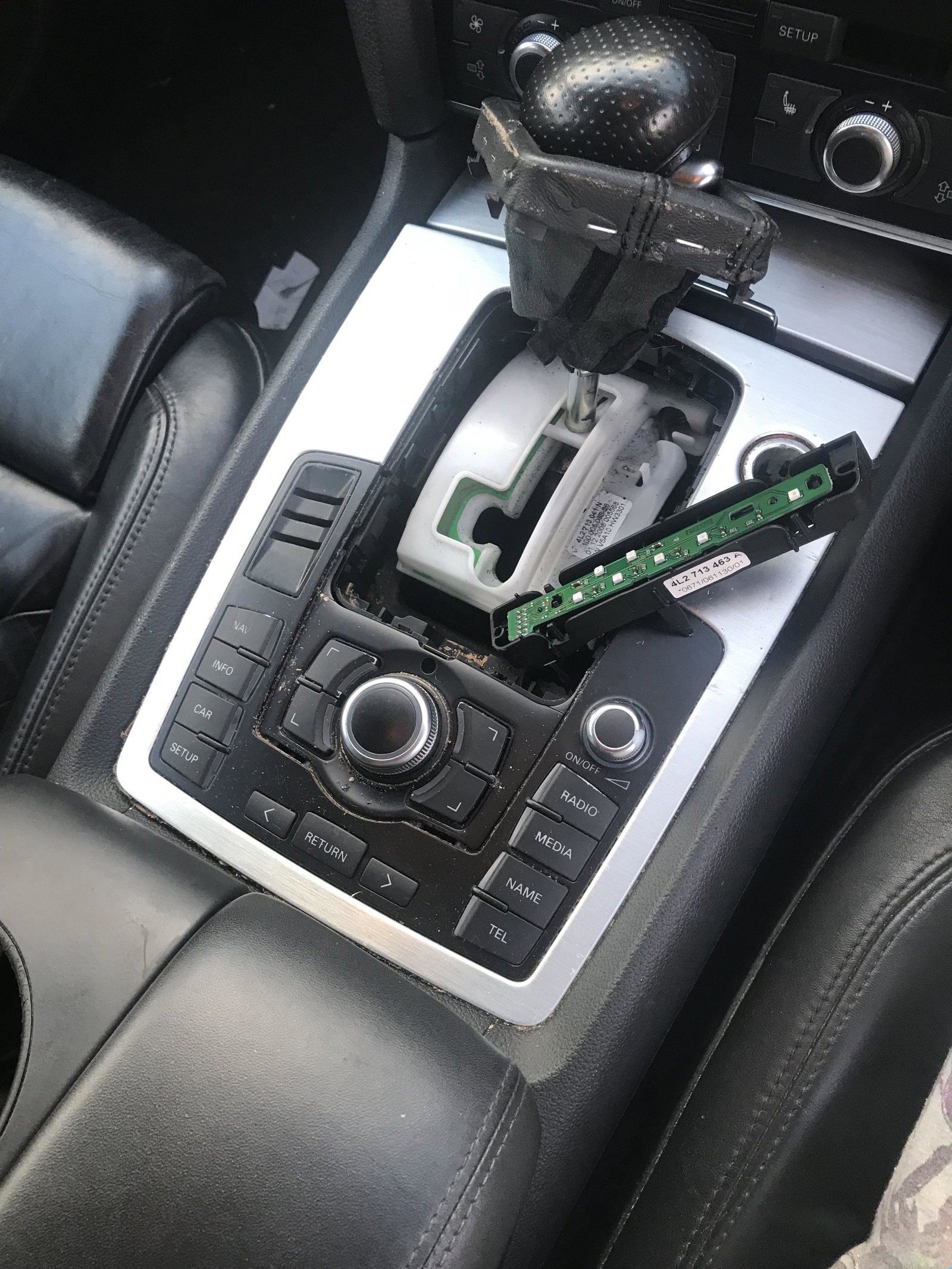
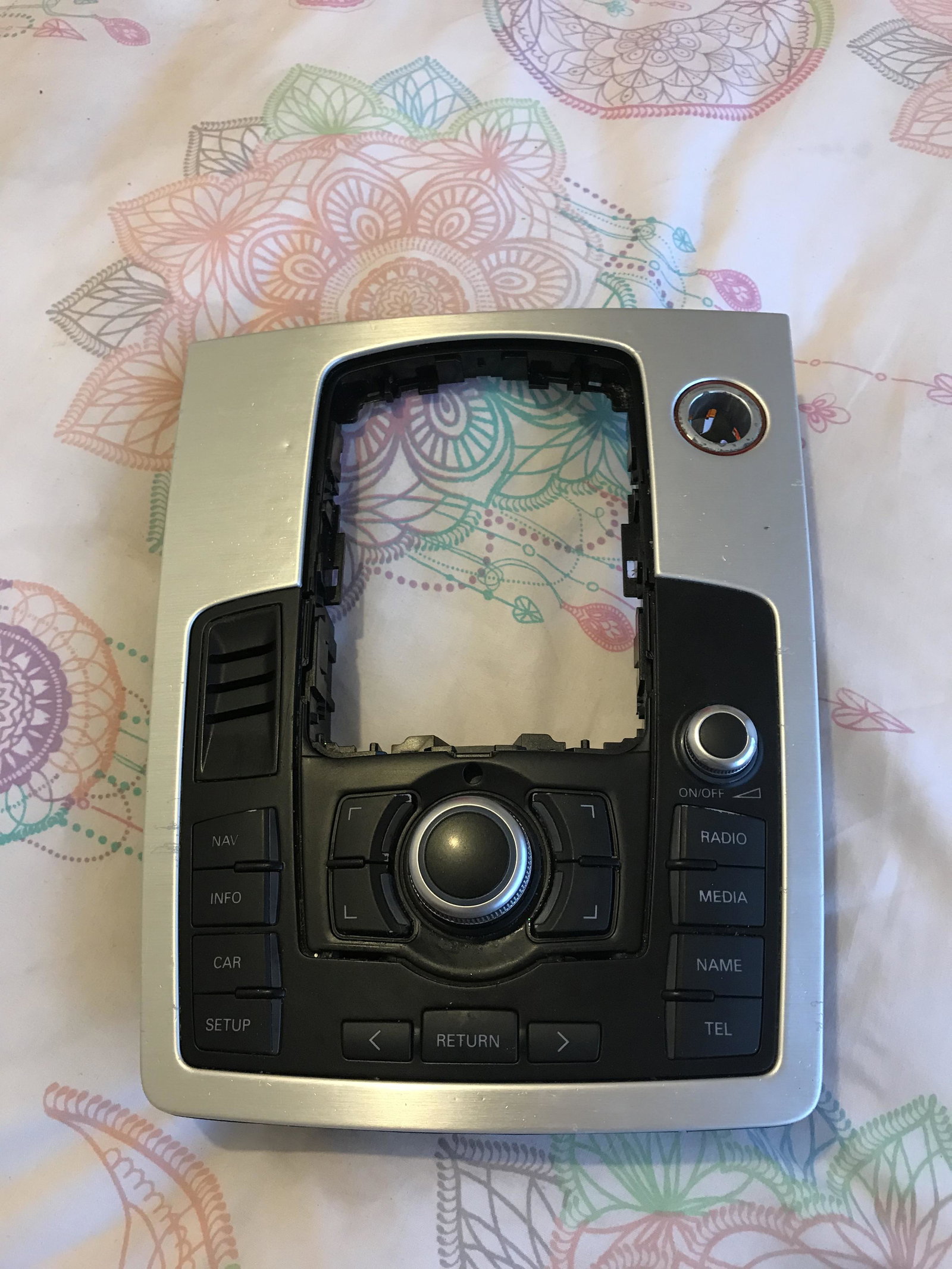
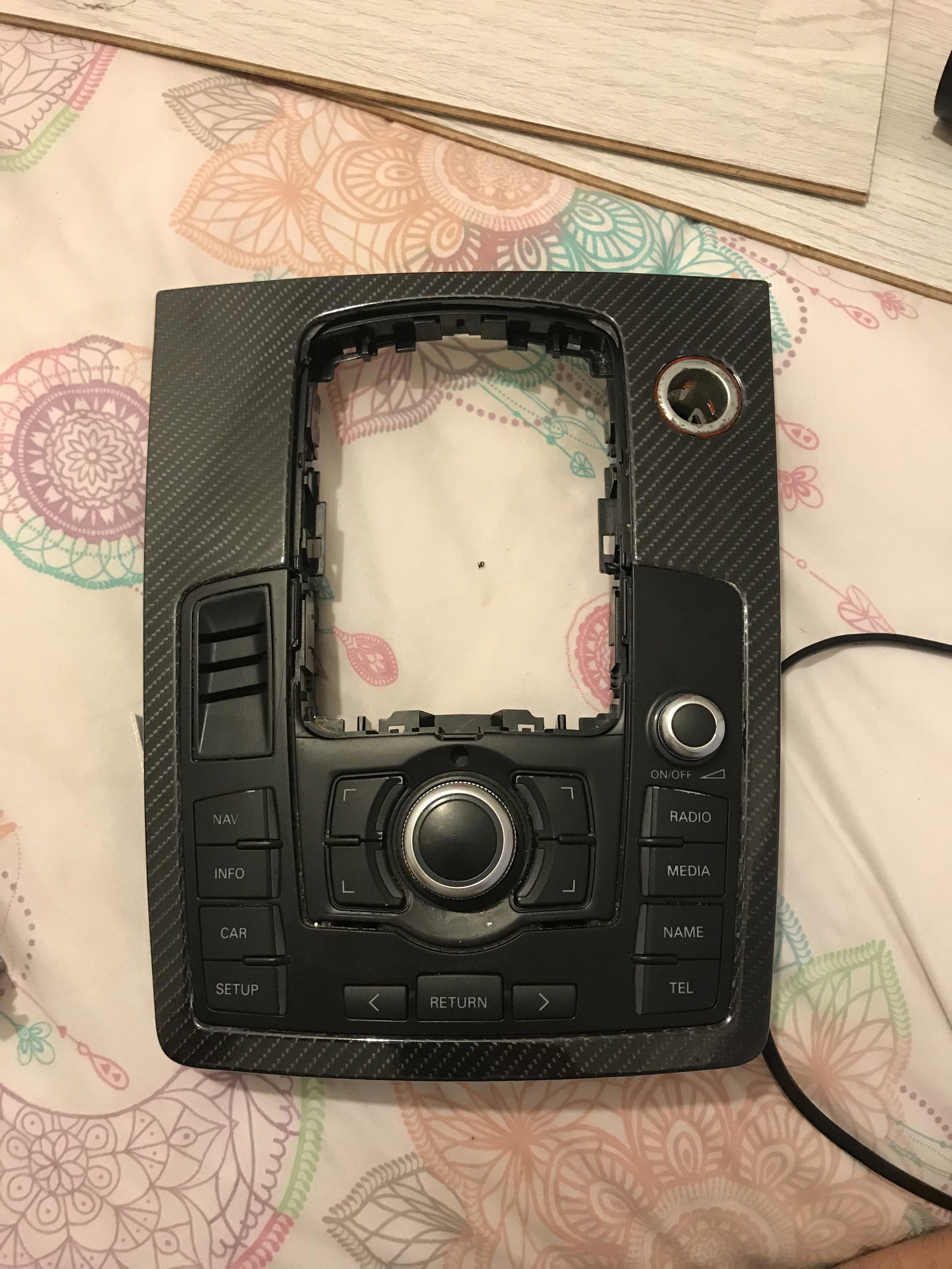
My control unit has stoped working most of the time nothing works but occasionally I have the option to switch to radio and cd thankfully the volume controls are on the wheel. I was quotes around £950 for a replacement from Audi, shocked I looked online for a second hand working unit. I’ve found a few second hand units and new boards coming from China for around £50. Has anyone used them before, are they any good or should I stay away and stop being tight and just look out for a used replacement. Thank Reece
-
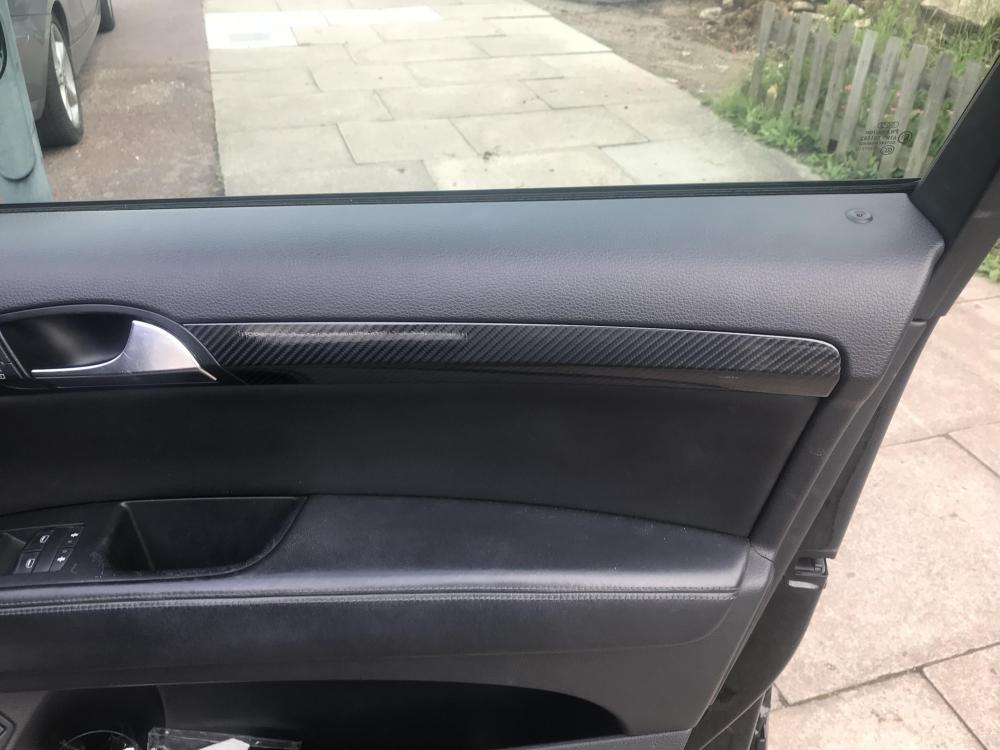
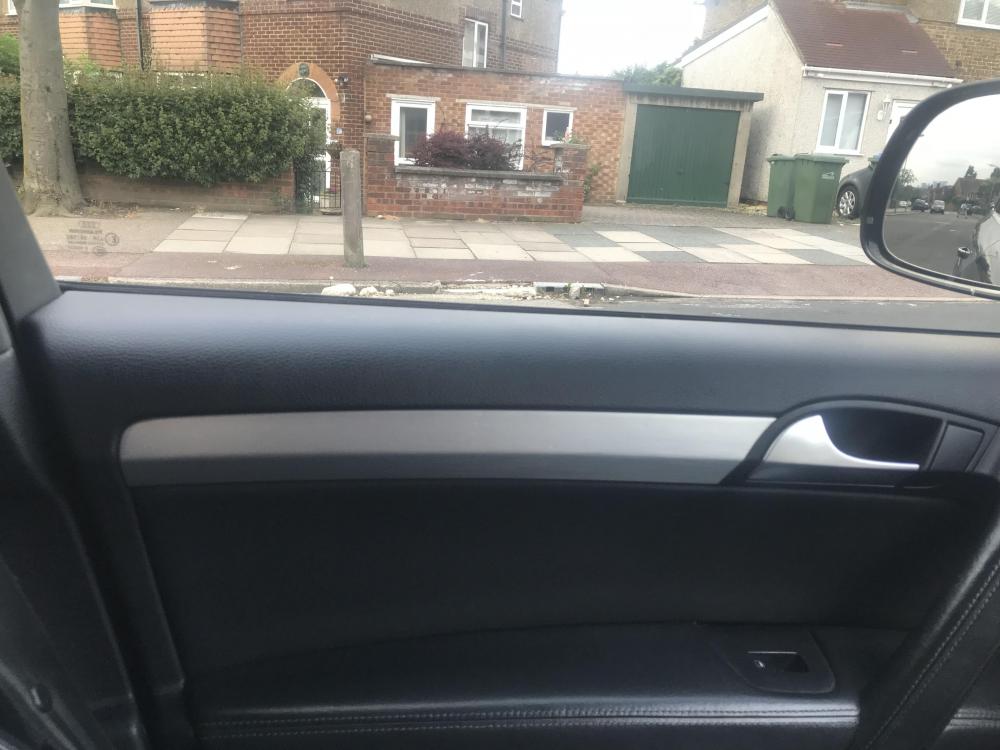
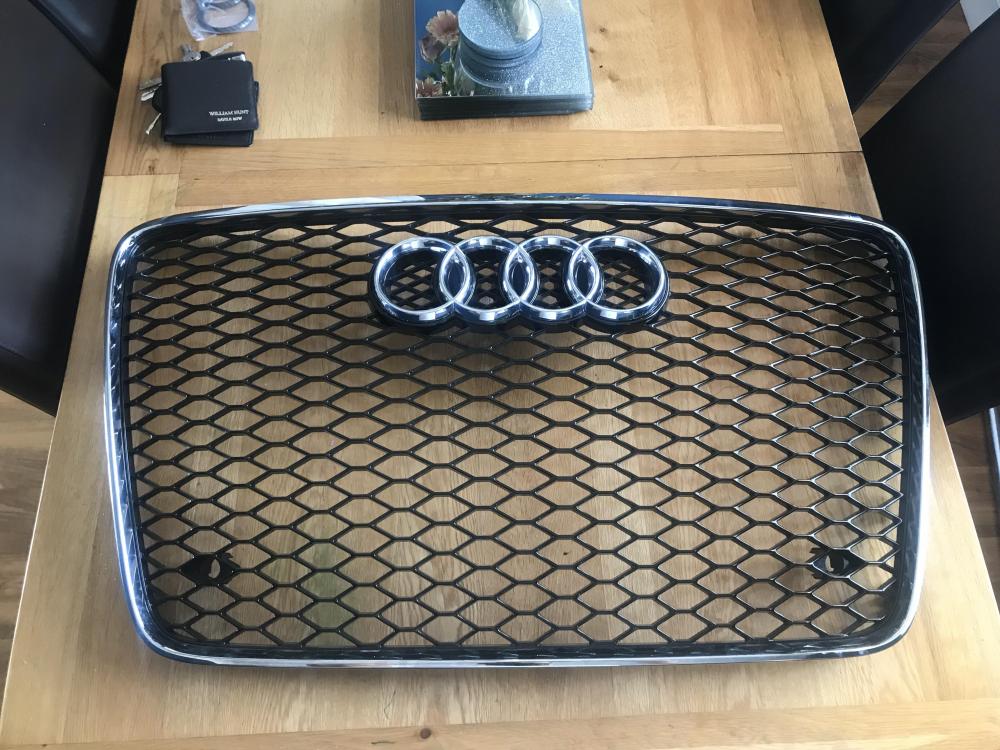
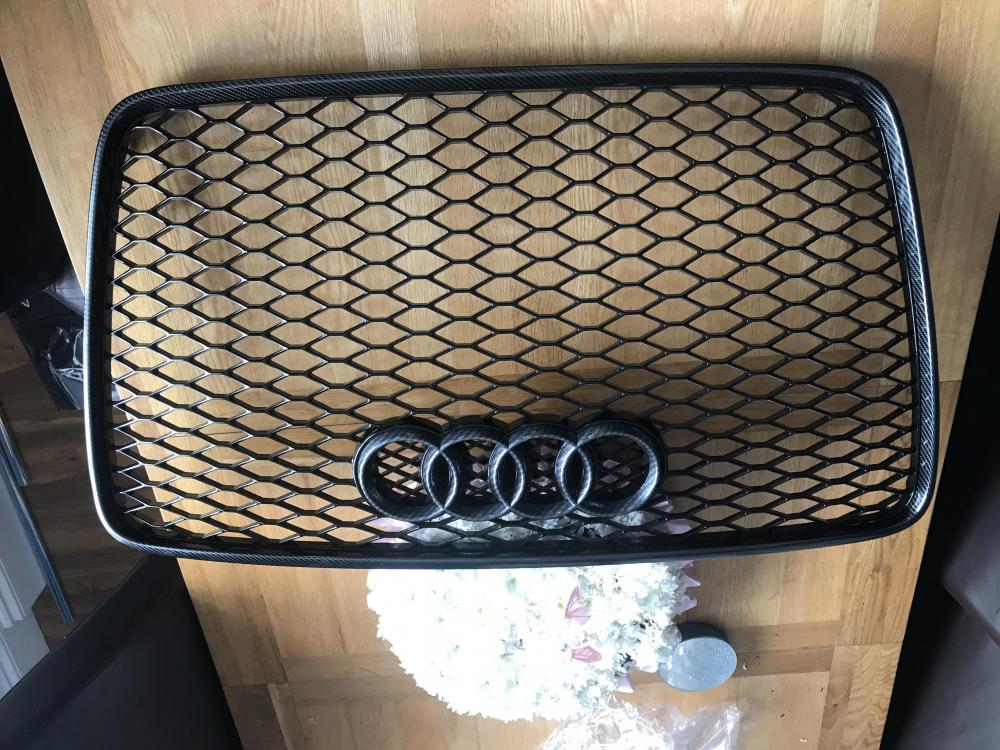
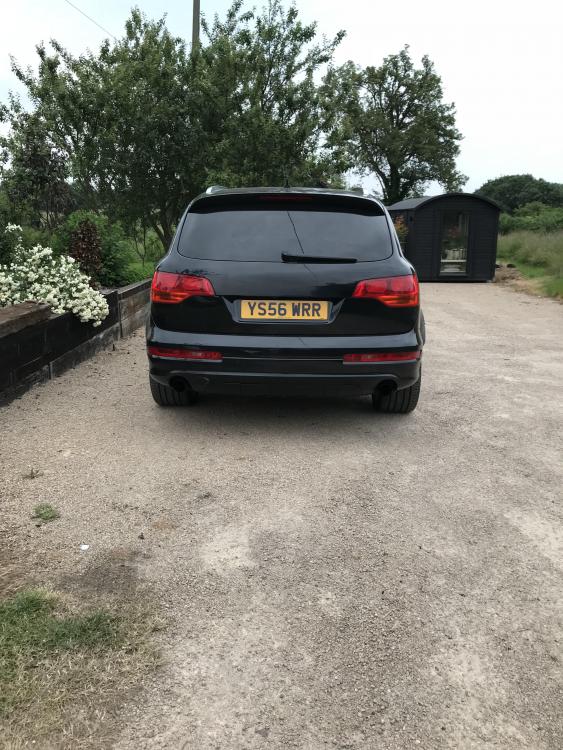
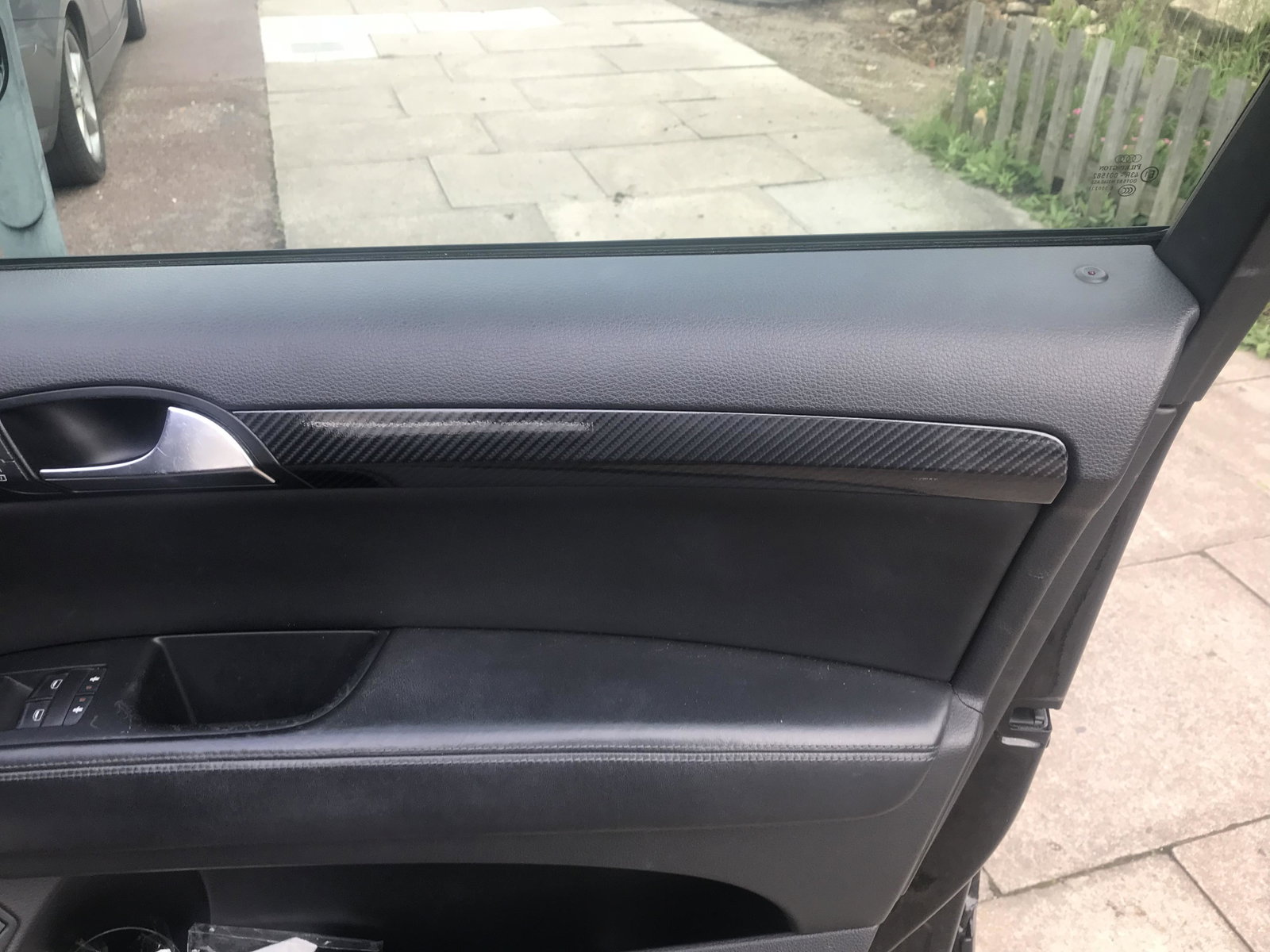
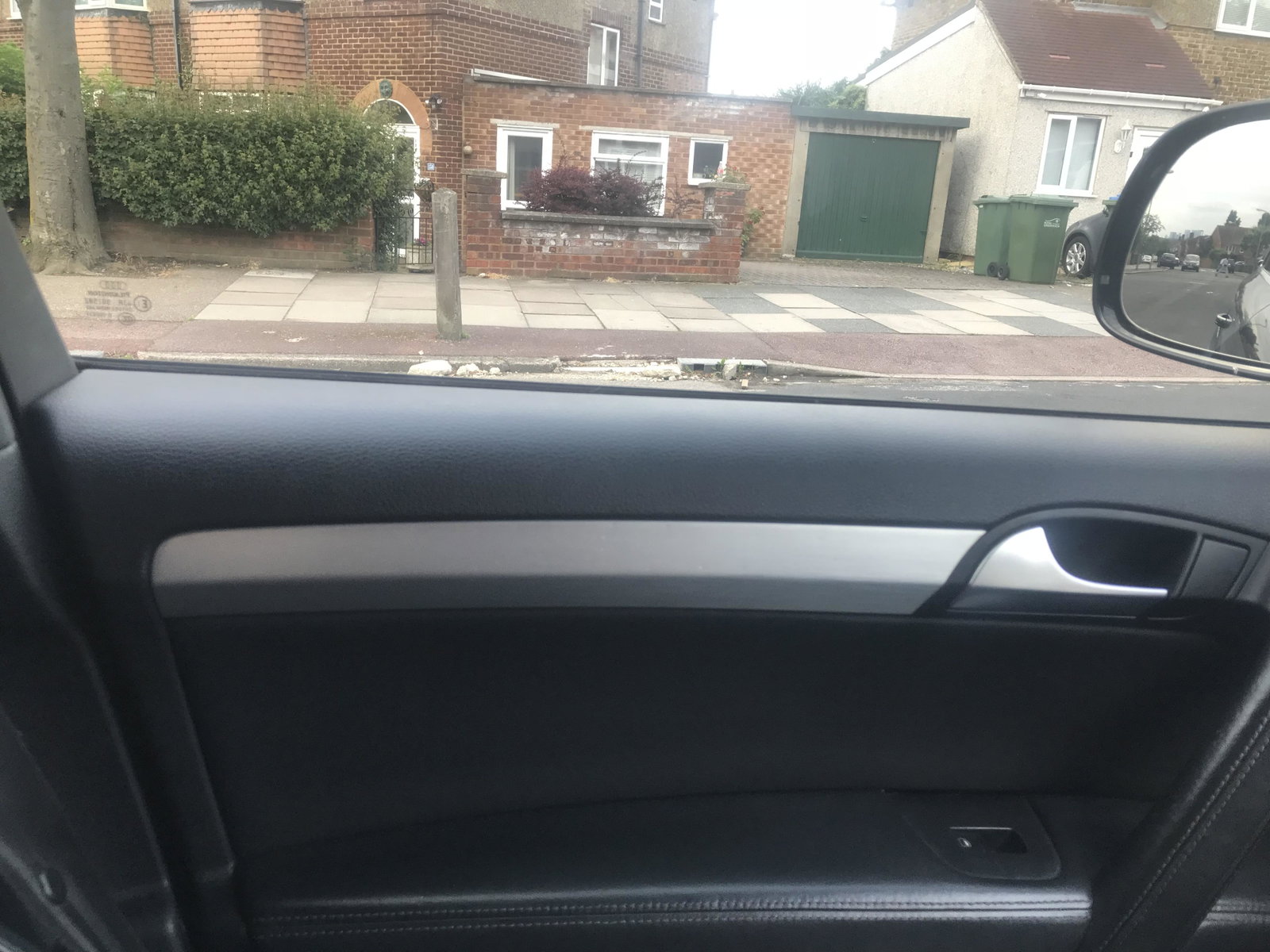
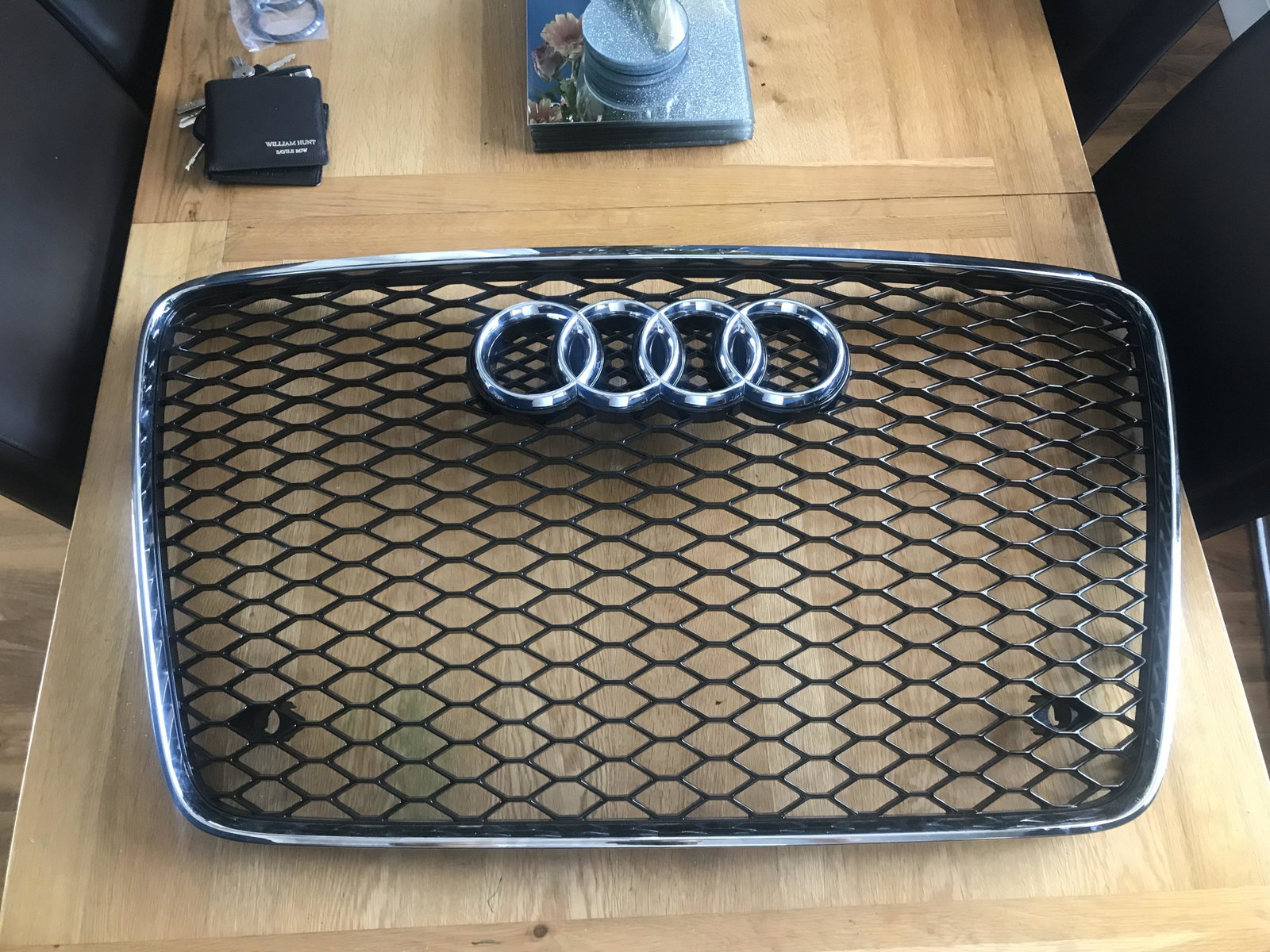
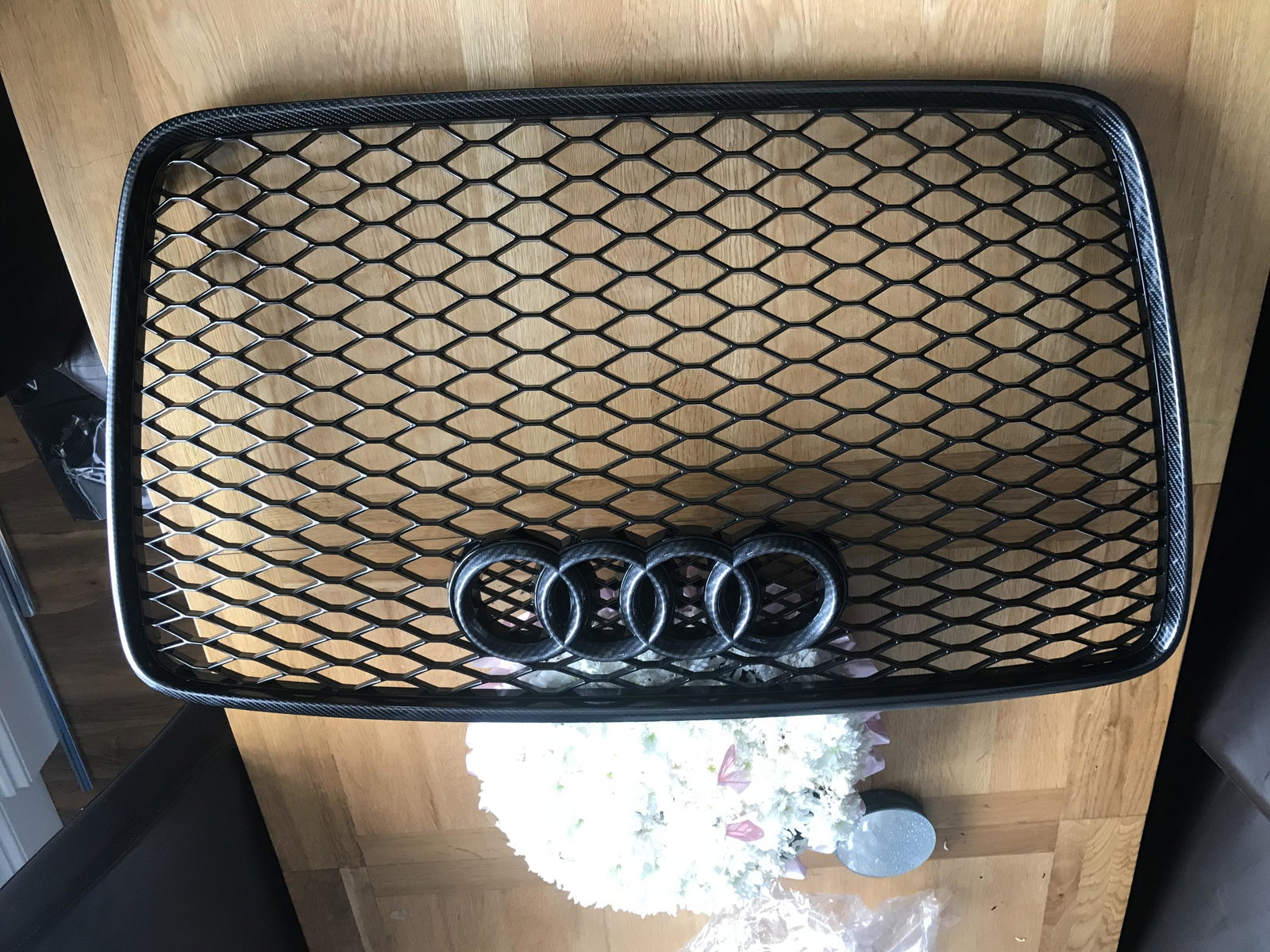
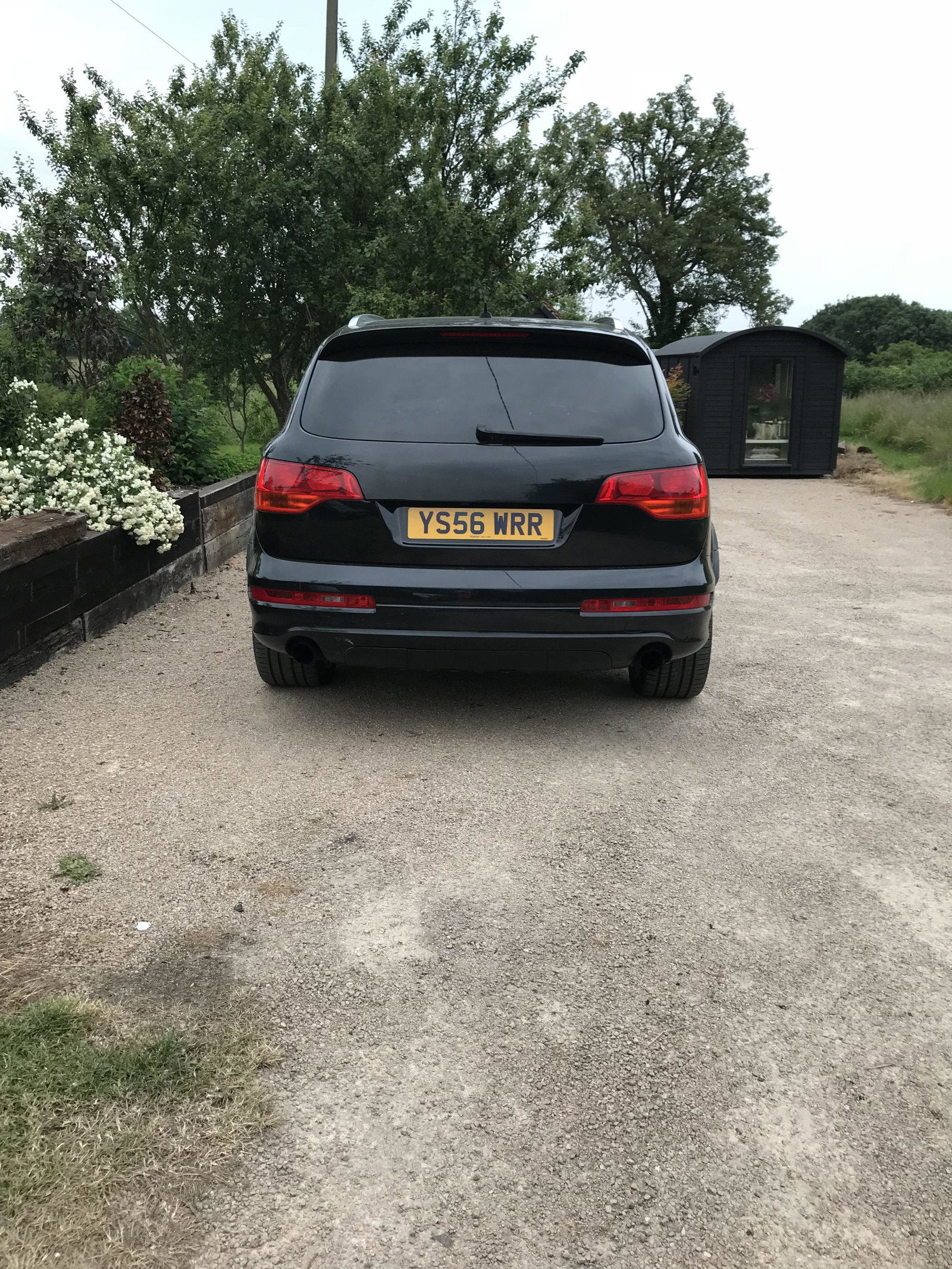
Thought i would say hi as just got an Audi Q7, it’s been a dream of mine to own one of these and finally have one for me and my family. Im very impressed with the space and comfort of the car. Heres a few pics and few small mods ive been doing. rear debadged rs style grill wrapped in carbon fibre Aluminium door parts wrapped in carbon fibre