mikeejf
Members
-
Joined
-
Last visited
-
Hi, Just went to access my Audi Connect app so I can play my Amazon Music via the MMI but the app has been replace with myAudi. There appears to be no section for the amazon music selection anymore. Anyone else have this issue? I preferred this to just connection via bluetooth as you can control the playlists etc in the MMI rather than on the phone. Thanks Mike
-
Thanks. I was sold under the impression it sheeted off. I contacted gardex and they told me to speak to the dealer. Very un helpful. I don't want beading as it dries to leave water spots.
-
mikeejf changed their profile photo
-
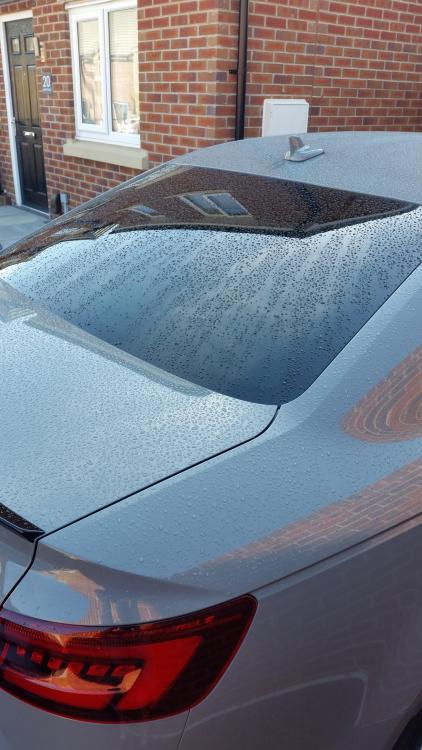
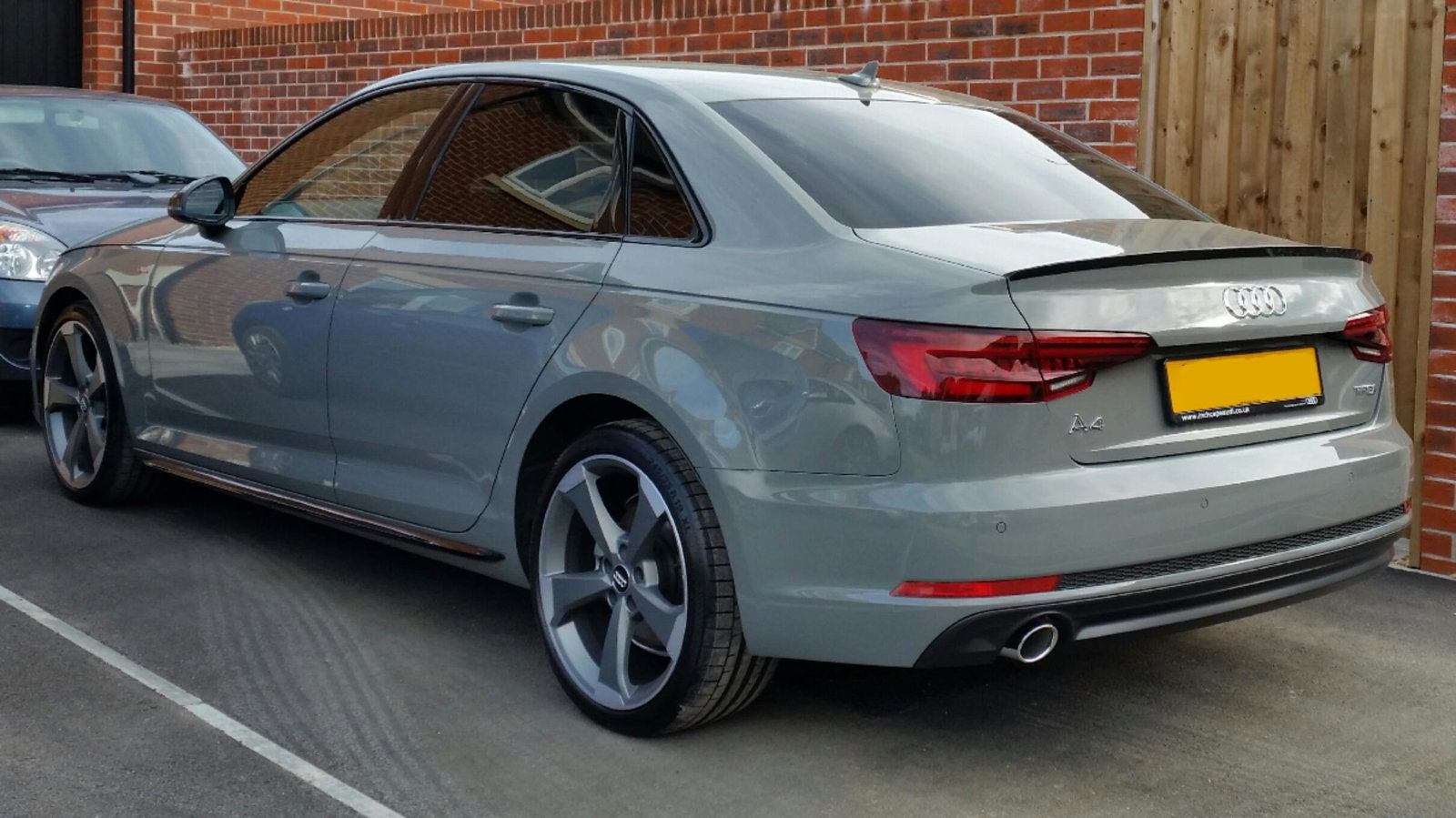
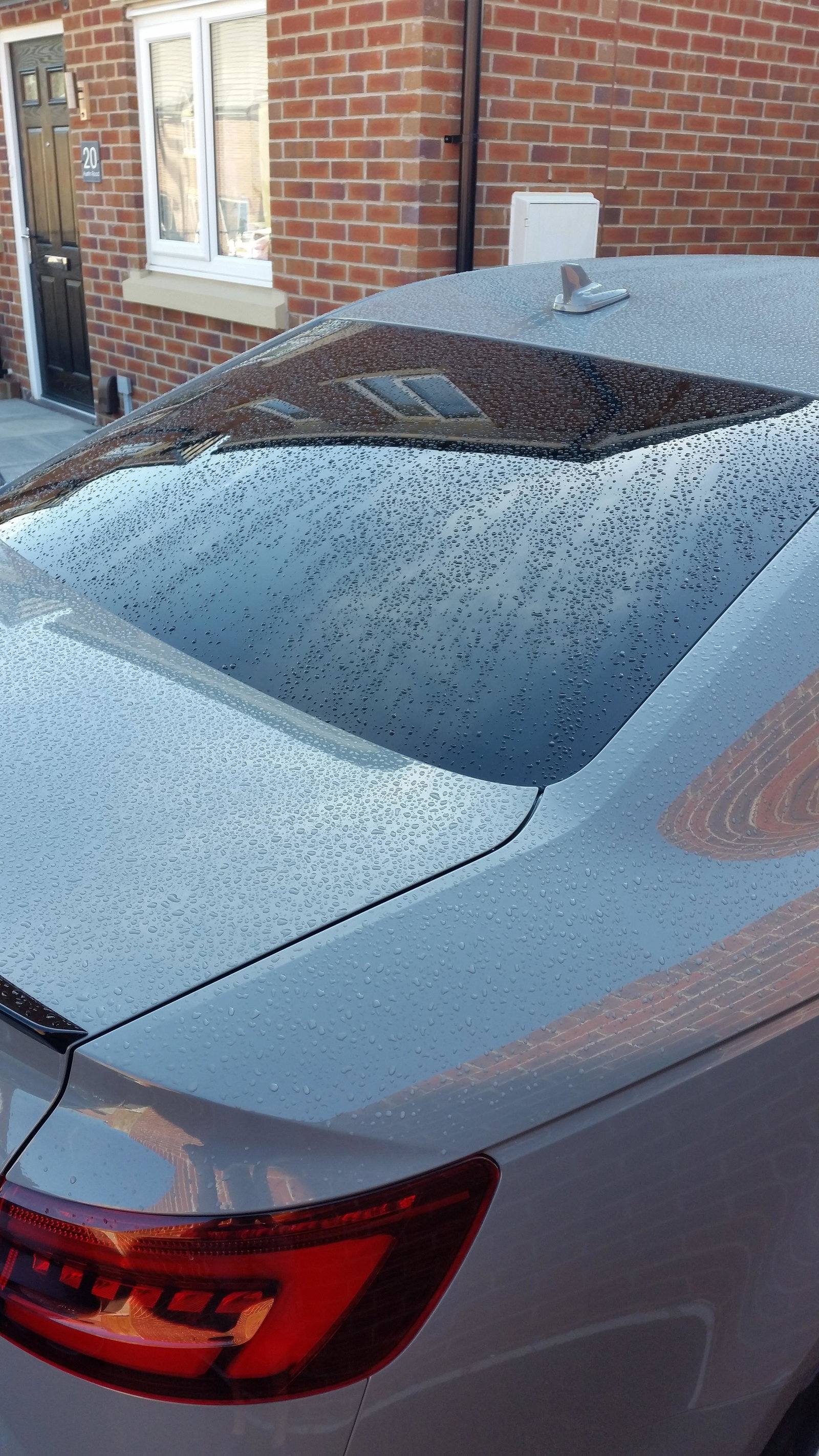
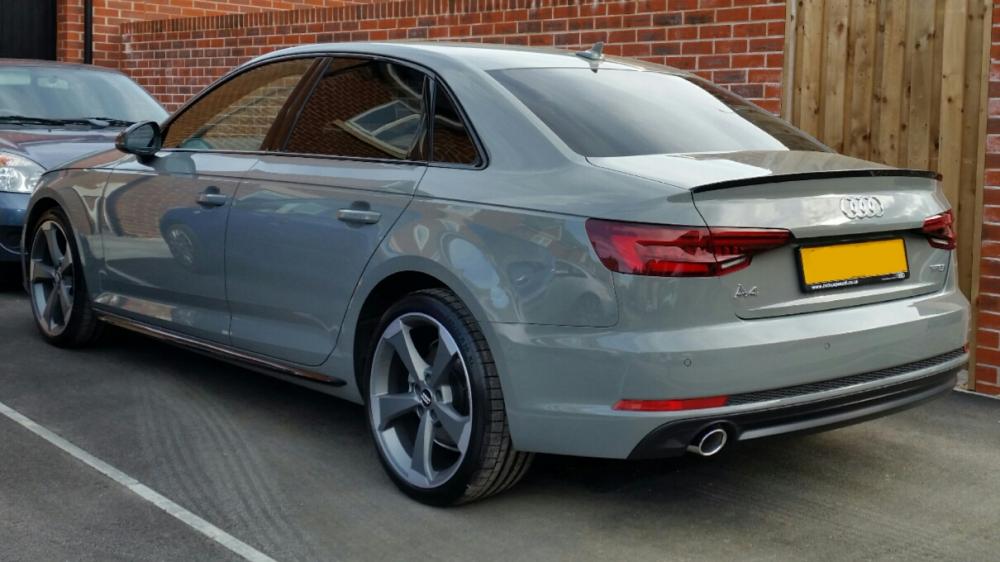
I have a 2018 A4 black edition and no logos on mine.Hi all. First post here. I picked up my brand new Audi last month and was convinced to have gardx by the dealer. After a week I noticed water just sat on my car either after rain, washing or first thing in the morning when every other car on my street shed water. The thing that sold it to me was I was told that water wouldn't sit and would sheet off. I told the dealer and they booked it back in for a re apply. Took them 2 and a half hours to apply. I spoke to a pro detailer and he thinks that's a bit quick. Anyway, the same thing happens. Water just sits. Even when driving water sits and doesn't sheet off. It's especially anoying on the rear window as there is not rear wash wipe. Does anyone know if Gardx is ment to shed water and also how long it should take to apply? Maybe I'm expecting to much. I have attached a pic of the type of sitting water I get. Thanks Mike