KeithyLeMans
Members
-
Joined
-
Last visited
-
Cheers Steve. Loving the car so far
-
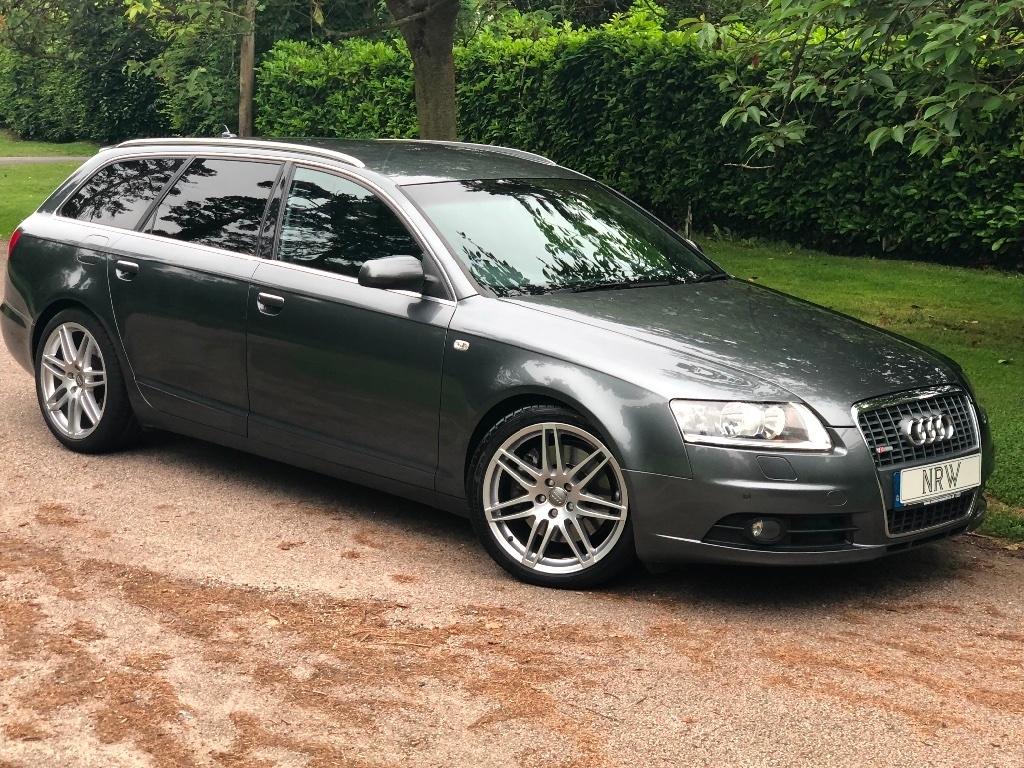
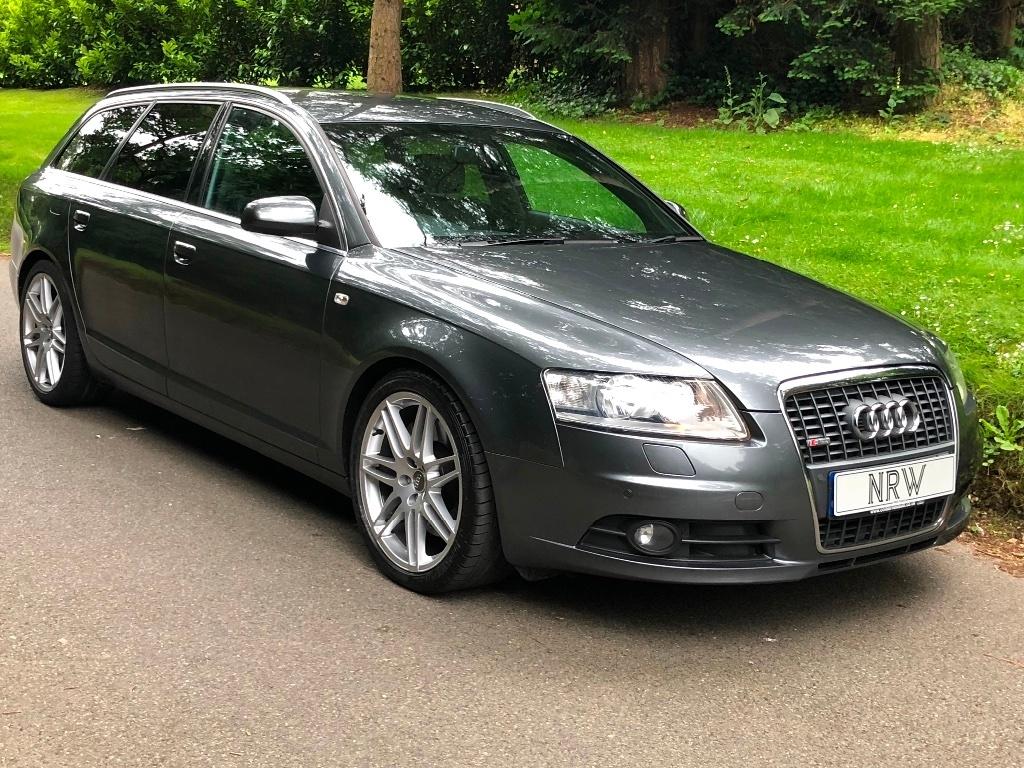
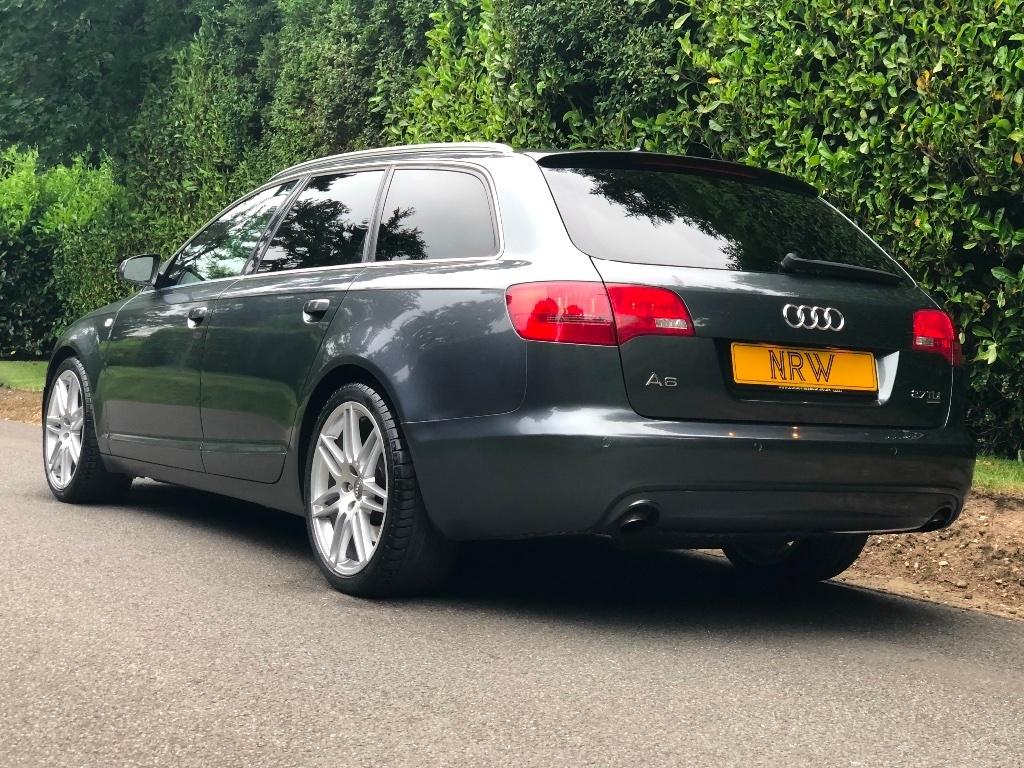
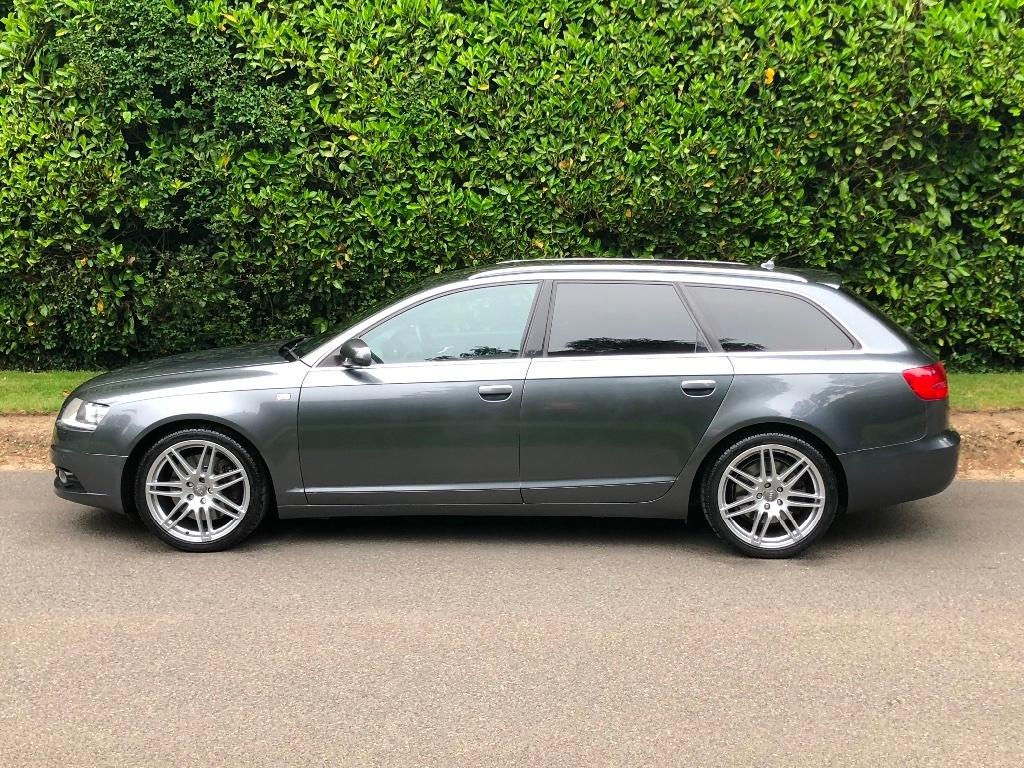
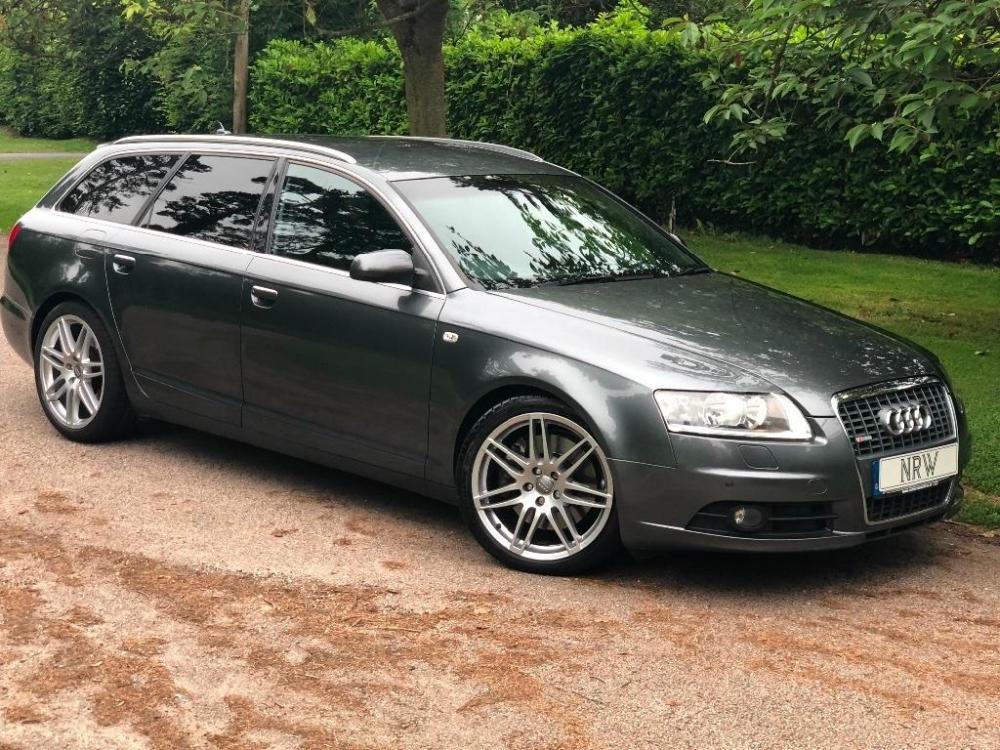
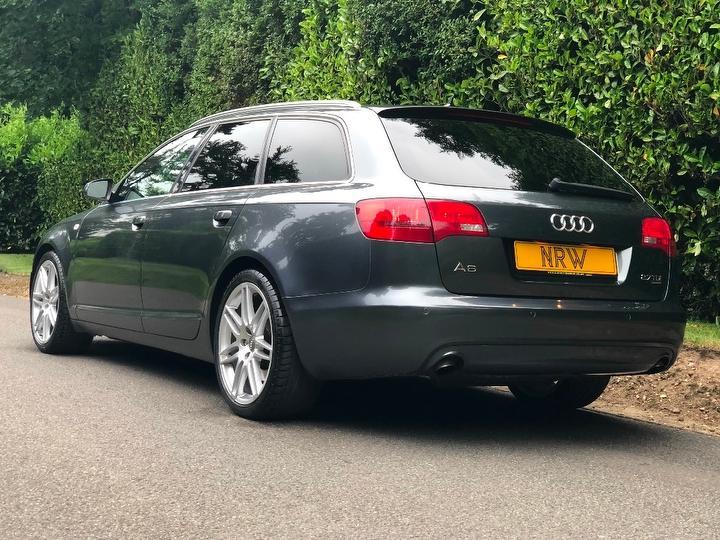
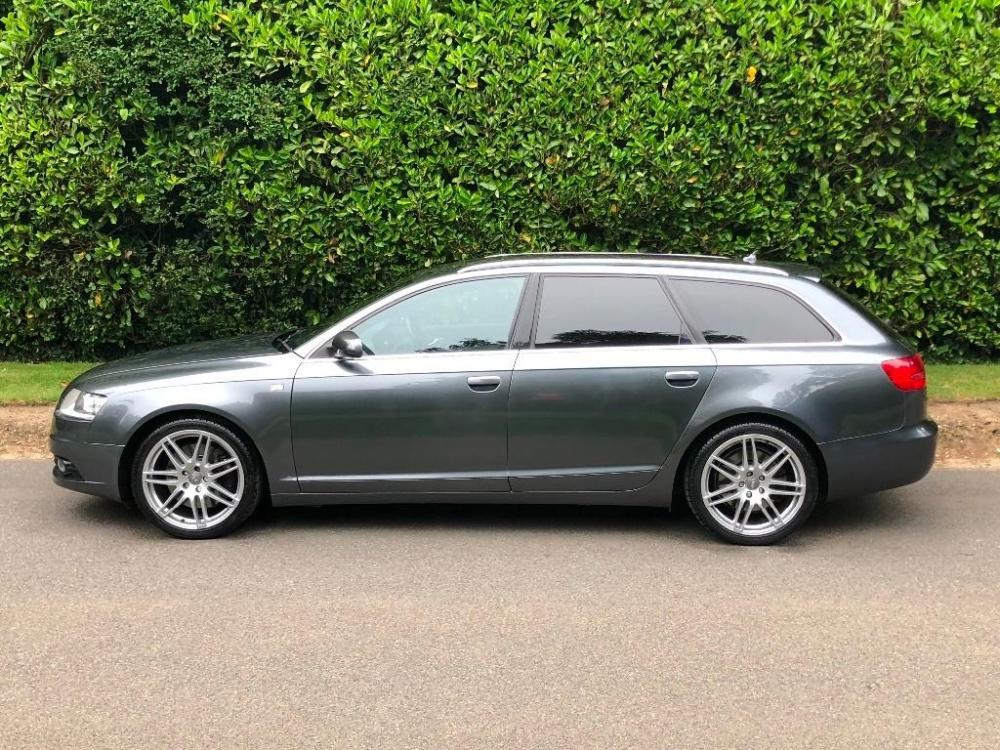
Seems to be lots of info on here which I am sure will come in useful. Think I sent you pics the other day but ,just because I m excited about up the old girl tonight I ll post another couple : ) I wont be driving her like the TTS though!
-
Hello Paul!!!, Haha, fancy seeing you here! I just joined up on here myself a few days ago : ) Loving the new Audi mate! Keith
-
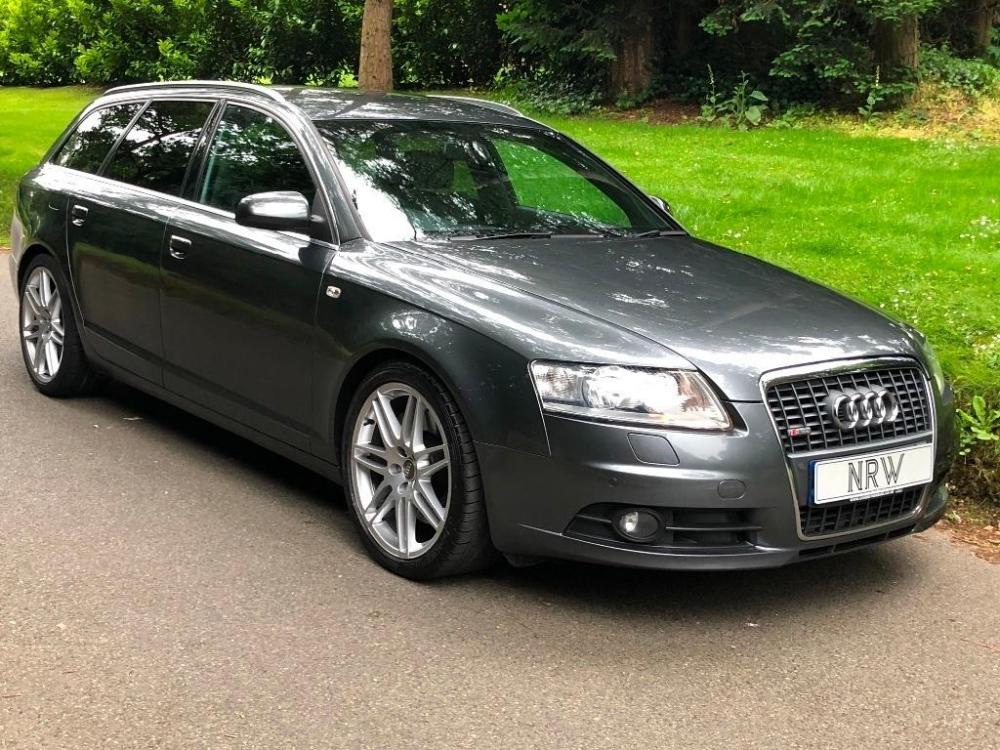
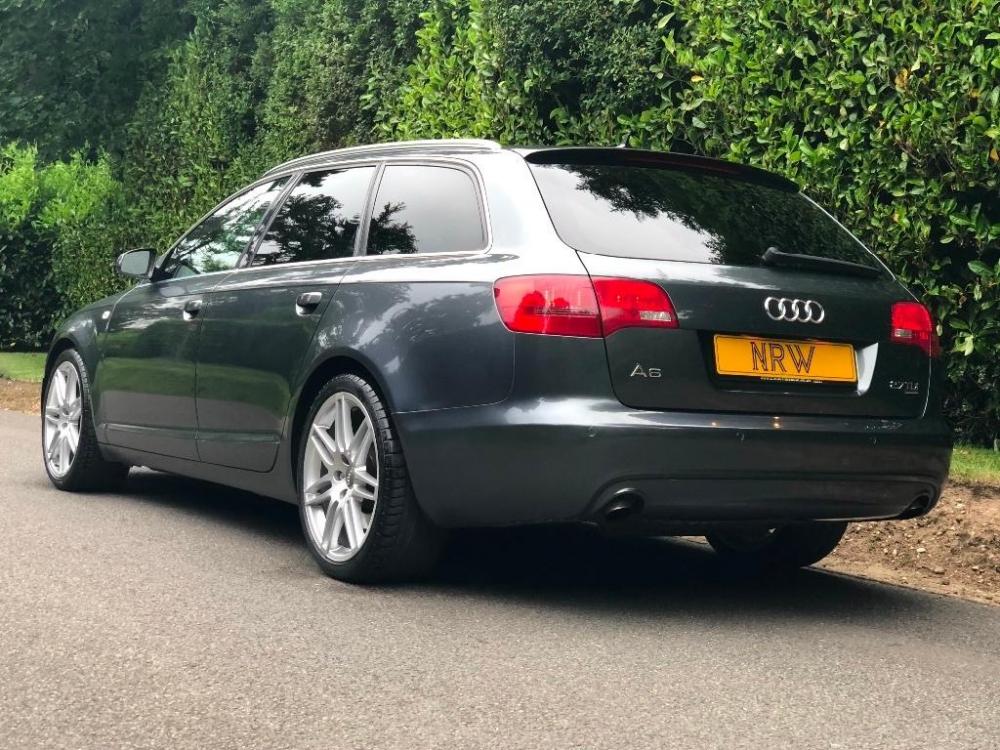
Thanks Steve. Really pleased with it.
-
Hi Paul, Thanks, will do.
-
Hello everyone, Just joined up and happy to say that we have just paid a deposit on an almost mint A6 2.7 Le Mans. I havent taken delivery but should be picking it up on the weekend. Cant wait. We have bought it to be the big safe family car but also something I can enjoy driving rather than a boring suv. Looking forward to speaking with you guys and girls and seeing how others are getting on with theirs. Cheers Keith