Crozzy
Members
-
Joined
-
Last visited
-
Hi. Thanks for the reply. So, if I buy THIS it should work? Maps, these Audi dealer only? tnx for response
-
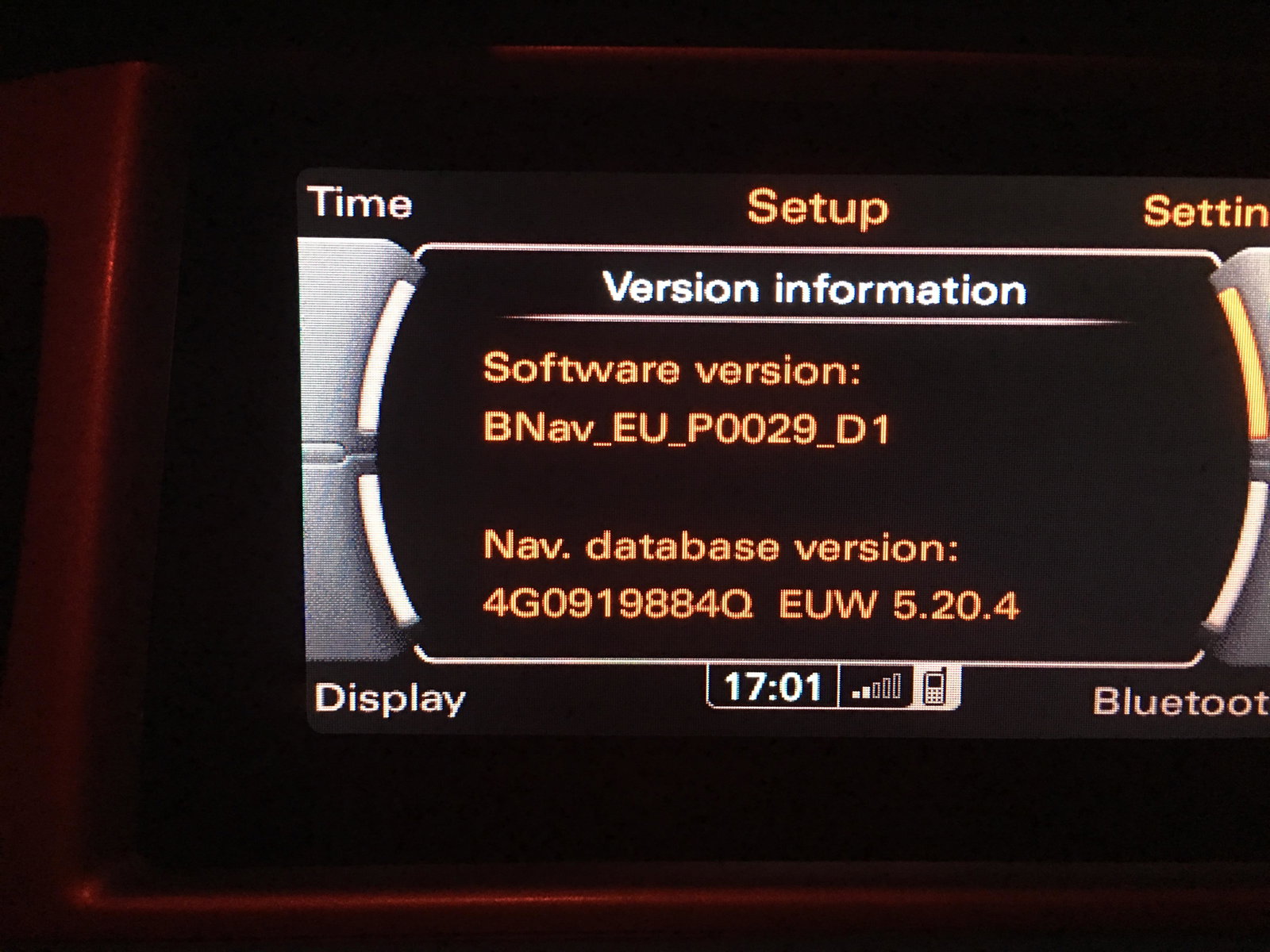
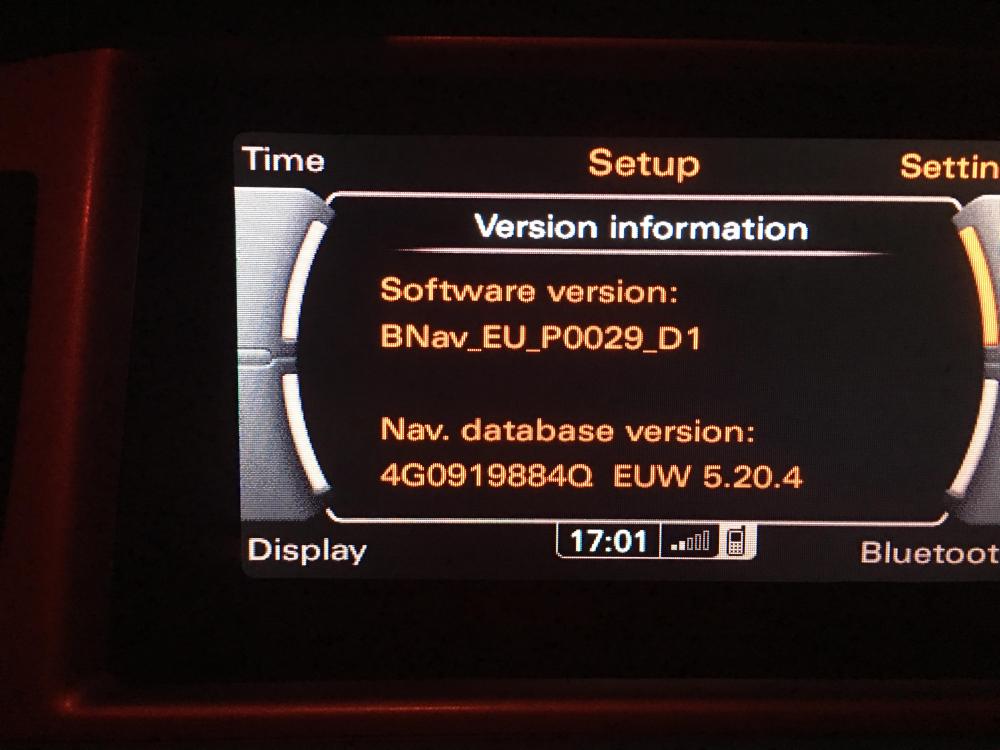
Hi all. I have an A6 S Line Le Mans special edition. The sat nav maps are useless and need updating, also I thought my sound from IP6 would come through speakers, apparently not!. My version is attached. Any advice guys?
-
I've had 2 Allroads, the last one was just a few months ago. Brilliant cars, but ... very expensive to maintain. if you can get warranty on it via one of the extended warranty companies, then at least you would have that back up. That's what I did with the first buy. in the end, mine went back because the garage renaiged on the repairs so I told them to shove it. I bought an S Line in the end, nice, but not a patch on the allroad
-
Personally, I would (and am) happy with that return. Same car as yours. 23 urban, 35-40 motorway . Intell you what makes a massive difference, every now and again bang £25 worth of Ultimate in it, I use Esso. Good response and better mpg. Plenty of additives in it, helps the valves.