chefchao
Members
-
Joined
-
Last visited
Everything posted by chefchao
-
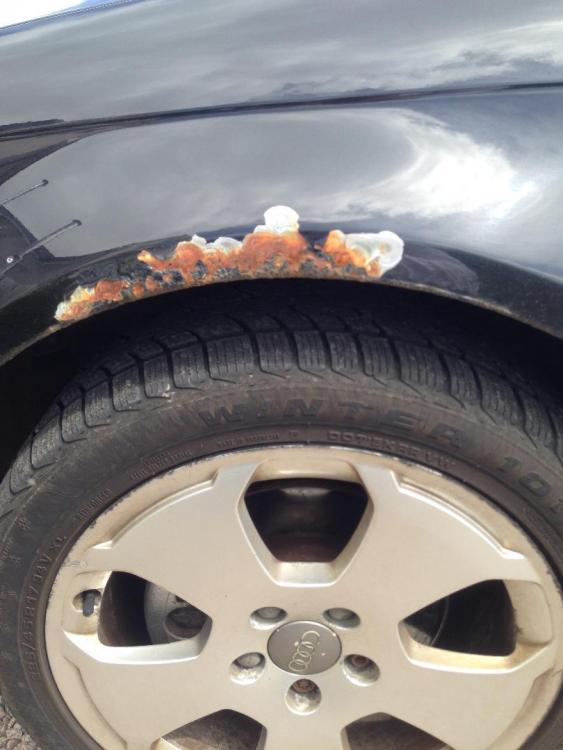
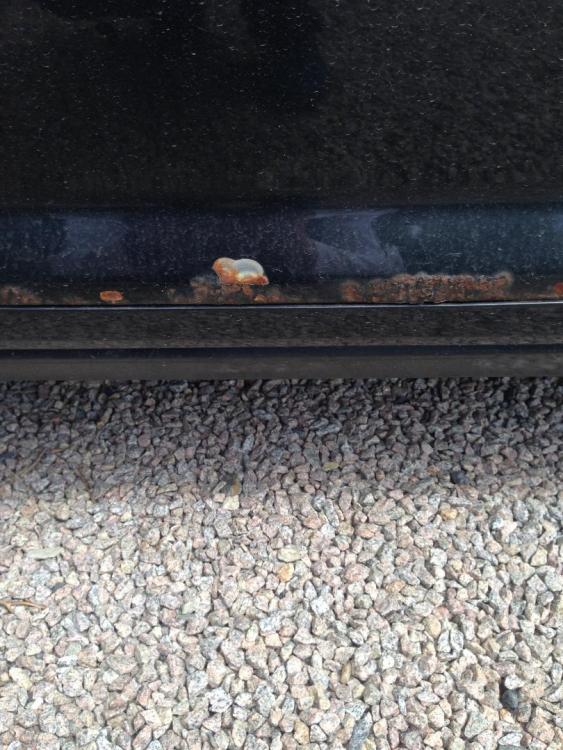
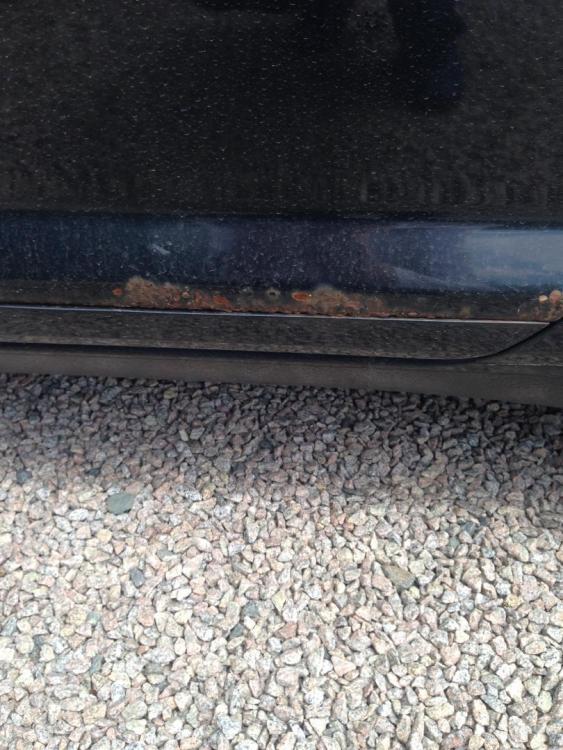
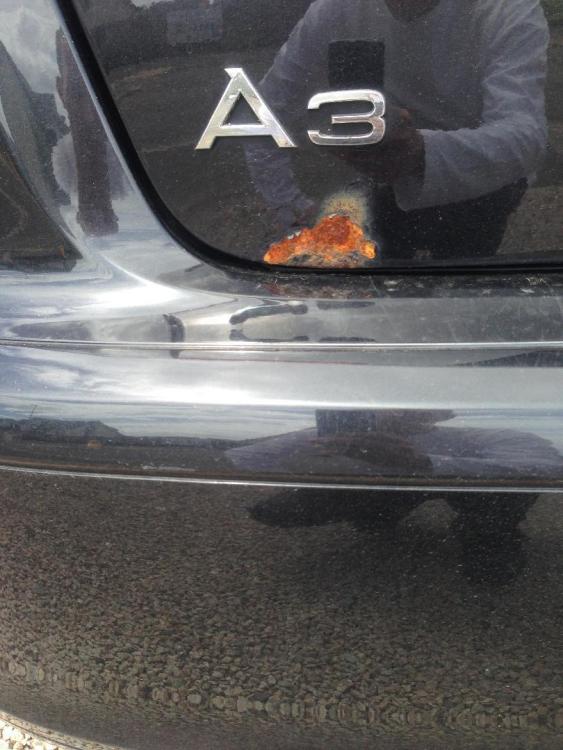
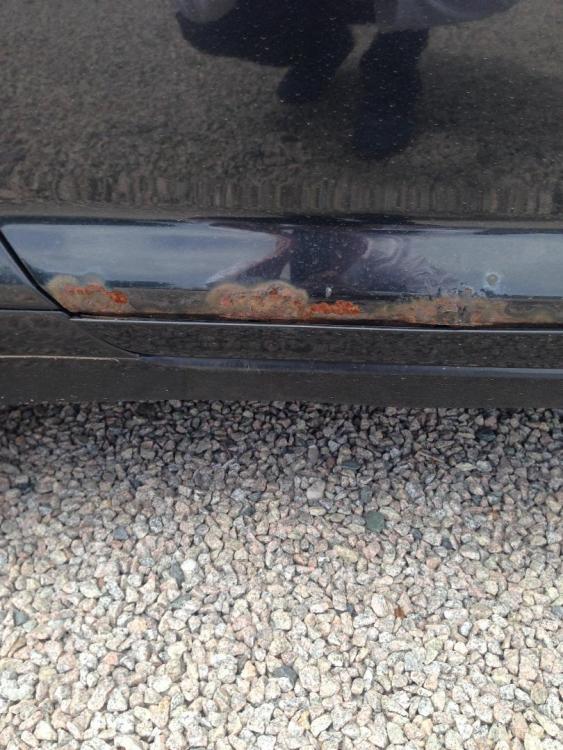
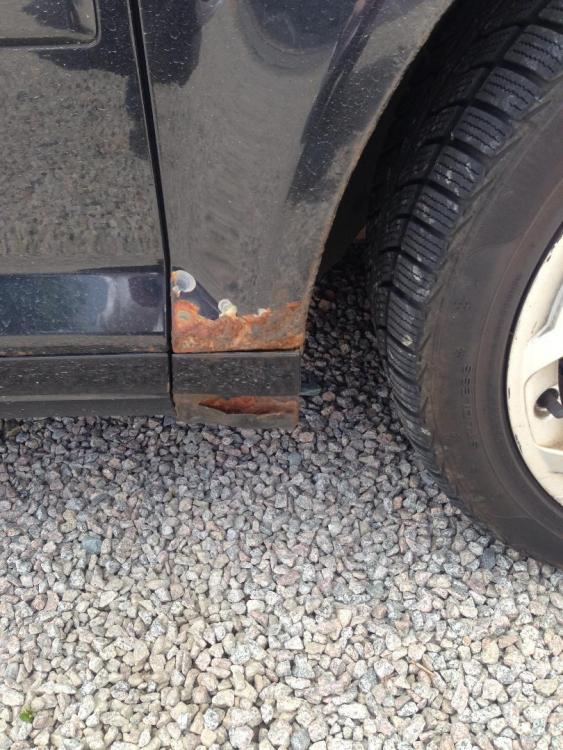
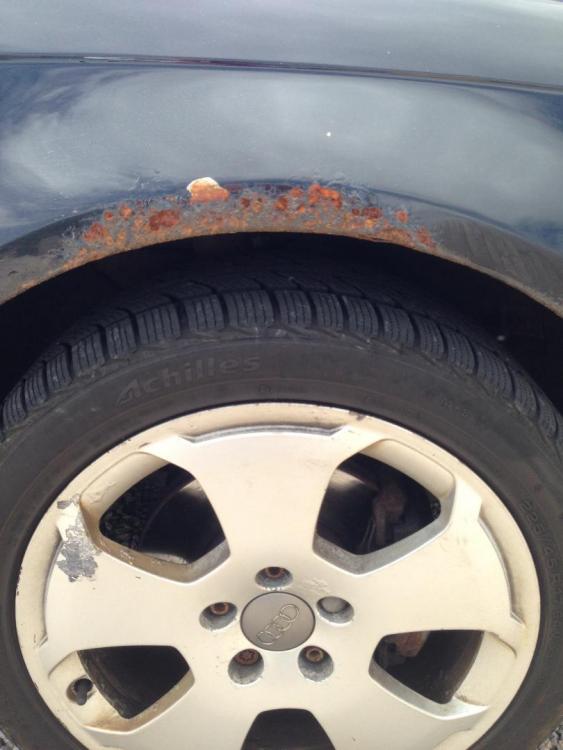
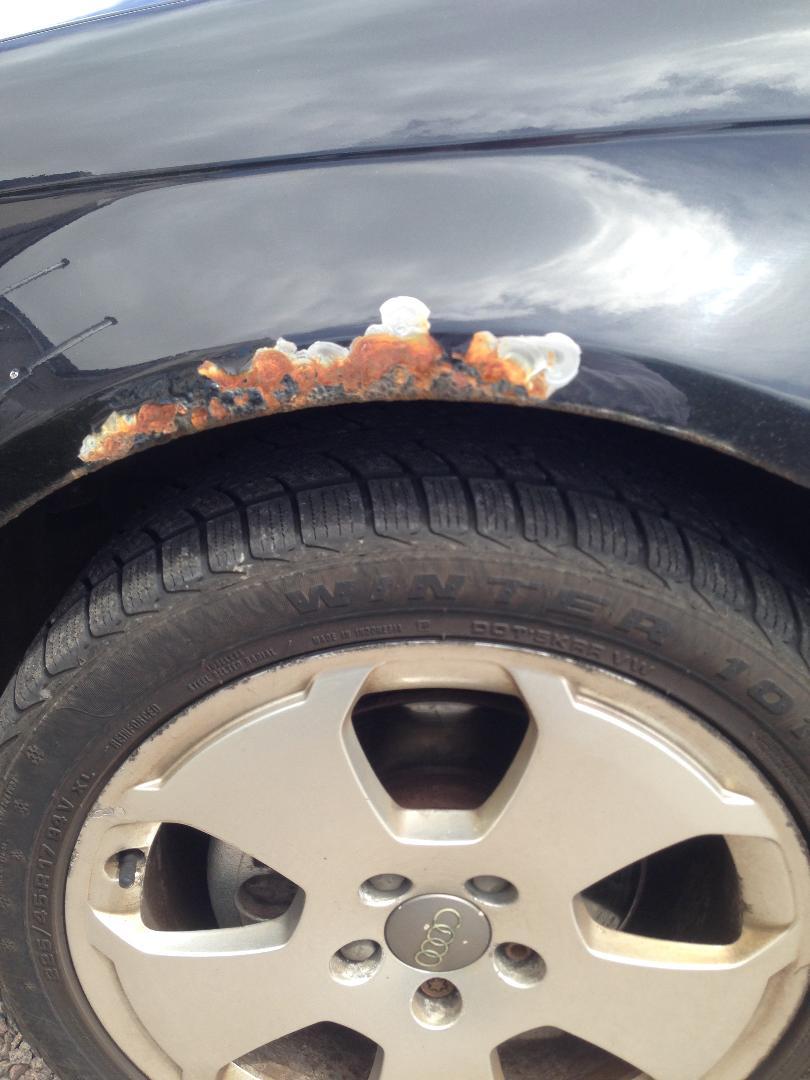
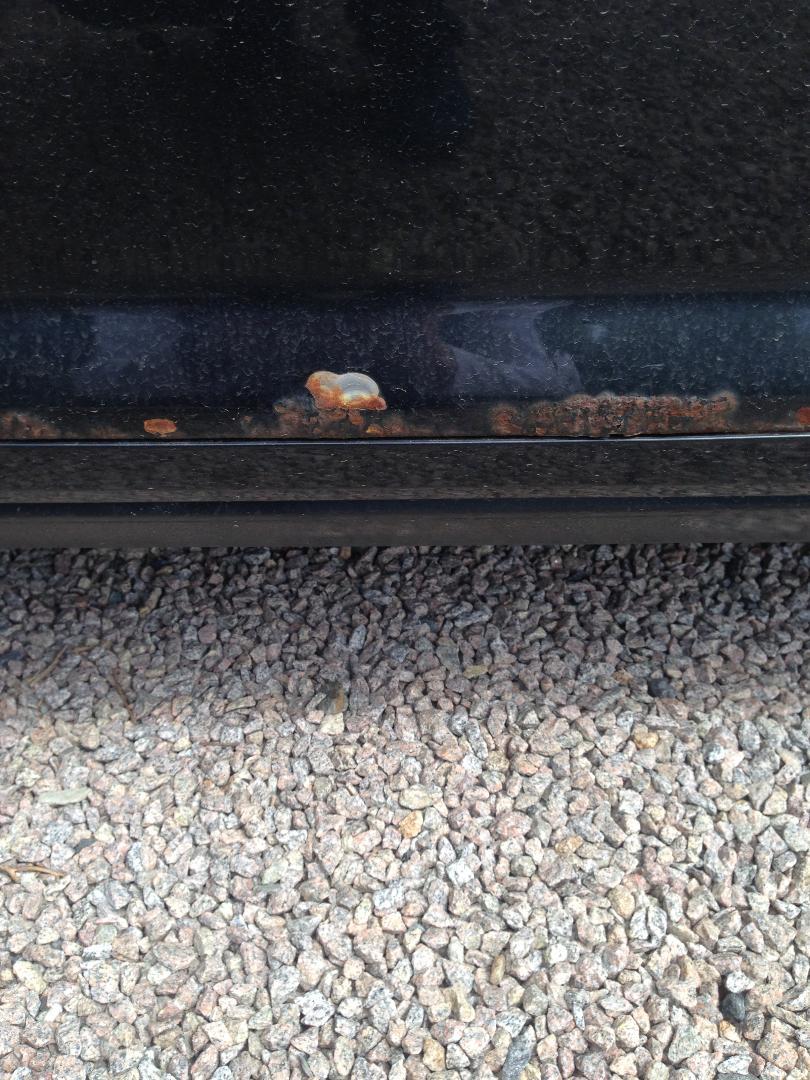
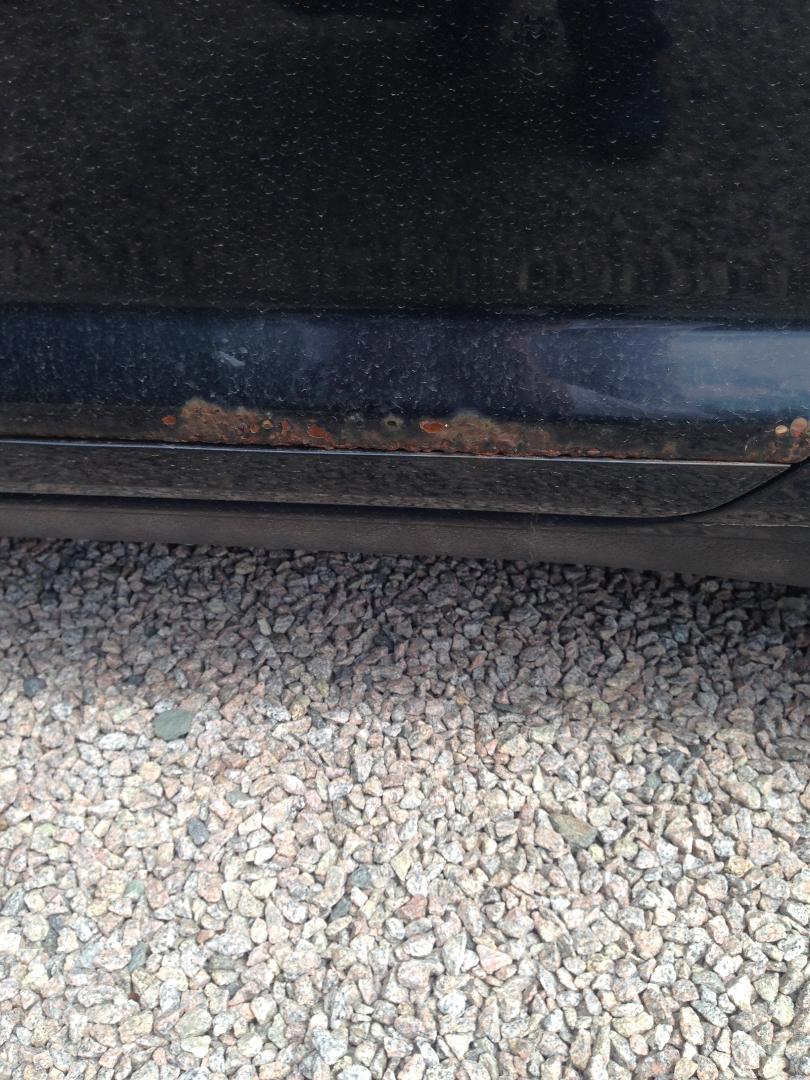
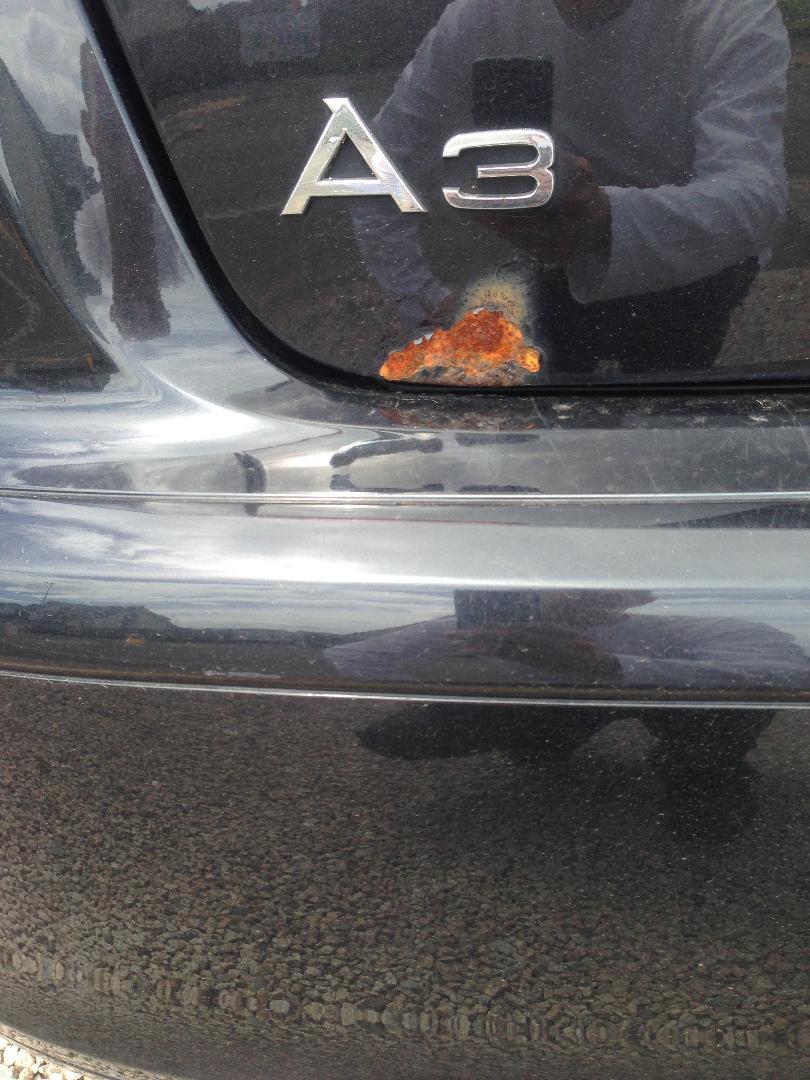
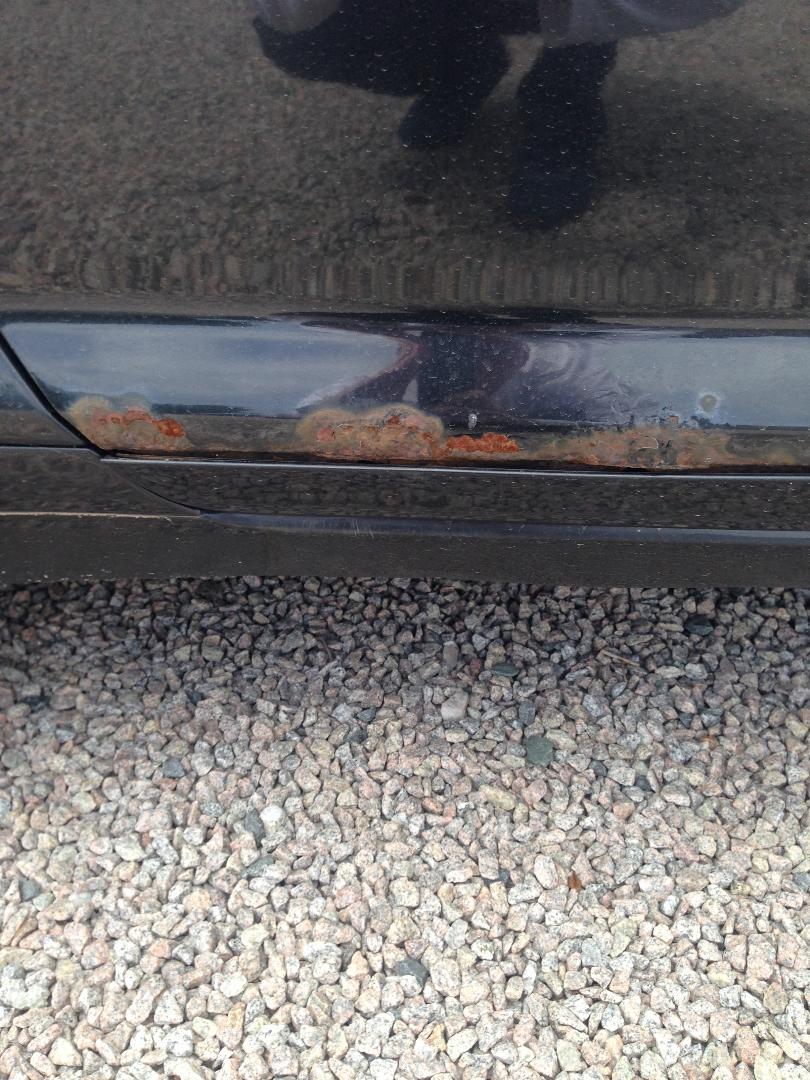
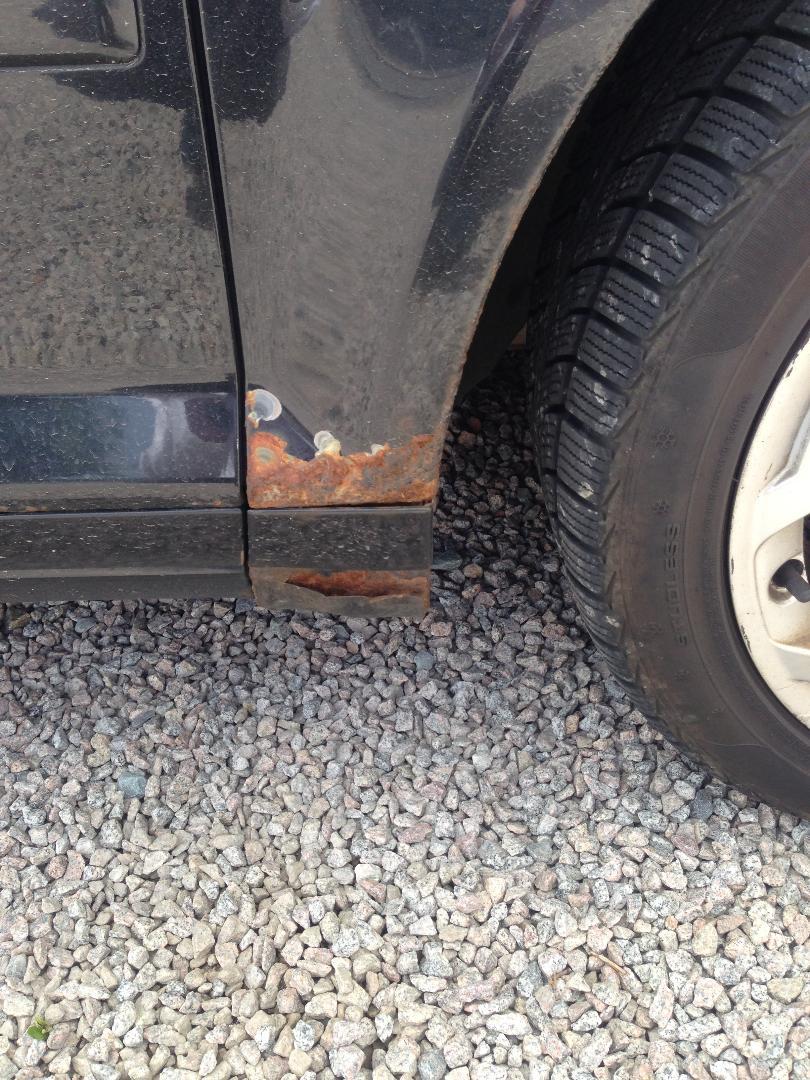
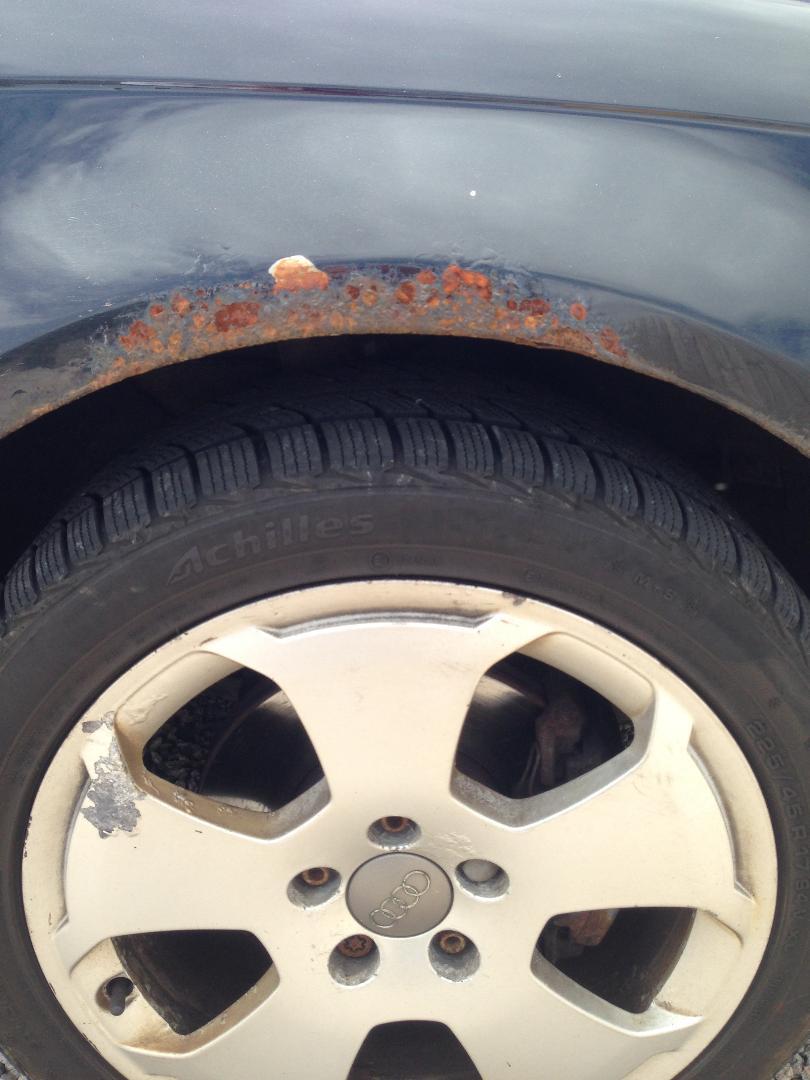
Hi looking to get this rust bucket cleaned up a bit, although recently I've had to shell out replacing the turbo ect which was nearly the value of the car so as you can imagine I'm looking to do this on the cheaper side of things. Originally I was going to get pre-painted wings ect but unfortunately this is out of the equation now, as is a proper full respray as that would also be more than the value of the car. So my question is what is the cheapest way I can touch this up? Obviously I'm not looking for perfection and I realise eventually it will come back through as rust never sleeps but it's an absolute eye sore. Planning on selling it and it's the first thing you notice. Will make the new buyer fully aware of this just want to tart it up a bit as it's a major turn off. Thanks in advance