Skip to content
View in the app

A better way to browse. Learn more.

Audi Owners Club (UK)

A full-screen app on your home screen with push notifications, badges and more.

To install this app on iOS and iPadOS
  1. Tap the Share icon in Safari
  2. Scroll the menu and tap Add to Home Screen.
  3. Tap Add in the top-right corner.
To install this app on Android
  1. Tap the 3-dot menu (โ‹ฎ) in the top-right corner of the browser.
  2. Tap Add to Home screen or Install app.
  3. Confirm by tapping Install.


Clunkybhoy

Members
  • Joined

  • Last visited

Everything posted by Clunkybhoy

  1. Hey, does this take about 15-20 mins to stop after you're out of the car? Mine is doing it as well. Is the smaller fan working? Mine has stopped working, and the larger one of the 2 is running on and off even after the ignition is off!
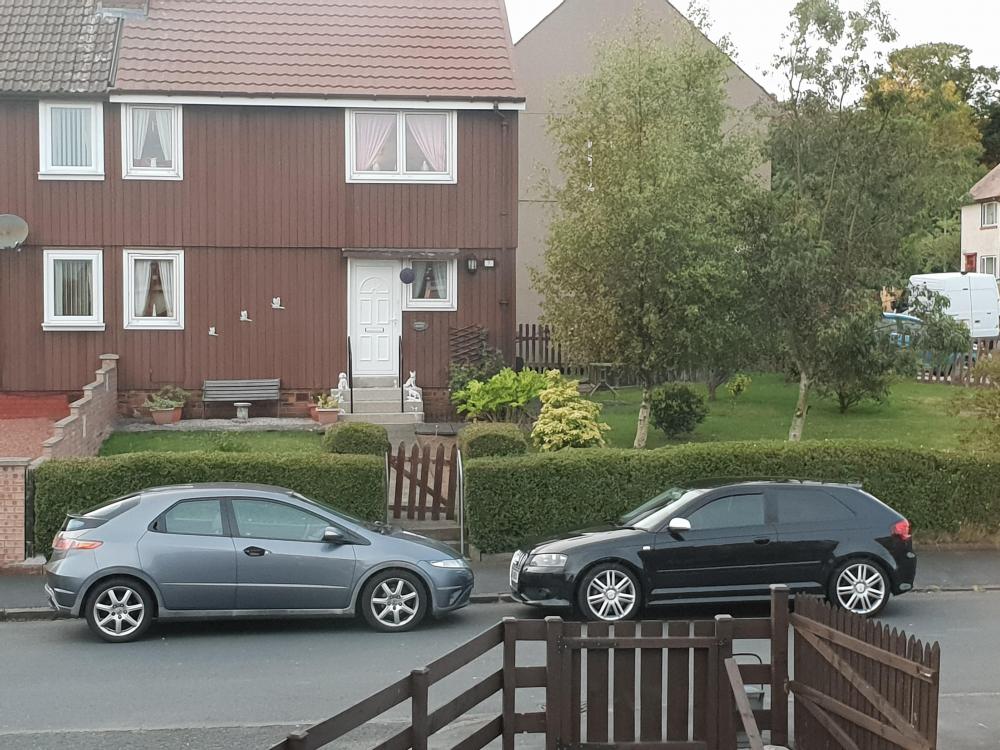
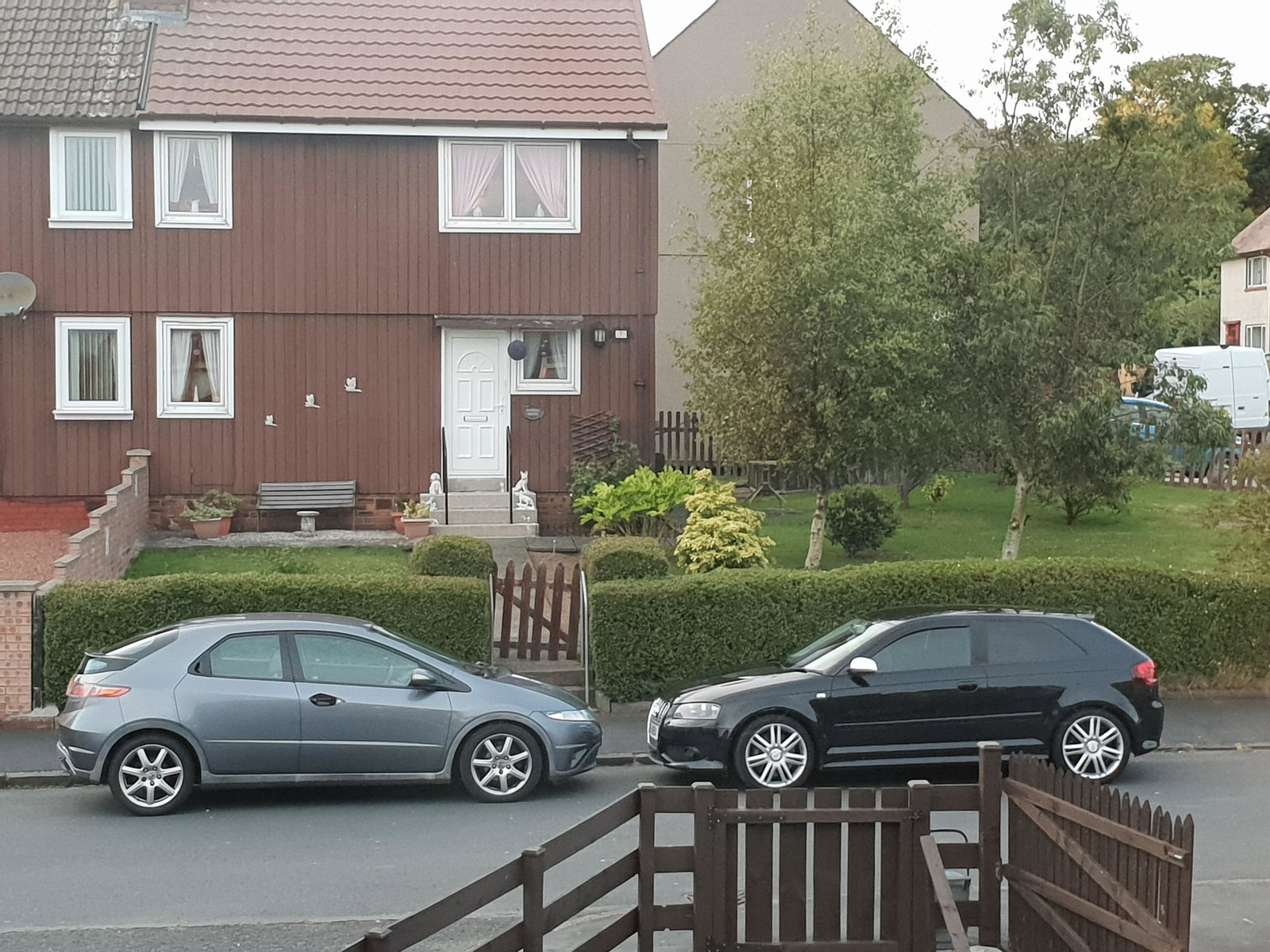
  2. Cheers Steve Not too shabby for a 10 year old car if I do say so myself ๐Ÿ˜
  3. Its out with the old and in with the not much newer. Hoping for many years of trouble free motoring. An S3 for my first Audi seemed like the only option ๐Ÿ˜. Based just outside Ayr. Hoping the forums can help me if I need it in the future ๐Ÿ‘


Background Picker
Customize Layout

Account

Navigation

Search

Search

Configure browser push notifications

Chrome (Android)
  1. Tap the lock icon next to the address bar.
  2. Tap Permissions โ†’ Notifications.
  3. Adjust your preference.
Chrome (Desktop)
  1. Click the padlock icon in the address bar.
  2. Select Site settings.
  3. Find Notifications and adjust your preference.