




Skip to content
View in the app

A better way to browse. Learn more.

Audi Owners Club (UK)

A full-screen app on your home screen with push notifications, badges and more.

To install this app on iOS and iPadOS
  1. Tap the Share icon in Safari
  2. Scroll the menu and tap Add to Home Screen.
  3. Tap Add in the top-right corner.
To install this app on Android
  1. Tap the 3-dot menu (⋮) in the top-right corner of the browser.
  2. Tap Add to Home screen or Install app.
  3. Confirm by tapping Install.

R8U

Members
  • Joined

  • Last visited

  1. haha no worries at all, Steve! :)
  2. Thanks, Steve! 🙂 though it’s not ‘his’ but ‘hers’ - I’m a ‘she’ 😄
  3. Hi Jason ok, it might work, as far as I’m back home by 9pm. I have no idea what to charge, but it says 52 miles from me to Rayleigh? I’d have to go through Dartford tolls too. perhaps email me what you’re willing to pay to [email protected] and I’ll let you know if that’s ok? thanks, yulia
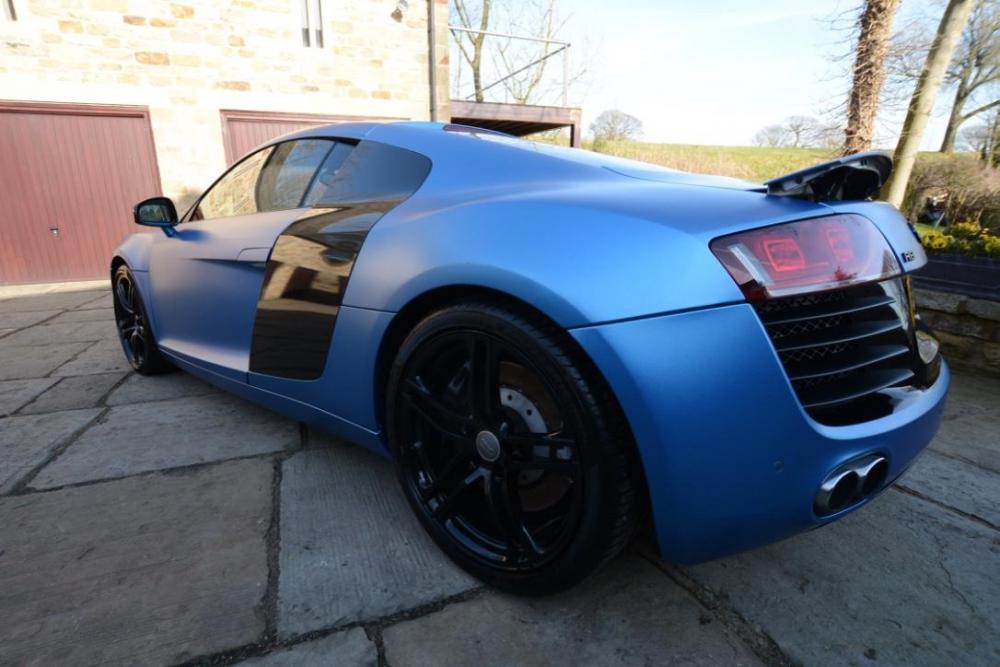
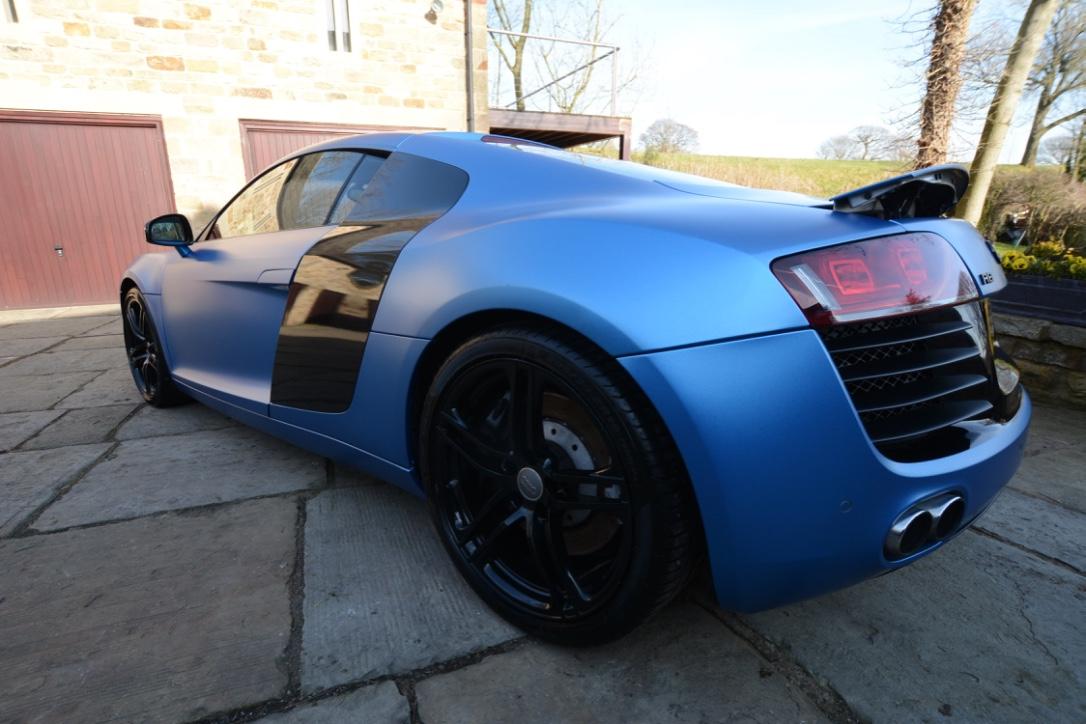
  4. Hi Jason I myself bought this model (see the pic) just a few months ago, so I'm sure your partner will like R8 when she buys one :) I had a look, you're 1.5hrs drive from where I live. Let me know what time that day she needs a lift and I'll think about it. Great idea though you have here :) Best, Yulia


Background Picker
Customize Layout

Account

Navigation

Search

Search

Configure browser push notifications

Chrome (Android)
  1. Tap the lock icon next to the address bar.
  2. Tap Permissions → Notifications.
  3. Adjust your preference.
Chrome (Desktop)
  1. Click the padlock icon in the address bar.
  2. Select Site settings.
  3. Find Notifications and adjust your preference.