Steve Parrish
Members
-
Joined
-
Last visited
-
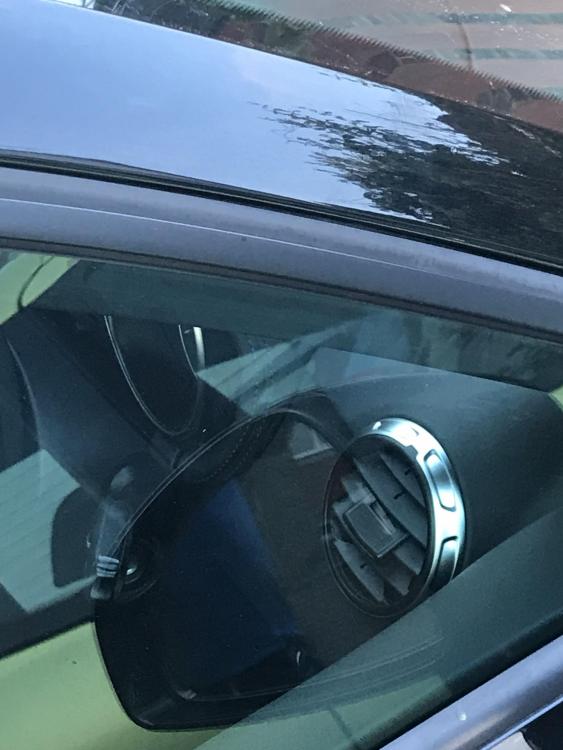
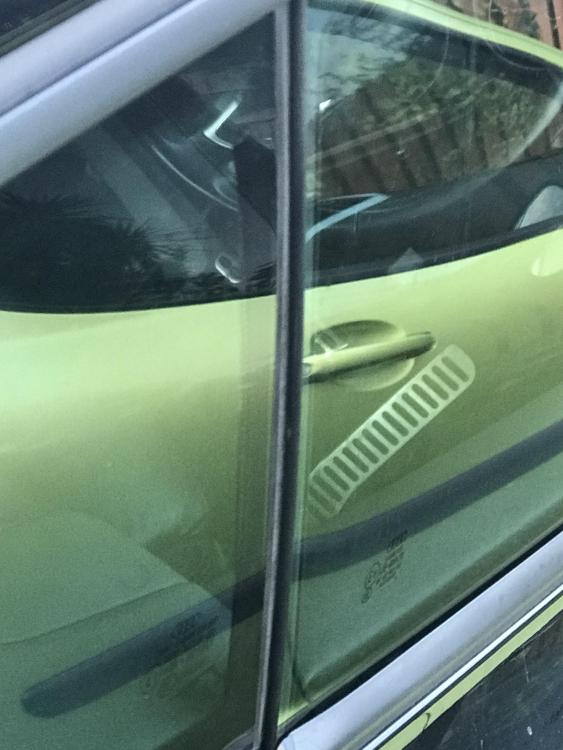
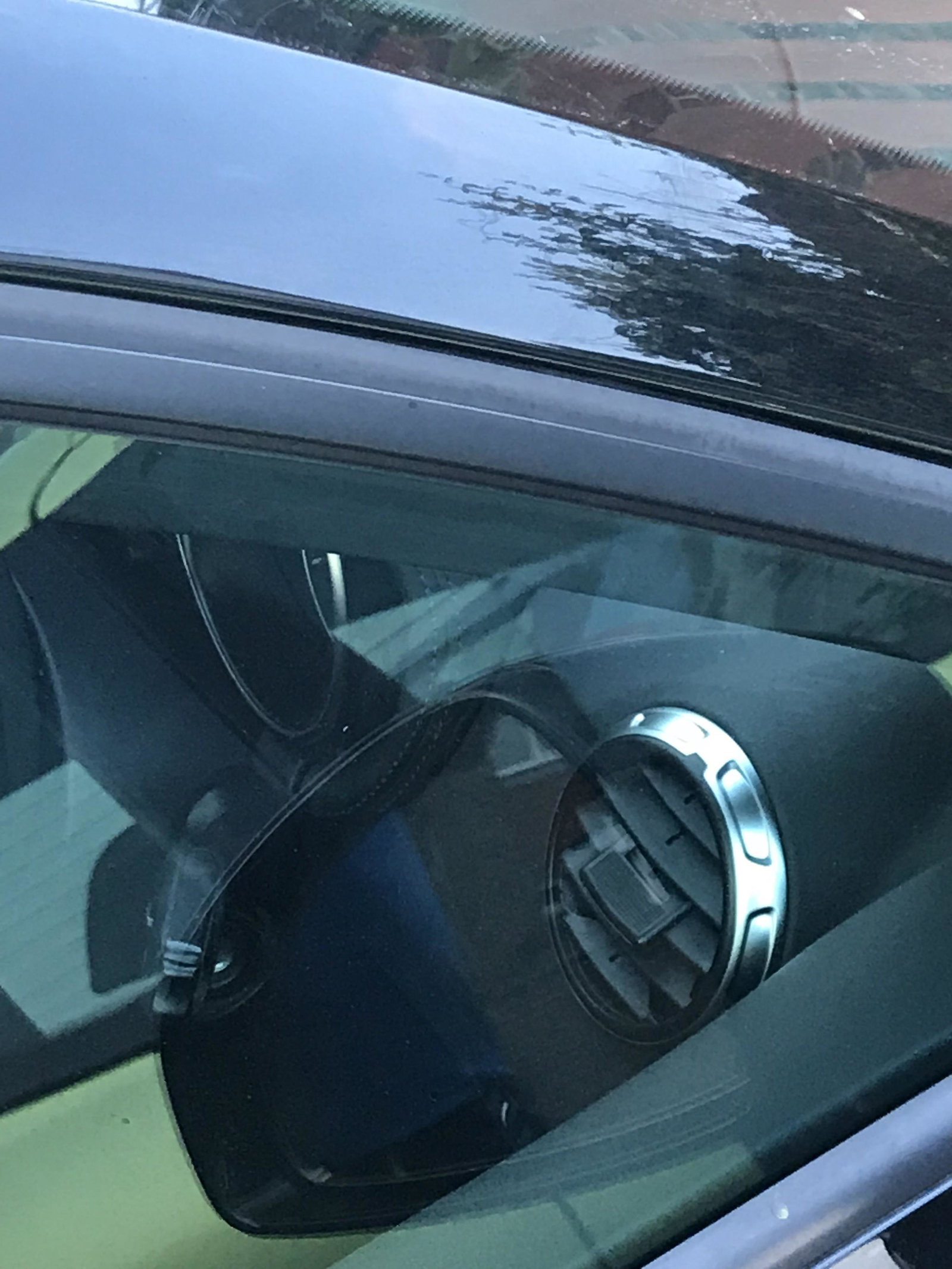
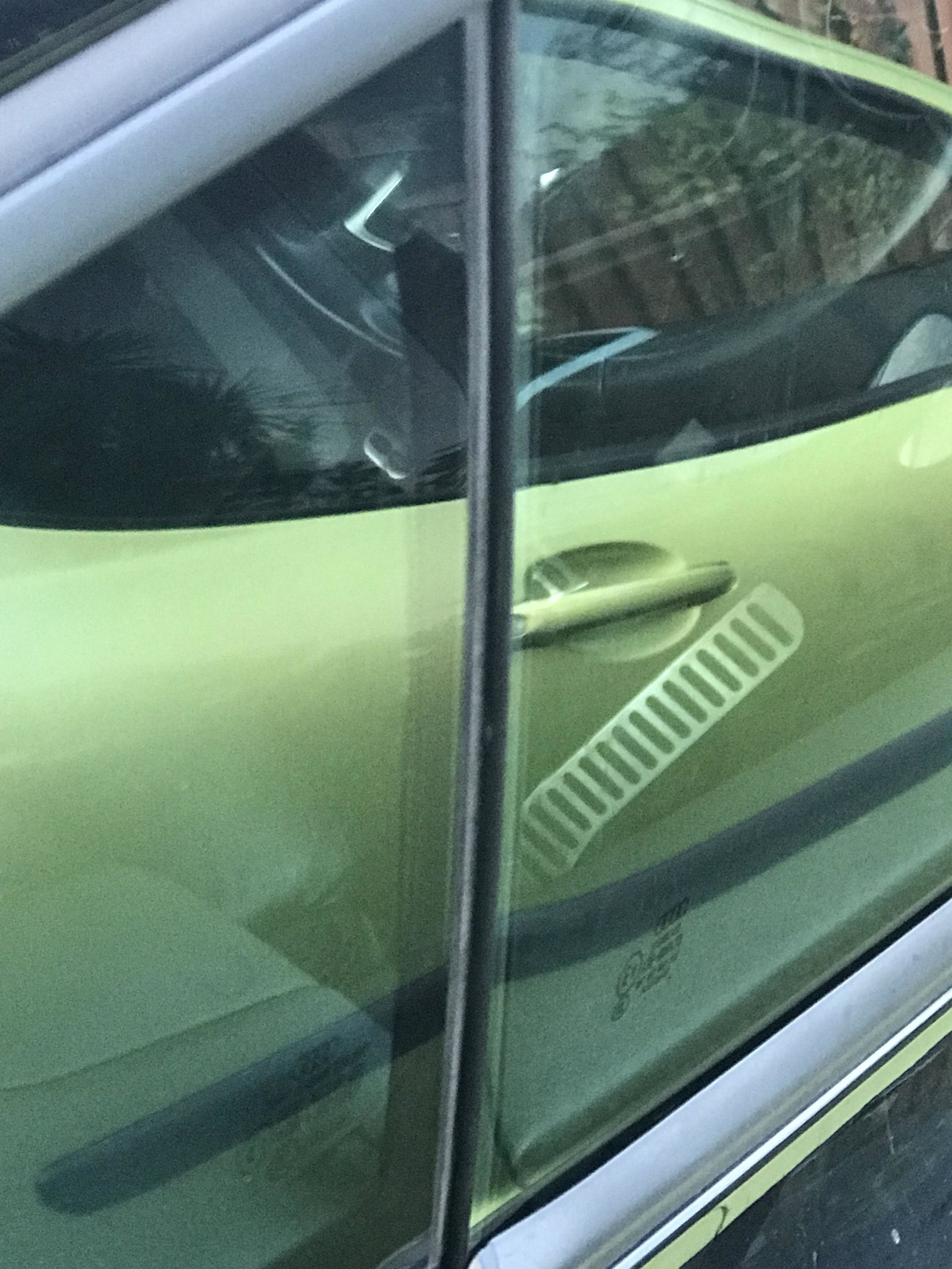
Hi all. Apologies if this has been discussed to death on other threads, but I recently purchased an 2007 3.2 V6 Audi T.T. and noticed while driving with the fan on inside the car that I could hear a whistling noise, just like the drivers window was open, but it wasn't. I could not hear it when the Aircon is on, so I had a look when i got out. I have attached 2 pictures that shows that the alignment of the window is not correct with the glass being too far back so there is a small gap where the glass meets the top of the frame and also the back part of the glass is too far back creating a lip instead of it being flush like the passenger side. I can see from google, that it is possible to adjust the location of the glass ? Is this the correct process to resolve this issue or do you think that the issue is something different ? Any help would be greatly appreciated. Steve