
Clchapman
Members
-
Joined
-
Last visited
Everything posted by Clchapman
-
Currently valued at £550 and is being advertised on a couple of private plate websites. They've added their commission so they're charging upwards of £800. I'm open to offers.
-
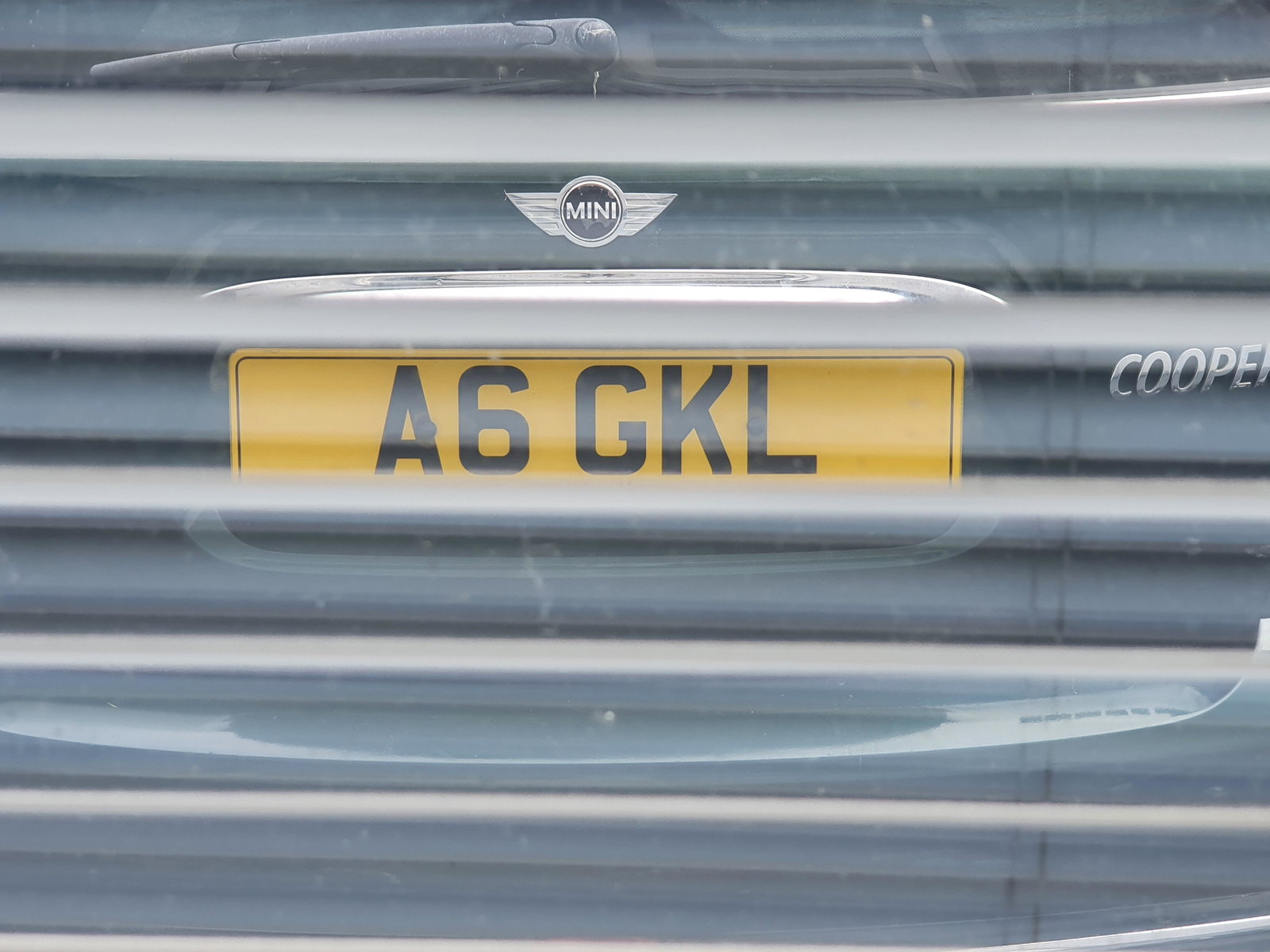
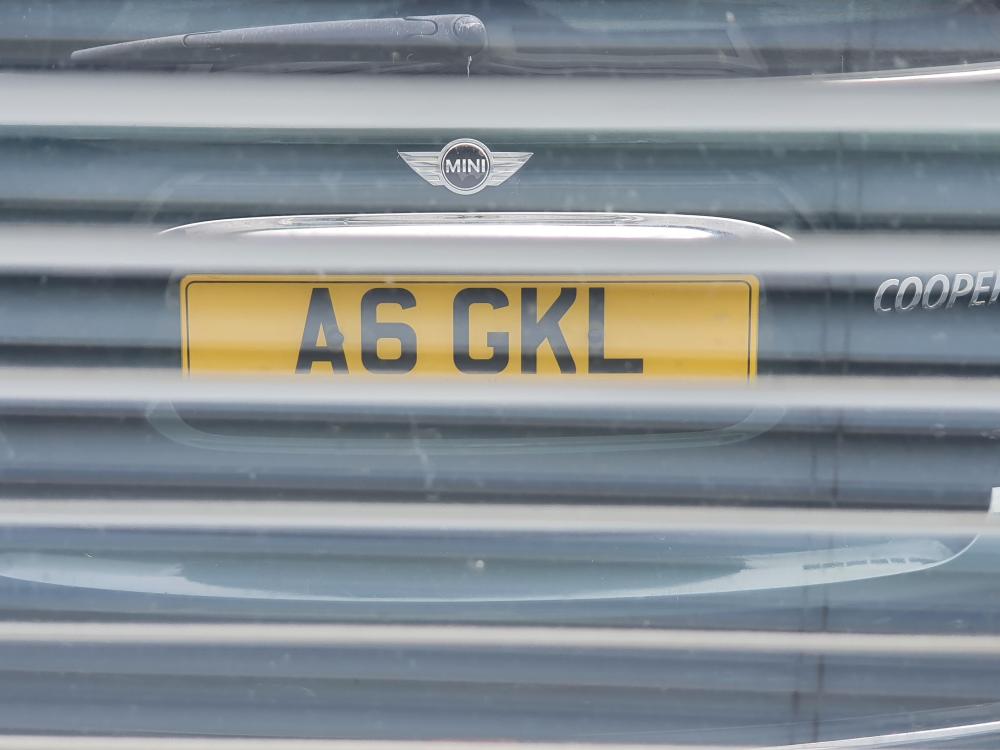
I'm currently selling a private plate: A6 GKL. Anyone interested?
-
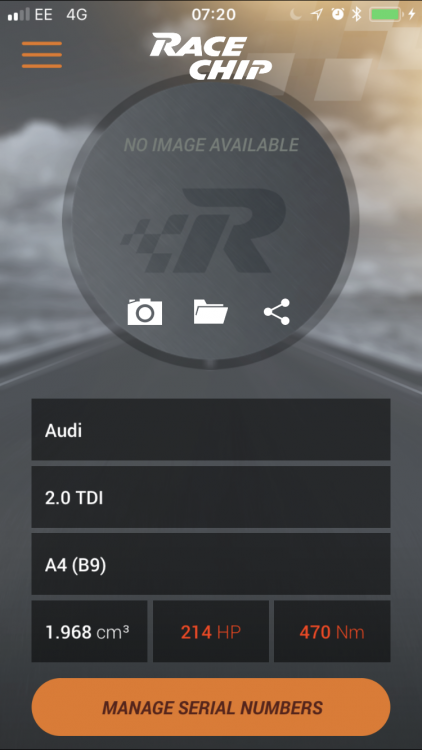
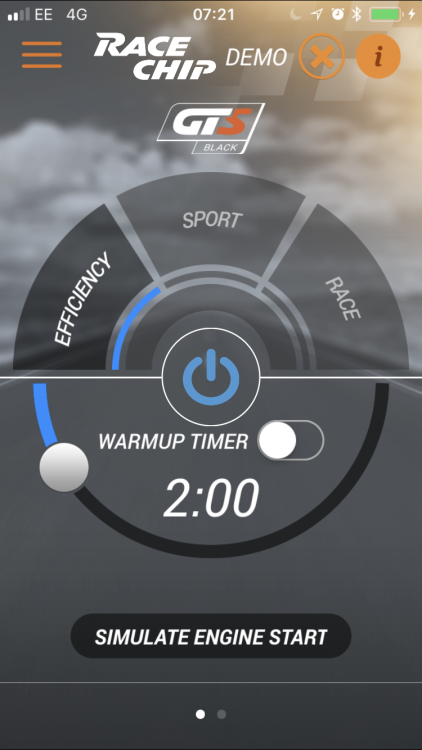
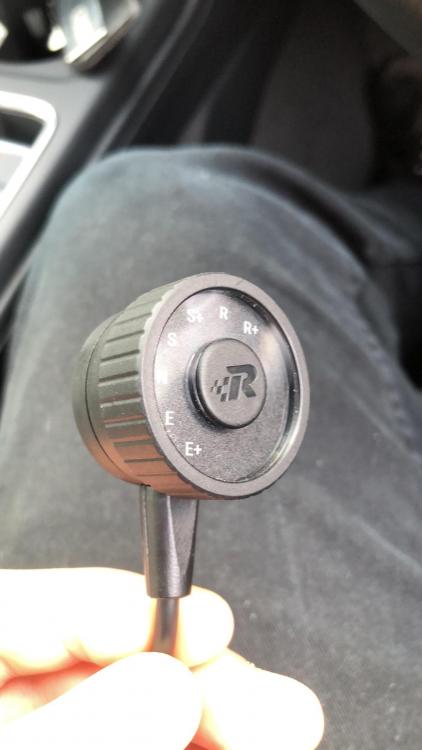
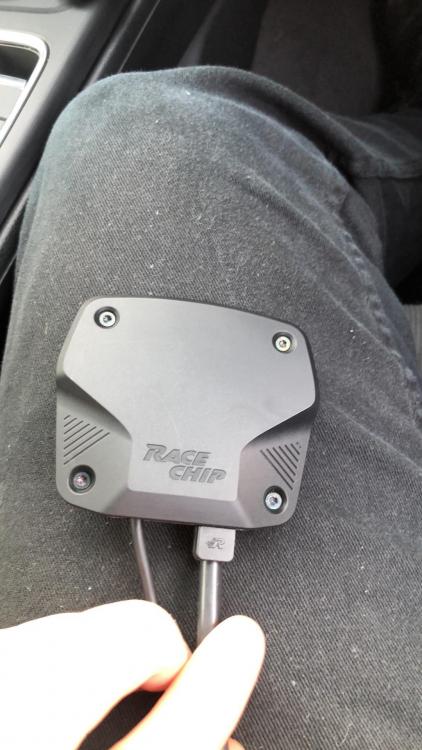
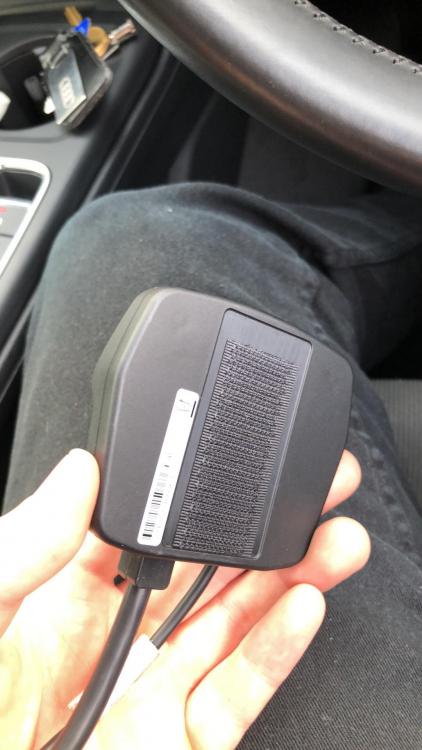
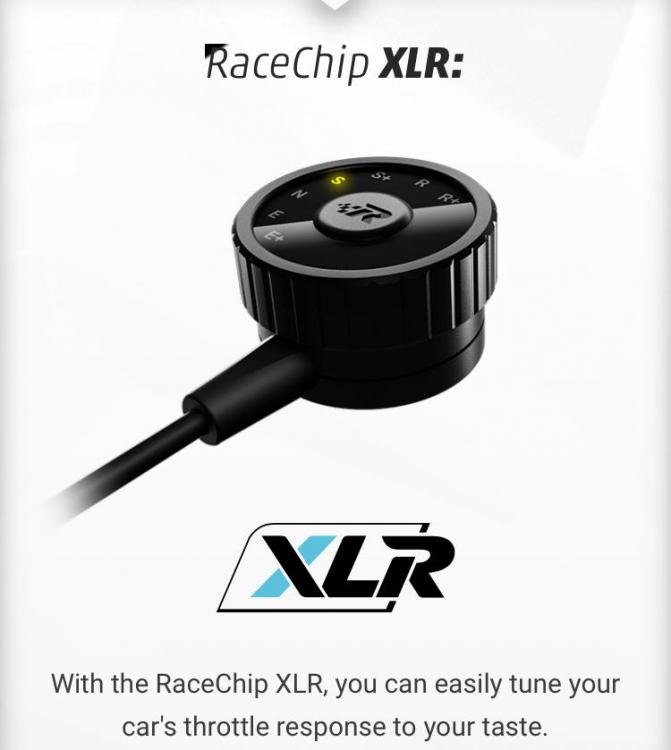
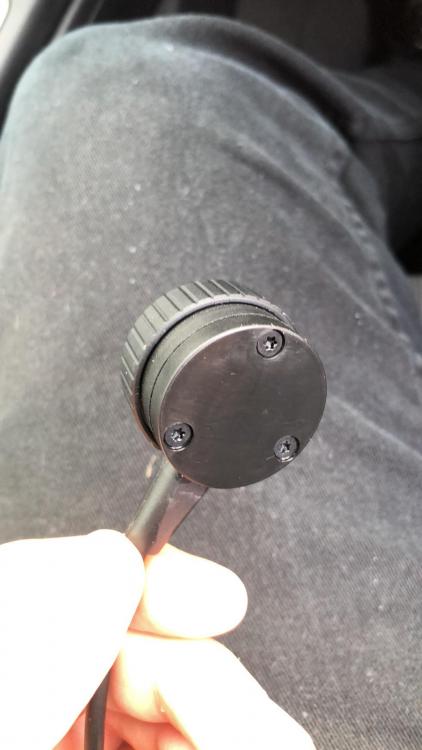
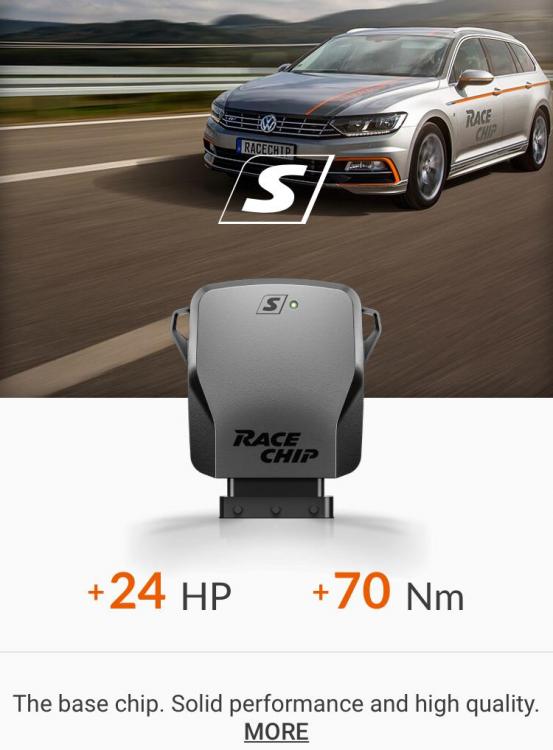
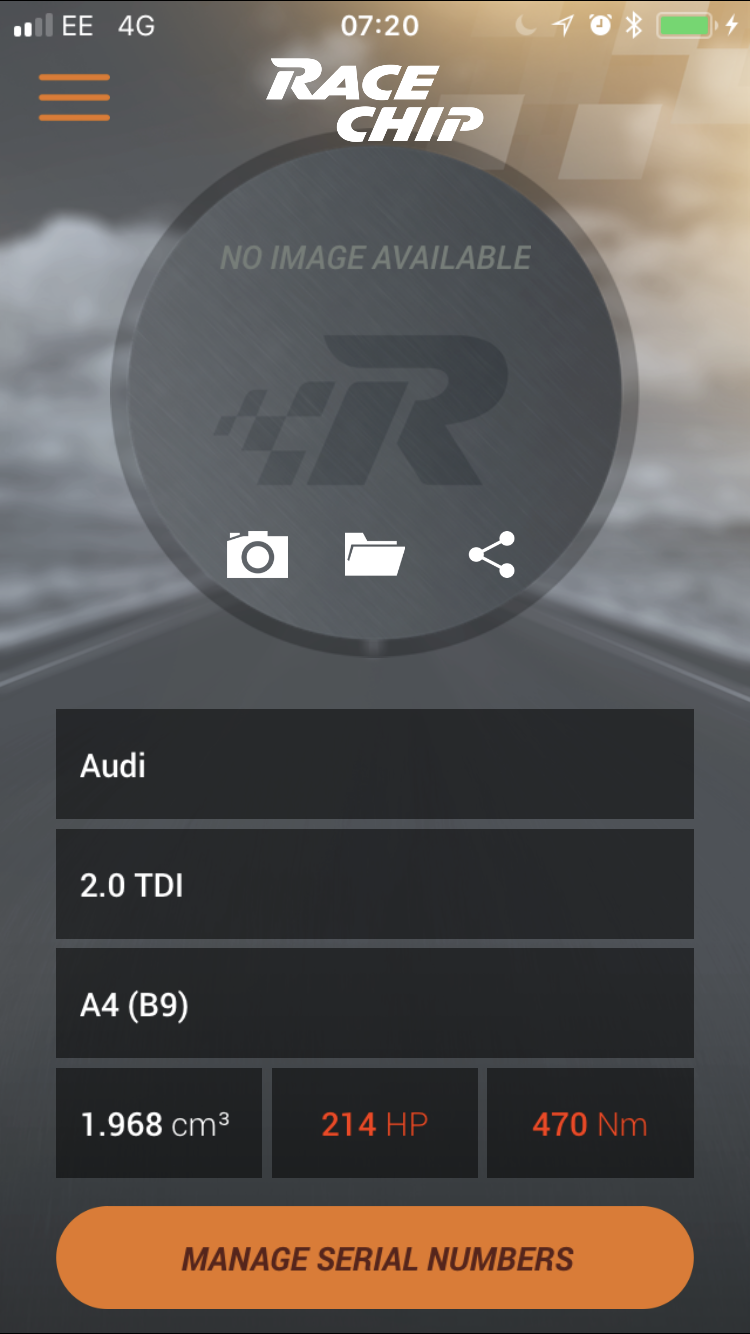
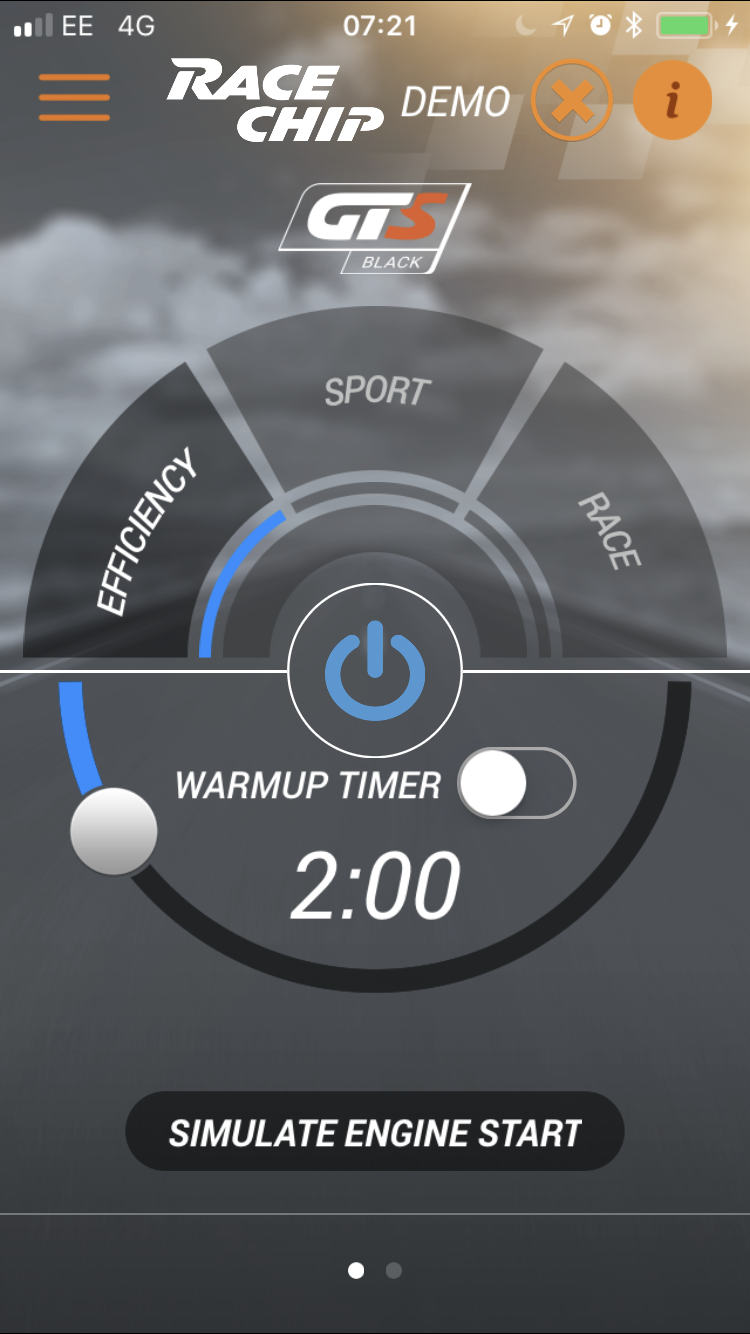
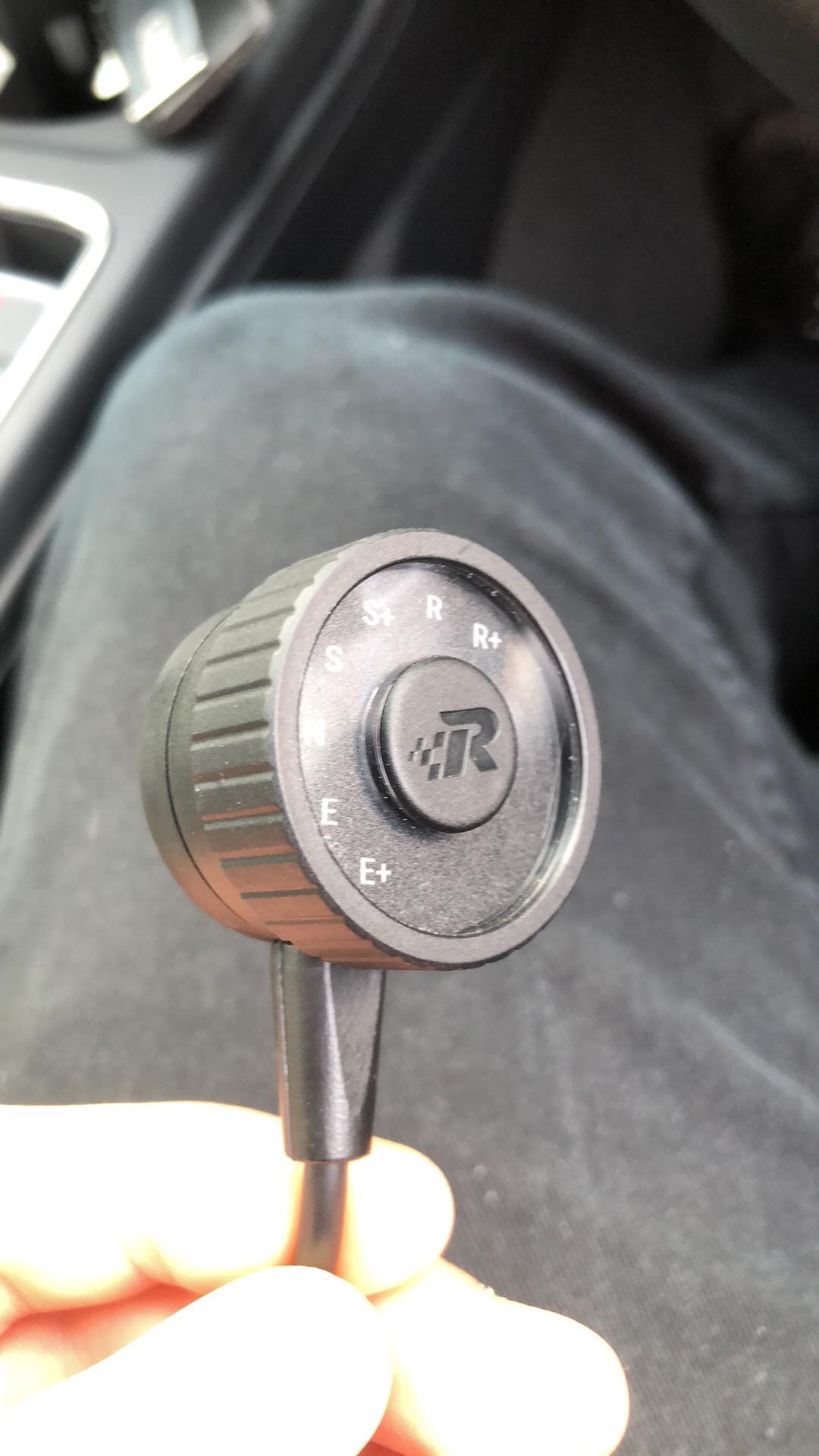
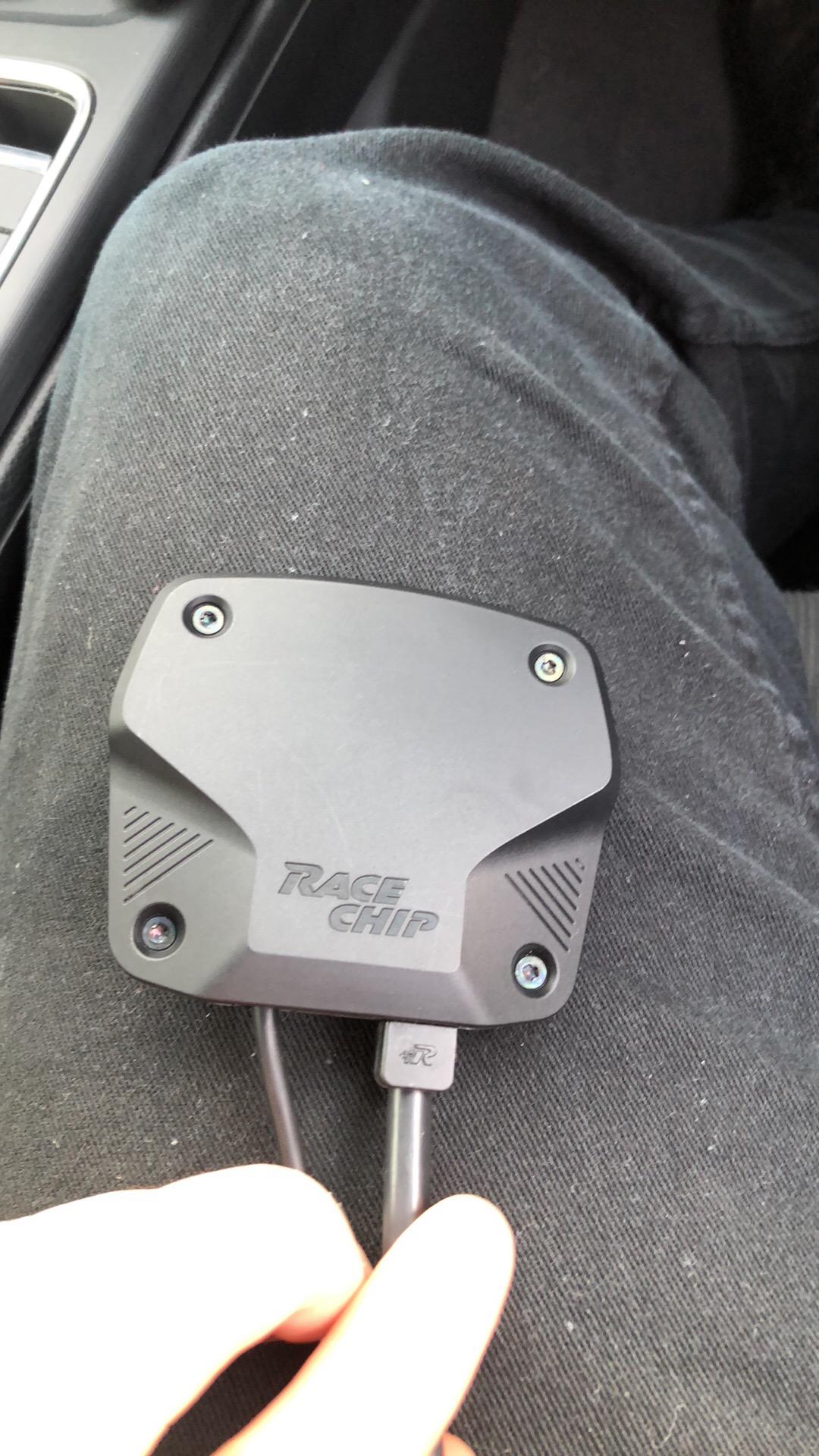
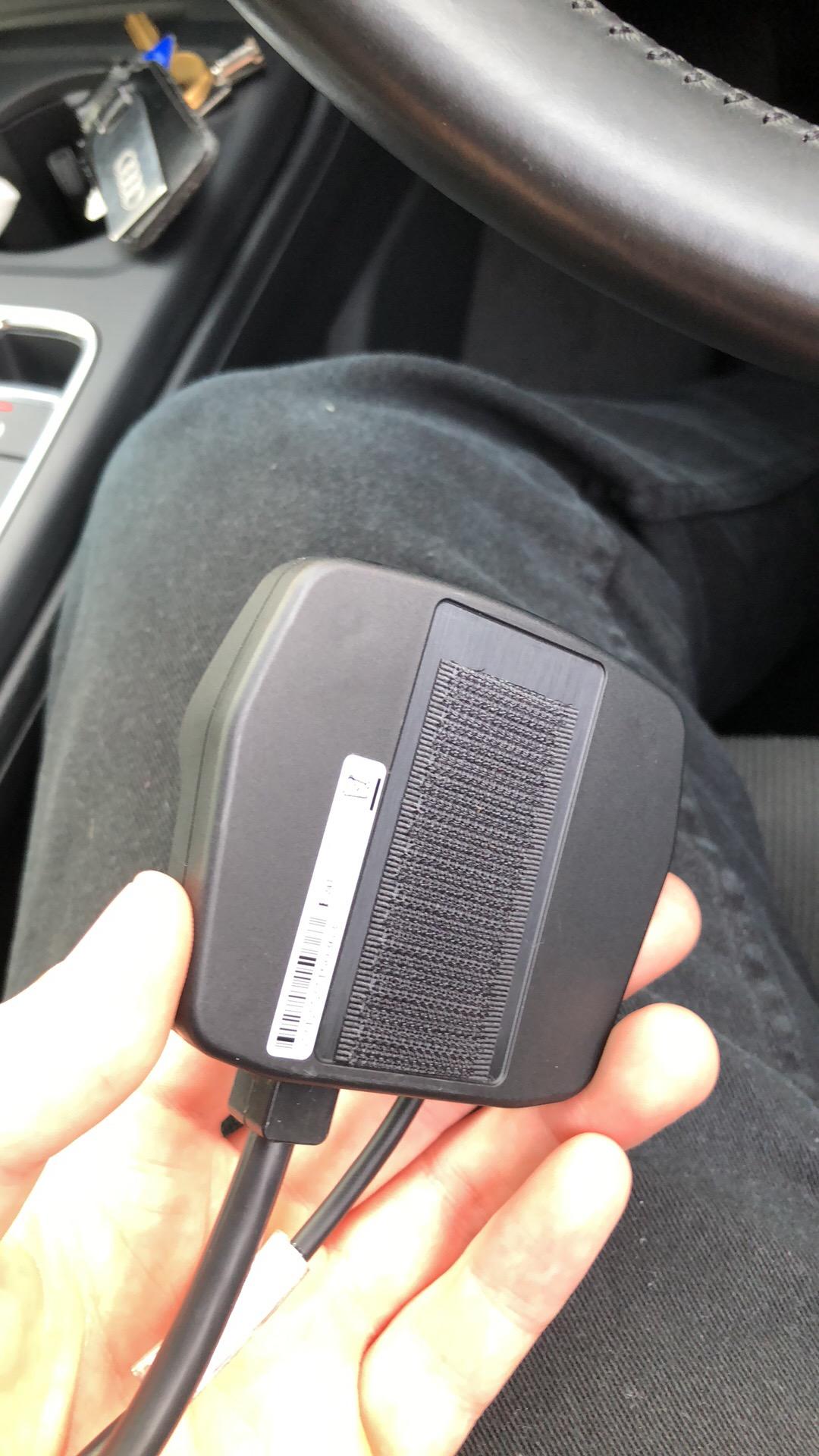
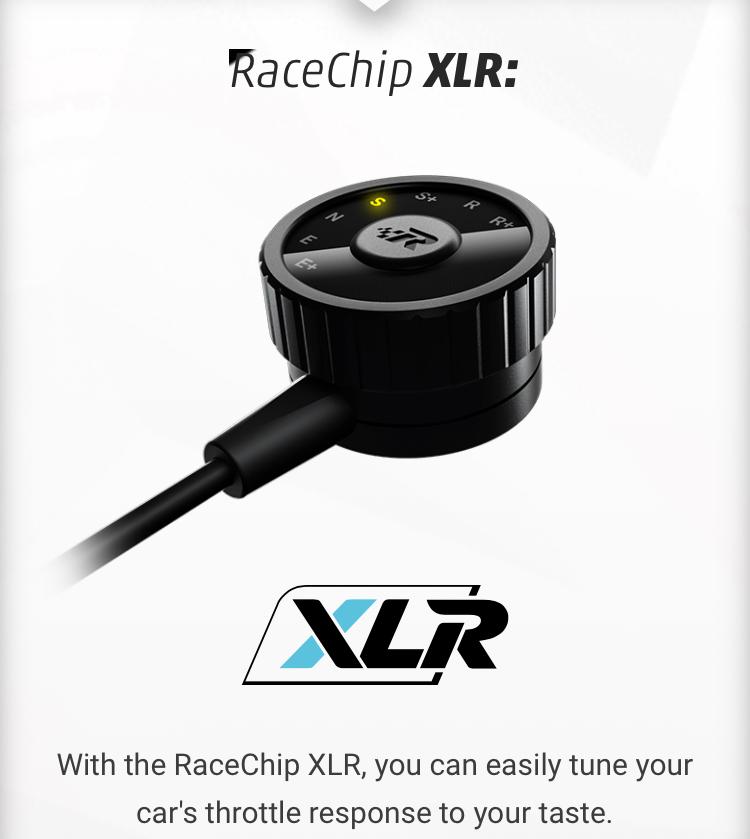
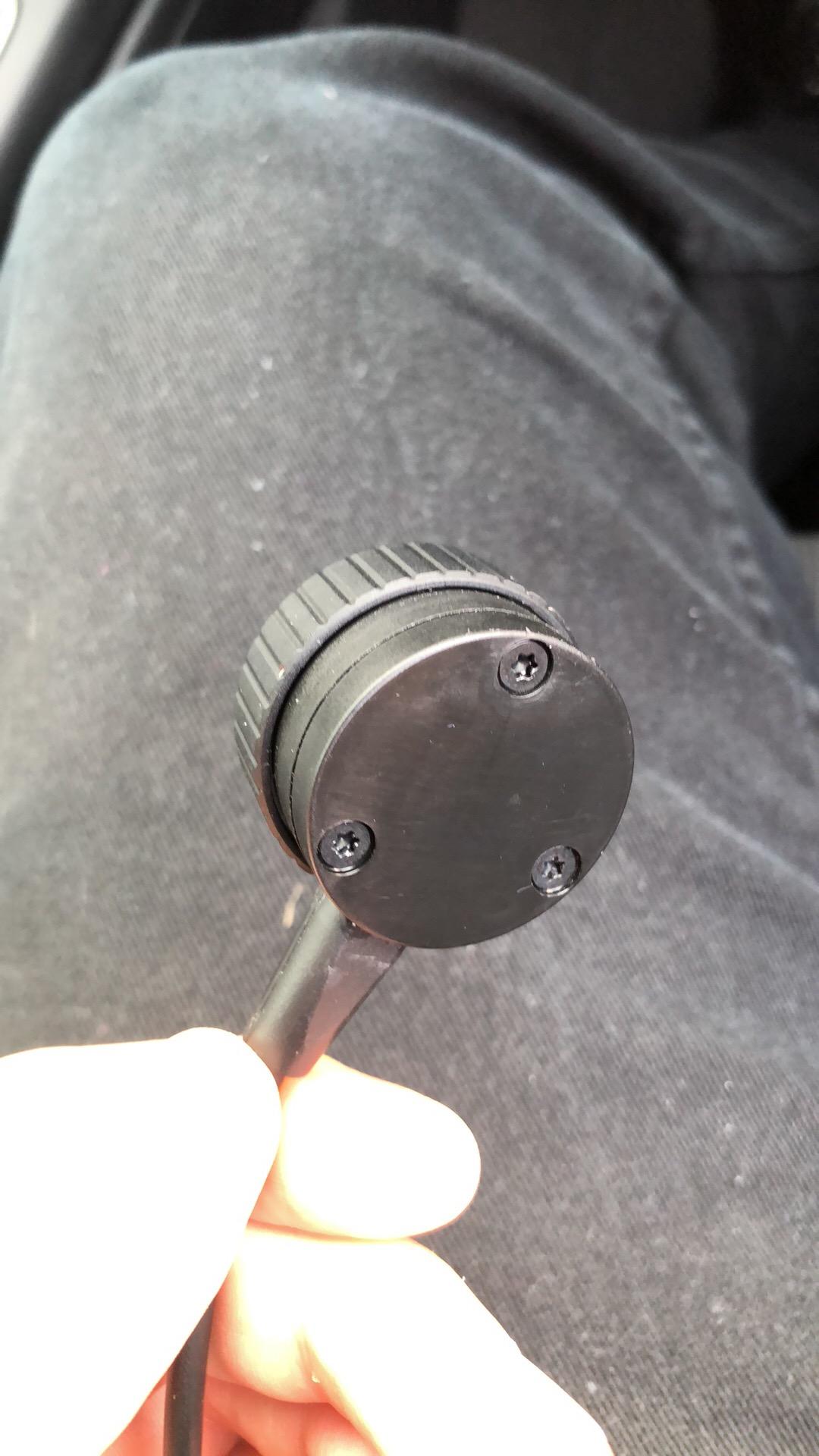
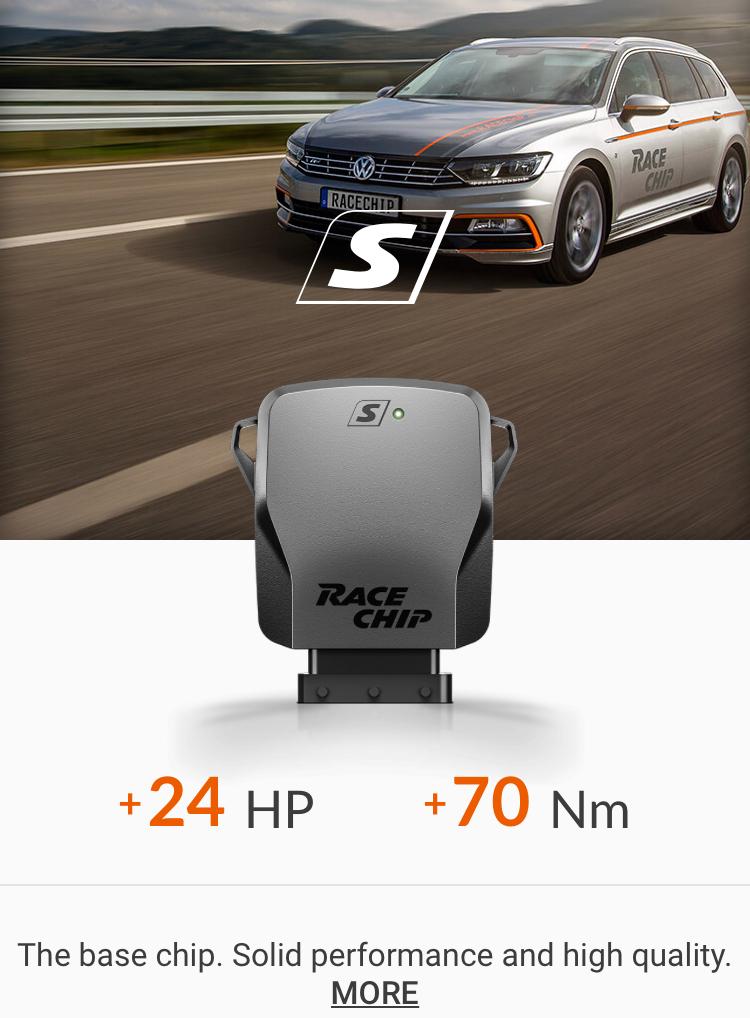
Hi I’m looking to see if anyone would be interested in buying a Racechip for an Audi A4 (B9) 2.0 TDI (190hp). Will take a standard 190hp up to 214hp. Installation is about 5-10 mins when you know what you’re doing and is plug and play. Can be taken off or switched off to put car back standard. Comes with a pre-paid app (£30) that allows you to control the car from your phone. I’m also selling an XLR Dial made by Racechip. It connects to your accelerator Cable allowing you to choose from seven states: economic plus, economic, neutral, sport and sport plus, race and race plus. They go hand in hand and are recommended to be bought together. I paid £358 all in would like to see at least £200 back as they’re both only a couple of months old. Selling as I have now had my car remapped. *Disclaimer* Can’t guarantee the Racechip will work on a non Audi A4 (B9) Avant 2015/2016 sport ultra 190bhp (140kw) engine. Read less