audittmk1
Members
-
Joined
-
Last visited
Everything posted by audittmk1
-
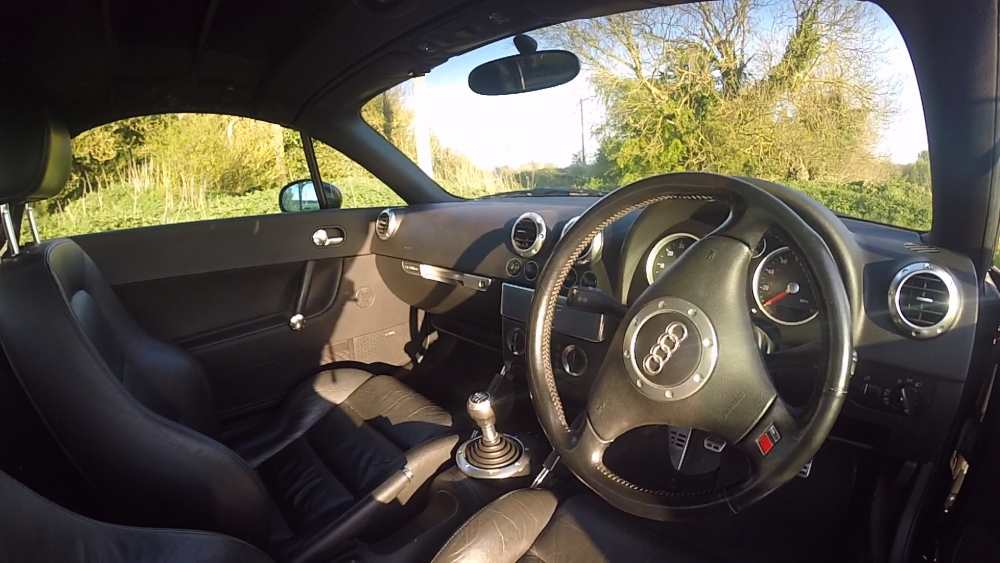
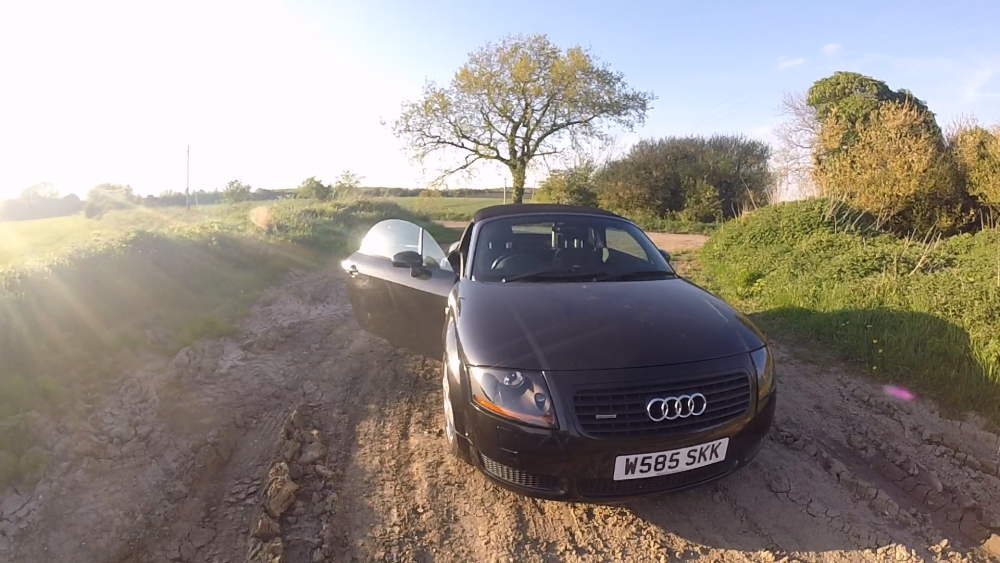
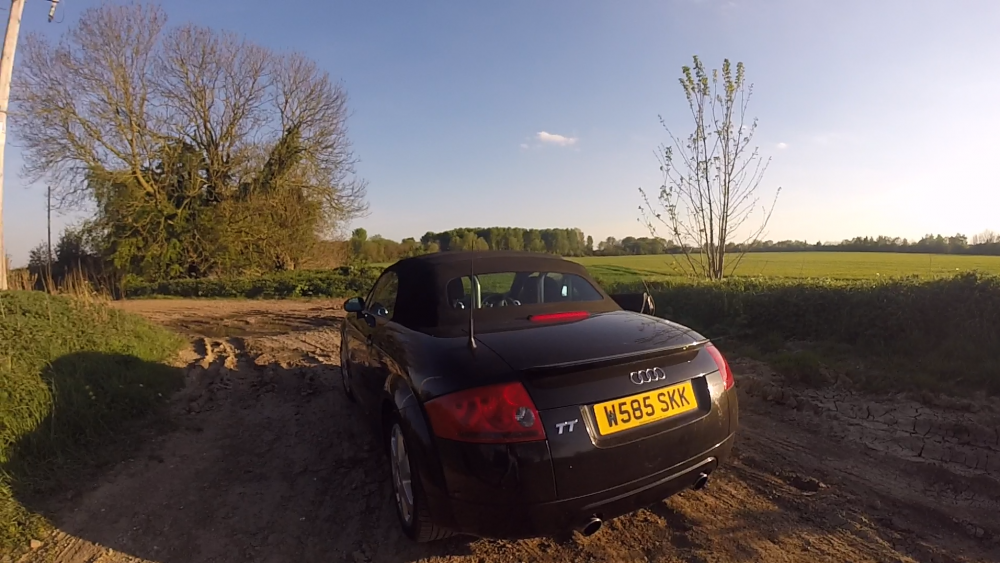
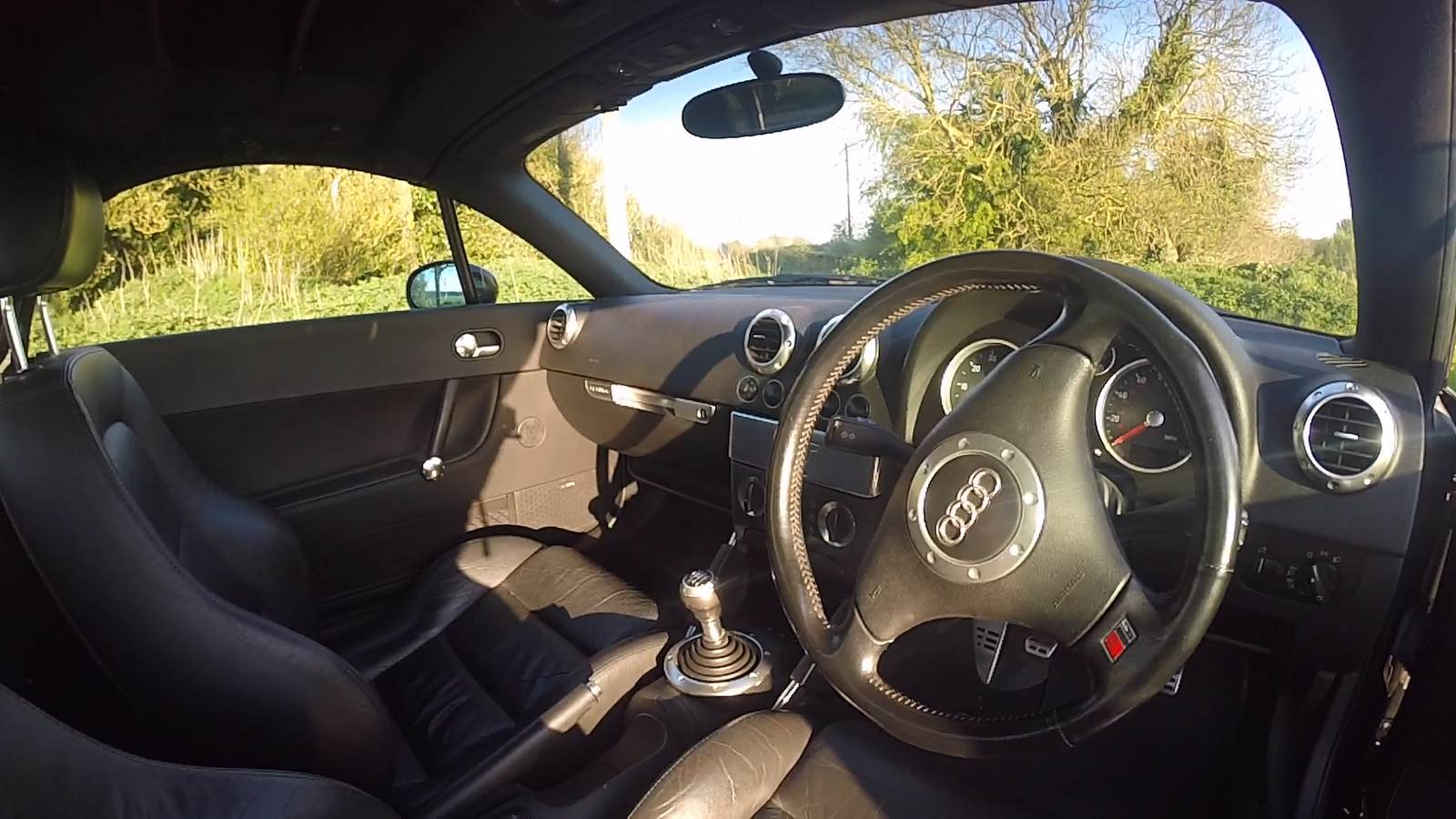
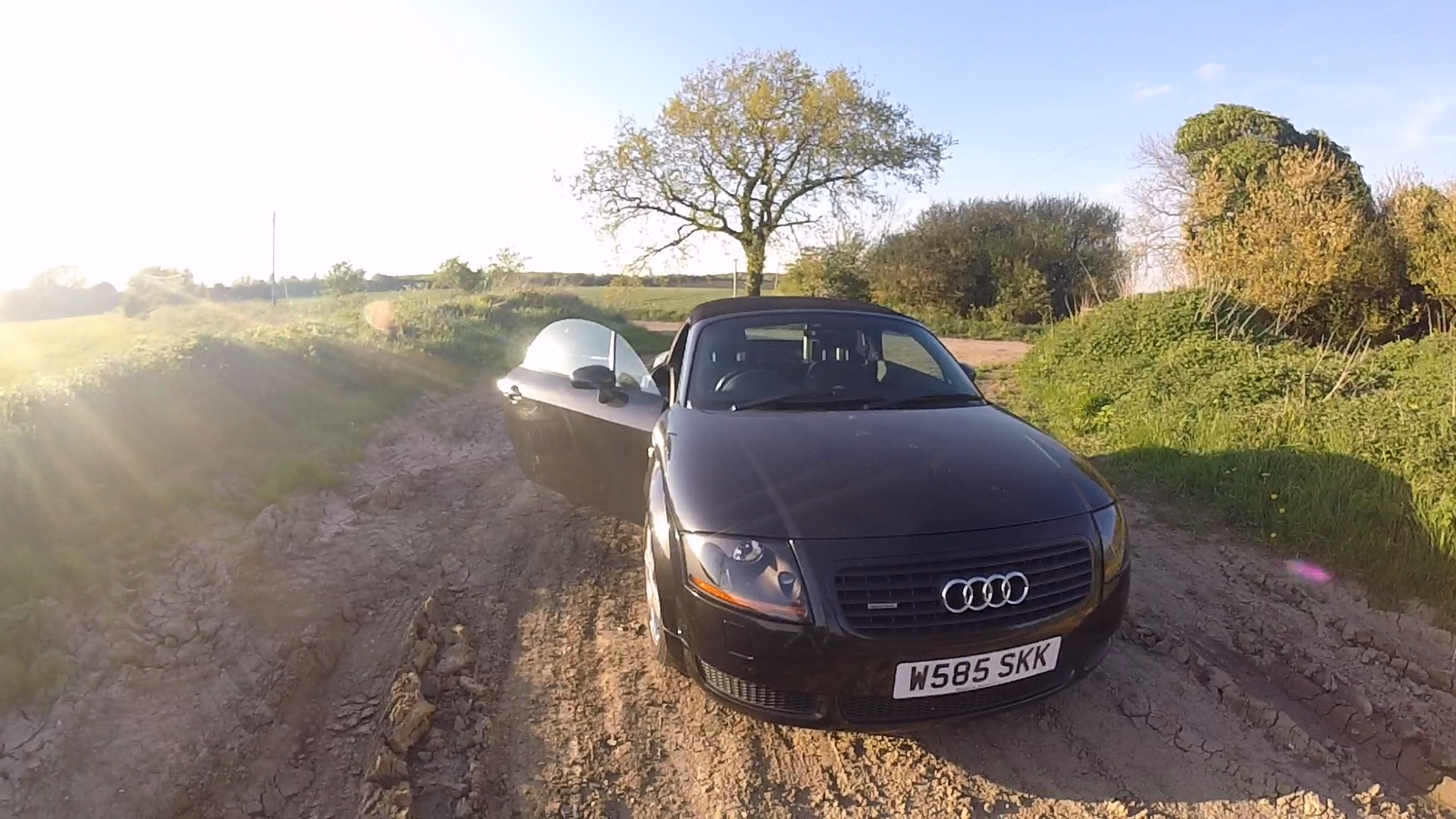
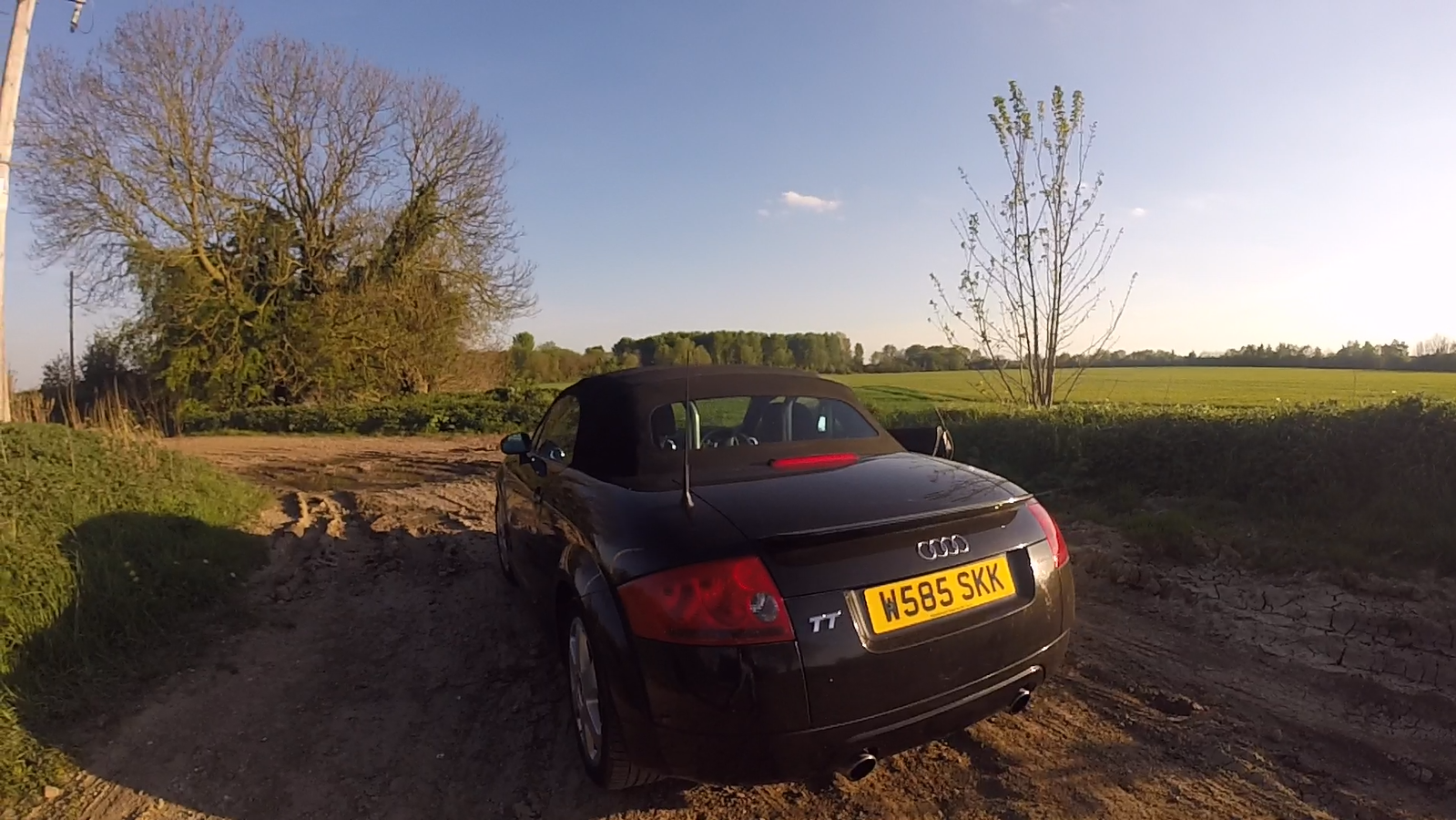
Hi folks, I'm selling a mk1 Audi TT 1.8 225bhp. For offers ~ £500. Mechanically it's a sound car, having passed all MOTs with no problems. It's had new brakes recently all around and has done low mileage for its age (roughly 110k). It's got full leather heated seats, convertible ☀️ and 6 CD changer. However, there are a few (albeit easily fixable) problems hence the price. The drivers door barrel is broken, I have all the pieces and someone with the knowledge can probably put it back together without spending a penny. Because of this the alarm also doesn't work (I've been leaving it unlocked for the past 6 months). Also the two back tyres need replacing as they are down to the legal limit. The last MOT passed fine but as I've got a new car, I've just let this one expire 2 days ago so will need doing. The body work is 'okay', there's a fair few stone chips on the front bumper, the rest of the panels are much better. I've got a new car and am looking for a fast sale. So basically if you want the fast 1.8 model that runs mechanically sound for a steal of a price, and are willing to fix the few minor issues, it's yours for £500 ONO. Pickup from Lincoln.