




Skip to content
View in the app

A better way to browse. Learn more.

Audi Owners Club (UK)

A full-screen app on your home screen with push notifications, badges and more.

To install this app on iOS and iPadOS
  1. Tap the Share icon in Safari
  2. Scroll the menu and tap Add to Home Screen.
  3. Tap Add in the top-right corner.
To install this app on Android
  1. Tap the 3-dot menu (⋮) in the top-right corner of the browser.
  2. Tap Add to Home screen or Install app.
  3. Confirm by tapping Install.

Chrispickford_

Members
  • Joined

  • Last visited

Everything posted by Chrispickford_

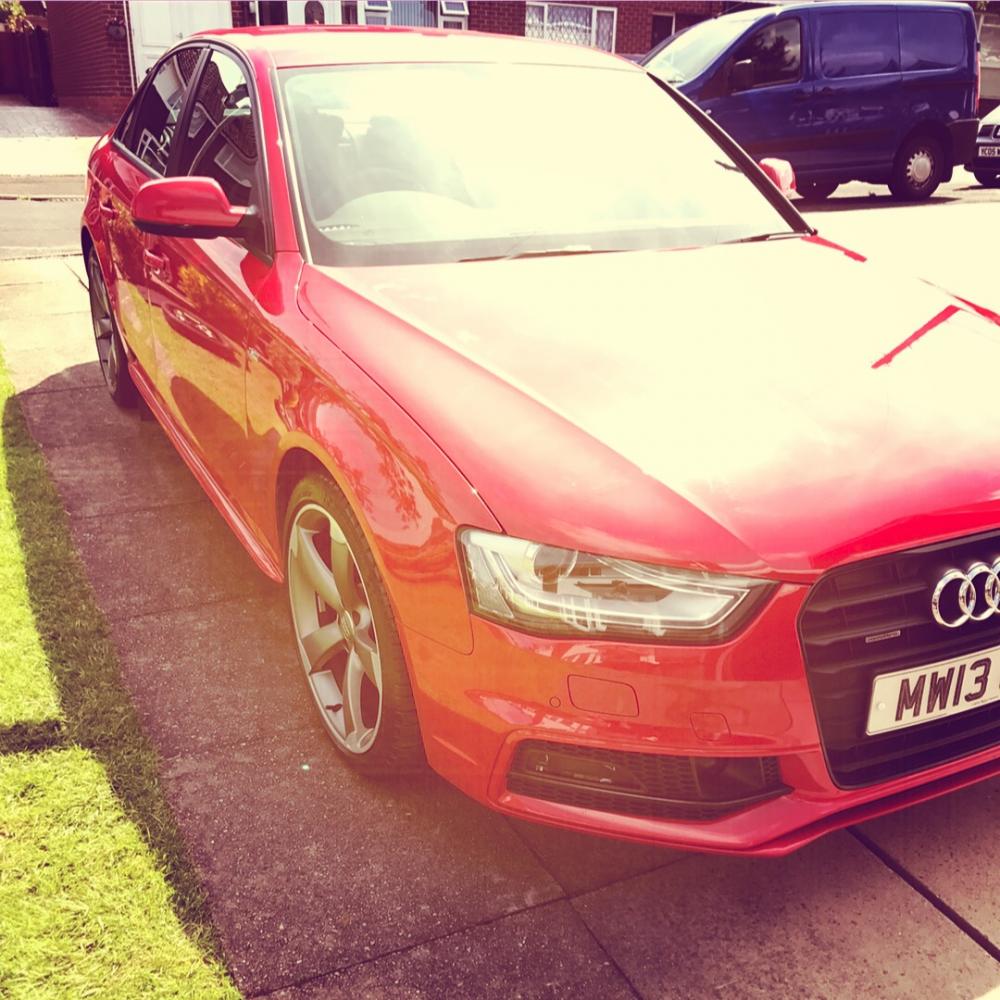
  1. Hi everyone, new to the forum so hope someone can help me. I’ve had my 2013 Audi A4 for a while but it didn’t come with drive mode select, I bought the Carista tool and added this feature on but now it only lets me change the drive mode when the car is stationary unlike all of the other cars I’ve owned...is there somewhere in the green menu that this can be changed? also the adaptive cruise control is very annoying compared to normal cruise control...the car starts slowing sown much earlier than you would normally pull out to overtake, so have to sit in the overtaking lane for much longer than normal just so it doesn’t slow down(even with the following distance set to closest) is there a way to change this so it doesn’t slow down as much? Thanks in advance!


Background Picker
Customize Layout

Account

Navigation

Search

Search

Configure browser push notifications

Chrome (Android)
  1. Tap the lock icon next to the address bar.
  2. Tap Permissions → Notifications.
  3. Adjust your preference.
Chrome (Desktop)
  1. Click the padlock icon in the address bar.
  2. Select Site settings.
  3. Find Notifications and adjust your preference.