
Skip to content
View in the app

A better way to browse. Learn more.

Audi Owners Club (UK)

A full-screen app on your home screen with push notifications, badges and more.

To install this app on iOS and iPadOS
  1. Tap the Share icon in Safari
  2. Scroll the menu and tap Add to Home Screen.
  3. Tap Add in the top-right corner.
To install this app on Android
  1. Tap the 3-dot menu (⋮) in the top-right corner of the browser.
  2. Tap Add to Home screen or Install app.
  3. Confirm by tapping Install.

andrewdowns

Members
  • Joined

  • Last visited

Everything posted by andrewdowns

  1. From experience forums are always full of "it could be, it might be" we learn as we go, I have been tinkering for 35 years.
  2. Agree but mine was an accurate diagnosis using a professional garage diagnostic machine, fault was esp light on constantly, diagnostics came back nsr wheel speed sensor, a pain to change on an A4 cab, as rear seat squab and internal trims have to be removed to gain access to the loom connection, replaced with new Bosch sensor, no more esp light, if the abs and esp lights are both on, would always check wheel speed sensors first.
  3. Def a wheel speed sensor, had to replace one on the rear of an A4 cab, problem solved.
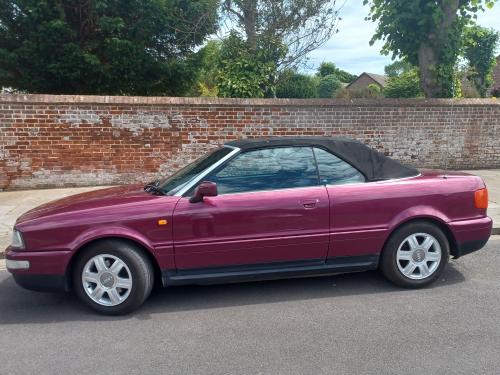
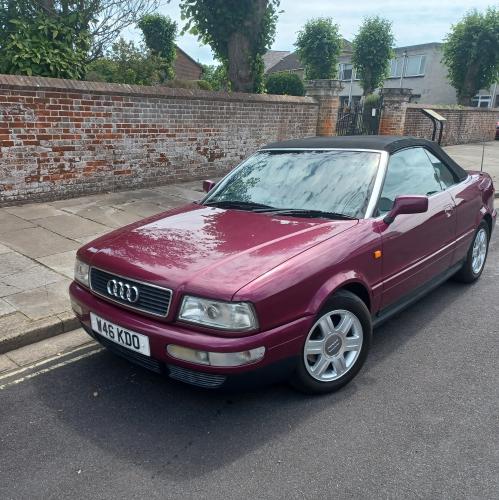
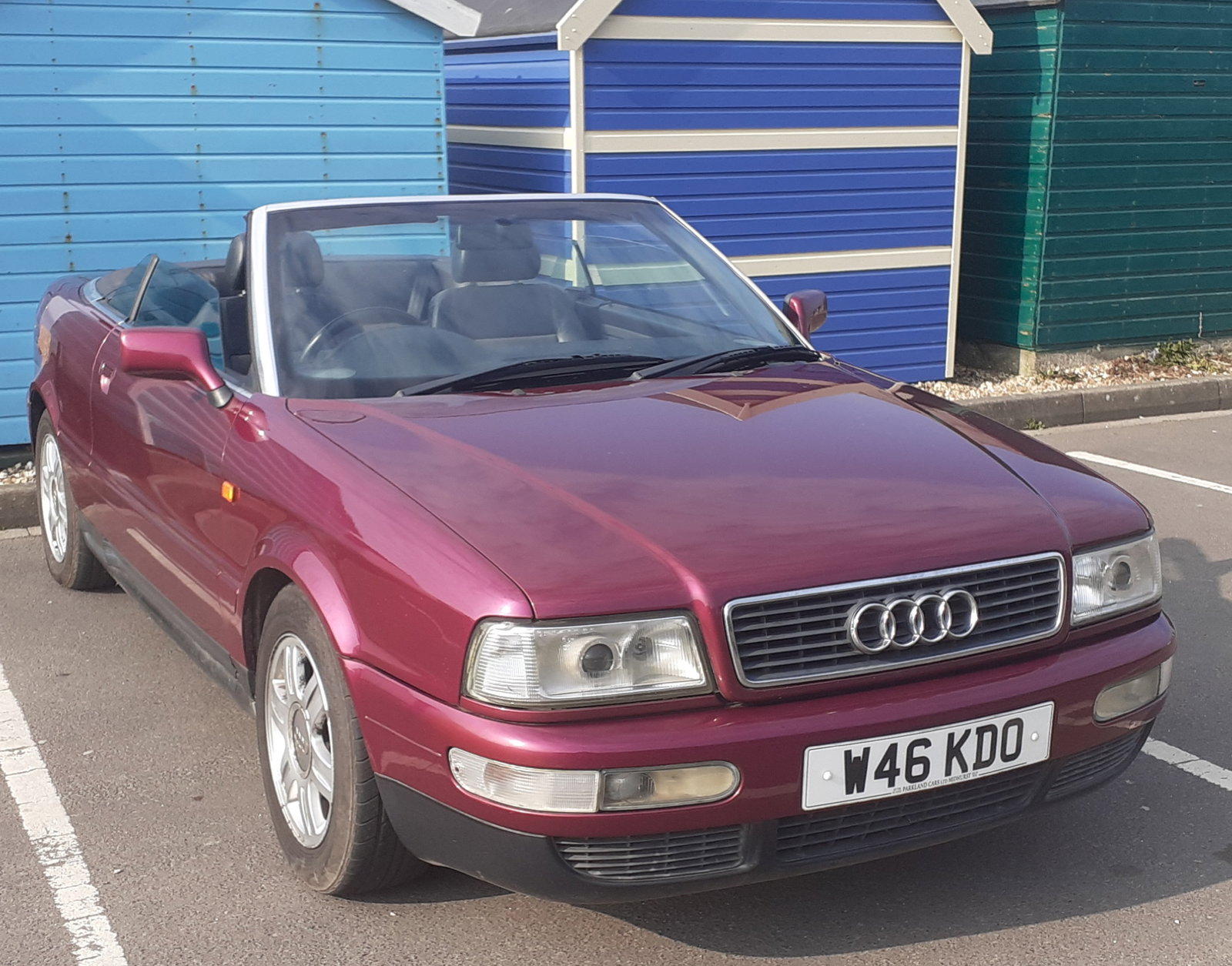
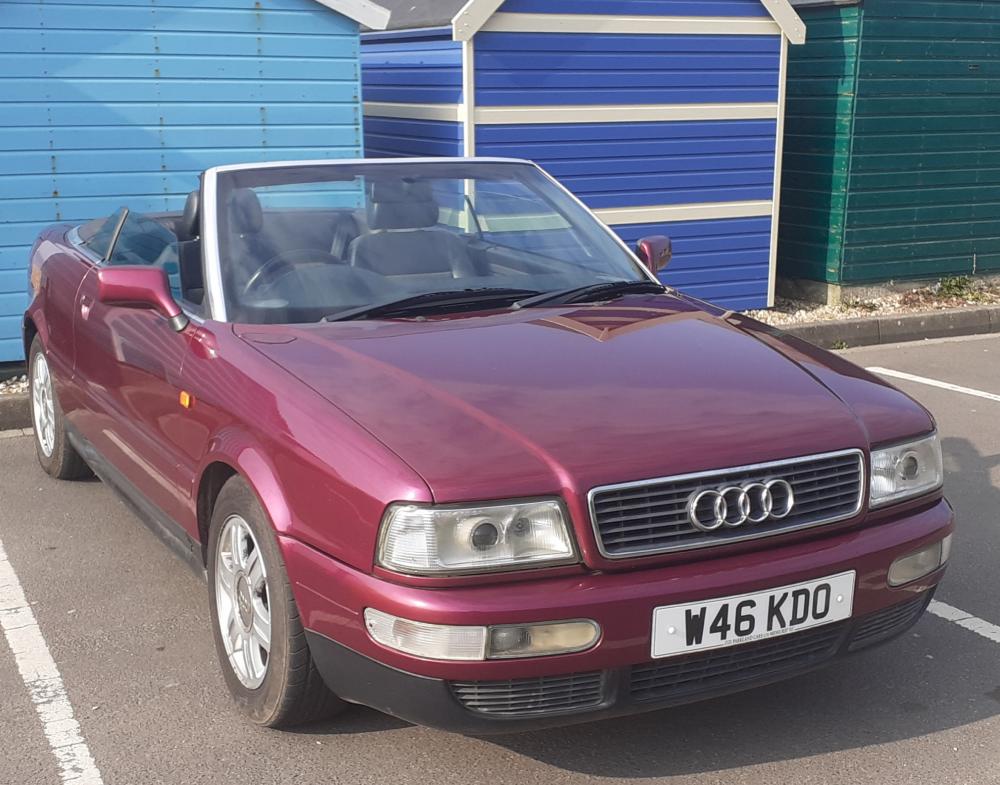
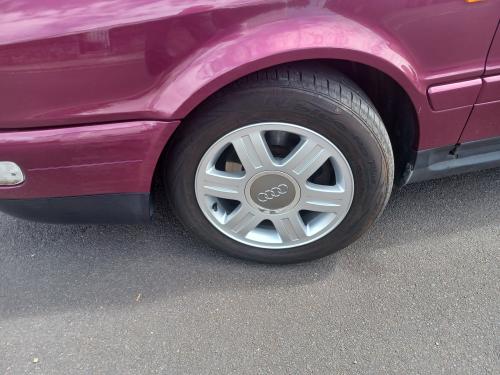
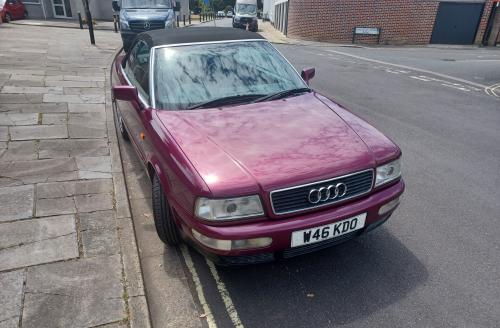
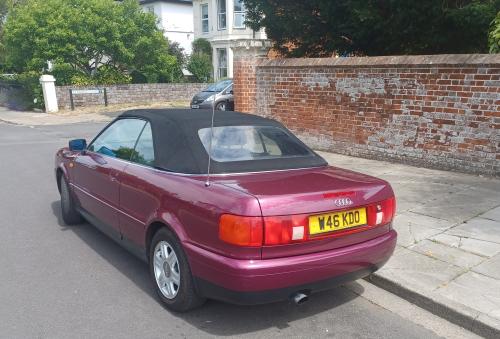
  4. Have owned a few Audi cars, current driver is an A4 2017 but have just got an 80 cabriolet, really pleased with it too.

Background Picker
Customize Layout

Account

Navigation

Search

Search

Configure browser push notifications

Chrome (Android)
  1. Tap the lock icon next to the address bar.
  2. Tap Permissions → Notifications.
  3. Adjust your preference.
Chrome (Desktop)
  1. Click the padlock icon in the address bar.
  2. Select Site settings.
  3. Find Notifications and adjust your preference.