




Skip to content
View in the app

A better way to browse. Learn more.

Audi Owners Club (UK)

A full-screen app on your home screen with push notifications, badges and more.

To install this app on iOS and iPadOS
  1. Tap the Share icon in Safari
  2. Scroll the menu and tap Add to Home Screen.
  3. Tap Add in the top-right corner.
To install this app on Android
  1. Tap the 3-dot menu (⋮) in the top-right corner of the browser.
  2. Tap Add to Home screen or Install app.
  3. Confirm by tapping Install.

Yoozy

Members
  • Joined

  • Last visited

  1. Yeah seen that one. I'd like to see one fitted or here from someone who’s got one though.
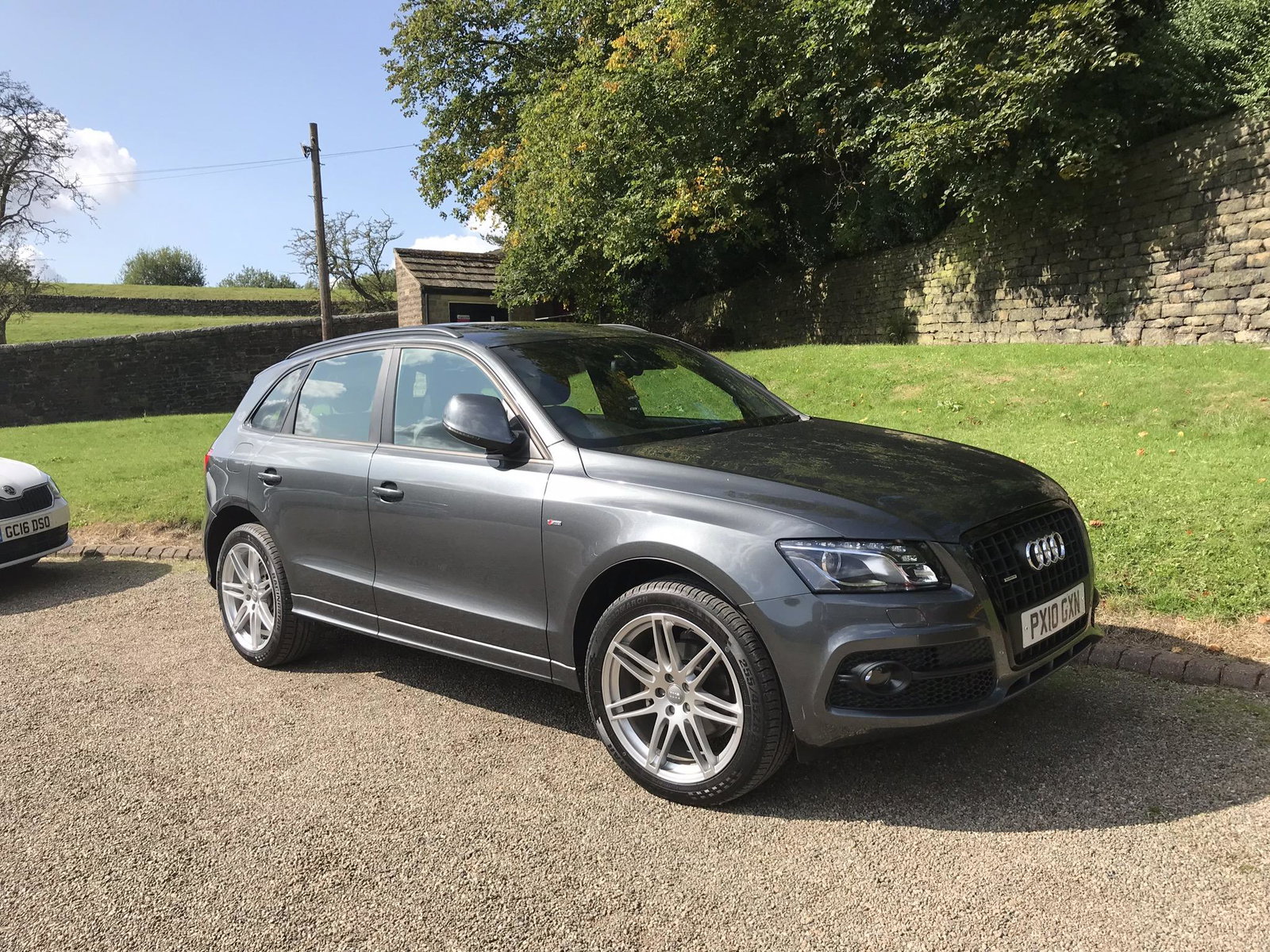
  2. Morning chaps. Pretty new here and to Audi so forgive my newness 😊 We’ve just bought a 10 reg S-line. Really impressed with it, but it has no sat nav or bluetooth. What are the options? I’ve seen some units on ebay that look good, but none actually fitted in the car. Thanks in advance 👍
  3. Ey up, tuning in from Mancunia. First time Audi owner after years of VW and Merc and pretty impressed with our Q5. I was searching for a new car and became seriously smitten with a 10 reg S,line tfsi. Now on a private plate. Grey, panoramic roof, 20” alloys etc. Goes like stink it does. Our kid came round and said, blimey that must have cost a fortune, looks pretty new. Very happy 😀 Needs a better wireless though so I’m off for a search 👍


Background Picker
Customize Layout

Account

Navigation

Search

Search

Configure browser push notifications

Chrome (Android)
  1. Tap the lock icon next to the address bar.
  2. Tap Permissions → Notifications.
  3. Adjust your preference.
Chrome (Desktop)
  1. Click the padlock icon in the address bar.
  2. Select Site settings.
  3. Find Notifications and adjust your preference.