Skip to content
View in the app

A better way to browse. Learn more.

Audi Owners Club (UK)

A full-screen app on your home screen with push notifications, badges and more.

To install this app on iOS and iPadOS
  1. Tap the Share icon in Safari
  2. Scroll the menu and tap Add to Home Screen.
  3. Tap Add in the top-right corner.
To install this app on Android
  1. Tap the 3-dot menu (⋮) in the top-right corner of the browser.
  2. Tap Add to Home screen or Install app.
  3. Confirm by tapping Install.

Gawain

Members
  • Joined

  • Last visited

Everything posted by Gawain

  1. Gawain replied to GaryP's topic in Audi Q8 Club
    Hi Gary Unfortunately mine does it too 😞
  2. Gawain replied to Gawain's topic in Audi Q8 Club
    So exciting. Collected it on Saturday and it is just superb. I couldn't be happier.
  3. Gawain replied to Gawain's topic in Audi Q8 Club
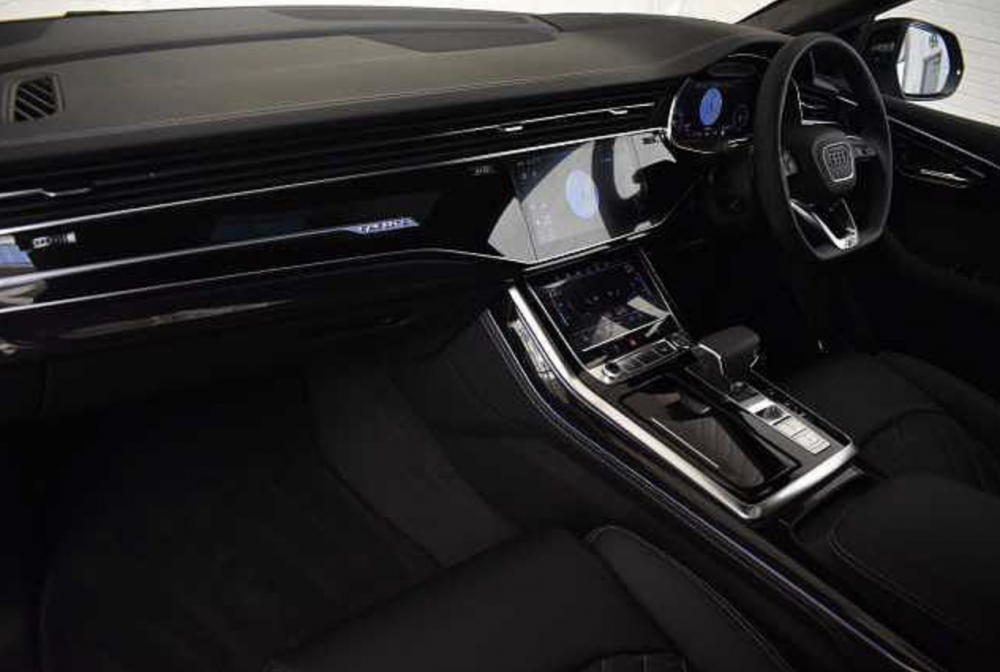
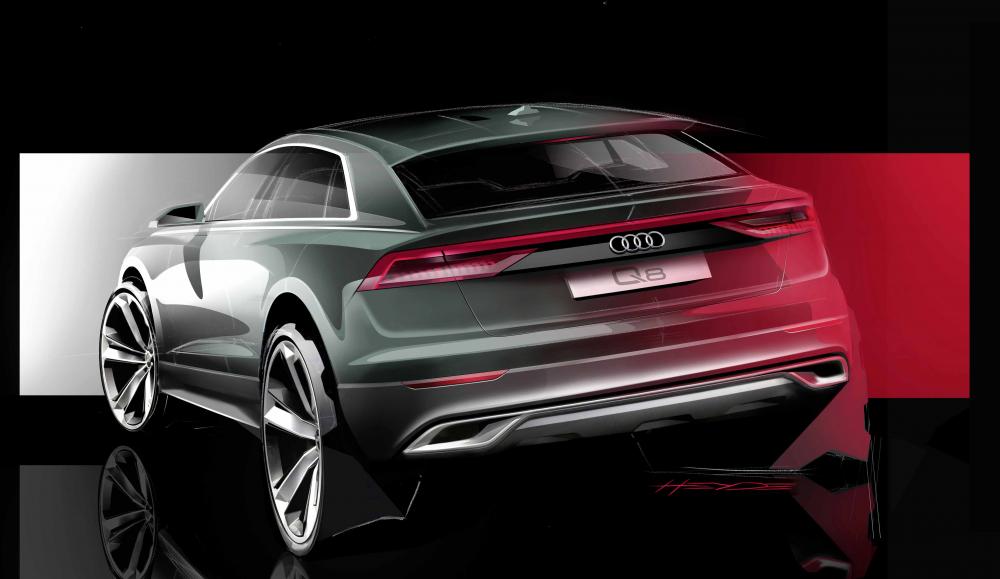
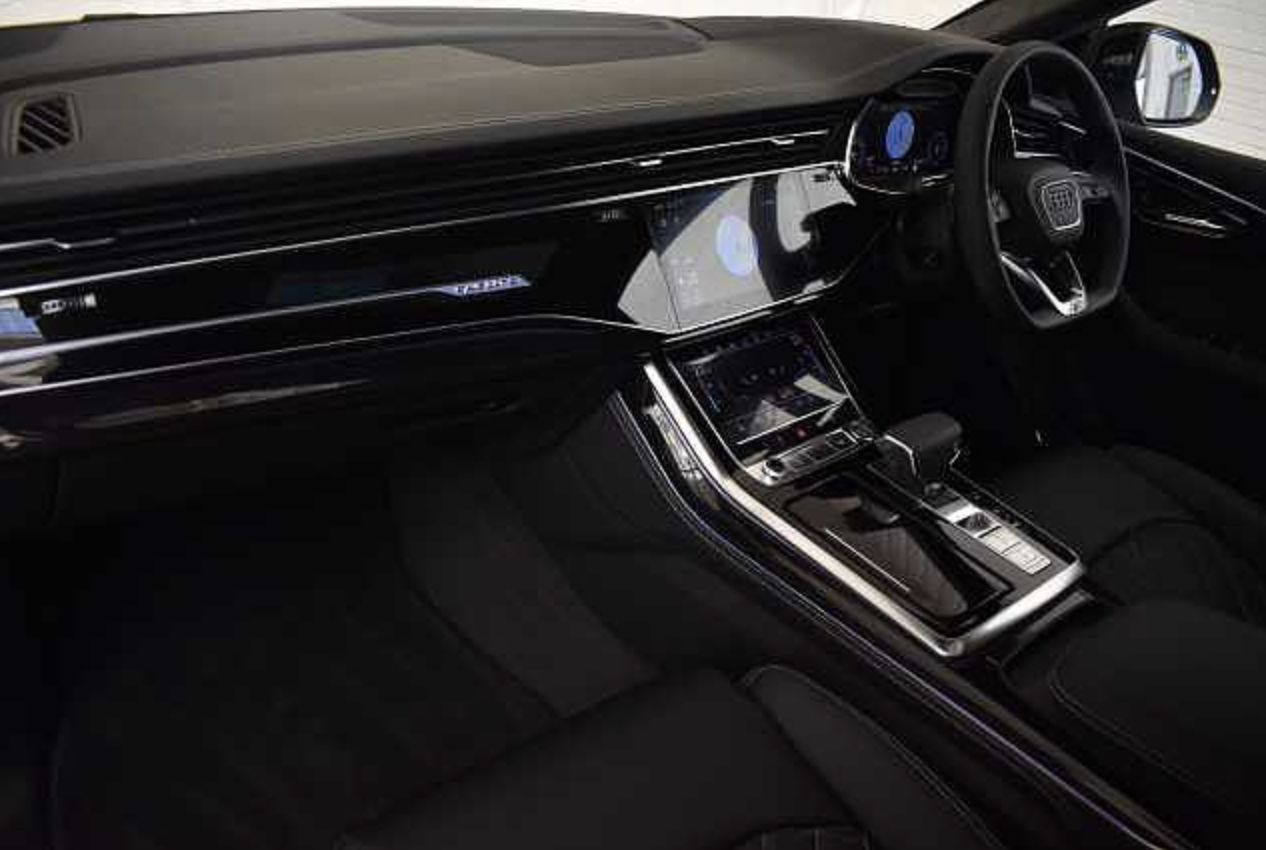
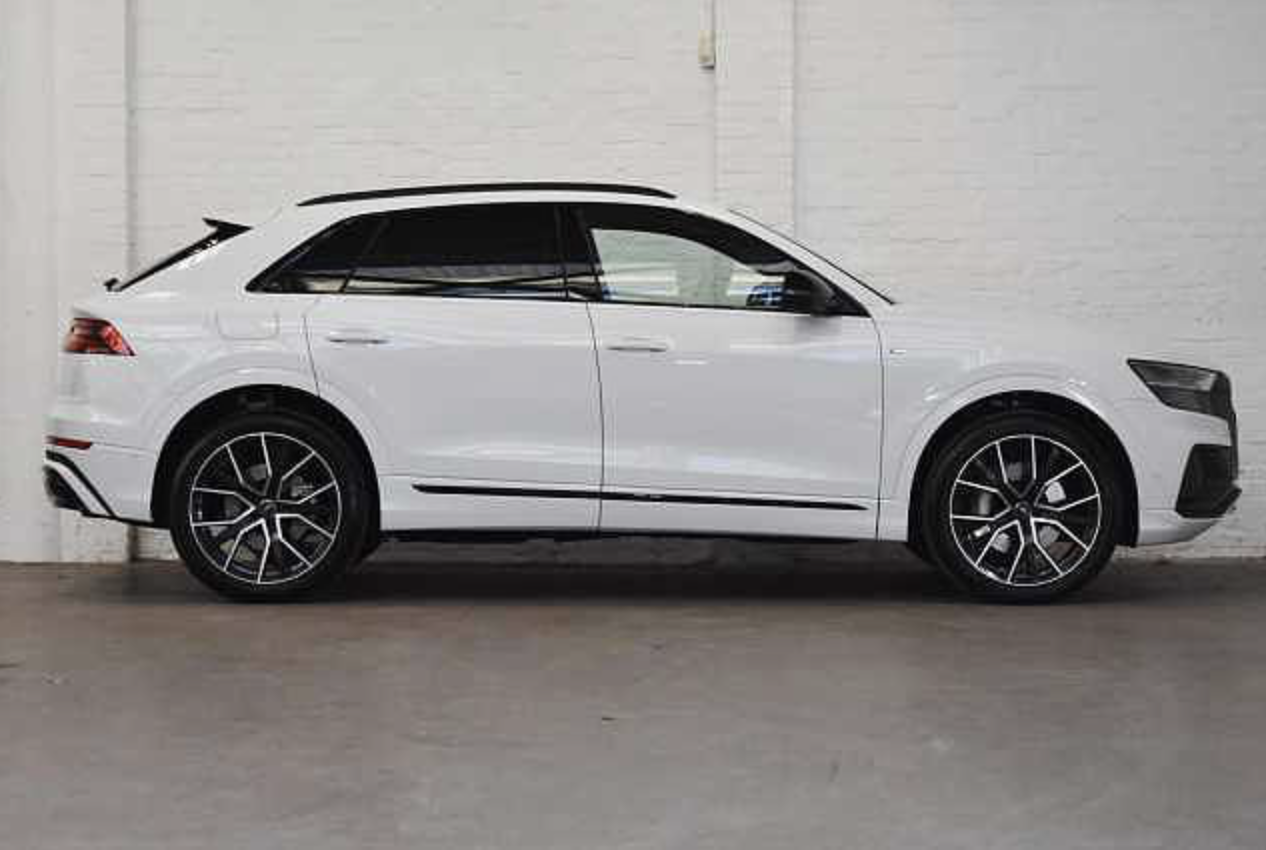
    Not mine, just some photos I spend my time dreaming about until it arrives 🙂 Certainly worth dreaming about.

  4. Gawain posted a topic in Audi Q8 Club
    Love at first sight. Have a dream on order, it is to a Vorsprung trim in Glacier White. Build date rapidly changing, started at 1 April 2019, a week later to 11 March and two weeks later to 14 January.


Background Picker
Customize Layout

Account

Navigation

Search

Search

Configure browser push notifications

Chrome (Android)
  1. Tap the lock icon next to the address bar.
  2. Tap Permissions → Notifications.
  3. Adjust your preference.
Chrome (Desktop)
  1. Click the padlock icon in the address bar.
  2. Select Site settings.
  3. Find Notifications and adjust your preference.