
Skip to content
View in the app

A better way to browse. Learn more.

Audi Owners Club (UK)

A full-screen app on your home screen with push notifications, badges and more.

To install this app on iOS and iPadOS
  1. Tap the Share icon in Safari
  2. Scroll the menu and tap Add to Home Screen.
  3. Tap Add in the top-right corner.
To install this app on Android
  1. Tap the 3-dot menu (⋮) in the top-right corner of the browser.
  2. Tap Add to Home screen or Install app.
  3. Confirm by tapping Install.

InfiniteCarProject

Members
  • Joined

  • Last visited

  1. InfiniteCarProject changed their profile photo
  2. Hi, Sorry if this has been covered, I'm going to install a aftermarket stereo and have the wiring adapter on order, my question is where do I get a switch/ignition live from as I know the standard stereo runs on can-bus permanent live. I've heard of tapping into the fuse board but not 100% on what to do there, normally I tap into the cig lighter but I know in the a3 quattro it's permanent so that's out but is thereally a way to tap into a live that goes off when you take the key out? Or am I best doing it off a switch/ignition live? Any help appreciated.
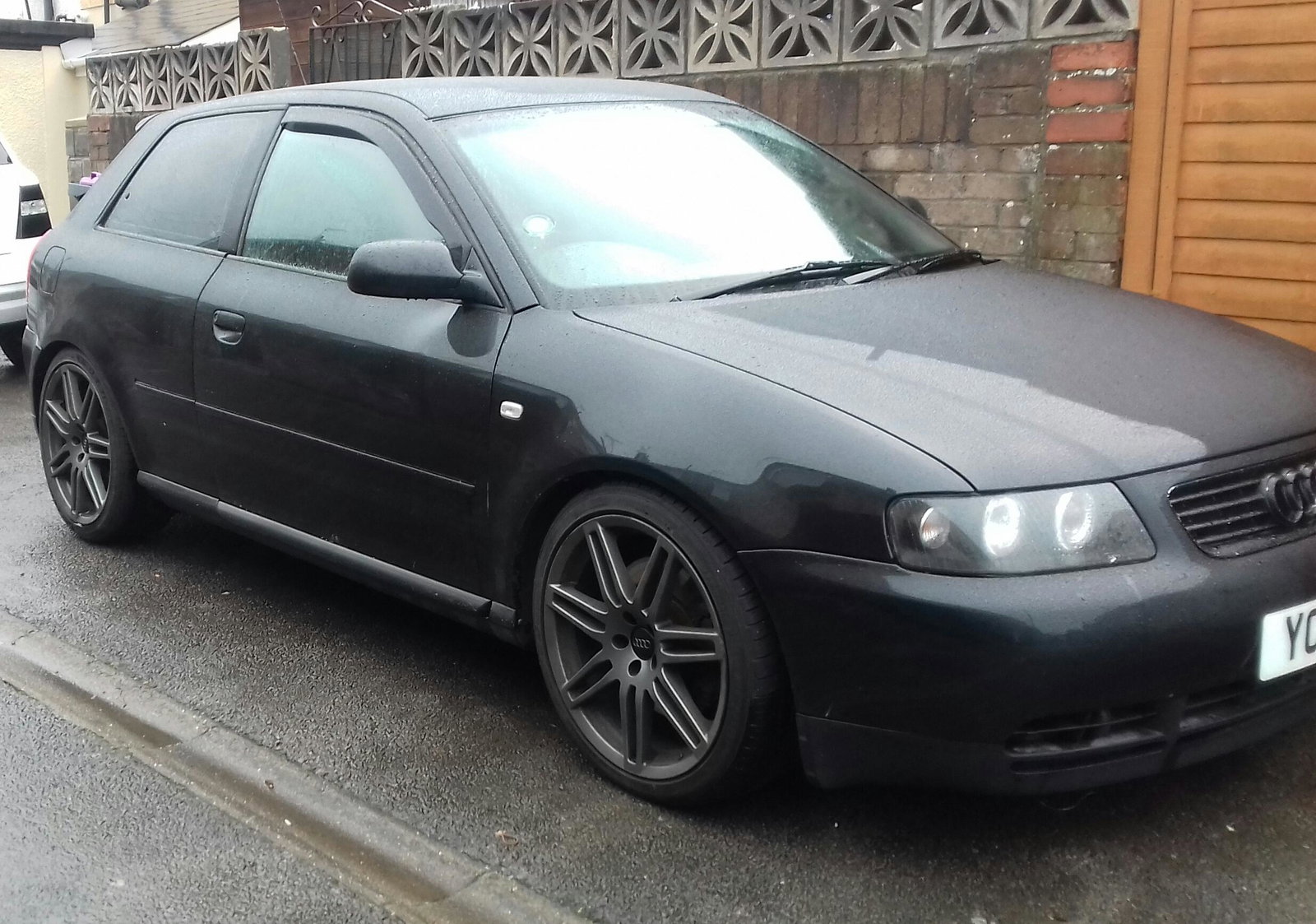
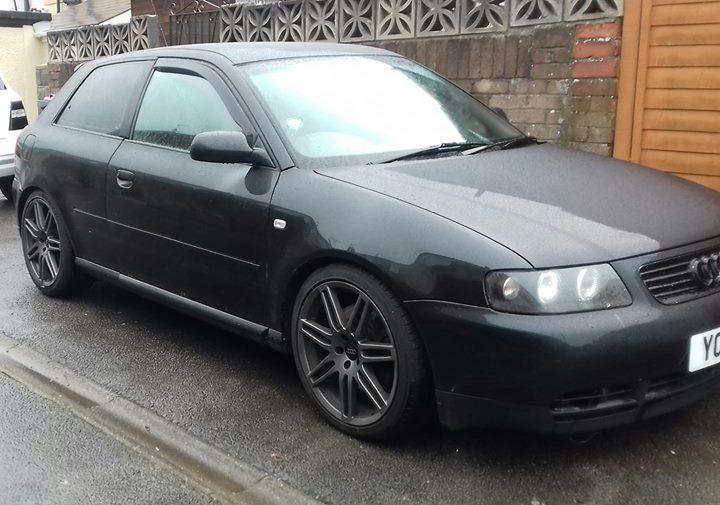
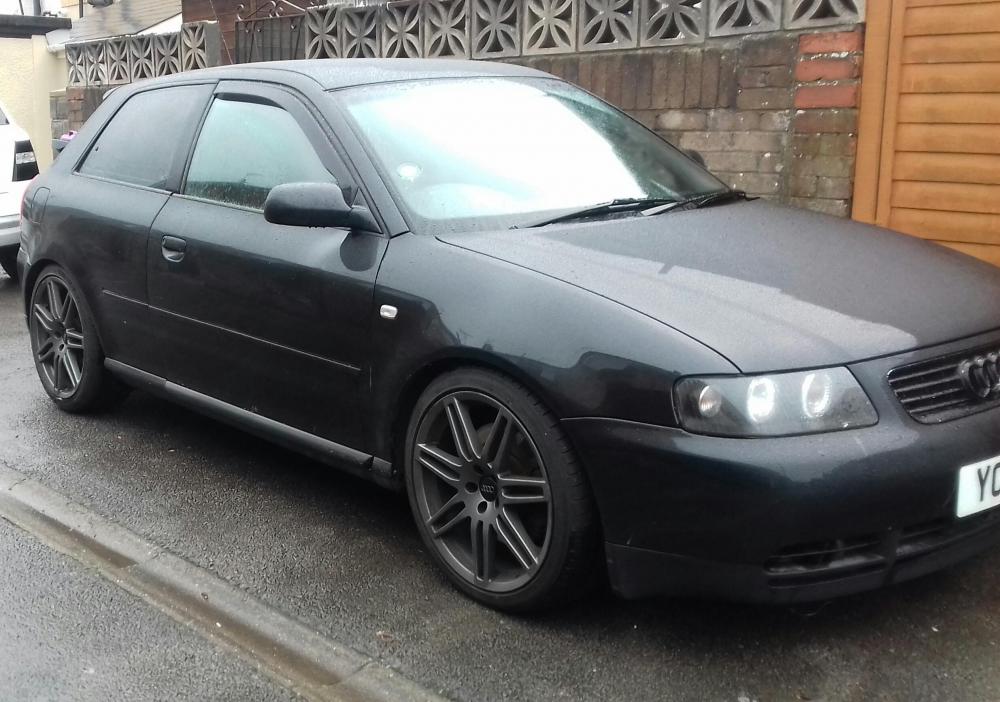
  3. Hi all new to the forum here's my a3 quattro sport.


Background Picker
Customize Layout

Account

Navigation

Search

Search

Configure browser push notifications

Chrome (Android)
  1. Tap the lock icon next to the address bar.
  2. Tap Permissions → Notifications.
  3. Adjust your preference.
Chrome (Desktop)
  1. Click the padlock icon in the address bar.
  2. Select Site settings.
  3. Find Notifications and adjust your preference.